
If you spend hours in front of a screen, your monitor setup matters way more than you think. A bad position can quietly lead to neck pain, eye strain, and poor posture over time.
That’s where monitors with adjustable stands make a real difference.
The best monitors with adjustable stand for ergonomics let you tweak height, tilt, swivel, and even pivot—so you can set the screen exactly where it feels comfortable. Instead of adjusting your body to the monitor, you adjust the monitor to fit you.
And honestly, once you use a proper ergonomic monitor setup, it’s hard to go back. Whether you’re working, studying, or even gaming, everything feels more natural and less tiring.
These monitors aren’t just about comfort either—you still get good display quality, smooth performance, and modern features. It’s just that ergonomics becomes a priority instead of an afterthought.
In this guide, we’ll go through some of the top ergonomic monitors with height-adjustable stands, focusing on options that help you stay comfortable while still delivering a great overall experience.
Read also: Best TV Screen Cleaning Kits (Safe for OLED & LED)
Samsung Odyssey G3 27″ – My Flexible Ergonomic Pick (Gaming + Comfort)
27″ | Full HD | 180Hz | Fully Adjustable Stand
If you’re looking at the best monitors with adjustable stand for ergonomics, this is one of those options that actually gives you full control over your setup.
What I like here is the stand—it’s not just basic tilt. You get height adjustment, swivel, pivot, and tilt, so you can set it exactly how you want. Whether you’re sitting straight, leaning back, or even using vertical mode, it adapts to you.
That’s the whole point of a good ergonomic monitor setup—you don’t adjust yourself, the monitor adjusts to you.
On top of that, it’s not just about comfort. You’re getting 180Hz and 1ms response time, so it’s also a really solid pick for gaming. Everything feels smooth and responsive.
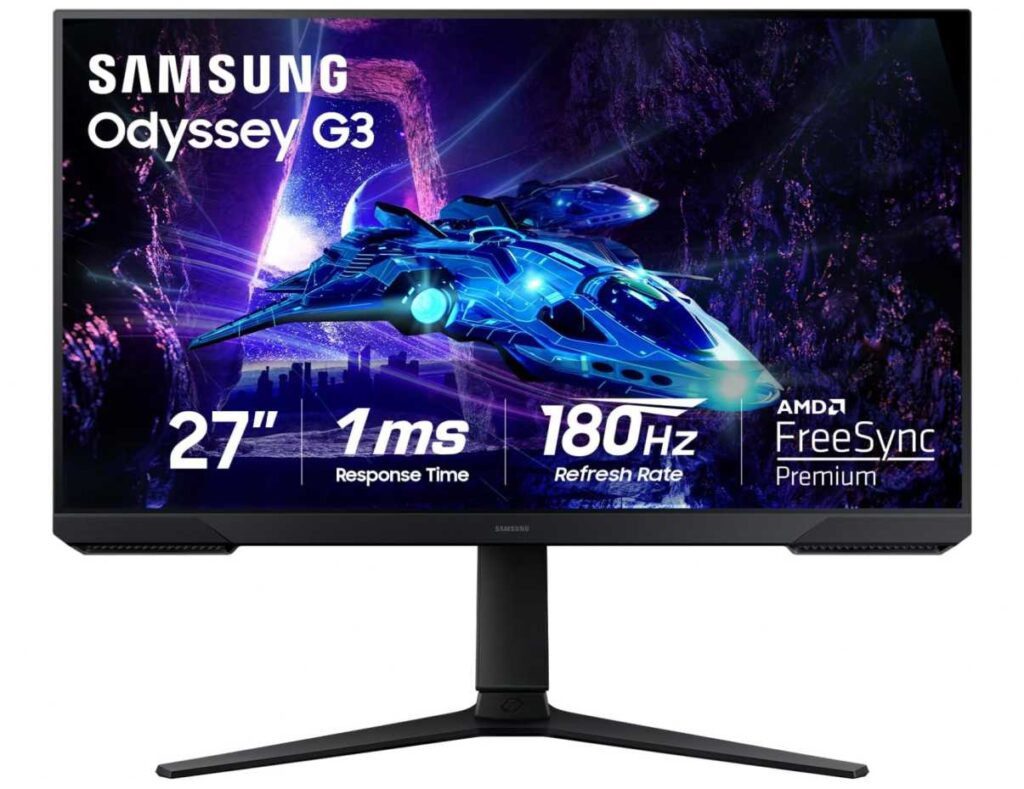
Features like Eye Saver Mode and Flicker-Free help reduce strain, which matters if you’re using your screen for long hours.
Why this stands out for ergonomics
- Fully adjustable stand (height, tilt, swivel, pivot)
- Easy to set up a comfortable viewing position
- Eye-care features for long usage
- Smooth performance for gaming too
Just keep this in mind
- Full HD on 27″ isn’t the sharpest
- Colors are decent, not professional-level
My take
If you want a monitor that’s both comfortable for long sessions and smooth for gaming, this is a great pick. It’s one of those setups where you can actually dial in the perfect position and just enjoy using it every day.
CRUA 24.5″ Gaming Monitor – My Budget Ergonomic Pick (Full Adjustability + Smooth Use)
24.5″ | Full HD | 165Hz–180Hz | Fully Adjustable Stand
If you want something affordable that still fits into the best monitors with adjustable stand for ergonomics, this is a really practical pick.
The main thing here is the stand—you get full adjustability: height, tilt, swivel, and even pivot (vertical mode). That’s exactly what you need for a proper ergonomic monitor setup, especially if you’re working long hours or switching between tasks.
The 24.5-inch size also helps. It’s easy to position, doesn’t take too much desk space, and works well for both work and gaming setups.
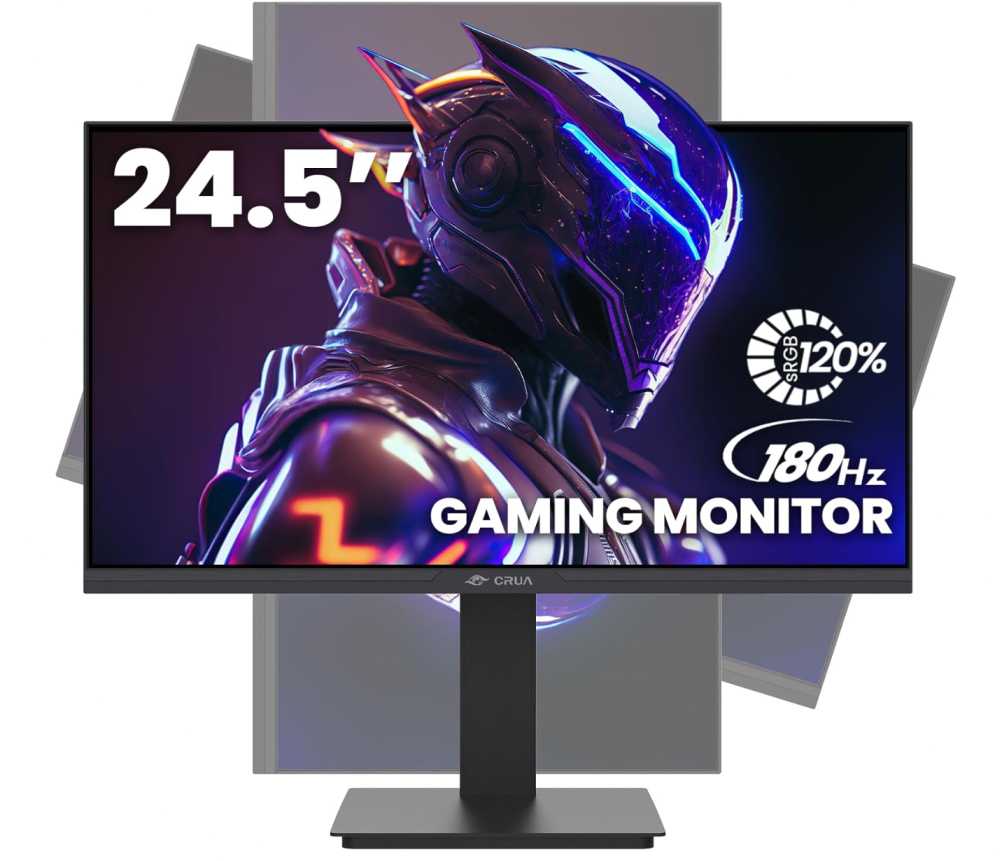
Performance-wise, it’s actually pretty solid. You get 165Hz (up to 180Hz) refresh rate + FreeSync, so everything feels smooth—whether you’re gaming or just using it daily.
Colors are decent too with 120% sRGB, so it looks good enough for content, browsing, and general work.
Why this fits in an ergonomic setup
- Full adjustability (height, tilt, swivel, pivot)
- Easy to find a comfortable viewing position
- Smooth high refresh rate for daily use
- Compact size works well for most desks
Just keep this in mind
- Full HD resolution (not super sharp)
- Not a premium panel
My take
If you want a monitor that gives you real ergonomic flexibility without spending too much, this is a great option. It’s one of those setups where you can adjust everything exactly how you like and just stay comfortable while using it.
Acer SH272 27″ – Simple & Comfortable (Compared with Others)
27″ | Full HD | IPS | 120Hz | Adjustable Stand
Honestly, if you’re just trying to build a comfortable setup, this is one of those monitors I’d casually recommend.
The best part is the adjustable stand—you can raise it, tilt it, swivel it, so you’re not stuck adjusting your posture all day. Once you set it properly, it just feels… right.
Now if I compare it with something like the Samsung Odyssey G3, that one gives you more flexibility (pivot + higher refresh rate like 180Hz), so it’s better if you’re gaming a lot.
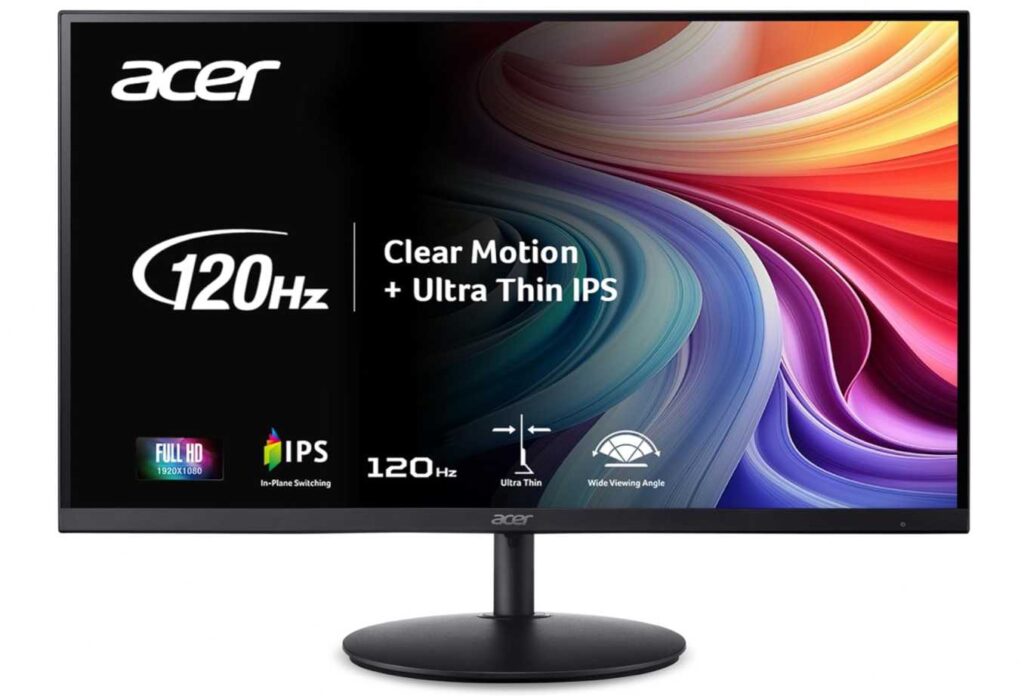
And if you look at the CRUA 24.5″, that one is cheaper and also fully adjustable, but the screen is smaller. So it depends if you want more screen space (Acer 27″) or a more compact setup (CRUA 24.5″).
This Acer sits nicely in between—it’s more about comfort and simplicity than pushing high-end specs.
The 27-inch IPS screen is good for daily work, and 120Hz makes everything feel smoother than a basic monitor. Not crazy fast, but you’ll notice it.
Why I’d still pick this for ergonomics
- Easy to adjust → better posture and comfort
- Bigger screen than budget options
- Smooth enough for everyday use
- Clean, no-nonsense setup
Just keep this in mind
- Not as feature-packed as higher-end options
- Full HD on 27″ isn’t super sharp
My take
If you want something that’s just comfortable, simple, and reliable, this is a great pick.
Not the most powerful, not the cheapest—but a nice balanced option for everyday use without overthinking it.
LG 27UP650K-W 27″ – My Productivity Ergonomic Pick (Sharp + Comfortable)
27″ | 4K UHD | IPS | 60Hz | Fully Adjustable Stand
Okay, if you’re someone who cares more about clarity and comfort than just speed, this is the kind of monitor I’d tell you to go for.
The biggest difference here compared to something like the Samsung Odyssey G3 or CRUA 24.5″ is the 4K resolution. Everything looks way sharper—text, spreadsheets, browser tabs—it just feels cleaner, especially if you work a lot.
And since it’s an IPS panel with wide color (DCI-P3), colors look better too. So it’s not just for work—you can watch content, edit a bit, and everything looks nice.
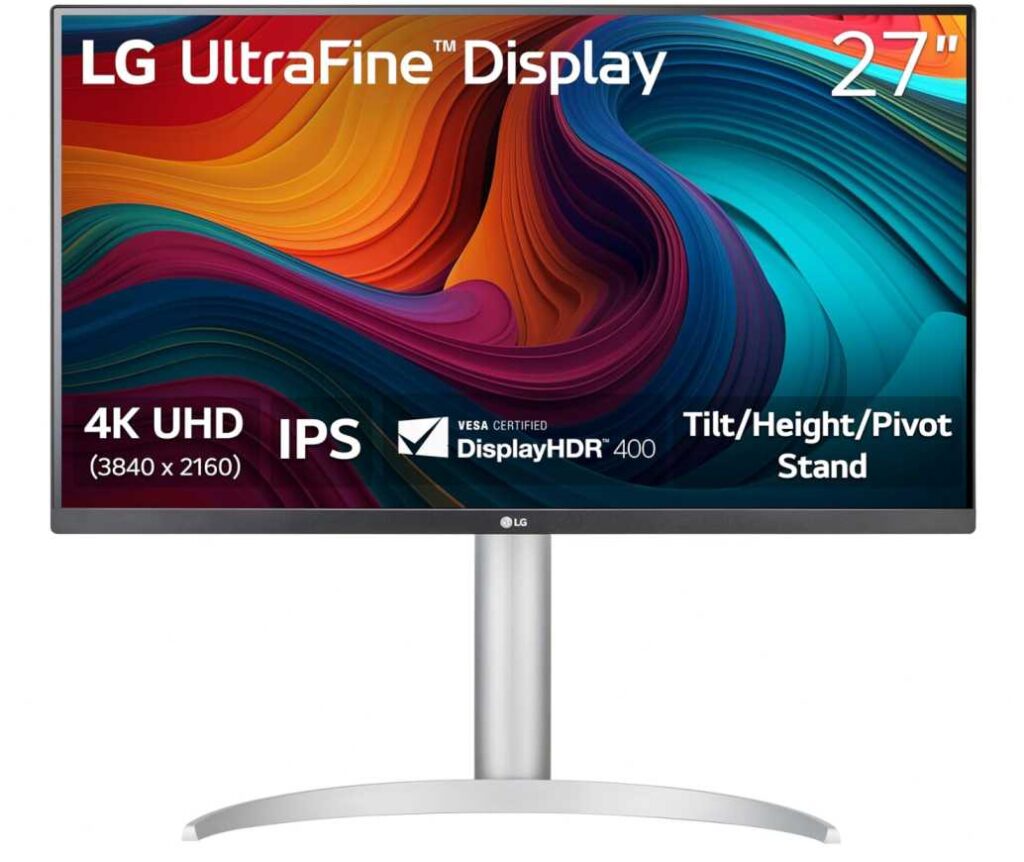
Now coming to ergonomics—the stand is fully adjustable: height, tilt, and pivot. So you can set it exactly how you want, just like a proper ergonomic monitor setup should be.
Compared to the Acer SH272 we talked about earlier, this one feels more premium and sharper, but yeah, it’s only 60Hz, so it’s not for smooth gaming.
You also get Reader Mode and Flicker Safe, which actually help if you’re sitting in front of the screen for long hours.
Why I’d recommend this
- Super sharp 4K display (big upgrade for work)
- Fully adjustable stand for comfort
- Better colors for content and editing
- Great for long hours with eye-care features
Just know this
- Only 60Hz (not for fast gaming)
- Slightly more expensive than basic options
My take
If your focus is work, productivity, and a clean comfortable setup, this is a really solid choice.
It’s one of those monitors where once you use it, you’ll notice how much sharper and easier everything feels on your eyes.
Samsung S40GD 24″ – My Everyday Comfort Pick (Simple + Ergonomic)
24″ | Full HD | IPS | 100Hz | Adjustable Stand
This is the kind of monitor I’d suggest if you just want something comfortable for daily use without overcomplicating things.
The best part is the ergonomic stand—you can adjust height and even pivot it vertically, which is super useful if you read a lot, code, or work with long documents. It’s one of those small things that actually makes your setup feel way better over time.
Compared to something like the LG 27UP650K (4K), that one is sharper and more premium—but this Samsung is way more simple and budget-friendly, and still gives you proper adjustability.
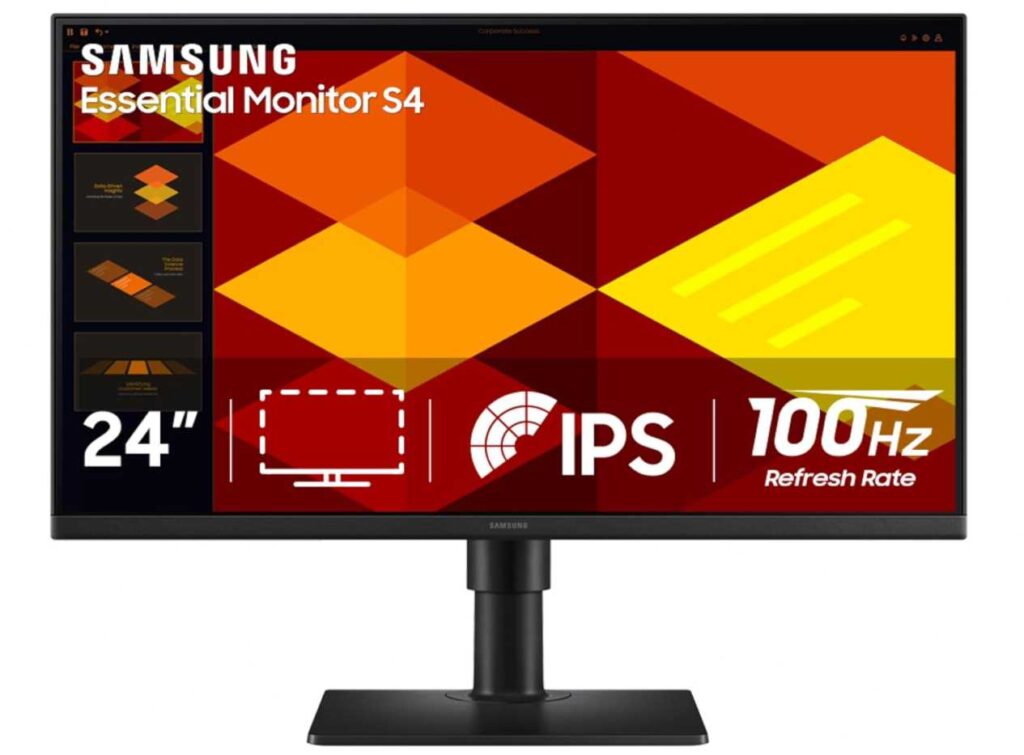
The 24-inch IPS screen is a nice size for most desks. Colors look consistent, and since it’s not too big, it’s easier to position comfortably.
You also get 100Hz refresh rate, which makes everyday stuff feel smoother than a typical 60Hz monitor—scrolling, switching tabs, all that just feels nicer.
And for long hours, features like Eye Saver Mode and Flicker-Free actually help reduce strain.
Why I’d pick this for ergonomics
- Adjustable stand (height + pivot) = better posture
- Comfortable size for most setups
- Smooth enough for daily use with 100Hz
- Good for long working hours
Just keep this in mind
- Full HD only
- Not made for high-end gaming
My take
If you want a monitor that’s just easy to use, comfortable, and reliable for everyday work, this is a great pick.
Nothing flashy—just a solid ergonomic setup that you can use all day without thinking about it.
Wrapping Up
So yeah, when it comes to the best monitors with adjustable stand for ergonomics, it really comes down to how you plan to use your setup.
If you’re on a budget, options like the Samsung S40GD or CRUA 24.5″ give you proper adjustability without spending too much.
If you want a balance of comfort and performance, something like the Samsung Odyssey G3 works great.
And if your focus is sharp visuals + long work hours, then a 4K option like the LG 27UP650K just feels better on the eyes.
The main thing is this—having a height-adjustable, flexible stand makes a bigger difference than most people expect. Once your screen is at the right level, your whole posture improves, and long sessions feel way less tiring.
At the end of the day, don’t just look at specs—pick a monitor that lets you sit comfortably for hours without constantly adjusting yourself.
Because honestly, a good ergonomic monitor setup isn’t about fancy features… it’s about how you feel after using it all day.
What to look for (quick checklist)
- Adjustable stand (must-have) → height + tilt at least
- Screen size → 24–27″ is best for comfort
- Resolution → 1080p (budget), 1440p (best), 4K (work)
- Refresh rate → 100Hz+ feels smoother
- Panel → IPS = best overall
- Eye care → low blue light + flicker-free
- Ports → HDMI / DisplayPort / USB-C