
If your workspace gets a lot of natural light or you sit under strong lighting, choosing the best monitors for bright rooms becomes really important. A regular monitor can quickly turn into a mirror—glare, reflections, and washed-out colors can make it hard to see anything clearly.
The right monitor solves this by focusing on anti-glare screens, higher brightness levels, and better contrast, so you can actually see your content without constantly adjusting your position or squinting.
In this guide, I’ve picked the best monitors for bright rooms that stay clear, readable, and comfortable even in well-lit environments. Whether you’re working near a window or under office lights, these options will help you stay focused without fighting your screen.
Read also: 9 Best Monitor Risers for Better Posture (2026)
1. KTC 27″ QHD Monitor – Clear, Sharp Choice for Bright Rooms
27″ | QHD (1440p) | IPS | 100Hz | Matte Anti-Glare | 123% sRGB
If you’re dealing with sunlight or strong indoor lighting, the KTC 27-inch QHD 100Hz Monitor is exactly the kind of screen you want in the best monitors for bright rooms category. It’s built to stay clear and readable even in well-lit environments.
The biggest advantage here is the matte anti-glare screen. Instead of reflecting light like a glossy display, it reduces reflections, so you don’t see yourself or your room while working. That alone makes a huge difference in a bright home office or near a window setup.
The QHD resolution (1440p) also helps a lot. Higher resolution means sharper text and better detail, so even when brightness affects visibility a bit, everything still looks clear and easy to read.
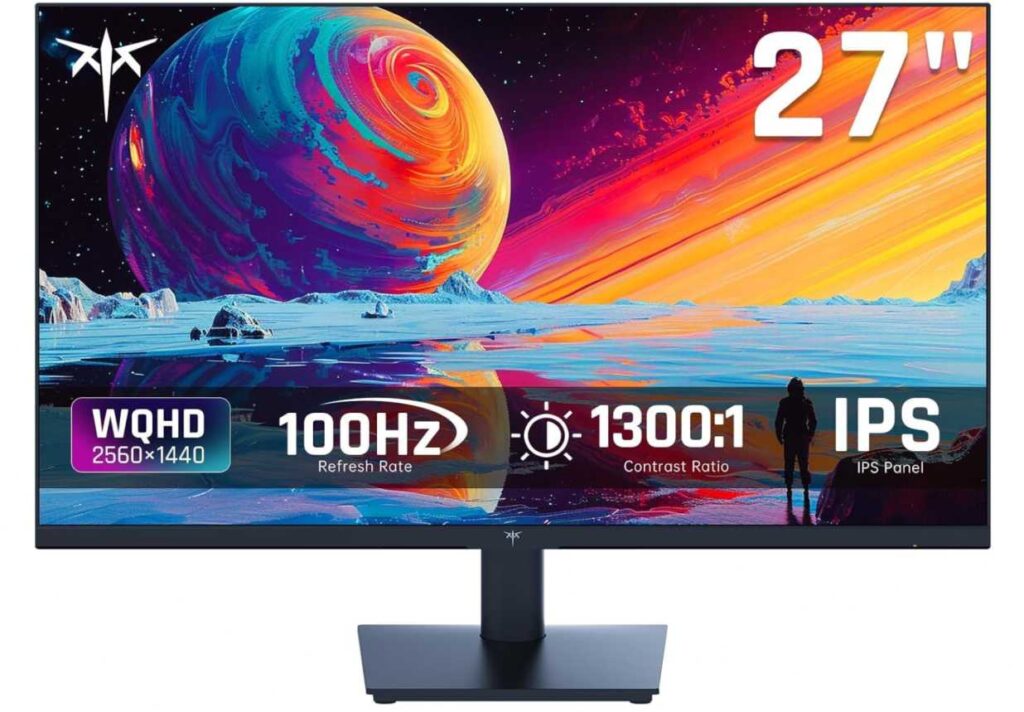
You also get an IPS panel, which handles light better than cheaper panels. Colors stay consistent, and the screen doesn’t look washed out from different angles—something that matters in bright workspaces.
On top of that, the high color coverage (123% sRGB) keeps visuals vibrant, so your screen doesn’t look dull even under strong lighting.
Why it’s a strong pick
- Anti-glare screen reduces reflections in bright rooms
- Sharper QHD resolution improves readability
- IPS panel handles lighting conditions well
- Colors stay vibrant, not washed out
- Good balance of comfort and clarity
Things to keep in mind
- Brightness level is decent, not extreme
My take
If you’re setting up in a bright room, near a window, or under strong lighting, this monitor helps you see clearly without constantly adjusting your angle or squinting. It’s a practical choice that focuses on real usability in bright environments.
A great fit for home offices, daylight setups, and well-lit workspaces.
2. SANSUI 27″ Curved Monitor – Strong Visibility with High Contrast in Bright Rooms
27″ | Full HD | Curved (1500R) | 160Hz | 4000:1 Contrast | Anti-Glare
If you’re working in a space with lots of light and want something that doesn’t look washed out, the SANSUI 27-inch Curved 160Hz Monitor fits well in the best monitors for bright rooms category. It focuses more on contrast and visibility, which really matters in bright conditions.
The first thing that helps here is the anti-glare matte screen. It cuts down reflections, so you’re not constantly adjusting your angle when sunlight hits your display.
But what really makes this stand out is the 4000:1 contrast ratio. In bright rooms, screens often lose depth and look faded—but this higher contrast helps keep text sharp and colors more defined, even when the room is well-lit.
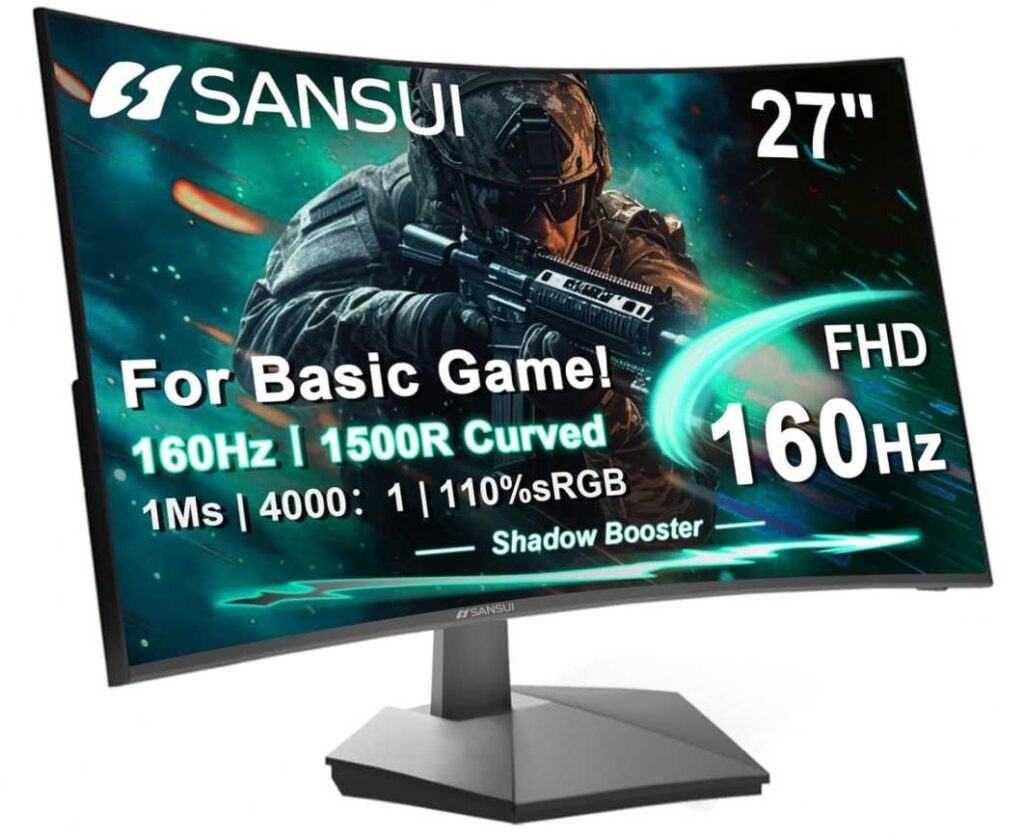
The 1500R curved design also adds a bit of comfort. It brings the edges closer to your eyes, so you don’t have to stretch your focus across the screen—something that helps during long sessions.
Compared to something like the KTC 27-inch QHD 100Hz Monitor, which relies more on sharp resolution and color accuracy, this SANSUI model focuses more on contrast and immersion, making it feel a bit more comfortable in bright environments.
You also get low blue light and flicker-free features, which help reduce eye strain when working for extended hours.
Why it’s a strong pick
- Anti-glare screen reduces reflections
- High contrast keeps content visible in bright light
- Curved design adds comfort
- Smooth and responsive for daily use
- Good overall value
Things to keep in mind
- Full HD isn’t as sharp as higher resolutions
My take
If your room is bright and you struggle with washed-out screens, this is a monitor that keeps things clear and readable without much effort. It’s especially good if you want a mix of comfort and visibility.
A solid pick for bright home offices, daylight setups, and general productivity.
3. Sceptre 24″ Prime Monitor – Budget Option That Still Works in Bright Rooms
24″ | Full HD | 75–100Hz | 99% sRGB | Blue Light Shift
If you want something affordable but still usable in a bright room, the Sceptre 24-inch Prime Monitor E248W-19203R is a practical pick. It’s not the most advanced, but it covers the basics you need for clear viewing in well-lit spaces.
The 24-inch size actually helps more than you’d expect. Since everything is closer to your natural field of view, it’s easier to focus—even when there’s light around you. Compared to a larger display like the SANSUI 27-inch Curved 160Hz Monitor, this feels a bit more controlled and easier to manage in tight or bright setups.
You get 99% sRGB color, which helps keep visuals from looking too dull or washed out under strong lighting. It’s not perfect, but it does a decent job for the price.
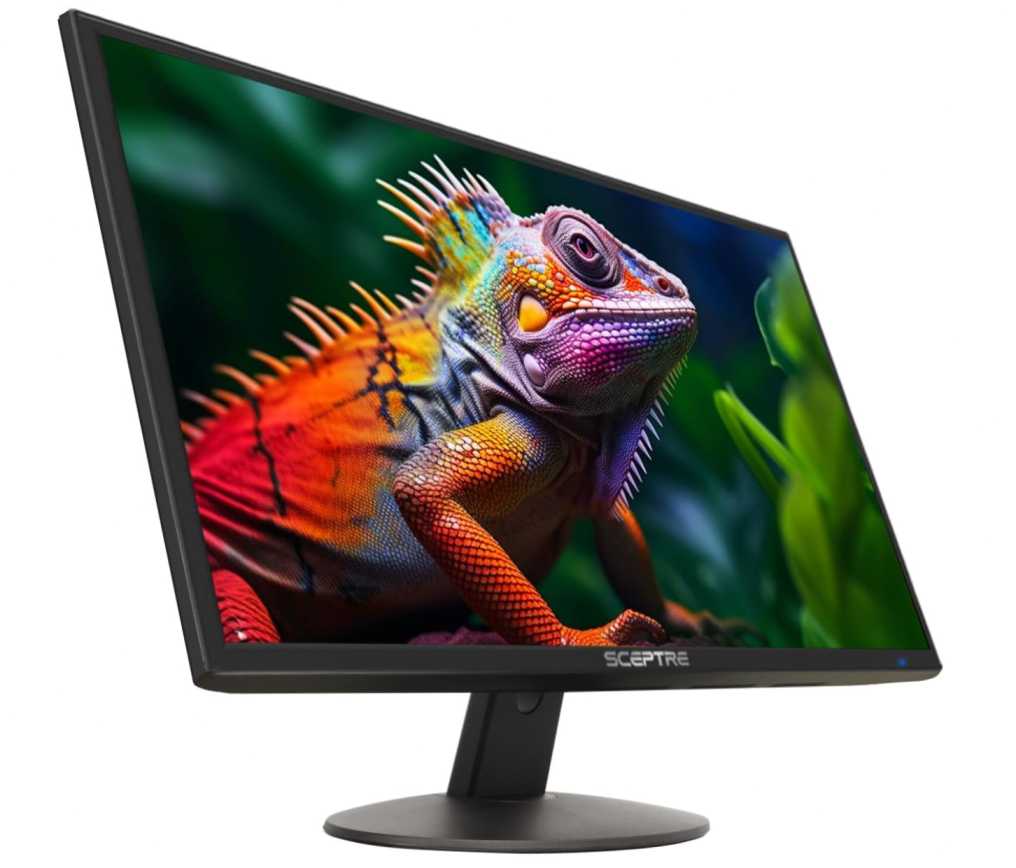
There’s also Blue Light Shift, which helps reduce strain if you’re working long hours, especially in environments where lighting can already be harsh on your eyes.
One thing to note—the screen is more on the glossy side, so reflections can show up. That said, if your light source isn’t directly hitting the screen, it’s still very usable.
Why it’s a strong pick
- Budget-friendly option for bright rooms
- Decent color performance for visibility
- Comfortable size for close viewing
- Eye-care feature for long sessions
- Simple and clean setup
Things to keep in mind
- Glossy screen can reflect light
My take
If you’re on a budget and need something for a bright room setup, this gets the job done. It’s not perfect, but it’s good enough for daily work without spending much.
A good choice for students, basic office setups, or casual use in well-lit environments.
4. Samsung 32″ Odyssey G5 (G55C) – Big, Bright-Ready Display That Stays Clear
32″ | QHD (1440p) | Curved (1000R) | 165Hz | HDR10 | Glare-Free
If you want a monitor that can handle bright rooms without losing clarity, the Samsung 32-inch Odyssey G5 G55C Monitor is a strong contender in the best monitors for bright rooms category. It’s built to give you clear visuals even when lighting isn’t ideal.
The biggest advantage here is the glare-free screen. Unlike glossy displays that reflect everything around you, this one keeps reflections under control, so you can actually focus on your work—even near windows or under strong lights.
The QHD resolution on a 32-inch screen makes a noticeable difference too. Everything looks sharp and easy to read, which helps a lot when brightness reduces contrast slightly.
The 1000R curved design also plays a role—it pulls the edges of the screen closer, so your eyes don’t have to stretch as much across a large display. That makes it feel more comfortable, even in longer sessions.
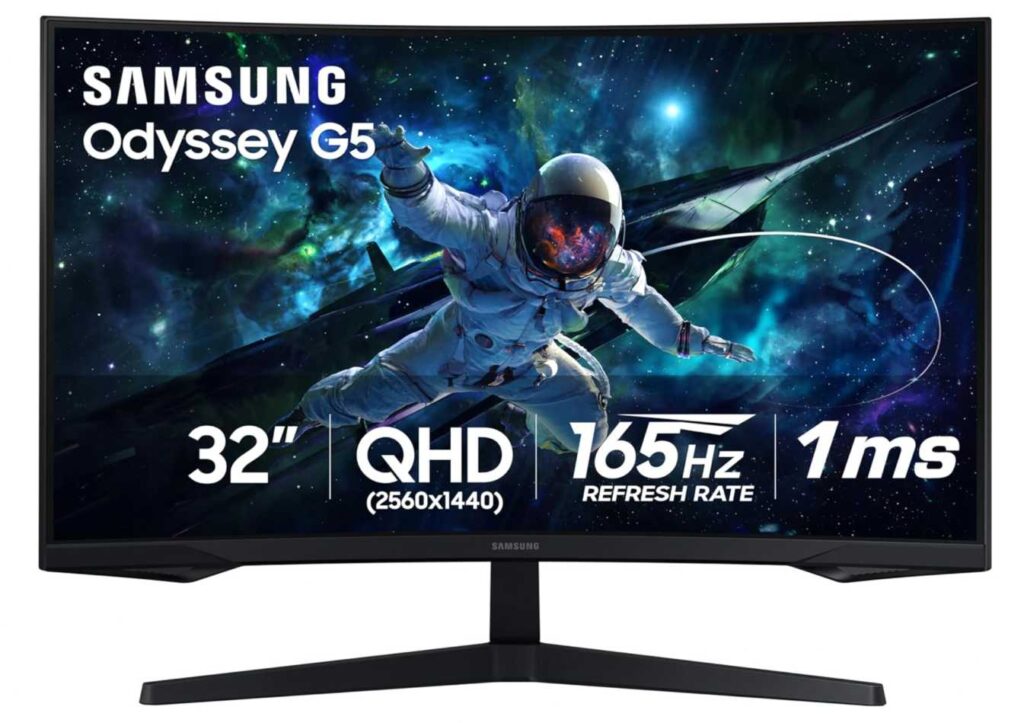
Compared to something like the Sceptre 24-inch Prime Monitor E248W-19203R, which is more budget-focused and can struggle with reflections, this Samsung feels much more premium and better suited for bright environments.
You also get Eye Saver Mode and flicker-free technology, which helps reduce strain when you’re working in already bright conditions.
Why it’s a strong pick
- Glare-free screen works well in bright rooms
- Sharp QHD resolution improves visibility
- Large screen for better workspace
- Smooth and comfortable viewing
- Premium overall experience
Things to keep in mind
- Takes up more desk space
My take
If your setup is in a bright room and you want something that actually handles light well, this is a big upgrade. It keeps things clear, sharp, and comfortable without constant adjustments.
A great choice for home offices near windows, bright workspaces, and users who want a bigger, clearer screen.
5. LG 27″ UltraGear (27G640A-B) – High-End Clarity That Handles Bright Rooms Easily
27″ | QHD (1440p) | IPS | 300Hz | HDR400 | Matte Anti-Glare
If you want something that doesn’t just survive bright rooms but actually looks great in them, the LG 27G640A-B UltraGear QHD Monitor is a premium-level option in the best monitors for bright rooms category.
Right away, the matte anti-glare screen makes a difference. It cuts reflections effectively, so even with strong lighting or sunlight, the screen stays clear and distraction-free.
Then there’s the QHD resolution on a 27-inch IPS panel. Everything looks sharp, crisp, and easy to read, which is important when bright environments can otherwise wash out details.
The high brightness with HDR400 support helps too. It keeps highlights visible and prevents the screen from looking dull, which is a common issue in well-lit rooms.
Compared to something like the Samsung 32-inch Odyssey G5 G55C Monitor, which focuses more on immersion and size, this LG monitor feels more precise, sharper, and better controlled in bright lighting conditions.
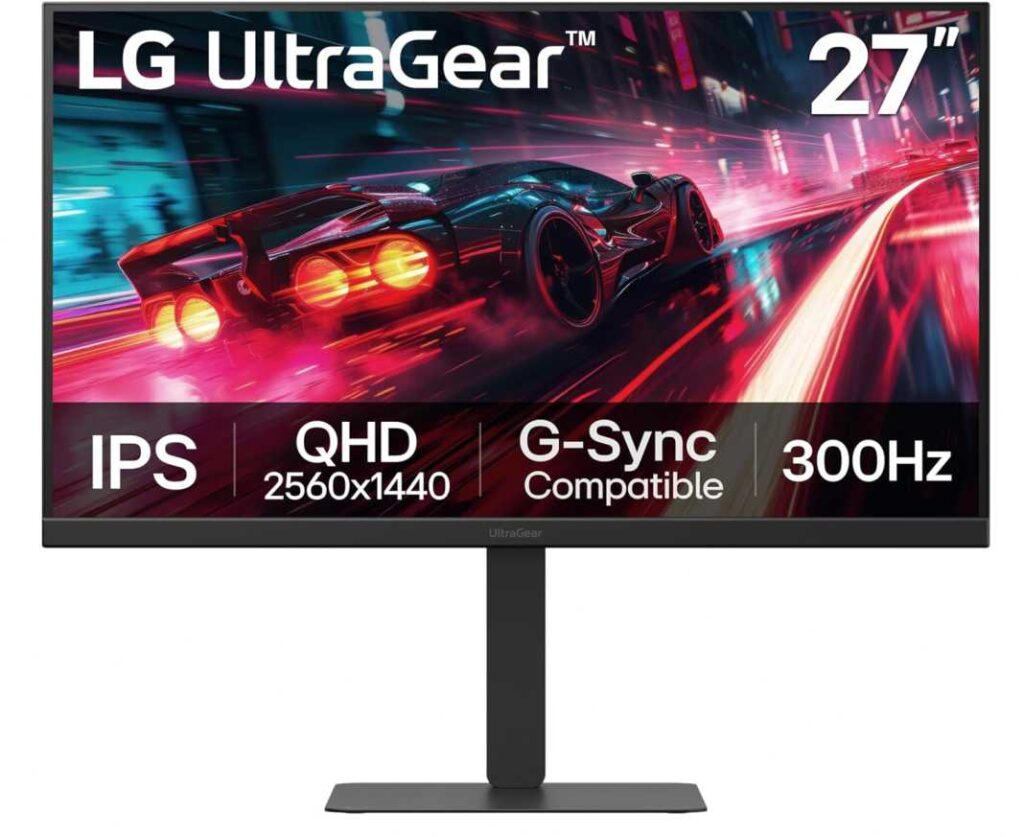
And while the 300Hz refresh rate is mainly for gaming, it also makes everyday use feel incredibly smooth—something you start appreciating during long sessions.
Plus, the fully adjustable stand (height, tilt, swivel, pivot) lets you position the screen perfectly to avoid direct light hitting it, which is a small but important detail in bright setups.
Why it’s a strong pick
- Matte screen reduces glare effectively
- High brightness + HDR improves visibility
- Sharp QHD display for clear text
- Adjustable stand helps manage lighting angles
- Premium overall viewing experience
Things to keep in mind
- Overkill if you don’t need high refresh rate
My take
If your workspace is bright and you want a monitor that feels crisp, bright, and premium, this is one of the best options. It handles lighting well while still delivering top-tier clarity and comfort.
A great choice for bright home offices, creators, and users who want the best visual experience without compromise.
6. Lenovo L24-4e – Clean, Reliable Monitor for Bright Workspaces
23.8″ | Full HD | IPS | 100Hz | Matte Anti-Glare | 99% sRGB
If you want something that just works well in a bright room without any hassle, the Lenovo L24-4e 23.8-inch Monitor is a solid, no-risk choice. It’s built for everyday clarity and comfort, especially in well-lit setups.
The matte anti-glare screen is the real hero here. It reduces reflections effectively, so whether you’re sitting near a window or under strong lights, the screen stays readable and distraction-free.
The IPS panel also helps a lot in bright environments. Colors stay consistent and don’t wash out easily, which makes everything easier to see compared to cheaper panels.
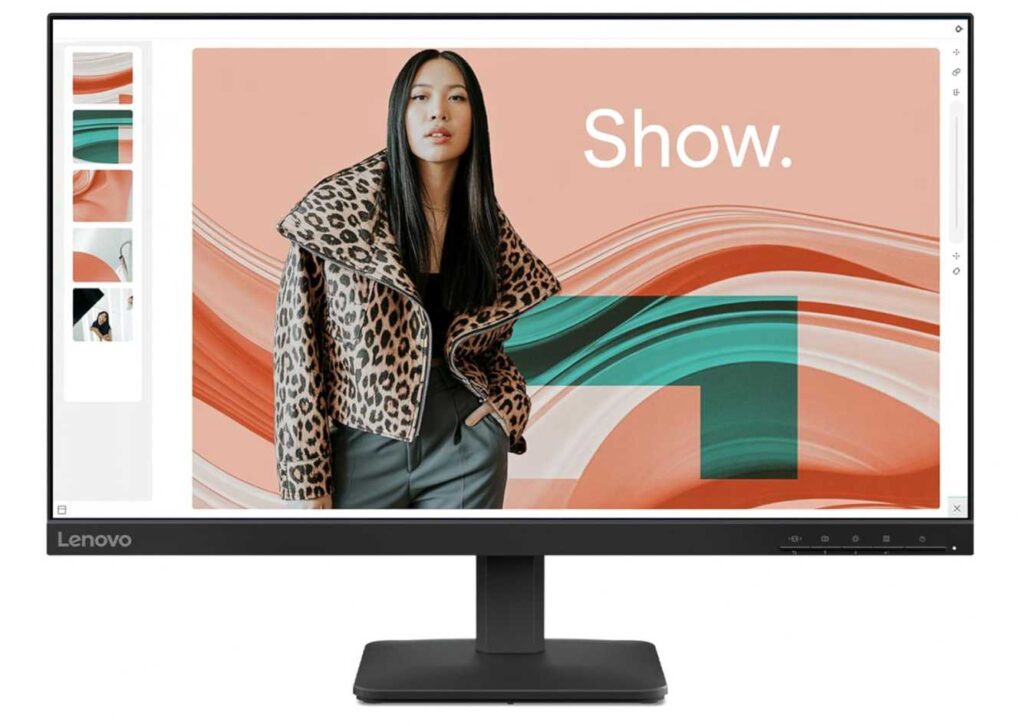
At 23.8 inches, it keeps everything within your natural view. Compared to something bigger like the Samsung 32-inch Odyssey G5 G55C Monitor, this feels more focused and easier to manage, especially if your desk is close to a light source.
The 100Hz refresh rate adds smoothness to everyday work, and the flicker-free technology helps reduce eye strain during long hours.
Why it’s a strong pick
- Matte screen handles bright rooms well
- IPS panel keeps visuals clear and consistent
- Comfortable size for daily work
- Smooth enough for long sessions
- Simple, reliable design
Things to keep in mind
- No advanced brightness or HDR features
My take
If you want a monitor that stays clear and usable in a bright room without overthinking specs, this is a great option. It’s simple, reliable, and does exactly what you need—keeps your screen visible and comfortable all day.
A great fit for home offices, study setups, and bright work environments.
Final Thoughts
Working in a bright room can be frustrating if your monitor isn’t built for it. The right screen should help you see clearly without reflections, washed-out colors, or constant adjustments. That’s what really matters here.
Some monitors handle brightness better with anti-glare coatings, others rely on higher resolution or contrast to keep things readable. The key is finding what works best for your setup.
- If you want sharp clarity and strong overall performance, the KTC 27-inch QHD 100Hz Monitor is a great pick.
- If you need something with strong contrast for visibility, the SANSUI 27-inch Curved 160Hz Monitor works well.
- If you prefer a premium, glare-controlled experience, the Samsung 32-inch Odyssey G5 G55C Monitor stands out.
- If you’re on a budget but still want decent performance, the Sceptre 24-inch Prime Monitor E248W-19203R is a practical option.
- And if you want something simple and reliable for everyday work, the Lenovo L24-4e 23.8-inch Monitor is a safe choice.
At the end of the day, the best monitor for a bright room is the one that lets you focus on your work instead of fighting your screen. If you don’t notice glare or strain anymore, you’ve picked the right one.