
If you spend hours staring at lines of code, choosing the best monitors for programming and coding (no eye strain) is more important than most people realize.
Coding isn’t like casual screen use. You’re constantly reading small text, switching between windows, and focusing for long periods. A bad monitor can quickly lead to eye fatigue, headaches, and even reduced productivity.
That’s why the right monitor makes a real difference.
Features like flicker-free technology, low blue light modes, and anti-glare screens help reduce strain during long coding sessions. At the same time, things like screen size, resolution, and panel quality affect how clearly you can read text and manage multiple files at once.
Many developers also prefer larger screens or ultrawide monitors, so they can keep multiple windows open without constantly switching tabs.
The goal isn’t just to get a “good” monitor—it’s to find one that lets you code longer without feeling tired or uncomfortable.
In this guide, we’ll go through the best monitors for programming and coding, focusing on clarity, comfort, and features that actually matter for daily development work.
Read also: 7 Best Anti-theft backpack with USB charging Slim Design
1. Best Curved Monitor for Coding – Samsung 27″ Essential S3
Screen Size: 27 inches
Resolution: Full HD (1920×1080)
Curvature: 1800R
Refresh Rate: 100Hz
If you want a comfortable setup for long coding sessions, this is a solid option in best monitors for programming and coding (no eye strain).
It’s designed to make long hours feel less tiring on your eyes.
The curved screen is the main highlight. When you’re coding for hours, your eyes constantly move across the screen. The 1800R curve helps keep everything within your natural field of view, so your eyes don’t have to work as hard.
Samsung’s eye comfort technology also helps reduce blue light and flicker, which makes a noticeable difference during long sessions—especially at night.
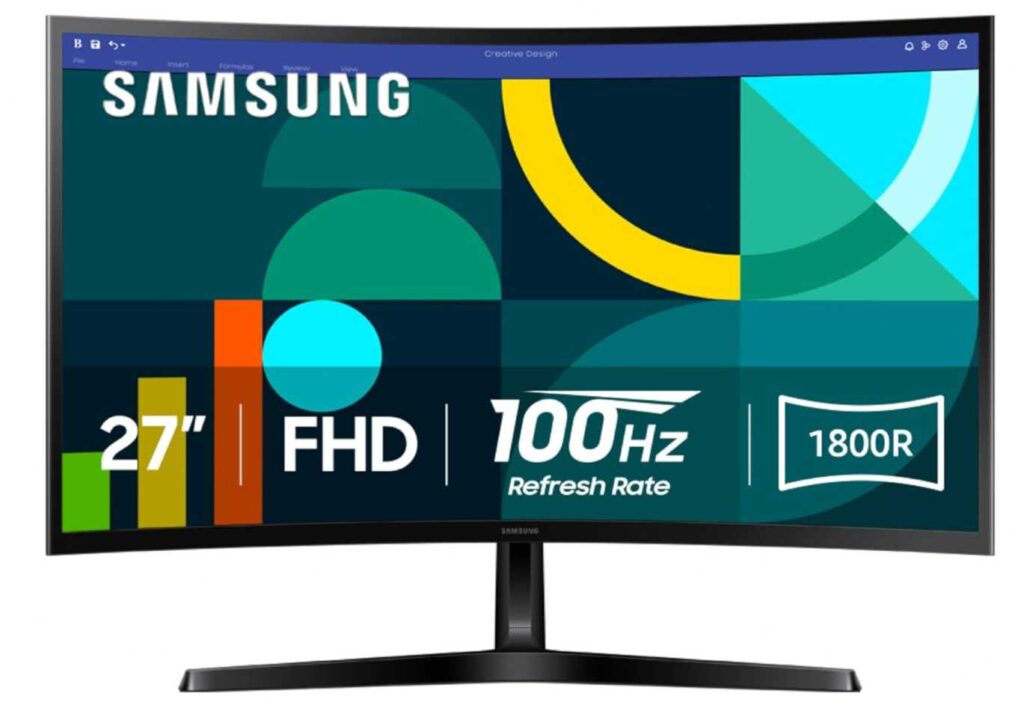
The 27-inch size is great for coding. You can easily split your screen between code, terminal, and browser without feeling cramped.
And with a 100Hz refresh rate, everything feels smoother—scrolling through code, switching files, or reading long scripts.
It’s not a high-resolution monitor, but for most coding tasks, it still delivers a comfortable and distraction-free experience.
Pros
- Curved screen reduces eye movement strain
- Built-in eye comfort features (low blue light, flicker-free)
- 27-inch size is great for multitasking
- Smooth 100Hz refresh rate
- Good value for everyday coding
Cons
- Full HD resolution on a 27-inch screen may feel less sharp for text
Why this is good for programming
If you want a monitor that helps you stay comfortable during long coding sessions, this is a great choice. It focuses on reducing fatigue so you can work longer without feeling strained.
2. Best Smooth Performance – Acer KB272 (27 Inch IPS)
Screen Size: 27 inches
Resolution: Full HD (1920×1080)
Panel: IPS
Refresh Rate: up to 120Hz
If you want something that feels fast, clean, and comfortable for long coding sessions, this is a great pick in best monitors for programming and coding (no eye strain).
It’s especially good if you spend a lot of time scrolling through code and switching between files.
The biggest advantage here is the 120Hz refresh rate. It might not sound important for coding, but once you use it, you’ll notice how much smoother everything feels—scrolling through long code files becomes easier on the eyes.
The IPS panel also helps a lot. Text looks clear, colors are consistent, and you don’t have to sit perfectly centered to get a good view.
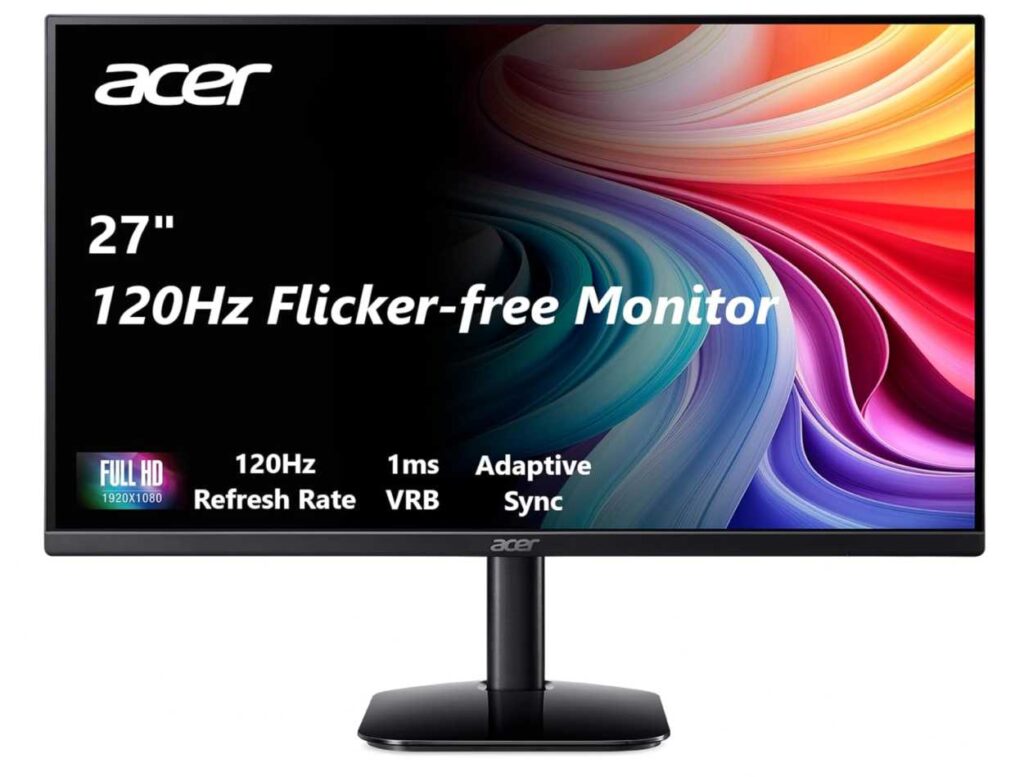
For long sessions, the anti-glare screen and smoother motion reduce that “tired eye” feeling you get from lower-quality displays.
The 27-inch size gives you enough space to split your screen between editor, terminal, and browser, which improves workflow.
It’s not a high-resolution display, but for most developers, it still delivers a comfortable and responsive experience.
Pros
- Smooth 120Hz refresh rate for easier scrolling
- IPS panel for better clarity and viewing angles
- Good screen size for multitasking
- Anti-glare surface reduces reflections
- Great value for the price
Cons
- Full HD on 27″ may not be sharp enough for some developers
Why this is good for programming
If you want a monitor that feels smooth and easy on your eyes during long coding sessions, this is a great option. It improves comfort in subtle ways that add up over time.
3. Best Value for Long Coding Sessions – Sceptre 27″ Monitor
Screen Size: 27 inches
Resolution: Full HD (1920×1080)
Color: 100% sRGB
Refresh Rate: 100Hz
If you want a budget-friendly monitor that still feels comfortable for long coding hours, this is a solid option in best monitors for programming and coding (no eye strain).
It keeps things simple but focuses on what actually matters.
The 27-inch screen gives you enough space to comfortably split your screen between code, terminal, and browser. That alone can make your workflow much smoother.
For eye comfort, it includes Blue Light Shift, which helps reduce strain during long sessions. It’s one of those features you don’t notice immediately—but after hours of coding, it makes a difference.
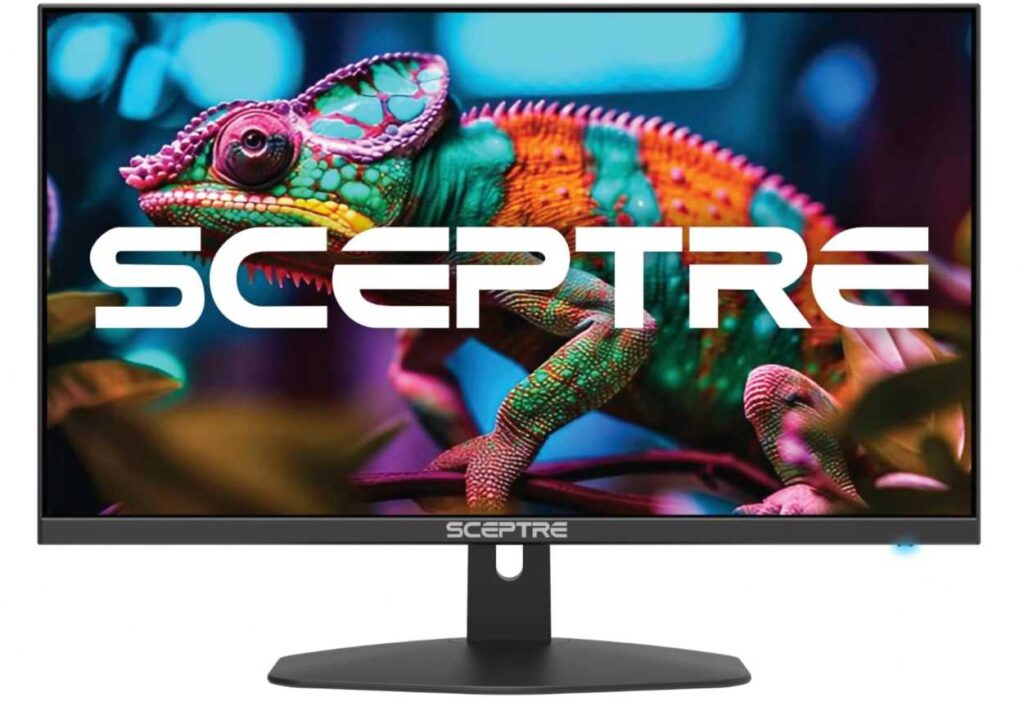
The 100Hz refresh rate also helps with smoother scrolling through long files. It’s not essential, but it definitely feels better than standard 60Hz monitors.
Another nice touch is the anti-glare screen, which reduces reflections and makes it easier to focus, especially in bright rooms.
Plus, you get built-in speakers, which keeps your desk setup simple without needing extra gear.
Pros
- Great value for a 27-inch monitor
- Blue Light Shift helps reduce eye strain
- Smooth 100Hz refresh rate
- Anti-glare display for better visibility
- Built-in speakers for convenience
Cons
- Full HD resolution may feel less sharp for detailed coding
4. Best Ultrawide for Coding – Samsung 34″ ViewFinity S50GC
Screen Size: 34 inches (Ultrawide 21:9)
Resolution: QHD (3440×1440)
Refresh Rate: 100Hz
If you’re serious about productivity and want a next-level coding setup, this is easily one of the top picks in best monitors for programming and coding (no eye strain).
This is where things start to feel like a real upgrade.
The biggest advantage is the ultrawide 21:9 screen. Instead of switching between tabs, you can keep your code editor, terminal, browser, and documentation all open at once. It completely changes how you work.
The QHD resolution (1440p ultrawide) is also a huge step up from Full HD. Text looks sharper and easier to read, which matters a lot when you’re staring at code all day.
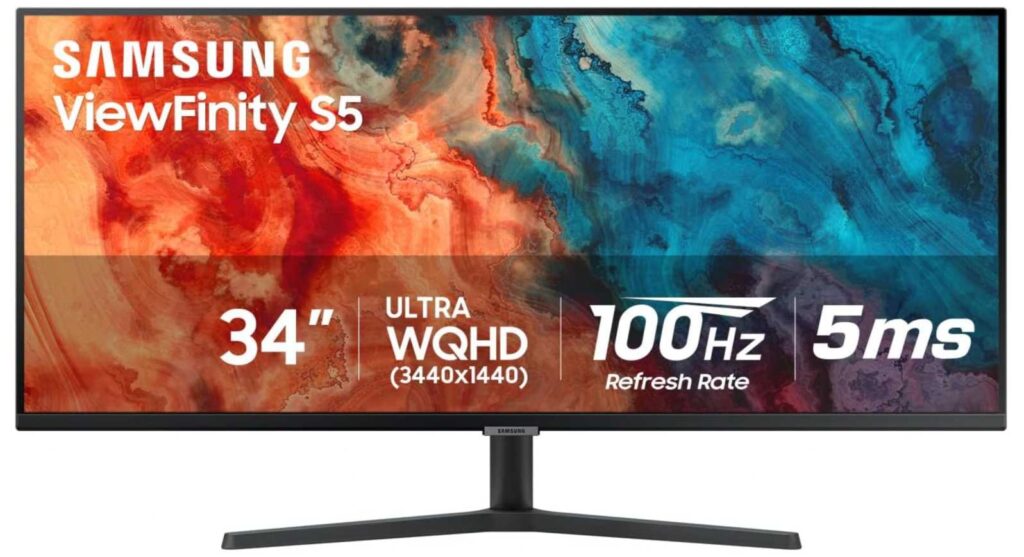
Samsung also includes Eye Saver Mode and Flicker-Free technology, so even with a large screen, it stays comfortable during long sessions.
Another standout feature is PBP and PIP modes. You can literally run two systems or apps side by side on one screen, which is super useful for developers.
And despite being a productivity-focused monitor, the 100Hz refresh rate keeps everything smooth—scrolling through code feels much better.
Pros
- Ultrawide screen massively boosts productivity
- Sharp QHD resolution for clear text
- Eye comfort features for long coding sessions
- Smooth 100Hz refresh rate
- PIP/PBP for multitasking
Cons
- Takes up more desk space than standard monitors
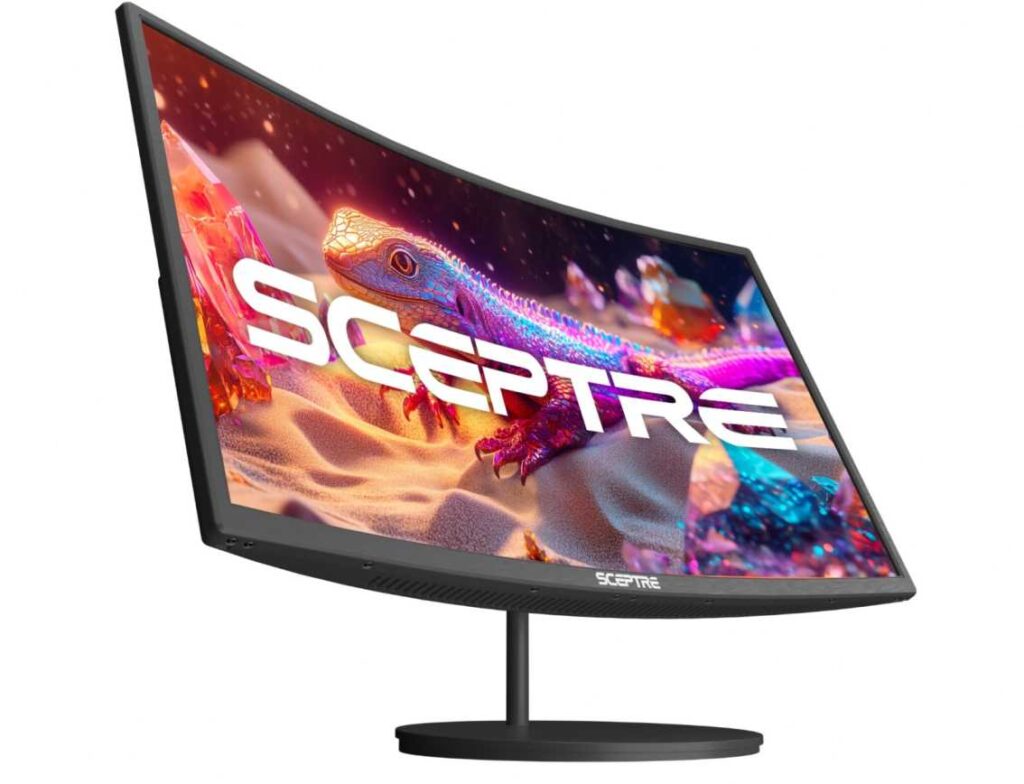
5. Best Budget Curved Option – Sceptre 27″ Curved Monitor
Screen Size: 27 inches
Resolution: Full HD (1920×1080)
Curvature: 1500R
Refresh Rate: up to 100Hz
If you like the idea of a curved screen for coding but don’t want to spend much, this is a solid pick in best monitors for programming and coding (no eye strain).
It gives you a more comfortable viewing experience without a high price tag.
The 1500R curved design is slightly more aggressive than typical curved monitors, which helps bring the edges of the screen closer to your eyes. That means less eye movement when reading long lines of code, especially on a 27-inch display.
For eye comfort, the combination of curved design + anti-glare + decent color coverage (99% sRGB) helps reduce that harsh, flat-screen fatigue during long sessions.
The 100Hz refresh rate also makes scrolling through code smoother, which actually feels easier on your eyes over time.
You also get built-in speakers, which keeps your setup simple if you don’t want extra accessories.
It’s not a high-end display, but for the price, it offers a comfortable and practical coding experience.
Pros
- Curved screen helps reduce eye movement strain
- Budget-friendly for a 27″ monitor
- Smooth 100Hz refresh rate
- Good color coverage (99% sRGB)
- Built-in speakers for convenience
Cons
- Full HD resolution may not be sharp enough for heavy coding
6. Best Large Screen for Multitasking – ViewSonic VA3209M (32″)
Screen Size: 32 inches
Resolution: Full HD (1920×1080)
Panel: IPS
Refresh Rate: 75Hz
If you want a big screen for coding without going ultrawide, this is a strong pick in best monitors for programming and coding (no eye strain).
It’s all about screen space and comfort.
The 32-inch display gives you a lot of room to work. You can easily keep multiple windows open—code editor, terminal, browser—without constantly switching tabs. For many developers, this alone boosts productivity.
The IPS panel ensures consistent colors and wide viewing angles, so text remains clear even if you’re not sitting perfectly centered.
For long coding sessions, ViewSonic includes Flicker-Free technology and a Blue Light Filter, which help reduce eye strain during extended use.
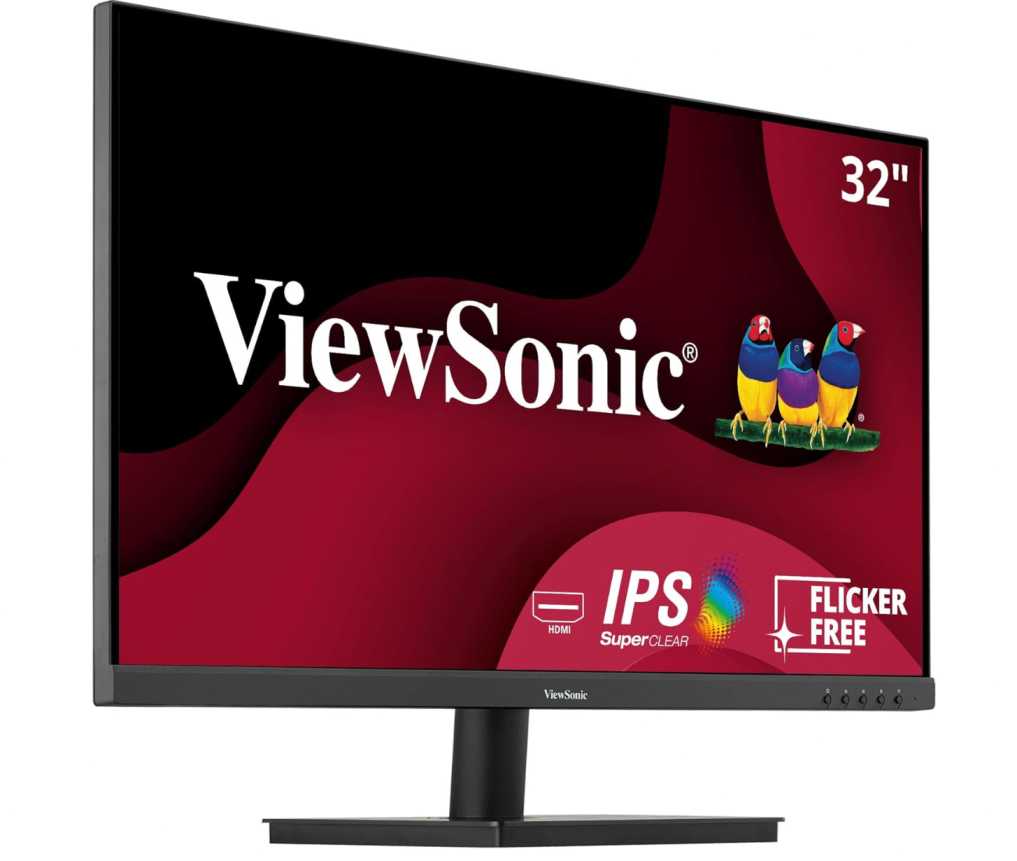
The anti-glare coating is another plus, especially if you work in a bright room. It cuts down reflections so you can stay focused.
It also has built-in speakers, which is convenient for a clean desk setup.
That said, the trade-off is the Full HD resolution on a large 32-inch screen, which means text won’t be as sharp as higher-resolution displays.
Pros
- Large 32-inch screen for multitasking
- IPS panel with good viewing angles
- Flicker-free and blue light filter for eye comfort
- Anti-glare screen reduces reflections
- Built-in speakers for simple setup
Cons
- Full HD resolution may look less sharp at this size
Wrapping Up
Choosing the best monitor for programming and coding (no eye strain) ultimately comes down to how you work and how long you spend in front of the screen.
If you’re on a budget, simple Full HD monitors with eye-care features like blue light filters and flicker-free technology will get the job done comfortably. If you want a smoother experience, higher refresh rates (100Hz+) make scrolling and reading code noticeably easier on your eyes.
For serious productivity, stepping up to a larger screen or ultrawide display can completely change your workflow—letting you keep multiple windows open without constantly switching tabs.
At the same time, don’t ignore ergonomics. Even the best monitor won’t help if your setup is uncomfortable. Look for adjustability, anti-glare screens, and proper viewing angles to reduce strain during long coding sessions.
In the end, the right monitor should help you focus longer, feel less fatigue, and stay productive throughout the day—because when your eyes are comfortable, your coding performance naturally improves.