
If you’ve invested in an RTX 50 series laptop, pairing it with the right monitor can completely transform your experience. Whether you’re gaming, editing, or multitasking, your laptop alone often can’t fully showcase what that powerful GPU is capable of.
That’s where choosing the best monitor for RTX 50 laptops becomes important. A good external display lets you take advantage of higher refresh rates, sharper resolutions, and better color accuracy—things that truly unlock the performance of your RTX 50 GPU.
But here’s the problem—not every monitor is a good match. Some users go for high resolution but miss out on refresh rate. Others pick fast panels but compromise on color quality. The key is finding the right balance based on how you use your laptop.
When choosing a gaming monitor for RTX 50 laptops, you should focus on:
- High refresh rates (144Hz, 165Hz, or higher) for smooth gameplay
- Resolution (QHD or 4K) to match your GPU power
- Low response time for competitive gaming
- Color accuracy and panel type (IPS/OLED) for content creation
If you’re more into productivity or creative work, then a 4K monitor with accurate colors might be a better fit than a high-refresh gaming display.
In this guide, I’ll help you find the best monitors for RTX 50 laptops, whether you want top-tier gaming performance, a productivity upgrade, or a balanced option that does both well.
Best 6 Monitors for RTX 50 laptops: New
SANSUI 34-inch UWQHD 200Hz Curved Gaming Monitor
If you’re using an RTX 50 laptop and want to actually feel the power of that GPU, this kind of ultrawide monitor is where things start getting interesting.
This SANSUI model is a great example of a ultrawide gaming monitor for RTX 50 laptops that balances performance and price. With a 3440×1440 (UWQHD) resolution and a 200Hz refresh rate, it gives you both sharp visuals and smooth gameplay—something many monitors struggle to combine at this price.
Now, here’s how to think about it.
If you’re coming from a standard 16:9 display, the 21:9 ultrawide format makes a huge difference. You get a wider field of view in games, which feels more immersive, especially in racing, open-world, or FPS titles. For productivity, it’s like having two screens side-by-side—making it a solid productivity and gaming monitor for RTX 50 laptops.
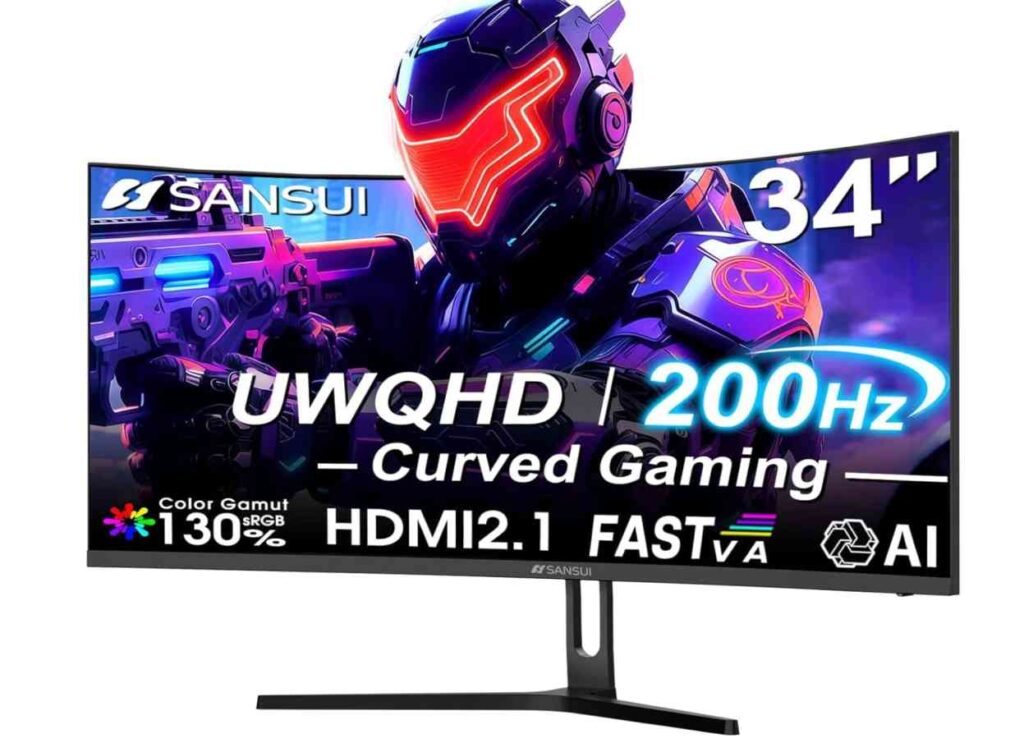
Compared to a typical 4K 60Hz monitor, this one prioritizes smoothness over pure resolution. And honestly, for most RTX 50 users—especially gamers—that’s the better choice. You’ll notice the jump to 200Hz far more than extra pixels.
The 1500R curve also helps with immersion and reduces eye strain during long sessions. It pulls you into the screen slightly, which works particularly well with ultrawide setups.
Feature-wise, it includes HDMI 2.1 and DisplayPort 1.4, meaning your RTX 50 laptop can fully utilize high refresh rates and adaptive sync (FreeSync/VRR). You also get extras like PIP/PBP modes, which are useful if you multitask or stream.
That said, it uses a Fast VA panel. While this gives you better contrast than IPS, viewing angles and color consistency may not be as strong as premium IPS or OLED displays. So if you’re a professional creator, you might want something more color-accurate.
What We Like
- 200Hz refresh rate for ultra-smooth gaming
- Ultrawide 21:9 aspect ratio for immersion and multitasking
- Great value for a UWQHD gaming monitor
- HDMI 2.1 + DP 1.4 for modern connectivity
- Good contrast with VA panel
What We Don’t Like
- Not true 4K resolution
- VA panel has weaker viewing angles than IPS
- No built-in speakers
Who should buy this?
Go for this if you want a high refresh rate ultrawide monitor for RTX 50 laptops—great for immersive gaming and multitasking.
Skip it if your focus is professional color work or 4K content creation.
KOORUI 27-inch QHD 320Hz Gaming Monitor
If your goal is pure speed and competitive performance, this is the kind of high refresh rate monitor for RTX 50 laptops you should be looking at.
Let’s be clear—320Hz is not for casual use. This monitor is built for gamers who play fast-paced titles like FPS or esports games where every frame matters. Compared to the ultrawide SANSUI 34-inch monitor, which focuses more on immersion, this KOORUI display is all about responsiveness and precision.
With a QHD (1440p) resolution and Fast IPS panel, you’re getting a strong balance. It’s sharper than 1080p but still allows your RTX 50 laptop to push very high frame rates—something that wouldn’t be possible with 4K at 320Hz.
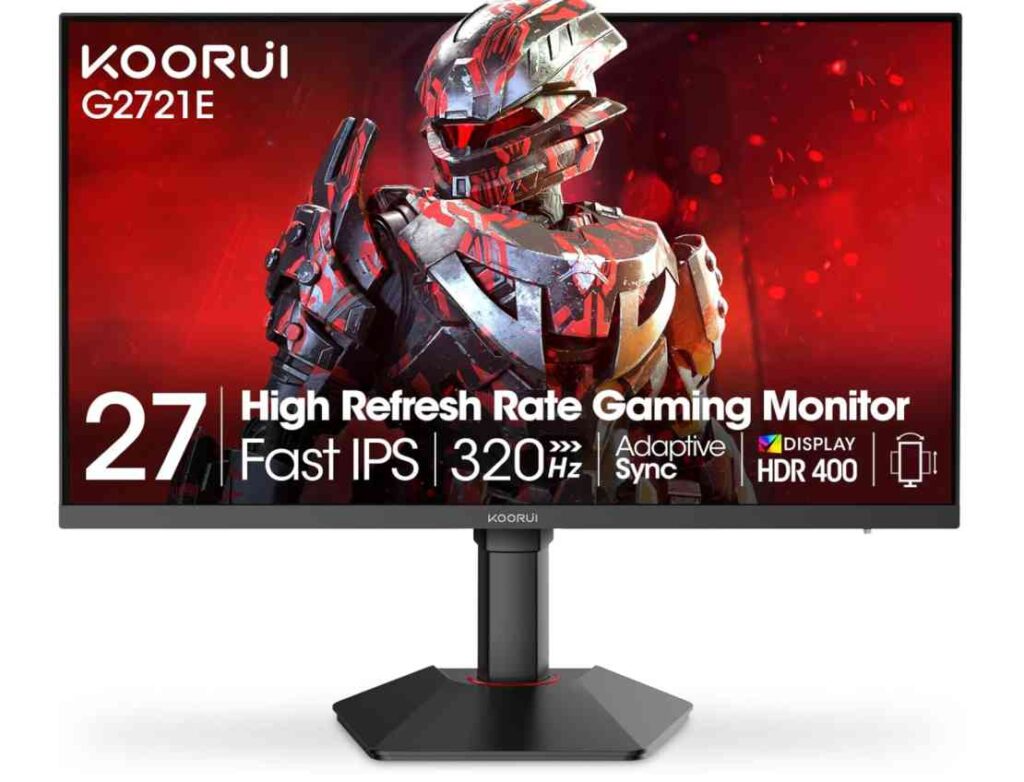
The Fast IPS panel also gives you better color accuracy and viewing angles compared to VA panels like the SANSUI. That makes this a solid gaming and content-friendly monitor for RTX 50 laptops, especially with 98% DCI-P3 coverage and HDR400 support.
Another big advantage is ergonomics. Unlike many budget gaming monitors, this one comes with a fully adjustable stand, which is great if you spend long hours gaming or working.
Now here’s the key decision point:
- If you want immersive, cinematic gaming, go for an ultrawide like SANSUI
- If you want maximum smoothness and competitive edge, this KOORUI is the better pick
What We Like
- Extremely high 320Hz refresh rate
- QHD resolution for sharp and smooth visuals
- Fast IPS panel with great colors and viewing angles
- Ideal for competitive gaming
- Fully adjustable ergonomic stand
What We Don’t Like
- Not as immersive as ultrawide monitors
- HDR performance is basic (HDR400)
- Requires strong GPU performance to fully utilize 320Hz
Who should buy this?
Go for this if you want a competitive gaming monitor for RTX 50 laptops with ultra-smooth performance.
Skip it if you prefer ultrawide immersion or 4K visual detail—in that case, SANSUI or a 4K monitor is a better fit.
EVICIV 16-inch 4K Portable Monitor (1200 Nits)
If you’re someone who uses an RTX 50 laptop on the go, this is where things get interesting. Instead of a full desk setup, this gives you a portable monitor for RTX 50 laptops that you can carry anywhere without sacrificing display quality.
Let’s break it down simply.
This monitor is built for portability and visual quality, not high refresh rate gaming. Compared to the KOORUI 320Hz monitor, which focuses on speed, this one focuses on sharpness and brightness. You’re getting a 4K (3840×2400) resolution on a compact 16-inch screen, which looks incredibly crisp—perfect for editing, watching content, or detailed work.
One standout feature is the 1200 nits brightness. That’s significantly higher than most monitors in this range, making it a great portable display for outdoor use or bright environments. The matte anti-glare coating also helps reduce reflections, which is a big plus if you travel or work in different lighting conditions.
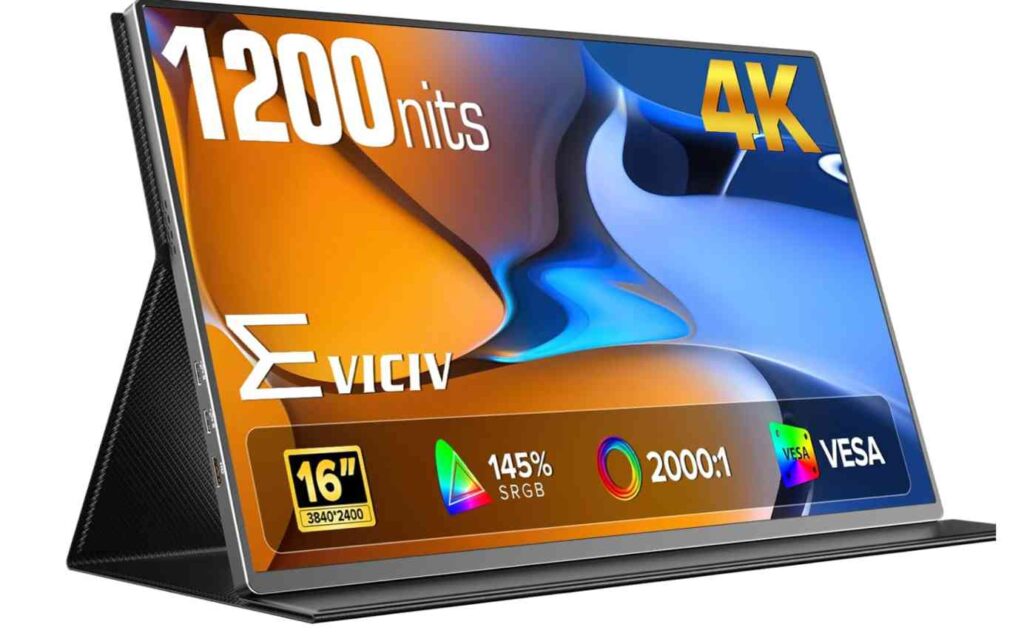
Now, compared to something like the SANSUI ultrawide monitor, you’re obviously losing screen size and immersion. But in return, you gain flexibility—you can literally carry this in your bag and turn your laptop into a dual-screen setup anywhere.
It’s also very easy to use. With USB-C connectivity, you can plug it directly into your RTX 50 laptop and start using it instantly—no complicated setup.
That said, this isn’t for everyone. If your main focus is competitive gaming, the lower refresh rate means it won’t match high-Hz monitors. But for productivity, travel, or content consumption, it’s one of the best 4K portable monitors for RTX 50 laptops.
What We Like
- Stunning 4K resolution on a portable screen
- Extremely bright 1200 nits display
- Lightweight and travel-friendly design
- Easy USB-C plug-and-play setup
- Great for productivity and content creation
What We Don’t Like
- Not designed for high refresh rate gaming
- Smaller screen compared to desk monitors
- Limited immersion for gaming
Who should buy this?
Go for this if you want a portable second screen for RTX 50 laptops with excellent display quality.
Skip it if your priority is high refresh rate gaming or large immersive screens.
CRUA 30-inch Curved Ultrawide Gaming Monitor (200Hz)
If you like the idea of an ultrawide monitor but don’t want to spend too much, this CRUA model is a smart budget ultrawide monitor for RTX 50 laptops.
Let’s keep it simple.
This sits somewhere between premium ultrawide options like the SANSUI 34-inch UWQHD monitor and standard 16:9 displays like the KOORUI 27-inch gaming monitor. You still get the immersive 21:9 experience, but at a much lower price.
With a 2560×1080 resolution and up to 200Hz refresh rate, this monitor focuses more on smooth performance than sharpness. Compared to the SANSUI (3440×1440), the image won’t look as detailed—but your RTX 50 laptop will have a much easier time pushing high frame rates.
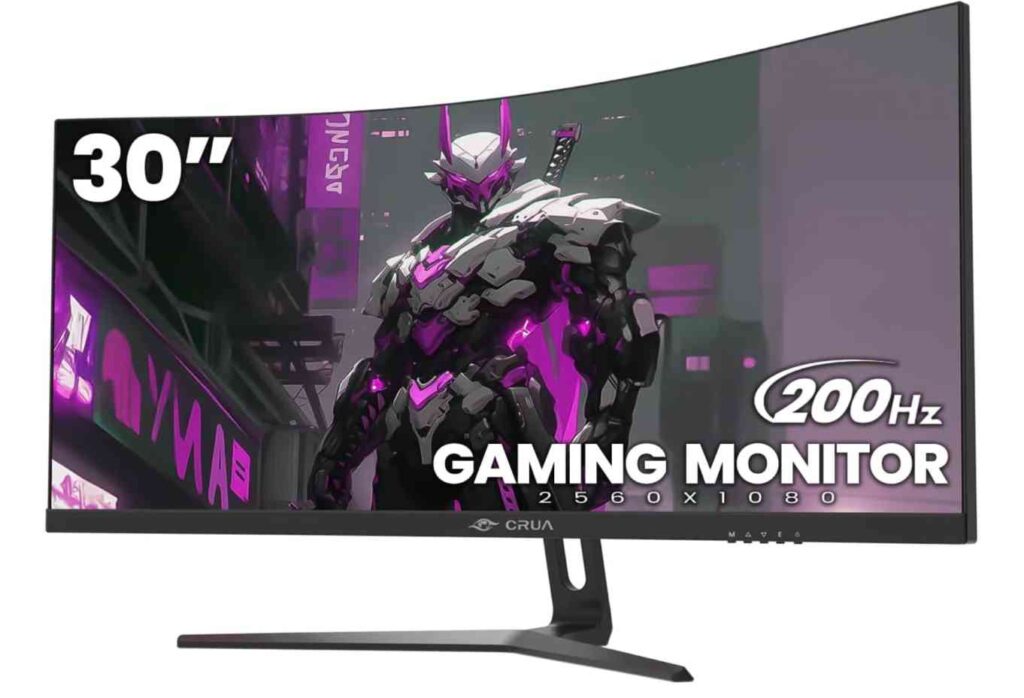
That actually makes this a good high refresh rate budget monitor for RTX 50 laptops, especially if you play fast-paced games but don’t need ultra-high resolution.
The 1500R curve adds to immersion, making it feel more engaging than flat panels. And thanks to FreeSync support, you’ll get smoother gameplay with reduced screen tearing.
However, there are trade-offs.
The VA panel gives you good contrast, but color accuracy and viewing angles won’t match IPS panels like the KOORUI. So while it’s great for gaming and general use, it’s not ideal for professional color work.
What We Like
- Affordable ultrawide gaming experience
- Up to 200Hz refresh rate for smooth gameplay
- Immersive 1500R curved design
- Easier for GPU to handle compared to higher resolutions
- Good contrast with VA panel
What We Don’t Like
- Lower resolution than premium ultrawides
- Colors and viewing angles not as good as IPS
- Not ideal for content creators
Who should buy this?
Go for this if you want a budget ultrawide monitor for RTX 50 laptops with smooth performance.
Skip it if you want sharper visuals or better color accuracy—in that case, SANSUI or an IPS monitor like KOORUI is a better pick.
Acer Nitro 29.5” Curved Ultrawide Gaming Monitor
If you’re looking for a reliable ultrawide gaming monitor for RTX 50 laptops from a known brand, this Acer Nitro is a safer and more balanced choice compared to many budget options.
Let’s break it down in a simple way.
This monitor is quite similar on paper to the CRUA 30-inch ultrawide—both offer a 2560×1080 resolution and high refresh rates up to 200Hz. But where Acer stands out is consistency and brand reliability. You’re more likely to get better panel quality control and long-term durability here.
In terms of performance, the 200Hz refresh rate and 1ms response time make it a solid high refresh rate gaming monitor for RTX 50 laptops. Your GPU can easily push high frame rates at this resolution, making gameplay smooth and responsive.
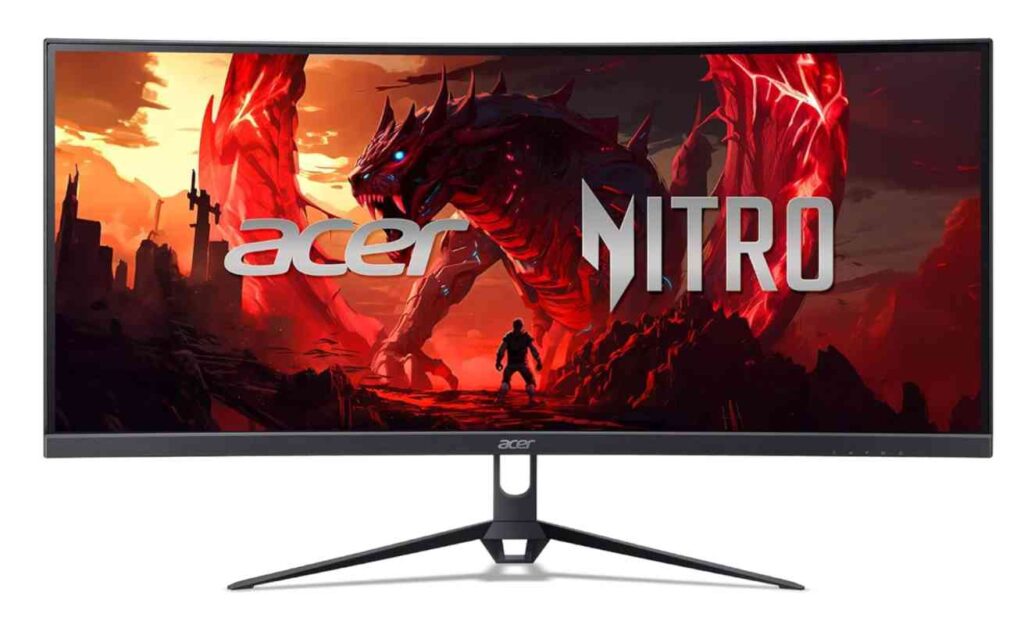
The 21:9 ultrawide format gives you that immersive experience, especially in racing, FPS, and open-world games. Compared to a standard 16:9 monitor like the 32-inch CRUA, this feels more engaging without needing as much desk space.
However, just like other 1080p ultrawide monitors, sharpness is the trade-off. Compared to the KOORUI 1440p display or the SANSUI UWQHD ultrawide, visuals won’t look as crisp. So while it’s great for gaming, it’s not ideal for detailed creative work.
Another advantage is FreeSync Premium support, which helps eliminate screen tearing and makes gameplay smoother—something you’ll appreciate when pushing high FPS on an RTX 50 laptop.
What We Like
- Smooth 200Hz refresh rate for gaming
- Ultrawide 21:9 for immersive experience
- Reliable brand with better quality control
- FreeSync Premium for tear-free gameplay
- Good balance of price and performance
What We Don’t Like
- 1080p ultrawide lacks sharpness
- Not ideal for content creation
- Not fully utilizing RTX 50’s visual power
Who should buy this?
Go for this if you want a reliable ultrawide gaming monitor for RTX 50 laptops with smooth performance.
Skip it if you want higher resolution and sharper visuals—in that case, a 1440p or UWQHD monitor like KOORUI or SANSUI is a better fit.
Lenovo Legion R45w-30 44.5” Super Ultrawide Gaming Monitor
If you want to fully unleash what your RTX 50 laptop is capable of, this is the kind of monitor that completely changes the experience. It’s not just a display—it’s a full workstation and gaming setup in one.
Let’s make it simple.
This is a super ultrawide monitor for RTX 50 laptops, featuring a massive 44.5-inch screen with a 32:9 aspect ratio. Compared to the SANSUI 34-inch ultrawide, this gives you even more horizontal space—basically like having two 27-inch QHD monitors side by side, but without bezels in between.
The Dual QHD resolution (5120×1440) hits a sweet spot. It’s much sharper than 1080p ultrawides like the CRUA or Acer models, while still allowing your RTX 50 laptop to maintain high frame rates—something that’s harder with full 4K setups.
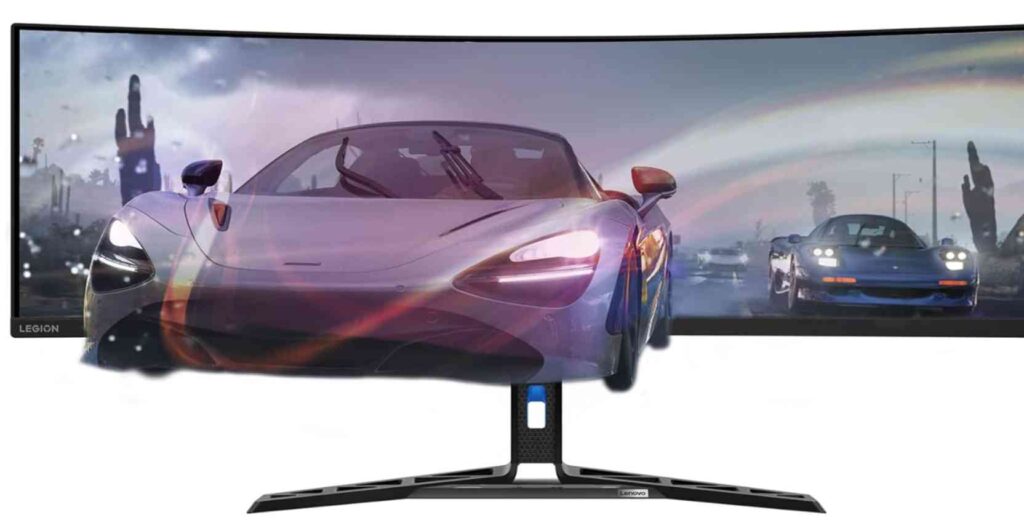
At 170Hz with 1ms response time, it’s also no slouch in gaming. While it doesn’t reach the extreme refresh rates of the KOORUI 320Hz monitor, it delivers a much more immersive experience, which matters more for story-driven or open-world games.
Where this monitor really stands out is versatility. It’s not just for gaming:
- The KVM switch lets you control multiple devices with one keyboard/mouse
- USB-C connectivity makes it perfect for laptop setups
- Huge screen space boosts productivity massively
So if you’re someone who games, works, and multitasks, this is easily one of the best premium monitors for RTX 50 laptops.
Of course, there are trade-offs.
It’s expensive, takes up a lot of desk space, and isn’t meant for competitive esports where ultra-high refresh rates matter more than screen size.
What We Like
- Massive 44.5” super ultrawide immersive display
- Sharp Dual QHD resolution (great balance of detail + performance)
- Excellent for multitasking and productivity
- 170Hz refresh rate with smooth gameplay
- USB-C, KVM, and strong connectivity options
What We Don’t Like
- Expensive compared to other options
- Requires large desk space
- Not ideal for competitive esports players
Who should buy this?
Go for this if you want a premium all-in-one monitor for RTX 50 laptops—perfect for gaming + productivity.
Skip it if you want something compact, budget-friendly, or focused purely on competitive gaming.
Final Thoughts: Which Monitor Should You Choose for RTX 50 Laptops?
At this point, the best monitor for your RTX 50 laptop really depends on how you plan to use it—because this GPU is powerful enough to handle multiple types of displays.
If you’re into competitive gaming, a high refresh rate monitor (240Hz–320Hz) is the best choice. It gives you smoother gameplay and faster response, which actually makes a difference in FPS and esports titles.
If you prefer immersive gaming or multitasking, an ultrawide monitor (21:9 or 32:9) is a better investment. The extra screen space makes games feel more engaging and also helps with productivity—especially if you work alongside gaming.
For those focused on visual quality, a 4K monitor delivers sharper details and better clarity. This is ideal for content creation, media consumption, or anyone who values crisp visuals over raw speed.
And if you’re always on the move, a portable monitor is a great companion. It won’t replace a full setup, but it adds flexibility and turns your RTX 50 laptop into a dual-screen workstation anywhere.
To keep it simple:
- Go for high refresh rate → best for competitive gaming
- Choose ultrawide → best for immersion + multitasking
- Pick 4K display → best for visuals and creative work
- Get a portable monitor → best for travel and flexibility
At the end of the day, your RTX 50 laptop is only as good as the display you pair it with. Choosing the right monitor isn’t just an upgrade—it’s what actually lets you experience the full power of your setup.