
If your desk is small, you already know the struggle—every inch matters. A bulky monitor can quickly make your setup feel cramped, messy, and uncomfortable to use.
The good news? You don’t need a huge screen to get a great experience. There are plenty of compact monitors that are space-saving, clean-looking, and still powerful enough for work, gaming, and everyday use.
In this guide, I’ve picked the best monitors for small desk spaces that balance size, performance, and minimal design. Whether you’re working from home, studying, or building a simple setup, these options will help you maximize your space without sacrificing usability.
Let’s get into it 👇
Read also: Best Monitor Risers for Better Posture (2026)
1. SANSUI 24″ Monitor (ES-24F2) – Best Budget Pick for Small Desk Spaces
24″ | Full HD | VA | 100Hz | FreeSync | HDMI + VGA
If you’re trying to save space and money, the SANSUI 24-inch Monitor ES-24F2 is a really practical starting point. It’s simple, compact, and gives you just enough performance for everyday use without making your desk feel crowded.
The standout feature here is the 100Hz refresh rate. For a budget monitor, this makes a noticeable difference—everything feels smoother, whether you’re scrolling, working, or doing light gaming.
You’re also getting a 24-inch Full HD screen, which hits a sweet spot for small desks. It’s big enough to work comfortably but not so large that it overwhelms your space.
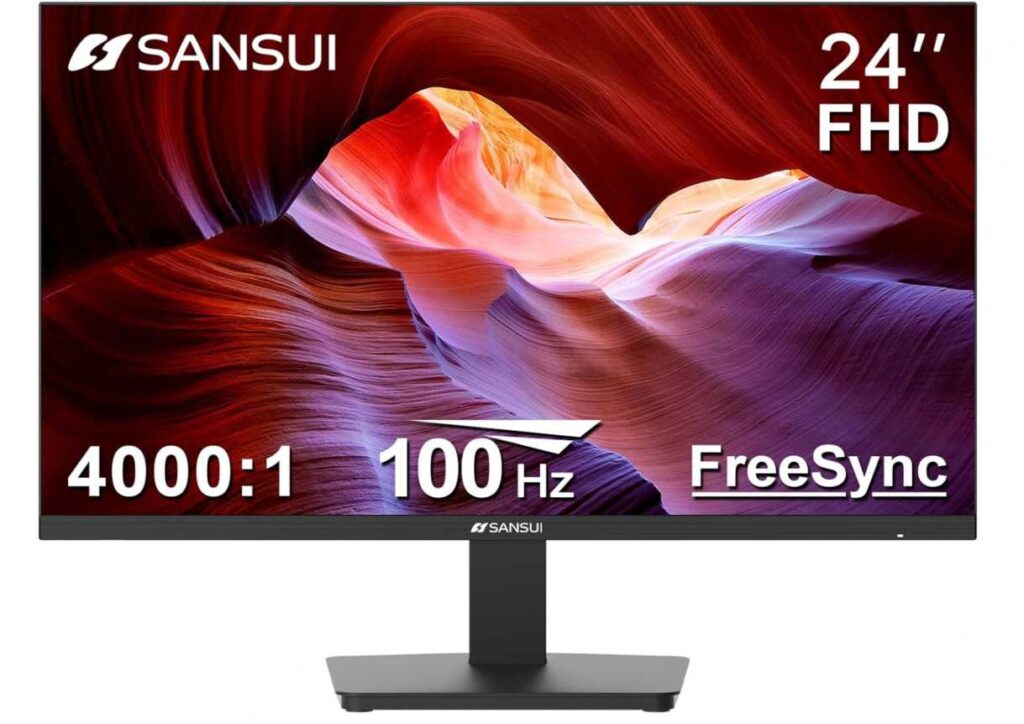
The VA panel adds better contrast, so blacks look deeper and content feels a bit more immersive compared to basic displays.
On top of that, it includes FreeSync and eye-care features like low blue light and anti-flicker, which help during long usage sessions. And if you want an even cleaner setup, VESA mount support lets you free up desk space completely.
Why it’s a strong pick
- Affordable and space-friendly
- 100Hz makes everyday use smoother
- Good screen size for compact desks
- Decent contrast with VA panel
- VESA mount support for cleaner setup
Things to keep in mind
- No built-in speakers
My take
If you want a budget-friendly monitor that fits perfectly on a small desk, this is an easy recommendation. It keeps things simple, smooth, and clutter-free without costing much.
2. Sceptre 24″ Curved Monitor (C248W-1920RN) – Best Curved Pick for Small Desk Setup
24″ | Full HD | Curved (1800R) | 75Hz | 98% sRGB | HDMI + VGA
If you want something that feels a bit more immersive without taking up extra space, the Sceptre 24-inch Curved Monitor C248W-1920RN is a great choice for small desk setups.
The main highlight here is the curved 1800R display. It slightly wraps around your field of view, making everything feel more engaging and comfortable, especially when you’re sitting close to the screen.
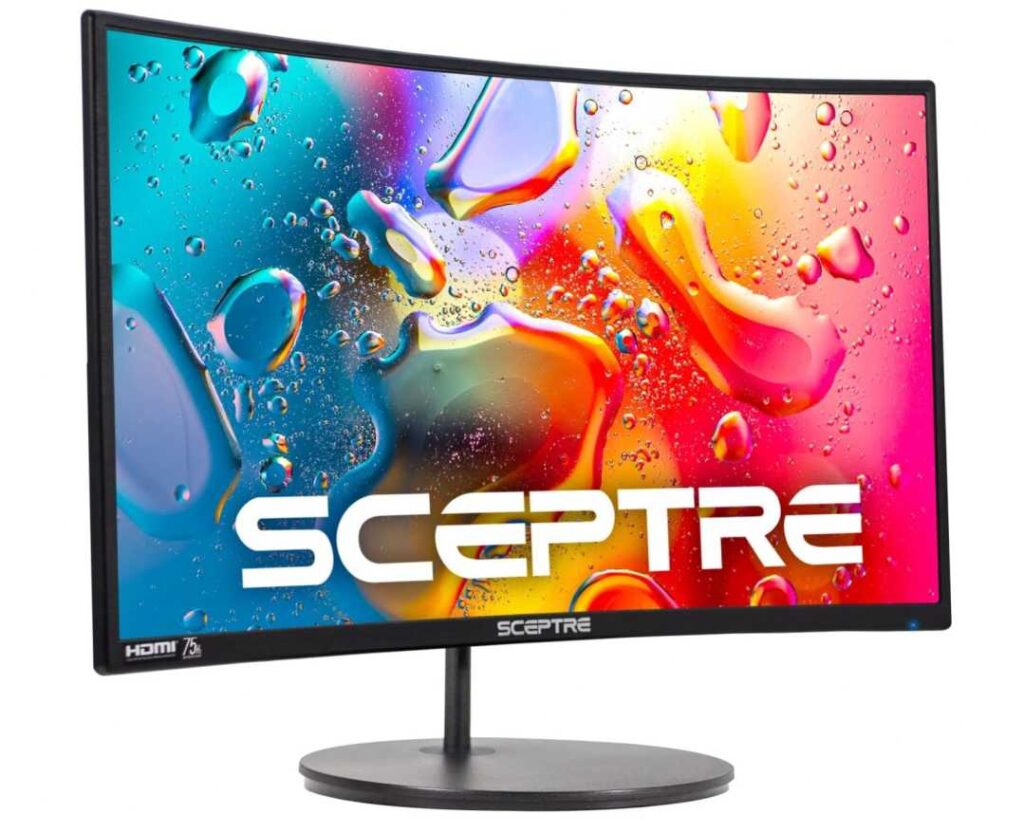
You still get a 24-inch Full HD display, which is perfect for compact desks—big enough to enjoy content, but not overwhelming.
Color-wise, it covers up to 98% sRGB, so visuals look vibrant and pleasing, whether you’re watching videos or doing everyday tasks.
It also includes built-in speakers, which is a nice bonus if you want to keep your setup clean without adding external speakers.
And with VESA mount support, you can easily mount it on the wall or an arm to free up even more desk space.
Why it’s a strong pick
- Curved screen for a more immersive feel
- Perfect size for small desk setups
- Good color output (98% sRGB)
- Built-in speakers for a clean setup
- VESA mount support
Things to keep in mind
- 75Hz refresh rate (not as smooth as 100Hz+)
My take
If you want a monitor that feels a bit more engaging and unique without taking extra space, this is a really nice pick. The curve adds a subtle but enjoyable upgrade to your everyday experience.
Great for movies, casual use, and a clean minimalist desk setup.
3. KTC 27″ QHD Monitor – Best Value Big Screen for Small Desk
27″ | QHD (1440p) | IPS | 100Hz | 123% sRGB | FreeSync & G-Sync
If you want a bigger screen with sharper visuals but still keep your setup clean, the KTC 27-inch QHD 100Hz Monitor is a really smart upgrade. It gives you more space to work without going overboard on price.
The biggest highlight here is the QHD (1440p) resolution on a 27-inch display. Compared to Full HD, everything looks noticeably sharper and more detailed, which is great for multitasking, editing, or even just browsing.
It also comes with a 100Hz refresh rate, so you get that smooth everyday experience whether you’re working or doing casual gaming.
The IPS panel with 123% sRGB means colors look rich, accurate, and vibrant, making it a solid option for both productivity and light creative work.

You also get FreeSync and G-Sync support, which helps eliminate screen tearing and keeps visuals smooth across different devices.
Plus, features like anti-blue light make it more comfortable for long sessions, whether you’re working or gaming.
Why it’s a strong pick
- Sharp QHD resolution (better than Full HD)
- Large 27″ screen without feeling bulky
- Smooth 100Hz performance
- Excellent color range (123% sRGB, IPS)
- FreeSync & G-Sync support
Things to keep in mind
- Takes slightly more desk space than 24″ monitors
My take
If you want a bigger and sharper display without spending too much, this is one of the best value options. It gives you a premium-like experience at a mid-range price, while still fitting into a clean desk setup.
Great for multitasking, casual gaming, and anyone upgrading from basic Full HD monitors.
4. CRUA 24″ Curved Monitor – Best Stylish Compact Curved Monitor
24″ | Full HD | Curved | 100Hz | 120% sRGB | VA Panel
If you want a monitor that looks clean, modern, and slightly premium without spending too much, the CRUA 24-inch Curved Monitor is a great fit for small desk setups.
The first thing that stands out is the curved design with ultra-slim bezels. It gives your setup a minimal and stylish look, especially if you’re going for a clean desk aesthetic or dual monitor setup.
Performance-wise, you get a 100Hz refresh rate, so everything feels smooth and fluid—whether you’re working, browsing, or doing casual gaming.
The VA panel with 120% sRGB delivers rich colors and strong contrast, making content look more vibrant and enjoyable.
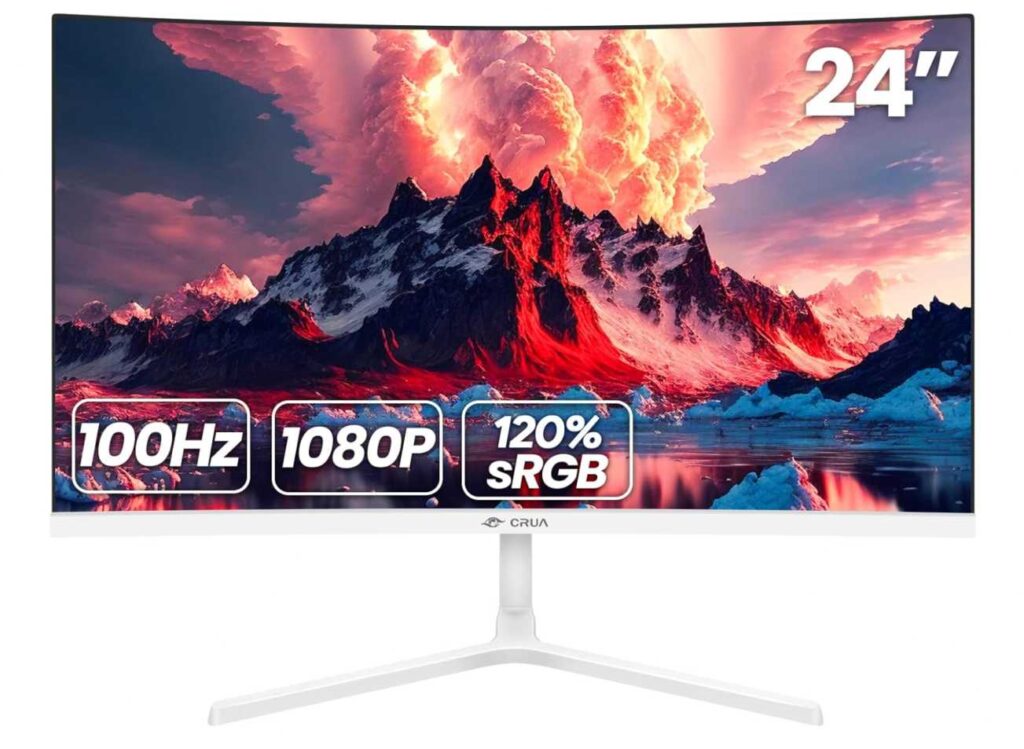
It also includes a blue light filter and anti-flicker technology, which helps reduce eye strain during long work or study sessions.
And since it’s lightweight and slim, it fits perfectly on compact desks without taking up too much space.
Why it’s a strong pick
- Curved design with a clean, modern look
- 100Hz refresh rate for smooth usage
- Good color output (120% sRGB)
- Slim, bezel-less design (great for small desks)
- Eye-care features for long hours
Things to keep in mind
- No built-in speakers
My take
If you want a monitor that combines style, smooth performance, and space-saving design, this is a really solid choice. It looks great on a desk and performs well for everyday work, study, and entertainment.
Perfect for anyone building a minimalist or aesthetic setup without spending too much.
5. Philips 22″ Monitor (221V8LB) – Best Compact Monitor for Very Small Desks
22″ | Full HD | VA | 100Hz | Adaptive Sync | HDMI + VGA
If your desk is really tight on space, the Philips 221V8LB 22-inch Full HD Monitor is one of the most practical choices you can go for. It’s compact, simple, and doesn’t take up much room at all.
The biggest advantage here is the smaller 22-inch size, which makes it perfect for small desks, study tables, or minimal setups. It gives you enough screen space without making your workspace feel crowded.
You still get a Full HD display, so everything looks clear and sharp for everyday use like browsing, working, or watching videos.
It also comes with a 100Hz refresh rate, which makes things feel smoother than standard monitors—a nice bonus at this price point.
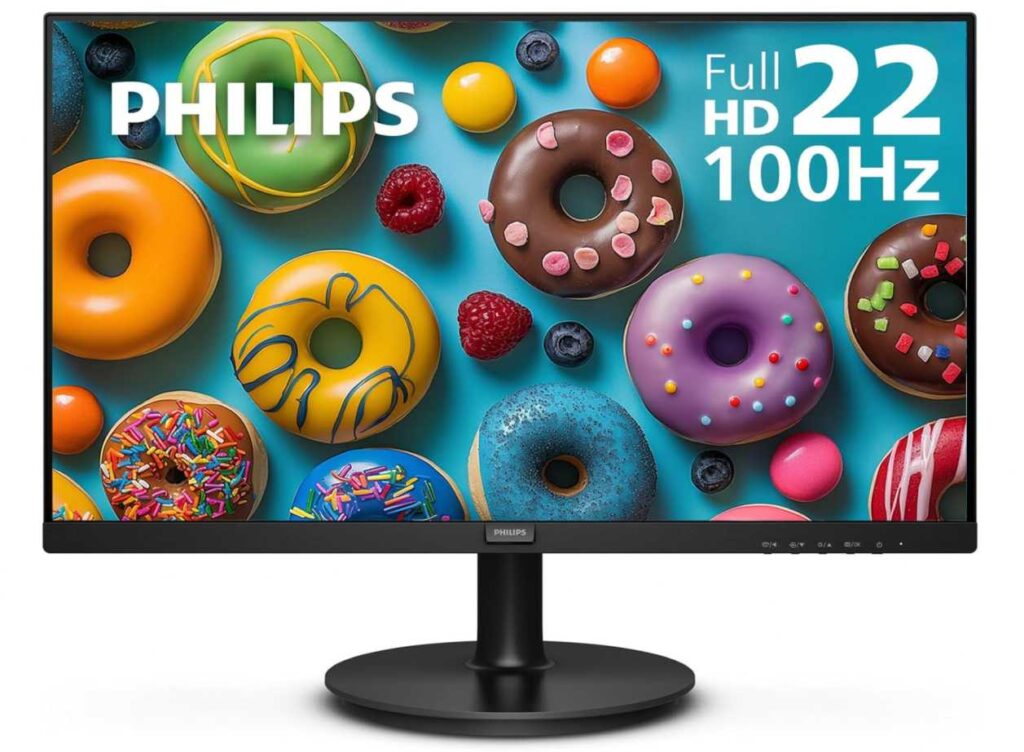
The VA panel helps with better contrast and deeper blacks, so content looks more enjoyable compared to basic displays.
Plus, features like Adaptive Sync and LowBlue Mode make it more comfortable for long usage and reduce screen tearing during casual gaming.
Why it’s a strong pick
- Very compact and perfect for small desks
- Smooth 100Hz performance
- Good contrast with VA panel
- Eye-care features for long use
- Reliable everyday performance
Things to keep in mind
- Smaller screen may feel limited for multitasking
My take
If you’re working with limited desk space, this is one of the best compact options you can get. It keeps your setup clean, simple, and functional without sacrificing basic performance.
Great for students, home office setups, or anyone who prefers a minimal workspace.
6. KOORUI 22″ Monitor – Best Ultra-Affordable Compact Gaming Monitor
22″ | Full HD | VA | 120Hz | 4000:1 Contrast | Adaptive Sync
If you want the cheapest possible monitor without sacrificing smoothness, the KOORUI 22-inch 120Hz Monitor is a really strong option. It’s compact, fast, and perfect for small desk setups on a tight budget.
The biggest highlight here is the 120Hz refresh rate, which is impressive at this price. It makes everything feel smooth and responsive, whether you’re working or playing games.
You also get a Full HD display, which is sharp enough for everyday use, and the 22-inch size makes it ideal for tight spaces.
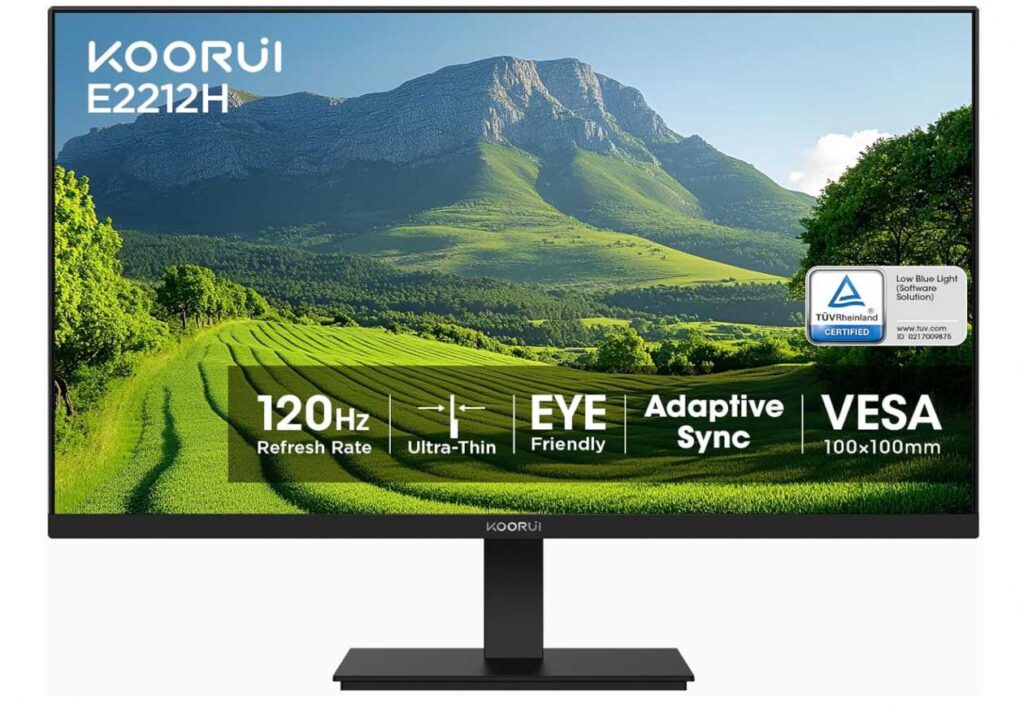
The VA panel with a 4000:1 contrast ratio is a big plus. You’ll notice deeper blacks and better contrast compared to most budget monitors, which makes content look more vibrant.
It also includes Adaptive Sync, helping reduce screen tearing, and eye-care features like low blue light and flicker-free tech for long usage sessions.
Plus, with VESA mount support and tilt adjustment, you can easily set it up in a way that saves space and feels comfortable.
Why it’s a strong pick
- Very affordable with 120Hz refresh rate
- Compact size perfect for small desks
- Excellent contrast (4000:1 VA panel)
- Adaptive Sync for smoother visuals
- Eye-care features for long use
Things to keep in mind
- No DisplayPort (only HDMI & VGA)
My take
If you want a compact, smooth, and super budget-friendly monitor, this is one of the best value picks out there. It gives you great performance for the price while keeping your setup simple and space-efficient.
Perfect for students, casual gamers, and small desk setups.
Final Thoughts
When you’re working with a small desk, the goal isn’t just to find a good monitor—it’s to find one that fits your space without making it feel crowded.
Across these picks, there’s something for every type of setup 👇
- If you want the cheapest and most compact option, the KOORUI 22-inch 120Hz Monitor is hard to beat.
- If you prefer a simple, reliable everyday monitor, the Philips 221V8LB 22-inch Full HD Monitor is a safe choice.
- If you like a clean, modern curved look, the CRUA 24-inch Curved Monitor or Sceptre 24-inch Curved Monitor C248W-1920RN add that extra style without taking more space.
- If you want a bigger and sharper upgrade, the KTC 27-inch QHD 100Hz Monitor gives you more room to work while still keeping things clean.
- And if you just need a balanced budget option, the SANSUI 24-inch Monitor ES-24F2 fits perfectly.
At the end of the day, a great small desk setup is all about keeping things simple, functional, and clutter-free. Pick the monitor that matches your space and workflow, and everything else will fall into place.