
If you keep seeing the error “Currently in Leisure Mode Room mode, operation unavailable” when you try to join Scholars’ Hearth in Where Winds Meet, the game is basically telling you:

“You’re inside a special Leisure Room instance right now, so this feature is locked.”
Scholars’ Hearth is tied to the game’s online systems and can’t be started while you’re in certain sub-modes, especially Leisure / mini-game rooms. To fix it, you need to leave that room and make sure you’re in the correct online mode.
This guide walks you through:
- What Scholars’ Hearth and Leisure Game Mode actually are
- Why that error shows up
- How to switch modes step-by-step
- Extra checks if it’s still not working
Quick Reference Table: “Leisure Mode Room” Scholars’ Hearth Error
| Item | What It Means | What You Should Do |
|---|---|---|
| Error message | “Currently in Leisure Mode Room mode, operation unavailable” when trying to join Scholars’ Hearth | You’re inside a Leisure Room / mini-game instance, so Scholars’ Hearth can’t start |
| Root cause | Wrong sub-mode active (Leisure Room instead of normal Online / MMO mode) | Exit the Leisure Room, then re-queue for Scholars’ Hearth from the normal world |
| Required mode | Online / MMO style mode, not pure Solo | Use the Mode Switch menu to confirm you’re not in Solo and not locked to a room |
| Where Leisure content lives | Sentient Beings → leisure mini-games like Pitch Pot and other activities | Don’t stay “inside” one of these rooms when you open Scholars’ Hearth |
| If error persists | UI still says Leisure Room, or button is greyed | Fully leave the room, change map, or relog, then try again |
What Scholars’ Hearth Is in Where Winds Meet
Scholars’ Hearth is one of the online activities in Where Winds Meet, sitting in the same ecosystem as:
- Co-op activities
- Leisure / Sentient Beings mini-games
- Guild and social content, unlocked as you progress into online modes
A few important points about Scholars’ Hearth and similar activities:
- They are online features, not pure offline single-player content.
- They rely on the game seeing you as being in a normal online world instance, not inside a special “room”.
- The game treats certain mini-games and social instances as Leisure Rooms – basically private lobbies for that activity.
That’s why, if you try to open Scholars’ Hearth while you’re technically still “inside” a Leisure Room, the game blocks it and throws the error.
What “Currently in Leisure Mode Room mode, operation unavailable” Really Means
That line looks confusing, but it’s basically three pieces of information jammed together:
- “Leisure Mode”
- Refers to the game’s leisure / social / mini-game layer, such as the Sentient Beings mini-games. These are highlighted as leisure activities that live in their own space.
- “Room mode”
- Means you’re not just in the open world – you’re inside a dedicated room instance (like a private or match-based lobby).
- Things like mini-games, co-op rooms, and some MMO social features use this system.
- “Operation unavailable”
- The feature you’re trying to start (here, Scholars’ Hearth) isn’t allowed from that type of room.
- The game wants you back in a standard online world state before queueing or joining.
So the error doesn’t mean your account is bugged. It almost always means:
You’re still “inside” a Leisure Room instance, so Scholars’ Hearth won’t start until you leave that instance or change mode.
Step-by-Step: How to Change Modes and Fix the Scholars Hearth Error
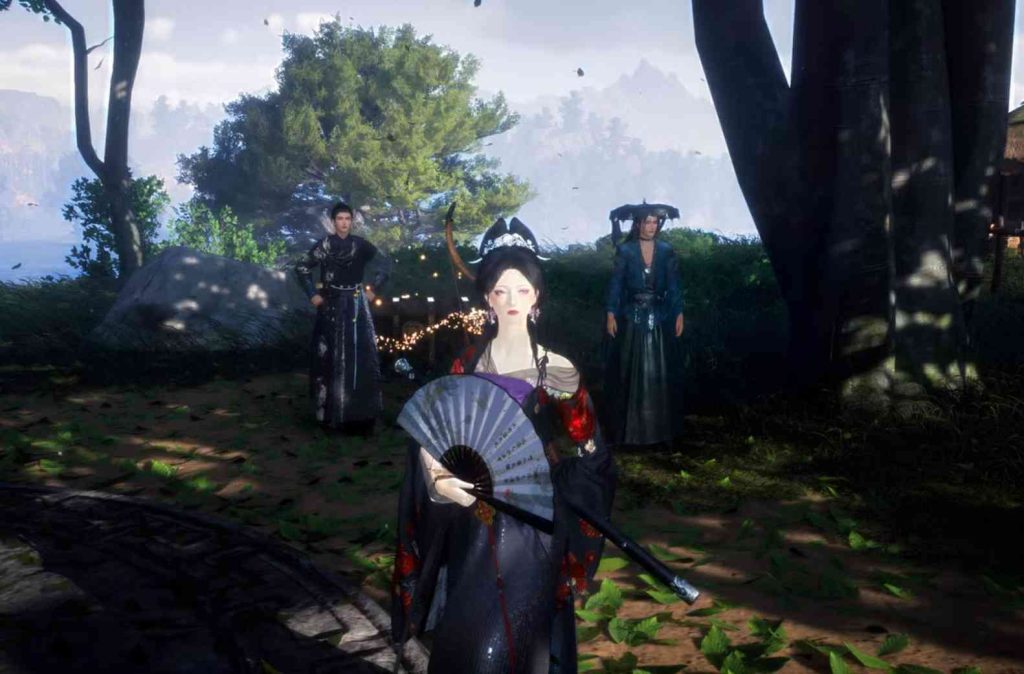
Follow these steps in order. Most players are fixed by Step 2 or 3.
1. Make Sure You’re in Online / MMO Mode, Not Just Solo
Scholars’ Hearth is an online feature, so first confirm you’re not stuck in pure Solo mode.
The mode system includes:
- Solo / Story mode
- Online / MMO mode
- Co-op and special instance modes
How to switch modes:
- Open the main system menu.
- Look for something labeled like Mode Switch or similar.
- Switch to Online / MMO mode.
- Confirm if a pop-up appears.
Once you’re in online mode, don’t open Scholars’ Hearth yet – first check that you’re not locked to a Leisure Room.
2. Leave Any Active Leisure Room or Mini-Game Instance
If you recently:
- Queued for a mini-game
- Joined a social room
- Accepted an activity from the Sentient Beings → Leisure section
…then you may still technically be “inside” that room instance.
To get out of that state:
- Look for a “Leave Room” or “Exit” button.
- If you’re in a mini-game, finish or cancel it, then choose Return to World.
- Wait until you’re back in the open world with normal HUD.
Only then try Scholars’ Hearth again.
3. Open Scholars’ Hearth from the Correct Menu
With Online mode active and no room instance open:
- Open the Activities / Online / Sentient Beings menu.
- Find the section where online leisure or social activities live.
- Find Scholars’ Hearth and select Participate / Join / Match.
- Confirm matchmaking if prompted.
If matchmaking works, the game should load you into the activity.
Extra Checks if You Still Can’t Join Scholars’ Hearth
If the error still appears, try these checks:
Check 1: Confirm You’re Not in Co-op Room Mode
Sometimes you may be in a co-op room, and the error still refers to “Room mode”.
What to do:
- Open the party menu.
- If you see Disband Room or Leave Room, you’re still in one.
- Leave or disband the room.
- Retry Scholars’ Hearth.
Check 2: Change Maps or Teleport
Sometimes the game keeps the room “flag”.
Try:
- Teleport to another region or city.
- Wait a few seconds.
- Try again.
Check 3: Relog Into Online Mode
If it still refuses:
- Log out to menu.
- Log back into Online / MMO mode.
- Go straight to Scholars’ Hearth.
Check 4: Make Sure Your Account Has Online Features Unlocked
Online mode unlocks after an early level threshold. If you haven’t reached it:
- Progress main story
- Finish early tutorials
- Return to Scholars’ Hearth afterward
Why the Game Uses Leisure Mode and Rooms for Activities Like Scholars’ Hearth
Where Winds Meet is a large open-world RPG with multiple layered modes:
- Solo
- Co-op
- MMO social systems
- PvP
- Raids
- Guild activities
- Leisure mini-games
To keep these stable, the game separates:
- Open world instances
- Room-based instances for mini-games, co-op, and social tasks
Scholars’ Hearth requires being in a neutral online world state, not in a room. If the game detects you’re still in one, it blocks the action.
Rule of thumb:
Before starting any online activity, make sure you’re not inside a Leisure Room or co-op room.
Summary: Fast Fix for “Currently in Leisure Mode Room mode, operation unavailable”
To fix Scholars’ Hearth not joining:
- Switch to Online / MMO mode using Mode Switch.
- Leave any active Leisure Room or mini-game.
- Ensure you’re not in a co-op room.
- Teleport or relog if needed.
Following these steps usually resolves the issue and lets you join Scholars’ Hearth normally.
FAQ 1: Why does it say “Currently in Leisure Mode Room, operation unavailable”?
This message appears when your character is still classified as being inside a Leisure Mode Room, even if you think you left it. This can happen after disconnects, crashes, or when you switch activities too fast. The game locks you out of activities like Scholars’ Hearth until it confirms you’ve fully exited the Leisure session. Even though it looks like you’re outside, the backend still keeps your session flag active, causing the block.
FAQ 2: How do I correctly exit Leisure Mode so I can join Scholars’ Hearth?
Open your in-game menu and manually choose the option that ends the current Leisure Mode Room session. If this doesn’t appear, you can force the reset by teleporting to a major city, using fast-travel to a distant region, or entering an instanced building. These actions typically trigger the game to refresh your state and clear the “Leisure Mode” tag. Once the tag resets, you’ll be able to queue for Scholars’ Hearth normally.
FAQ 3: Does changing my online mode or activity reset the bug?
Yes. Switching from Online Mode to Solo Mode and back can refresh your activity state and kick you out of the lingering Leisure Room session. Many players report that simply toggling modes and reloading the world forces the game to recognize that you are no longer participating in Leisure Mode, allowing you to enter Scholars’ Hearth immediately afterward.
FAQ 4: What if the Leisure Mode error keeps appearing even after relogging?
If relogging doesn’t fix the problem, your session state may be stuck server-side. In that case, the best workaround is to trigger a full world reload by performing actions such as restarting the game client, switching to another region on the map, or participating in a completely different activity like a duel or exploration challenge. These interactions often force the server to refresh your status and remove the blocked state.
FAQ 5: Can this issue affect other multiplayer activities in Where Winds Meet?
Yes. Any content that requires clean matchmaking—like Scholar activities, duels, co-op events, or special mode queues—can fail when your character is flagged as being inside an unfinished Leisure Mode Room. Until the leftover session is cleared, the game assumes you’re still busy and prevents you from joining anything new. Fixing the Leisure Mode Room state will usually restore access to all multiplayer features.