
A good smart plug that works with Apple HomeKit can make everyday devices feel a lot smarter without replacing them. From lamps and coffee makers to fans and holiday lights, these compact gadgets let you control power with your iPhone, iPad, Apple Watch, or Siri. That means you can turn devices on or off with a tap, set schedules, build automations, and even control them when you are away from home.
The best Apple HomeKit smart plugs are easy to set up, reliable in daily use, and responsive with voice commands. Some focus on simple on and off control, while others add extras like energy monitoring, compact designs, or Matter support for wider compatibility.
In this guide, we will look at some of the best smart plugs that work with Apple HomeKit to help you find the right option for your smart home setup, lifestyle, and budget.
Best 6 Smart Plugs That Work With Apple HomeKit
1. meross Smart Plug Mini
If you want a simple and affordable smart plug that works with Apple HomeKit, the meross Smart Plug Mini is an easy one to consider. It is designed for people who want straightforward smart control without dealing with a separate hub, and it supports not only Apple HomeKit and Siri, but also Alexa, Google Assistant, and other popular smart home platforms.
One of the nicest things about this plug is its practicality. The compact design means it only takes up one socket, so you can place two of them in the same outlet without wasting space. That makes it especially useful for lamps, coffee makers, fans, and other small household devices you want to automate.
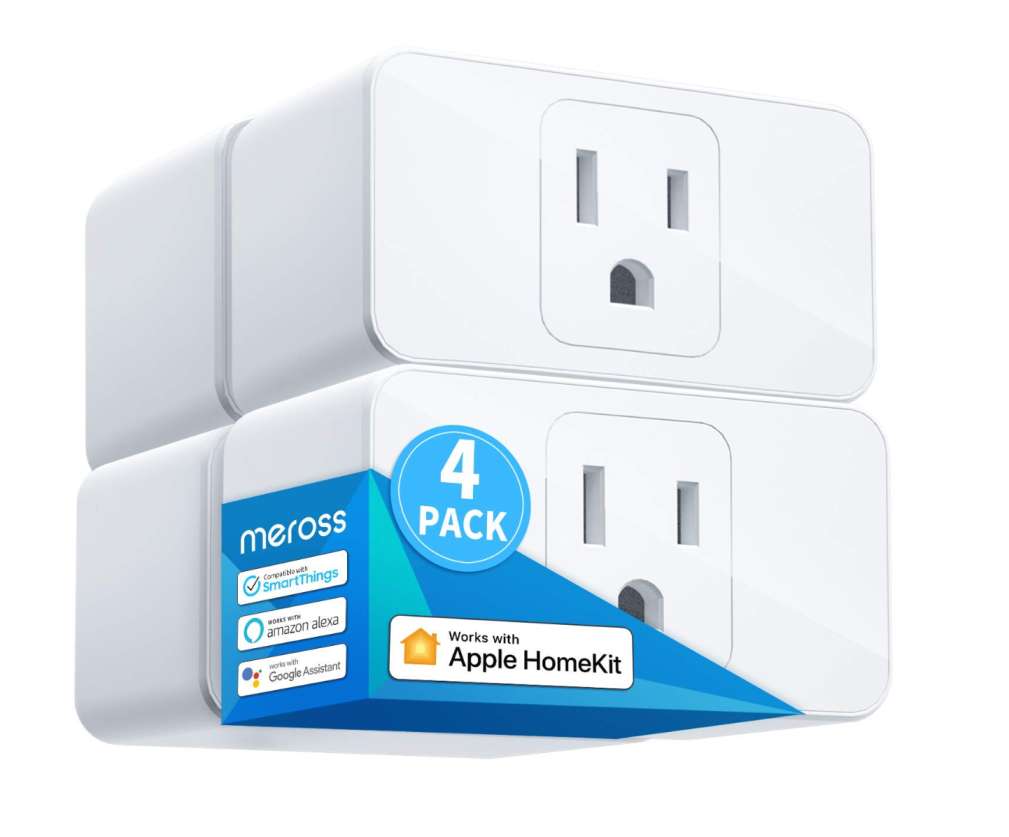
It also includes the features most people actually use every day, like app control, voice control, and scheduling. You can set timers, automate devices around sunrise or sunset, and manage appliances remotely when paired with a proper HomeKit hub such as a HomePod or Apple TV. For buyers who want a dependable and budget-friendly entry into the Apple smart home ecosystem, this one checks a lot of boxes.
Pros:
- Works with Apple HomeKit and Siri
- No separate hub required for setup
- Compact size leaves room for another plug
- Supports schedules and timers
- Works with Alexa and Google Assistant too
- 15A capacity handles many household devices
Cons:
- Requires 2.4GHz Wi-Fi only
- Remote HomeKit control needs a HomeKit hub
- No energy monitoring feature mentioned
- Basic design with fewer advanced extras
2. Kasa Smart Plug Mini
The Kasa Smart Plug Mini is a strong option for anyone who wants a dependable Apple HomeKit smart plug with a few extra features beyond basic on-and-off control. It works with HomeKit, Siri, Alexa, Google Assistant, and even SmartThings, so it fits nicely into mixed smart home setups as well as Apple-focused homes.
One feature that helps it stand out is energy monitoring. Unlike simpler smart plugs that only let you control power and schedules, this one also lets you track real-time energy use and view historical consumption in the Kasa app. That can be useful for lamps, heaters, fans, and other devices where you want a better idea of power usage over time.
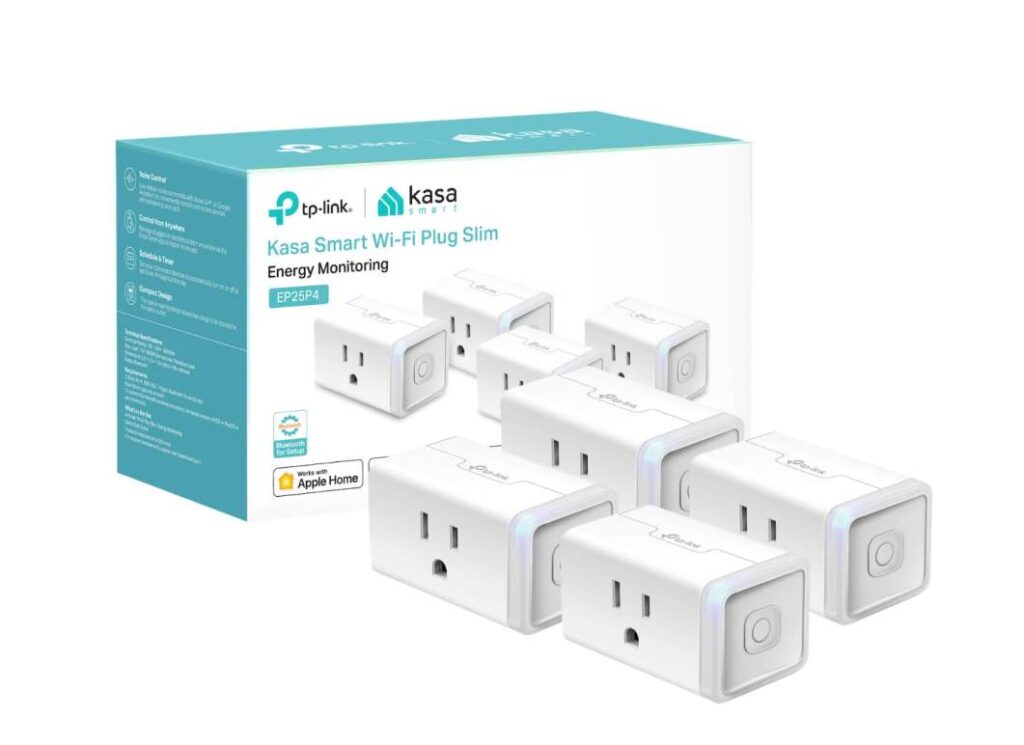
The plug is also designed to be easy to live with. Its compact body helps avoid blocking nearby outlets, and you still get the expected smart features like app control, scheduling, timers, and voice commands. For buyers who want a HomeKit-compatible plug that adds a little more functionality, the Kasa model feels like a smart upgrade over more basic options.
Pros:
- Supports Apple HomeKit and Siri
- Includes energy monitoring
- Works with Alexa, Google Assistant, and SmartThings
- Compact design helps save outlet space
- Easy setup with app support
- 15A / 1800W load capacity
Cons:
- Uses 2.4GHz Wi-Fi only
- Remote HomeKit control still needs an Apple hub
- Slightly pricier than basic smart plugs
- App experience may be more focused on Kasa ecosystem than Apple Home app
3. Linkind Matter Smart Plug with LED Night Light
The Linkind Matter Smart Plug is a smart pick for people who want more than a basic outlet switch. It works with Apple Home, Alexa, and Google Home, but the extra twist here is the built-in LED night light, which gives it a little more everyday usefulness than many standard smart plugs.
What makes this model stand out is the 2-in-1 design. You are not just getting remote control for a lamp, fan, or humidifier. You also get a soft night light with dusk-to-dawn sensing, which can be handy in hallways, bedrooms, or kids’ rooms. That means it can save space and reduce the need for a separate plug-in light.
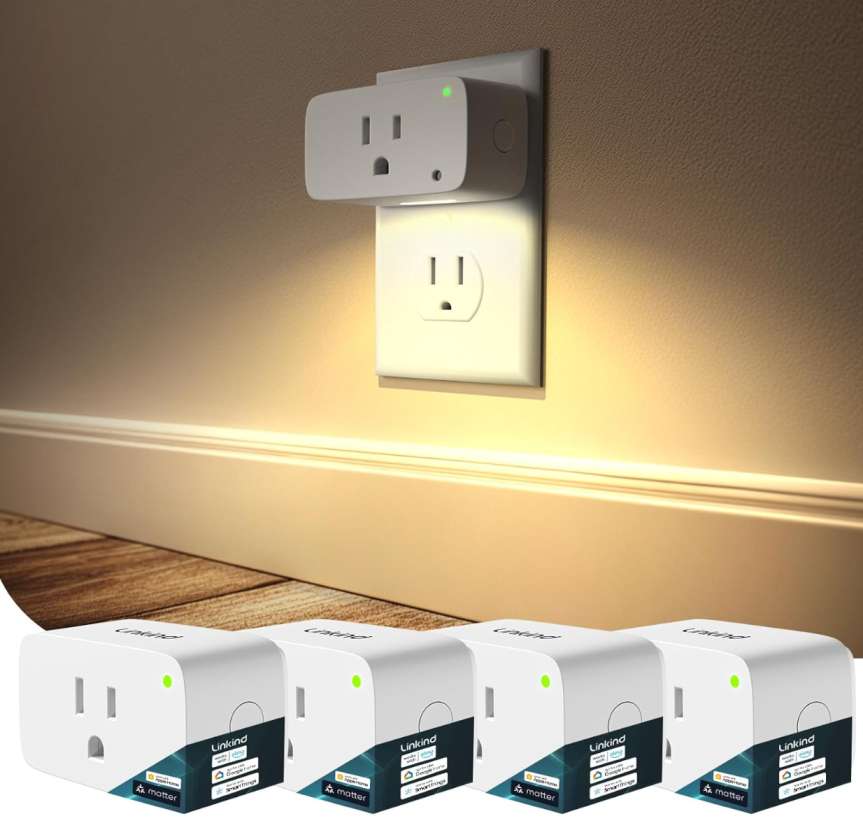
It is also a Matter-enabled smart plug, which is great for people building a mixed smart home setup. Matter support helps it work across multiple platforms more smoothly, while features like timers, schedules, and app control make it practical for daily routines. For buyers who want a HomeKit-friendly smart plug with a bit more versatility, this one feels like a clever option.
Pros:
- Works with Apple Home through Matter
- Built-in LED night light adds extra value
- Dusk-to-dawn lighting is convenient
- Compact design helps save outlet space
- Supports timers and schedules
- 15A / 1800W capacity for many home devices
Cons:
- 2.4GHz Wi-Fi only
- Apple Home control needs a Matter-compatible hub
- AiDot app may be less familiar than bigger smart home brands
- Built-in night light may be unnecessary for some users
4. Kasa Apple HomeKit Outdoor Smart Plug
The Kasa Apple HomeKit Outdoor Smart Plug is a strong choice for anyone who wants reliable smart control outside the house. Designed for Apple HomeKit, Siri, Alexa, and Google Home, it makes it easy to manage outdoor devices like string lights, patio lamps, fountains, and holiday decorations without stepping outside every time.
One of its best features is the dual-socket design with independent control. Instead of turning both outlets on and off together, you can control each one separately, which gives you more flexibility for different outdoor devices. That makes it especially useful if you want one set of lights on a schedule while keeping another outlet available for something else.
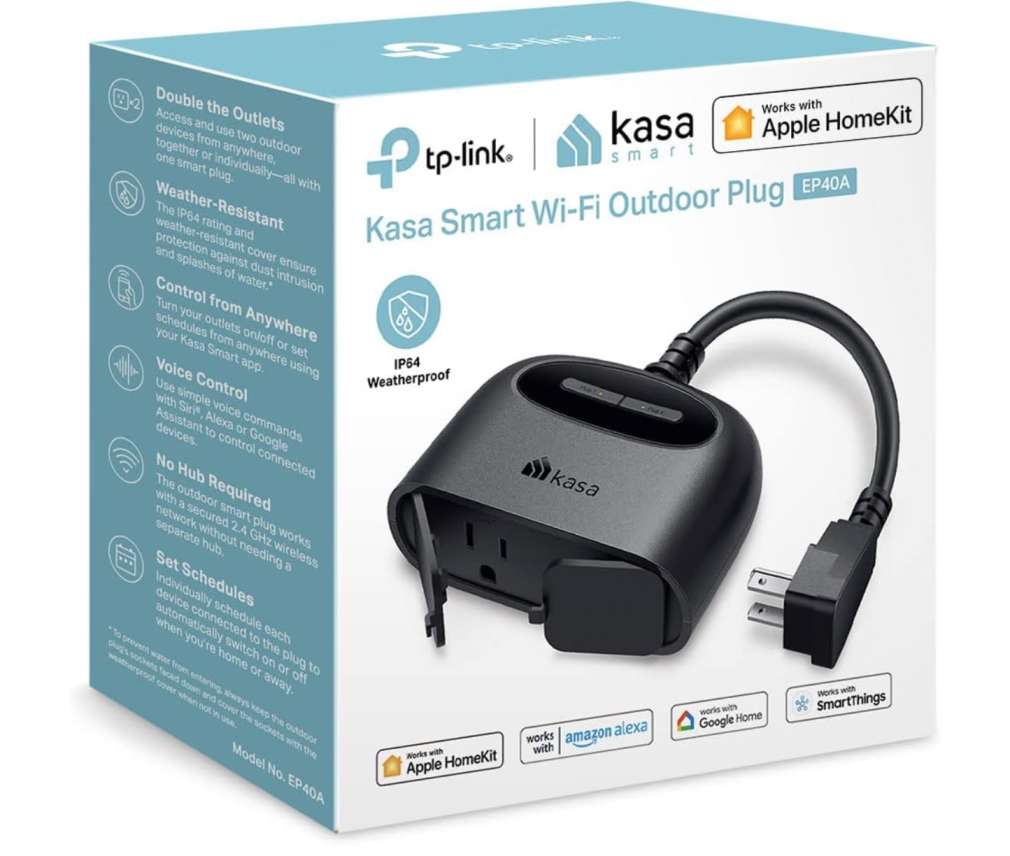
The IP64 weather-resistant build adds peace of mind for outdoor placement, while the long-range Wi-Fi connection, remote app control, and voice commands make everyday use simple and convenient. Add in support for grouping and scheduling, and this plug becomes an easy way to bring smarter automation to your yard, porch, or patio.
Pros:
- Works with Apple HomeKit and Siri
- Great for outdoor lights and appliances
- Two outlets with independent control
- IP64 weather-resistant design
- Scheduling and grouping features are helpful
- Also supports Alexa and Google Home
Cons:
- 2.4GHz Wi-Fi only
- Remote HomeKit control requires a HomePod or Apple TV
- Bulkier than a standard indoor smart plug
5. meross Smart Plug Power Strip Review
For anyone who wants more than a single outlet, the meross Smart Plug Power Strip is a practical Apple HomeKit-compatible option that gives you extra flexibility in one place. Instead of managing one lamp or one appliance at a time, this model gives you 4 AC outlets and 4 USB ports, making it a smart fit for desks, workstations, entertainment setups, and busy charging areas around the house.
A big reason this one stands out is how it balances convenience and control. The four AC outlets are individually controlled, so you can manage connected devices separately rather than switching everything on or off at once. That is especially useful when you want to automate multiple items like a desk lamp, fan, printer, or coffee machine from a single strip. The USB ports are group controlled, which still adds helpful charging space for phones, tablets, and smaller gadgets.
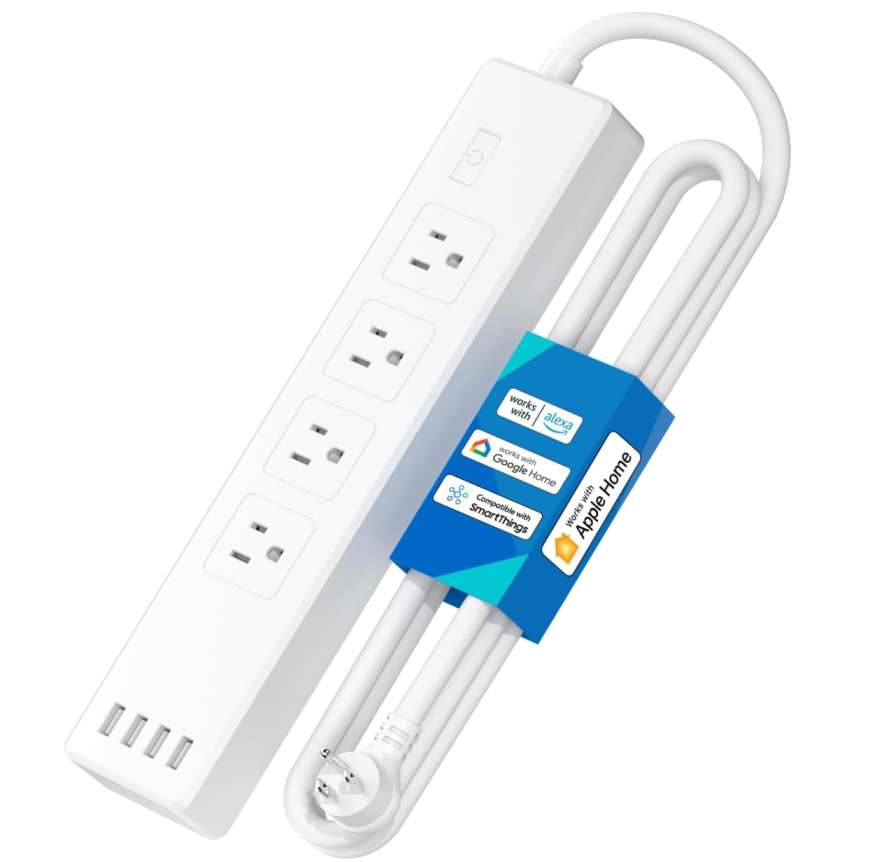
It also works well for people already using the Apple ecosystem. Since it supports Apple HomeKit, Siri, Alexa, Google Assistant, and SmartThings, it fits into a wide range of smart home setups. Features like app control, voice commands, timers, and sunrise/sunset scheduling make it more than just a surge protector. It becomes a central control point for several devices at once.
Pros:
- Works with Apple HomeKit and Siri
- 4 AC outlets can be controlled individually
- 4 USB ports add extra charging convenience
- Good for desks, home offices, and entertainment areas
- Supports schedules, timers, and sunrise/sunset automation
- Also works with Alexa, Google Assistant, and SmartThings
Cons:
- USB ports are group controlled, not individually controlled
- HomeKit remote access needs an Apple hub
- Larger than a standard smart plug
- Better for multi-device spaces than simple one-device setups
6. TP-Link Tapo P125M Smart Plug Mini Review
If you want a modern smart plug that works with Apple Home without getting locked into one ecosystem, the TP-Link Tapo P125M is a very appealing option. Because it supports Matter, it is built for buyers who want flexibility today and better compatibility down the road. That makes it a smart pick for homes using Apple Home, Alexa, Google Home, or SmartThings.
One of the nicest things about this plug is how easy it is to live with. The compact design helps it fit neatly into an outlet without hogging extra space, which is especially useful when you want to plug in more than one device nearby. It is also rated for 15A / 1800W, so it can handle many everyday devices like lamps, fans, coffee makers, and holiday lights.
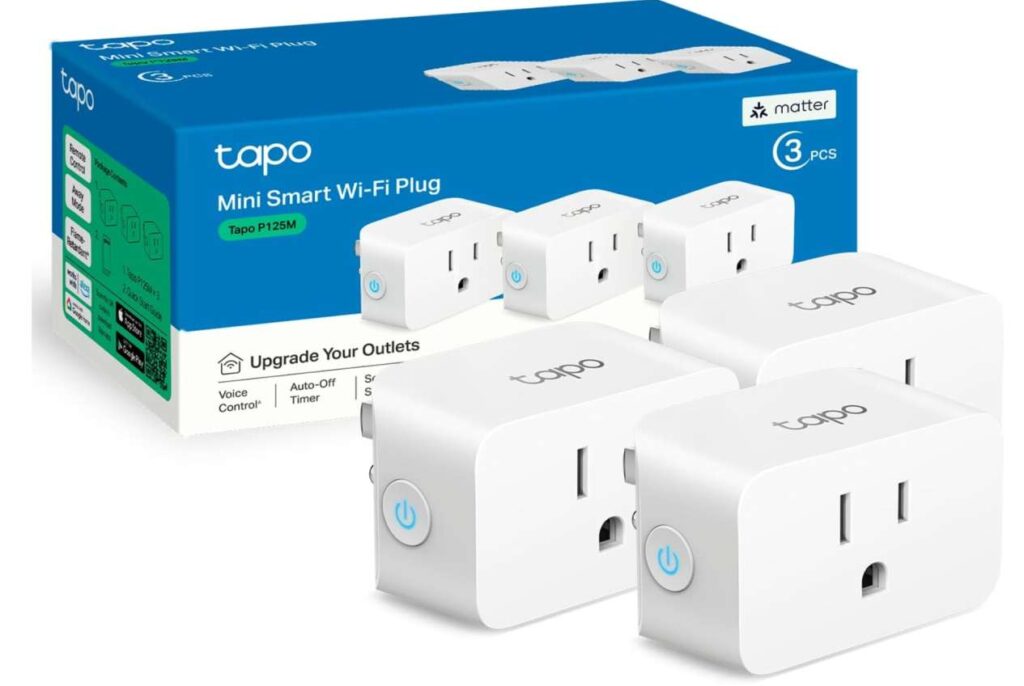
Where this model really feels future-ready is its Matter support. That gives you broader platform compatibility and smoother local control inside your home network. In simple terms, it is designed to keep working well with your smart home setup as it grows. Add in app control, voice commands, advanced scheduling, and easy Bluetooth setup, and this plug becomes a strong choice for anyone who wants convenience without complication.
Pros:
- Works with Apple Home through Matter
- Compact design saves outlet space
- 15A / 1800W capacity suits many household devices
- Easy setup with Bluetooth onboarding
- Supports Alexa, Google Home, and SmartThings too
- Good future-proof choice for mixed smart homes
Cons:
- 2.4GHz Wi-Fi only
- Matter setup may feel less familiar to complete beginners
- No energy monitoring mentioned
- Basic design focuses more on function than extras
What to Look for Before Buying
Before picking a smart plug that works with Apple HomeKit, it helps to focus on the features that actually affect daily use. A plug may look great on paper, but the right choice depends on where you plan to use it and what you want it to control.
1. Apple HomeKit or Apple Home support
Start with the most important thing: make sure the product clearly says it works with Apple HomeKit, Apple Home, or Matter with Apple Home support. If that is missing, it is probably not the right fit for a HomeKit-focused setup.
2. Indoor or outdoor use
Think about where the plug will go. Indoor models are fine for lamps, fans, and coffee makers, while outdoor plugs need weather resistance for patios, gardens, and holiday lights.
3. Single plug or multi-outlet design
Some people only need one smart outlet for a lamp. Others may want a power strip or dual-socket outdoor plug to control several devices in one place. Choose the design that matches your space.
4. Independent outlet control
If you are buying a power strip or dual-outlet plug, check whether each outlet can be controlled separately. That gives you more flexibility and makes automations more useful.
5. Wi-Fi and hub requirements
Many smart plugs use 2.4GHz Wi-Fi only, so make sure your network supports that. Also check whether remote Apple Home control needs a HomePod, Apple TV, or another Apple hub.
6. Matter support
If you want more flexibility for the future, a Matter-compatible smart plug can be a smart buy. It works especially well for homes using different ecosystems like Apple, Alexa, and Google.
7. Energy monitoring
Some smart plugs let you track power usage in real time. This is useful if you want to monitor how much electricity a fan, heater, or other device is using.
8. Size and outlet clearance
A compact plug is often easier to live with because it does not block the second outlet. This matters a lot if you are plugging devices into tight wall spaces or power strips.
9. Scheduling and automation features
Look for features like timers, daily schedules, sunrise/sunset routines, and app-based automation. These small features make a big difference in everyday convenience.
10. Safety certifications and power rating
Check the amp rating, watt limit, and certifications like UL, ETL, or FCC. This helps make sure the smart plug is safe for the appliance you plan to connect.
A good smart plug should fit your setup, support the Apple ecosystem properly, and make your routine easier instead of more complicated.