
Choosing the Best External Monitor for Razer Blade 16 is one of the smartest upgrades you can make if you want to fully use the power of this laptop. The Blade 16 already delivers strong performance, but pairing it with the right monitor gives you more screen space, better visuals, and a smoother overall experience.
Whether you’re gaming, editing videos, or multitasking, an external monitor can completely change how you work and play. High refresh rate displays improve smoothness and responsiveness, while higher resolutions like 1440p or 4K give you sharper visuals and more detail.
The key is picking a monitor that actually matches what the Blade 16 can handle. Things like refresh rate, panel quality, color accuracy, and connectivity (HDMI 2.1 / USB-C) all matter depending on your use case.
In this guide, we’ve selected the Best External Monitor for Razer Blade 16 based on real-world usage—whether you want competitive gaming performance, content creation quality, or a balanced all-round setup.
But Before that, also read:
Best 6 External Monitor for Razer Blade 16 : New
UPERFECT 14″ OLED Portable Monitor (3K 120Hz) – Honest Review for Razer Blade 16
If you are using the Razer Blade 16 and need a high-quality secondary display, the UPERFECT 14-inch OLED portable monitor is a strong option. This is designed for portability and visual quality rather than replacing a full desktop monitor.
This is one of the best portable external monitors for Razer Blade 16 if your priority is OLED display quality in a compact form.
Display Quality
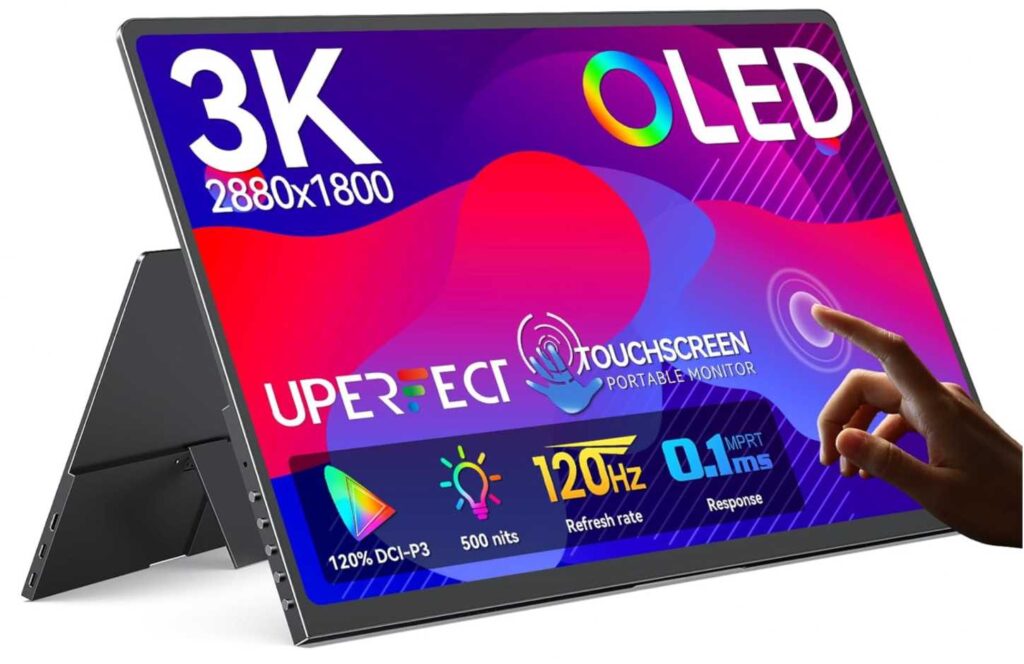
The biggest strength of this monitor is the OLED panel. You get a 3K resolution (2880×1800), which is noticeably sharper than standard Full HD or even 1440p on a 14-inch screen.
The OLED panel delivers true blacks, high contrast, and vibrant colors that look significantly better than most IPS portable monitors.
With 120% DCI-P3 color coverage and up to 500 nits brightness, it works well for content consumption, editing, and general productivity.
Performance
This monitor supports a 120Hz refresh rate and a 0.1ms response time.
The high refresh rate makes scrolling, animations, and light gaming feel smooth when paired with the Razer Blade 16.
However, it is important to note that full 120Hz is only supported through USB-C. HDMI is limited to 100Hz at 3K resolution.
Portability and Design
The design is one of its strongest selling points. It is extremely thin and weighs around 1.29 lbs, making it easy to carry alongside your laptop.
This is ideal if you want a portable monitor for Razer Blade 16 for travel, work setups, or dual-screen productivity on the go.
The metal body gives it a premium feel, and the included stand makes it easy to set up anywhere.
Touchscreen Experience
The touchscreen is accurate and responsive with no noticeable offset.
Touch input works reliably for navigation, drawing, and quick interactions, which adds real usability rather than feeling like a gimmick.
Pros
- OLED panel with excellent contrast and true blacks
- Sharp 3K resolution on a compact screen
- Smooth 120Hz refresh rate (via USB-C)
- Lightweight and highly portable design
- Accurate and responsive touchscreen
- Wide color gamut suitable for creative work
Cons
- Not suitable as a primary monitor due to small size
- Brightness is good but not ideal for strong outdoor lighting
- Full 120Hz requires USB-C, not HDMI
- OLED panels carry long-term burn-in risk with static content
Final Verdict
This monitor is best used as a premium secondary display, not a replacement for a full-sized external monitor.
If you want a portable monitor for Razer Blade 16 with top-tier display quality, this is a very strong choice.
MAGICRAVEN 17.3″ 144Hz Portable Gaming Monitor
If you want a bigger portable screen for the Razer Blade 16, the MAGICRAVEN 17.3-inch monitor is a solid option.
This is one of the best portable gaming monitors for Razer Blade 16 if you prefer a larger screen with smooth performance at a reasonable price.
Display and Performance
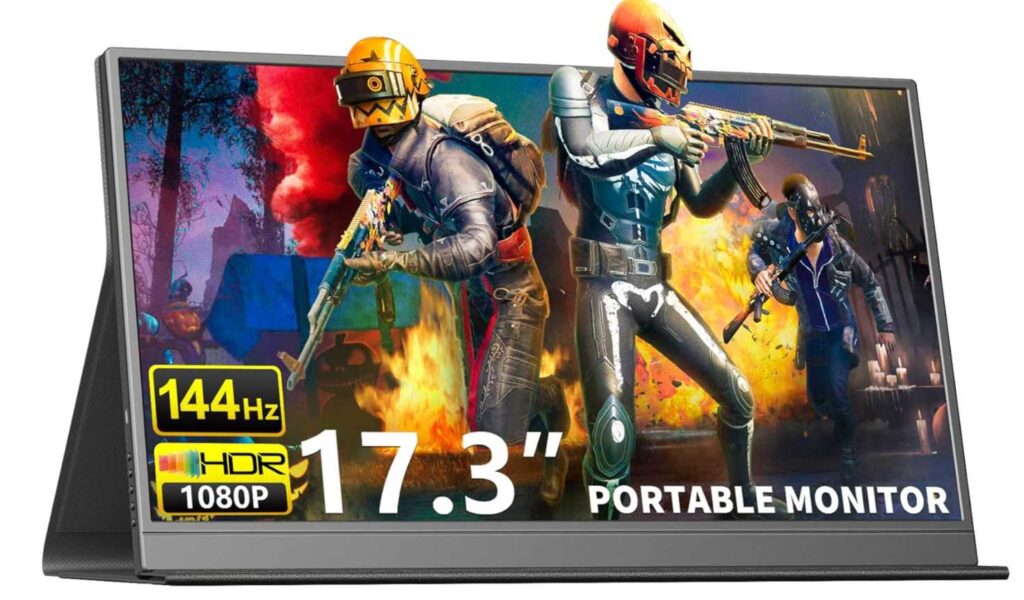
The 17.3-inch Full HD IPS panel gives you more screen space, which improves both gaming and productivity.
The 144Hz refresh rate makes gameplay noticeably smoother and works well with the Razer Blade 16’s performance.
It also includes AMD FreeSync to reduce screen tearing.
Portability and Connectivity
At around 2 lbs, it is still portable but less compact than smaller monitors.
It is portable enough for travel, but not as convenient as 14-inch options.
Dual USB-C and HDMI make connectivity simple, and it works with a single cable setup.
Pros
- Large 17.3-inch display improves usability
- 144Hz refresh rate for smooth gaming
- Easy connectivity with USB-C and HDMI
- Good value for a gaming portable monitor
Cons
- 1080p resolution is not very sharp at this size
- Brightness is average (280 nits)
- Less portable due to larger size
- Built-in speakers are basic
Final Verdict
This monitor focuses on size and smooth gaming rather than high resolution.
If you want a larger external monitor for Razer Blade 16 with 144Hz performance, this is a strong budget-friendly choice.
UPERFECT 24.5″ 500Hz Portable Gaming Monitor
If you want extreme performance from an external display for the Razer Blade 16, this UPERFECT 24.5-inch 500Hz monitor is built for competitive gaming.
This is one of the fastest external monitors for Razer Blade 16, designed specifically for high-level competitive gameplay.
Performance and Display
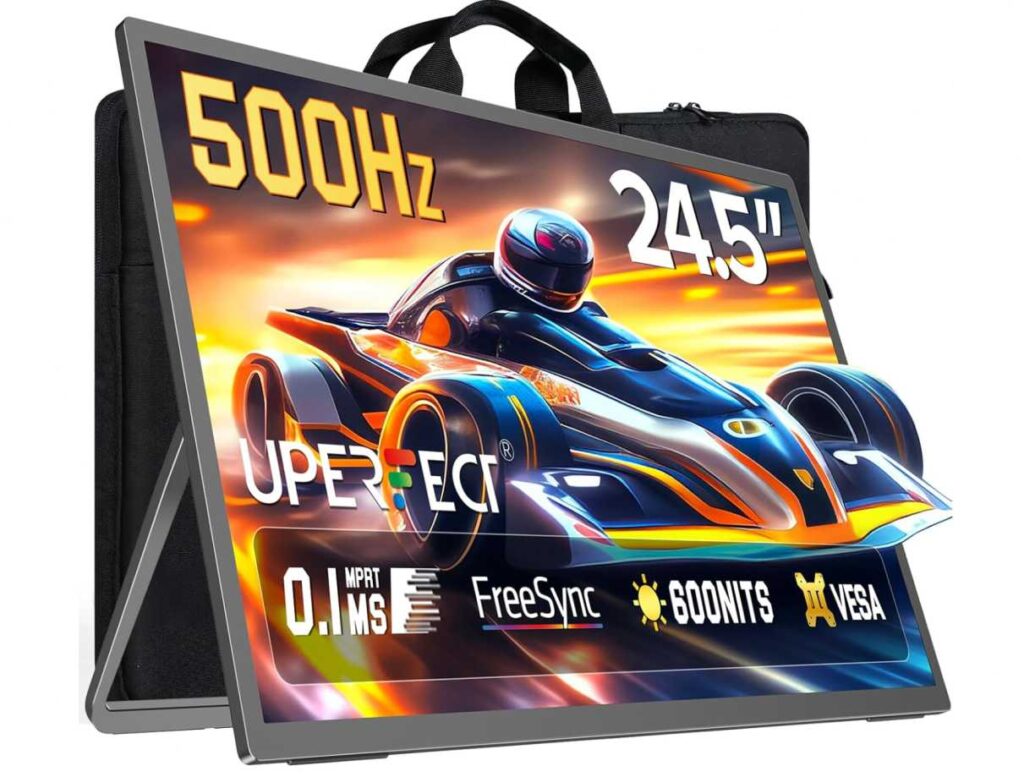
The standout feature is the 500Hz refresh rate with a 0.1ms response time.
This delivers ultra-smooth motion and extremely low input lag, making it ideal for FPS and esports gaming.
The 24.5-inch Full HD IPS panel provides decent color (108% sRGB) and strong brightness at 600 nits.
Design and Usability
Despite the larger size, it is still designed to be portable with a slim build and included stand.
This sits between a portable monitor and a desktop monitor, giving you both flexibility and immersion.
It also supports VESA mounting, making it suitable for both travel and desk setups.
Connectivity
With USB-C, HDMI, and DisplayPort support, connectivity is very flexible.
You can fully utilize high refresh rates when connected properly to the Razer Blade 16.
Pros
- Extremely fast 500Hz refresh rate for competitive gaming
- 0.1ms response time reduces motion blur
- Bright display (600 nits) with good color coverage
- Larger 24.5-inch screen improves immersion
- Multiple ports including DP, HDMI, and USB-C
Cons
- 1080p resolution is low for a 24.5-inch screen
- 500Hz is overkill for most users and games
- Less portable than smaller monitors
- Expensive compared to typical portable displays
Final Verdict
This monitor is built for a very specific audience focused on competitive gaming performance.
If you want the fastest possible external monitor for Razer Blade 16 and play esports titles, this is a powerful choice, but not ideal for general use or content creation.
Samsung 24″ Essential Monitor (S30GD) for Razer Blade 16
The Samsung 24″ Essential Monitor S30GD is a simple, desk-focused display that pairs well with the Razer Blade 16 if you want something affordable and reliable for everyday use.
This is a practical entry-level external monitor for Razer Blade 16, built for work, browsing, and casual gaming rather than high-end performance.
Display and Everyday Use
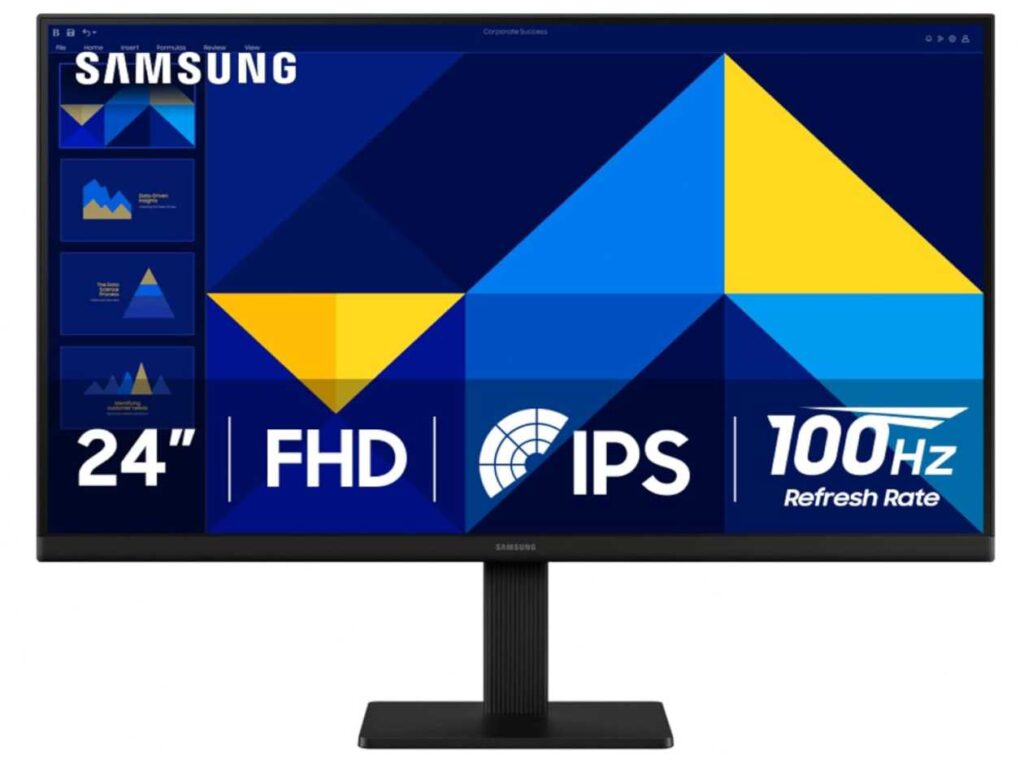
The 24-inch Full HD IPS panel delivers consistent colors and good viewing angles.
The IPS panel ensures colors stay accurate and stable, which makes it comfortable for long work sessions.
The 100Hz refresh rate is a step above standard 60Hz, offering smoother scrolling and better responsiveness.
Design and Comfort
The design is clean and minimal with slim bezels, making it suitable for most desk setups.
It is easy on the eyes during long sessions thanks to reduced blue light and flicker-free technology.
However, the stand only supports tilt adjustment, which limits ergonomic flexibility.
Performance
While it includes a Game Mode and 100Hz refresh rate, it is not built for competitive gaming.
This monitor is better suited for general use rather than pushing the full power of the Razer Blade 16.
Pros
- Affordable and reliable for daily use
- IPS panel with consistent colors
- 100Hz refresh rate is smoother than 60Hz
- Eye comfort features for long sessions
- Clean and modern design
Cons
- 1080p resolution is basic for a 24-inch display
- Limited adjustability (tilt only stand)
- Not ideal for high-end gaming or creative work
- Lacks premium features like USB-C
Final Verdict
This monitor focuses on simplicity, comfort, and value rather than performance.
If you want a budget external monitor for Razer Blade 16 for office work, browsing, or casual use, this is a dependable and cost-effective choice.
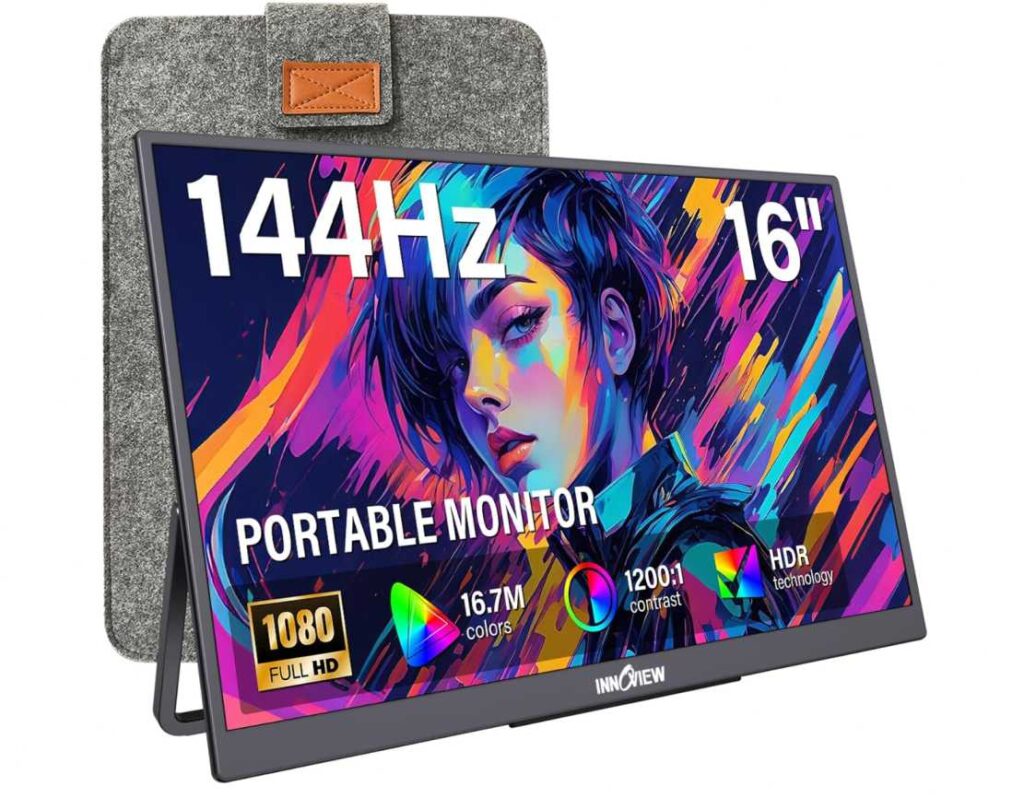
InnoView 16″ 144Hz Portable Monitor for Razer Blade 16
The InnoView 16-inch portable monitor is designed for users who want a balance between portability, smooth performance, and affordability when paired with the Razer Blade 16.
This is a well-balanced portable monitor for Razer Blade 16 that offers smooth performance without a high price tag.
Display and Performance
The 16-inch display uses a 1920×1200 resolution with a 16:10 aspect ratio, giving you slightly more vertical space than standard screens.
The 16:10 aspect ratio makes a real difference for productivity tasks like coding, browsing, and document work.
With a 144Hz refresh rate and FreeSync support, it delivers smooth visuals for gaming and everyday use.
Portability and Setup
Weighing around 1.73 lbs and very thin, it is easy to carry alongside your laptop.
It is portable enough for daily travel while still offering a comfortable screen size.
It supports dual USB-C and HDMI connections with plug-and-play functionality, though a power adapter is not included.
Visual Quality
The IPS panel provides good color reproduction and wide viewing angles.
The display quality is solid for its price, but it does not compete with higher-end OLED or premium IPS panels.
HDR support and eye-care features help improve long-session usability.
Pros
- 144Hz refresh rate for smooth performance
- 16:10 aspect ratio improves productivity
- Lightweight and travel-friendly design
- Easy connectivity with USB-C and HDMI
- Strong value for the price
Cons
- Adapter not included in the box
- Brightness and contrast are average
- Not suitable for professional color work
- Build quality is decent but not premium
Final Verdict
This monitor offers a strong mix of performance, portability, and price.
If you want a portable external monitor for Razer Blade 16 that handles both work and casual gaming smoothly, this is a smart and budget-friendly option.
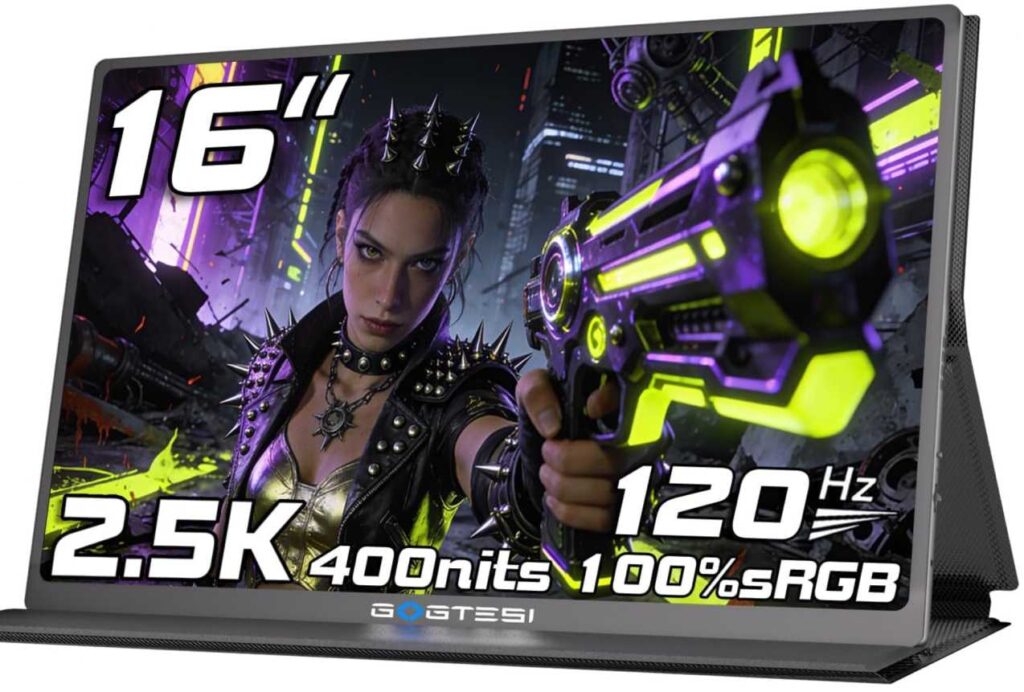
gogtesi 16″ 2.5K 120Hz Portable Monitor for Razer Blade 16
The gogtesi 16-inch portable monitor stands out by offering higher resolution and balanced performance at an affordable price when paired with the Razer Blade 16.
This is a strong option if you want sharper visuals than standard 1080p without spending on premium OLED displays.
Display and Visual Experience
The 16-inch panel features a 2.5K resolution (2560×1600) with a 16:10 aspect ratio.
The higher resolution combined with 16:10 gives you noticeably sharper visuals and more usable screen space for work and content.
With 100% sRGB and HDR support, colors look accurate and vibrant for everyday use, while 400 nits brightness makes it usable in most lighting conditions.
Performance
The 120Hz refresh rate ensures smoother scrolling and better responsiveness compared to standard 60Hz monitors.
It offers a good balance between visual clarity and smooth performance for both work and casual gaming.
Portability and Setup
Weighing around 1.7 lbs with a slim design, it remains easy to carry.
It is portable enough for travel while still delivering a more premium viewing experience than most budget monitors.
It includes all essential cables and supports USB-C and HDMI with plug-and-play functionality.
Pros
- Sharp 2.5K resolution with 16:10 aspect ratio
- Smooth 120Hz refresh rate
- Good brightness (400 nits) and color accuracy
- Lightweight and travel-friendly
- Comes with full accessories and cables
Cons
- Not as color-accurate as high-end displays
- Build quality is average
- HDR performance is limited
- Not designed for competitive gaming
Final Verdict
This monitor delivers a well-rounded mix of resolution, performance, and portability.
If you want a high-resolution portable monitor for Razer Blade 16 that improves both productivity and visual quality without a high price, this is a smart choice.
Final Thoughts: Choosing the Best External Monitor for Razer Blade 16
After testing multiple options, it is clear that there is no single “perfect” monitor for every Razer Blade 16 user. The right choice depends on how you actually plan to use it.
If your priority is visual quality, OLED and higher-resolution panels clearly stand out.
If you care more about performance, high refresh rate monitors deliver a smoother experience.
If budget matters most, there are solid options that still provide a good overall experience.
Portable monitors are ideal if you need flexibility and mobility, while larger displays are better suited for a more permanent desk setup.
The key is to match the monitor to your workflow, not just the specifications.
A high-end monitor only makes sense if you can actually benefit from its features. For many users, a balanced option with good resolution, decent refresh rate, and reliable connectivity will be the smartest choice.
In the end, the best external monitor for Razer Blade 16 is the one that fits your daily usage, not just the one with the highest specs.