
A 27-inch monitor is one of the most popular sizes, but it can take up a lot of desk space if you’re using the default stand. That’s where a monitor arm for 27 inch monitor under $100 makes a big difference.
With the right monitor arm, you can free up desk space, improve ergonomics, and adjust your screen exactly how you want—whether it’s height, tilt, swivel, or even rotation for vertical use.
The good news is you don’t need to spend a lot. There are plenty of budget-friendly monitor arms under $100 that offer solid build quality, smooth movement, and enough strength to hold a 27-inch monitor securely.
In this guide, we’ve picked the best monitor arms for 27 inch monitors that balance affordability, flexibility, and durability—so you can upgrade your setup without overspending.
1. HUANUO Single Monitor Arm (13–49 inch Monitors)
Supports: 13–49 inch monitors
Weight Capacity: Up to 26.4 lbs
If you want something premium but still within budget, this is a strong contender for the Best Monitor Arm for 27 inch Monitor Under $100.
What makes this stand out is how versatile and smooth it feels in daily use. You get full adjustability—tilt, swivel, rotation, and long extension—so positioning a 27-inch monitor is effortless whether you’re working, gaming, or using a standing desk.
The height adjustment (up to 21 inches) is a big advantage. It helps you set your screen at eye level, which makes a noticeable difference in comfort during long sessions.
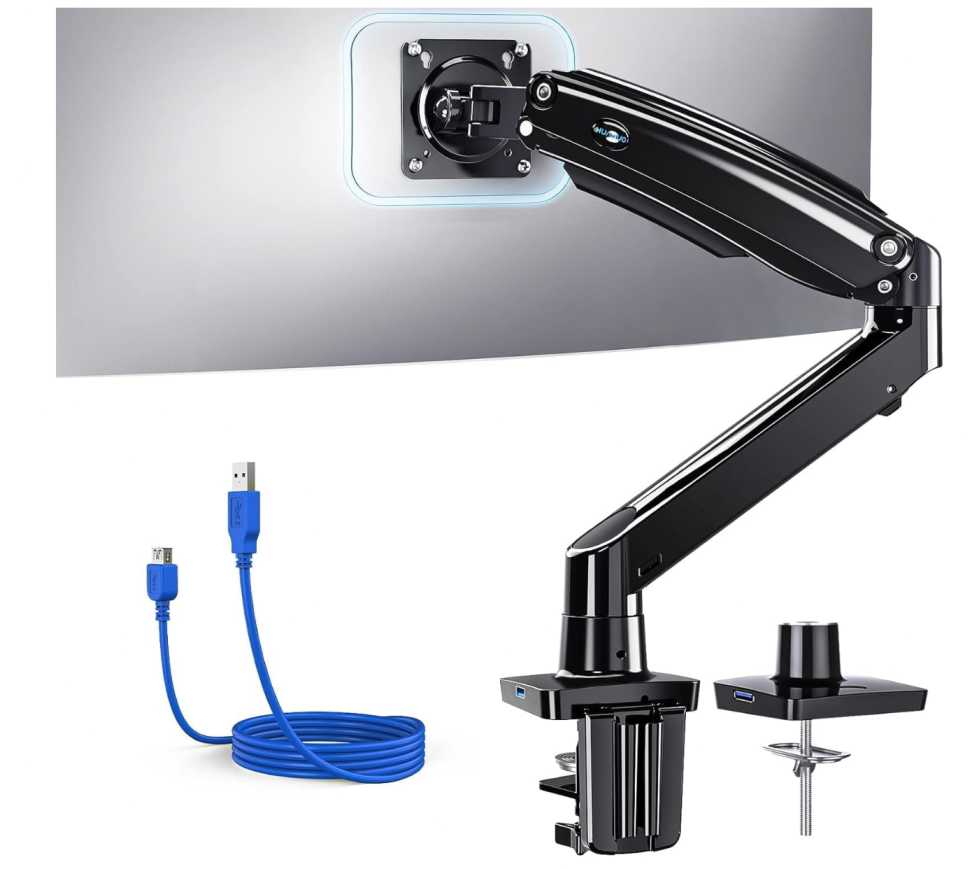
Build quality is another highlight. It uses aluminum construction, which feels sturdy and stable even when fully extended. It’s clearly designed to handle larger monitors, so a 27-inch setup feels easy for it.
A nice extra is the built-in USB port, which adds convenience for charging or connecting devices without reaching under your desk.
What We Like
- Smooth full-motion adjustability
- Excellent height range for ergonomics
- Strong and premium build quality
- Built-in USB port for convenience
- Works great for ultrawide and future upgrades
What We Don’t Like
- Slightly expensive for a single arm
- Overkill for basic setups
A great choice if you want a feature-packed, premium monitor arm that gives you maximum flexibility and long-term value for a 27-inch monitor.
2. BIZUM Heavy Aluminum Monitor Arm (17–43 inch Monitors)
Supports: 17–43 inch monitors
Weight Capacity: Up to 33 lbs
If you want something strong but still reasonably priced, this is a solid pick for the Best Monitor Arm for 27 inch Monitor Under $100.
What stands out here is the higher weight capacity (33 lbs). For a 27-inch monitor, that means extra stability and smooth movement without any wobble.
You also get full flexibility—tilt (±90°), swivel, rotation (360°), and good extension range—so you can easily adjust your screen for work, gaming, or even vertical setups.
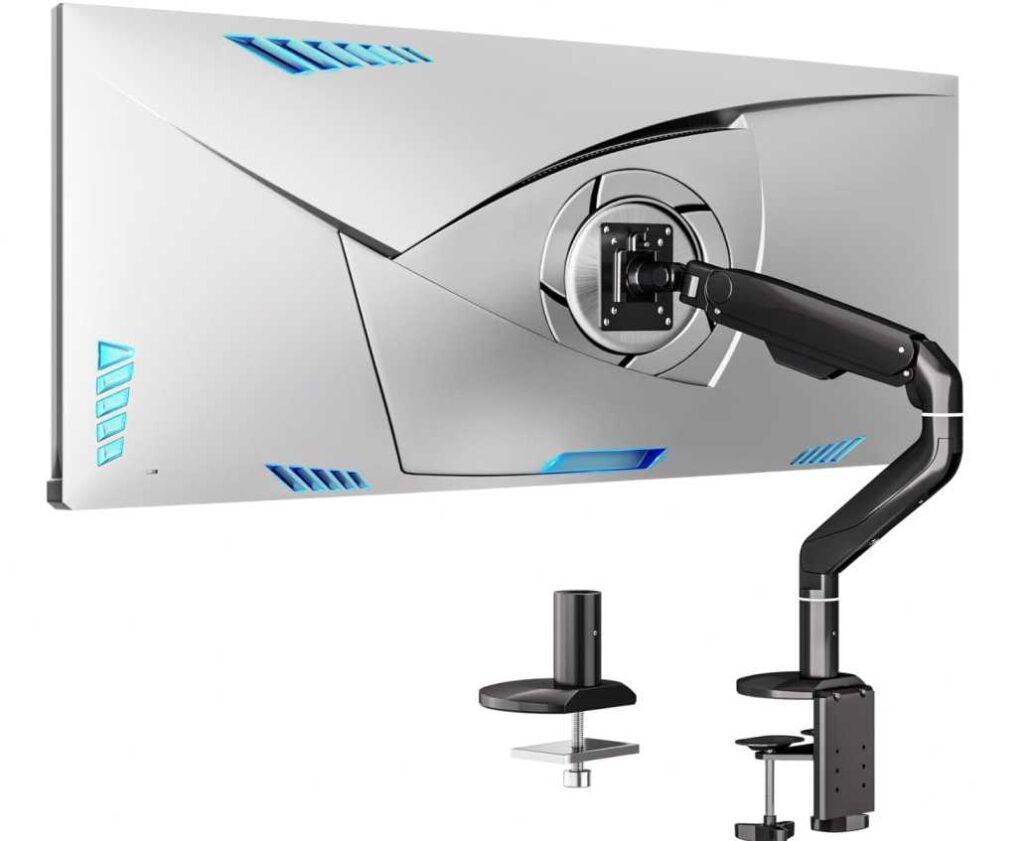
The aluminum build quality feels premium and durable. It’s designed to last, and the joints stay smooth even after repeated adjustments.
It also helps keep your desk clean with built-in cable management, which is always a plus for a tidy setup.
What We Like
- Strong and stable for heavier monitors
- Smooth full-motion adjustability
- Premium aluminum build
- Good height and extension range
- Clean cable management
What We Don’t Like
- Slightly bulky design
- Not the cheapest option
A great option if you want a durable and stable monitor arm that handles a 27-inch monitor with ease while offering full flexibility.
3. VIVO Premium Aluminum Monitor Arm (17–40 inch Monitors)
Supports: 17–40 inch monitors
Weight Capacity: Up to 26.4 lbs
If you want a good balance between price and premium feel, this is a smart choice for the Best Monitor Arm for 27 inch Monitor Under $100.
What makes this stand out is the smooth lift mechanism. The built-in spring system makes height adjustments feel effortless, which is great if you frequently change positions while working.
You still get full flexibility—tilt (±90°), swivel, rotation, and adjustable height—so positioning a 27-inch monitor is quick and easy.
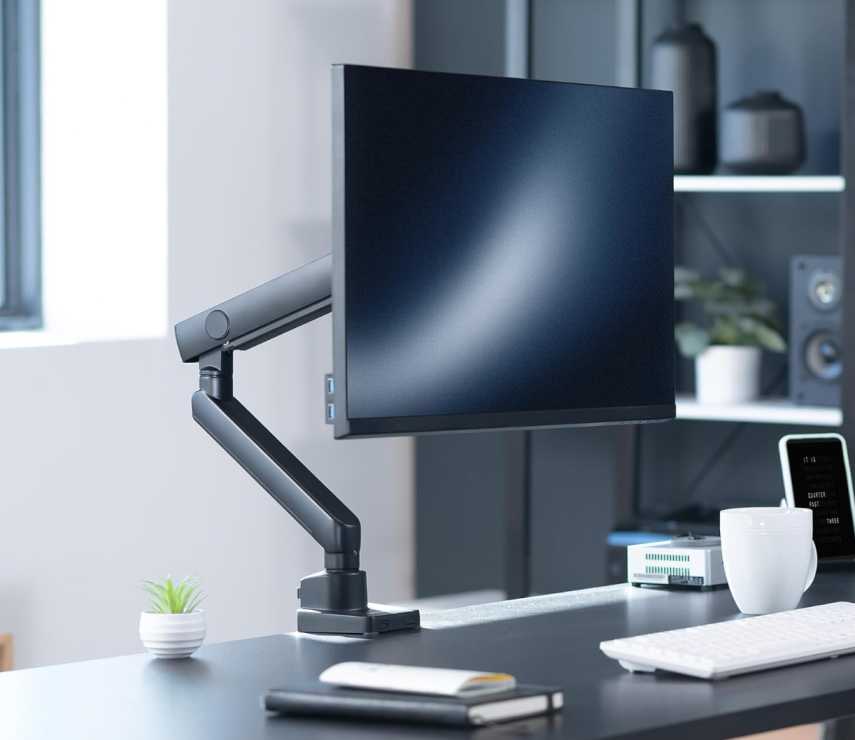
The aluminum build quality gives it a premium look and solid feel without being too heavy or bulky. It holds a 27-inch monitor comfortably with no stability issues.
Cable management is also included, helping you keep your desk setup clean and organized.
What We Like
- Smooth lift mechanism for easy adjustments
- Premium aluminum build quality
- Full motion flexibility
- Clean cable management
- Good value for money
What We Don’t Like
- Height range is slightly lower than some options
- Not ideal for very heavy monitors
A great pick if you want a smooth, premium-feeling monitor arm that’s reliable and easy to use for a 27-inch setup.
4. Acer Single Monitor Arm (17–34 inch Monitors)
Supports: 17–34 inch monitors
Weight Capacity: 4.4–19.8 lbs
If you’re looking for a budget-friendly and practical option, this is a great pick for the Best Monitor Arm for 27 inch Monitor Under $100.
What makes this a good choice is the gas spring mechanism. It allows smooth, one-hand height adjustment, which is perfect if you like to switch between sitting and standing positions.
You still get full flexibility—tilt (-60° to +90°), swivel (±90°), rotation (360°), and height adjustment up to 18 inches—so you can easily position your 27-inch monitor exactly where you want it.
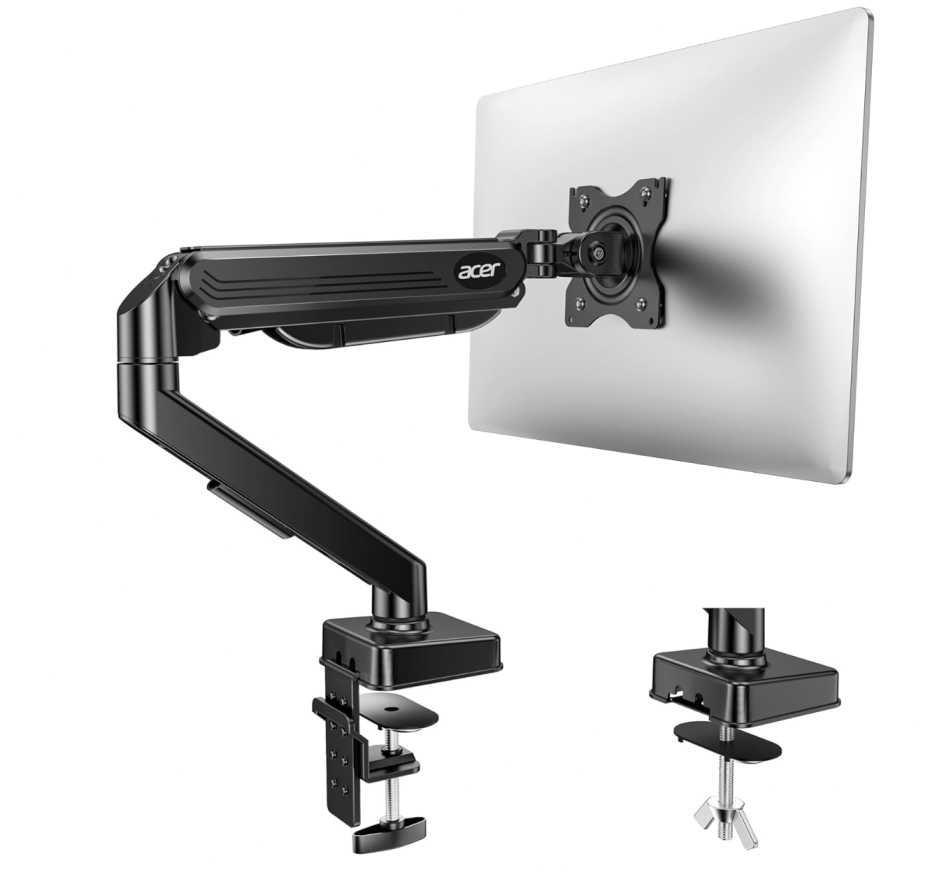
The build is solid for the price, and it’s been tested for long-term use, so you don’t have to worry about sagging with a standard 27-inch monitor.
Installation is quick and simple, with both C-clamp and grommet options, making it suitable for most desks.
What We Like
- Very affordable price
- Smooth gas spring height adjustment
- Full motion flexibility
- Easy and quick installation
- Good for everyday setups
What We Don’t Like
- Lower weight capacity than premium arms
- Not ideal for heavy ultrawide monitors
A great option if you want a simple, affordable monitor arm that works perfectly for a 27-inch monitor without spending much.
5. WALI Heavy Duty Monitor Arm (17–49 inch Monitors)
Supports: 17–49 inch monitors
Weight Capacity: Up to 33 lbs
I’ve used a few budget monitor arms, and honestly, this one surprised me. For the price, it feels much more capable than you’d expect—especially if you’re setting up a 27-inch monitor.
The first thing I noticed was the gas spring adjustment. Once you set the tension correctly, the monitor stays exactly where you put it. No slow dropping, no constant readjusting—which is something cheaper arms often struggle with.
In day-to-day use, the flexibility is solid. You can tilt, swivel, rotate, and adjust height easily, and it’s smooth enough to move with one hand. For a 27-inch monitor, it feels stable even when you pull it forward or adjust angles frequently.
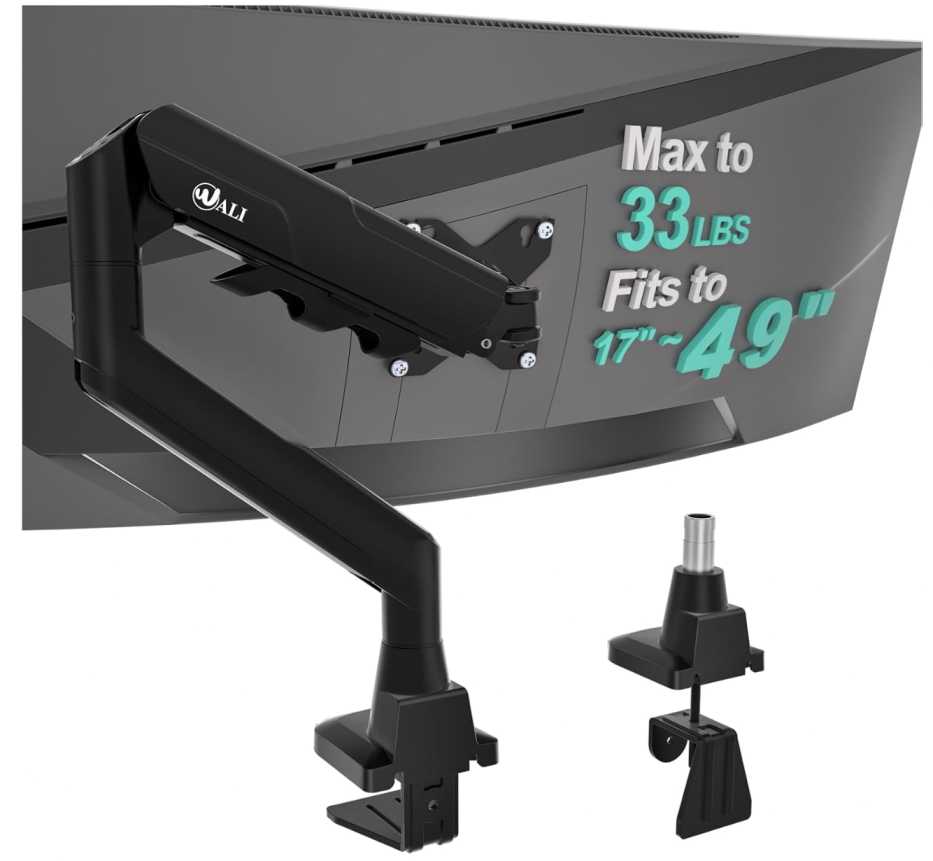
One big improvement I noticed was desk space. After removing the stock stand, the desk instantly felt cleaner, and the cable management helps keep things organized without extra effort.
Build-wise, it’s not premium like high-end arms, but it’s strong where it matters. It holds position well and doesn’t feel unsafe or flimsy during use.
What We Like
- Holds position well without sagging
- Smooth and easy to adjust daily
- Strong enough for a 27-inch monitor
- Frees up a lot of desk space
- Great value for the price
What We Don’t Like
- Doesn’t feel premium
- Takes a bit of tuning during setup
If you want something that just works without spending much, this is a reliable option. For a 27-inch monitor, it handles everything comfortably and makes your setup feel a lot cleaner and more flexible.
6. ErGear Single Monitor Arm (13–34 inch Monitors)
Supports: 13–34 inch monitors
Weight Capacity: Up to 19.8 lbs
I’ve tested a lot of budget monitor arms, and this one feels like it’s designed for people who just want something simple, quick, and reliable for a 27-inch setup.
The first thing I noticed was how easy it is to install. The tool-free VESA mount actually makes a difference—you don’t have to struggle holding the monitor while tightening screws. Setup is quick, especially if you’re doing it alone.
In everyday use, it’s smooth enough. You get tilt, swivel, rotation, and decent height adjustment, and for a 27-inch monitor within the weight limit, it holds position well. Once adjusted, it doesn’t drift or sag.
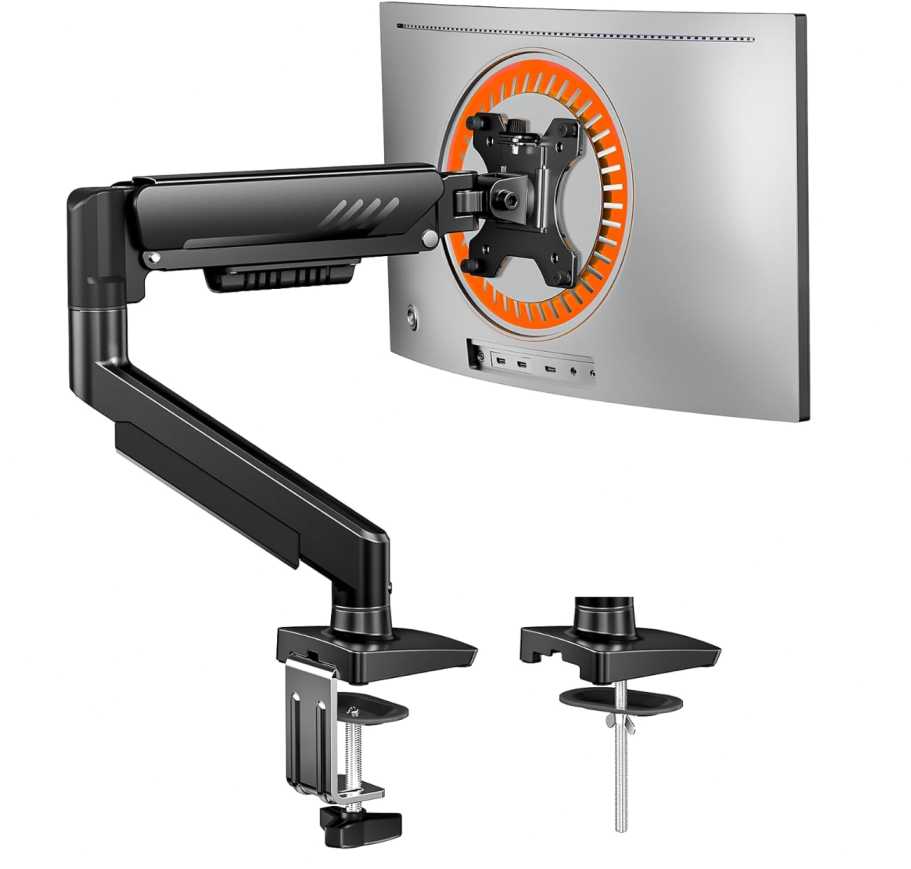
It’s not meant for heavy or ultrawide monitors, but for a standard 27-inch display, it feels stable and does the job without issues.
The cable management clips are also easy to use, and they help keep the desk looking clean without extra effort.
What We Like
- Very easy and quick to install
- Holds position well for lighter monitors
- Smooth basic adjustments
- Clean cable management
- Great budget-friendly option
What We Don’t Like
- Lower weight capacity
- Not ideal for heavy 27-inch monitors
If you want something that’s simple, affordable, and easy to set up, this is a great everyday option for a 27-inch monitor.
Final Thoughts
Choosing the Best Monitor Arm for 27 inch Monitor Under $100 really comes down to how you use your setup daily.
- If you want smooth adjustments and premium feel, go for gas spring or aluminum arms
- For budget setups, even basic arms can handle a 27-inch monitor well
- If you need more stability or future upgrades, pick a higher weight capacity option
From real use, the biggest upgrade isn’t just the arm—it’s the extra desk space and better posture you get. Once you switch, it’s hard to go back to a regular stand.
Pick the one that fits your desk, monitor weight, and usage style, and you’ll get a cleaner, more flexible, and comfortable setup without spending too much.