
If you’re using an IKEA desk, you’ve probably realized one thing pretty quickly—not every monitor mount works well with it. Some desks are hollow, some are lightweight, and others just aren’t designed to handle heavy clamp pressure.
That’s why choosing the right monitor mount for IKEA desk is important. The wrong one can lead to wobbling, desk damage, or even long-term sagging. But the right one? It can completely upgrade your setup—giving you better ergonomics, more desk space, and a cleaner look.
Whether you’re using a popular IKEA setup like LINNMON, LAGKAPTEN, or KARLBY, there are monitor mounts that are safe, stable, and fully compatible—you just need to pick the right type.
In this guide, we’ve selected the best monitor mounts for IKEA desks that offer strong support, smooth adjustability, and desk-friendly designs—so you can upgrade your workspace without worrying about damaging your desk.
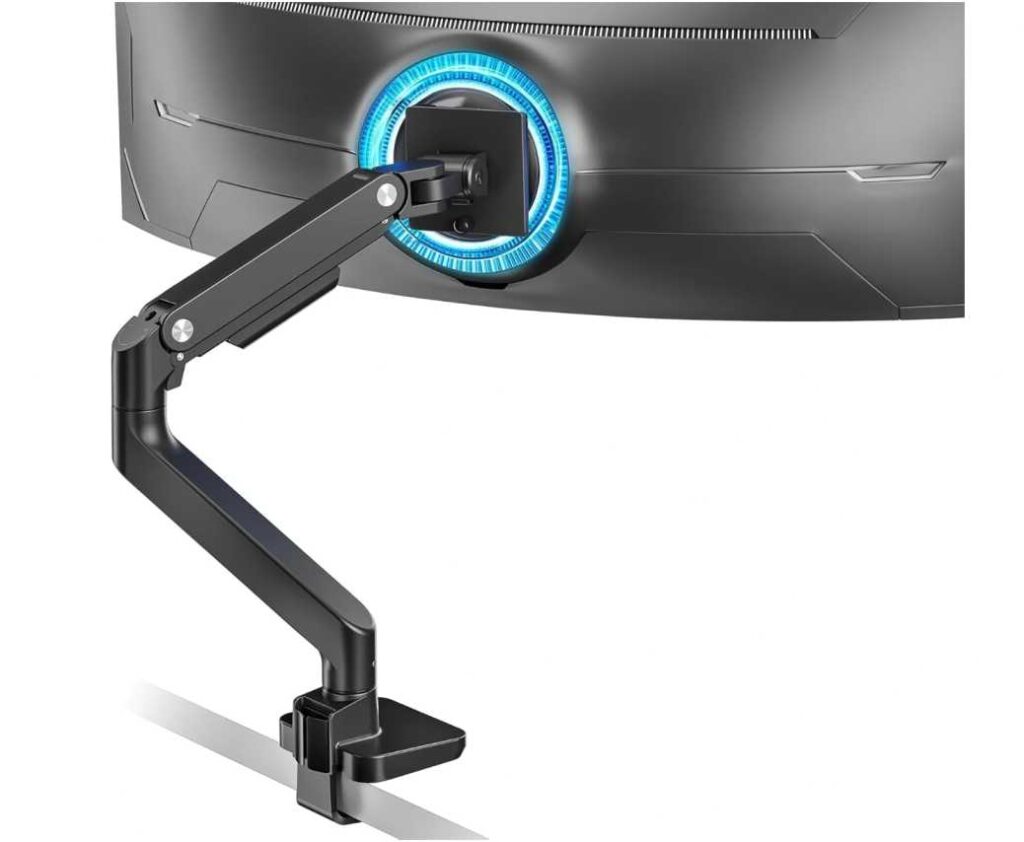
1. ARES WING Ultrawide Monitor Arm (17”–49”)
If you’re using an IKEA desk and planning to mount a larger or curved monitor, this is the kind of arm that actually makes sense.
From my experience, lighter mounts can feel risky on desks like LINNMON or LAGKAPTEN—but this one feels properly built for heavier setups. The combination of aluminum + steel gives it a solid, confidence-inspiring feel once installed.
Real-world experience
The first thing you notice is how well it handles ultrawide and curved monitors. Even with a heavier screen, it doesn’t feel like it’s struggling or slowly dropping over time (which is a common issue with cheaper arms).
The gas spring is smooth—but like most heavy-duty arms, you’ll want to fine-tune the tension once, and after that, it’s pretty effortless.
- Moves up/down smoothly
- Holds position without sagging
- Easy to pull closer or push back
For IKEA desks specifically
This is important—because not all mounts are safe for IKEA desks.
- The clamp grip is solid, but I’d still recommend using a reinforcement plate if your desk is hollow (like LINNMON)
- Works much better on thicker IKEA tops like KARLBY or solid wood desks
- Grommet option is safer if your desk supports it
Once mounted correctly, it feels stable and doesn’t wobble during normal use.
What stands out
- Handles up to 49” ultrawide monitors easily
- Strong, durable build (feels premium for the price)
- Smooth full motion (tilt, swivel, rotation)
- Great for gaming + productivity setups
- Helps free up a lot of desk space
Small downsides
- Clamp pressure can be risky on weaker IKEA desks (use reinforcement)
- Slightly bulky design
Bottom line
If you’re looking for a heavy-duty monitor mount for IKEA desk, especially for a curved or ultrawide screen, this is a really strong option.
It’s not just about holding the monitor—it’s about feeling confident that your setup is secure. And once it’s installed properly, this one delivers exactly that.
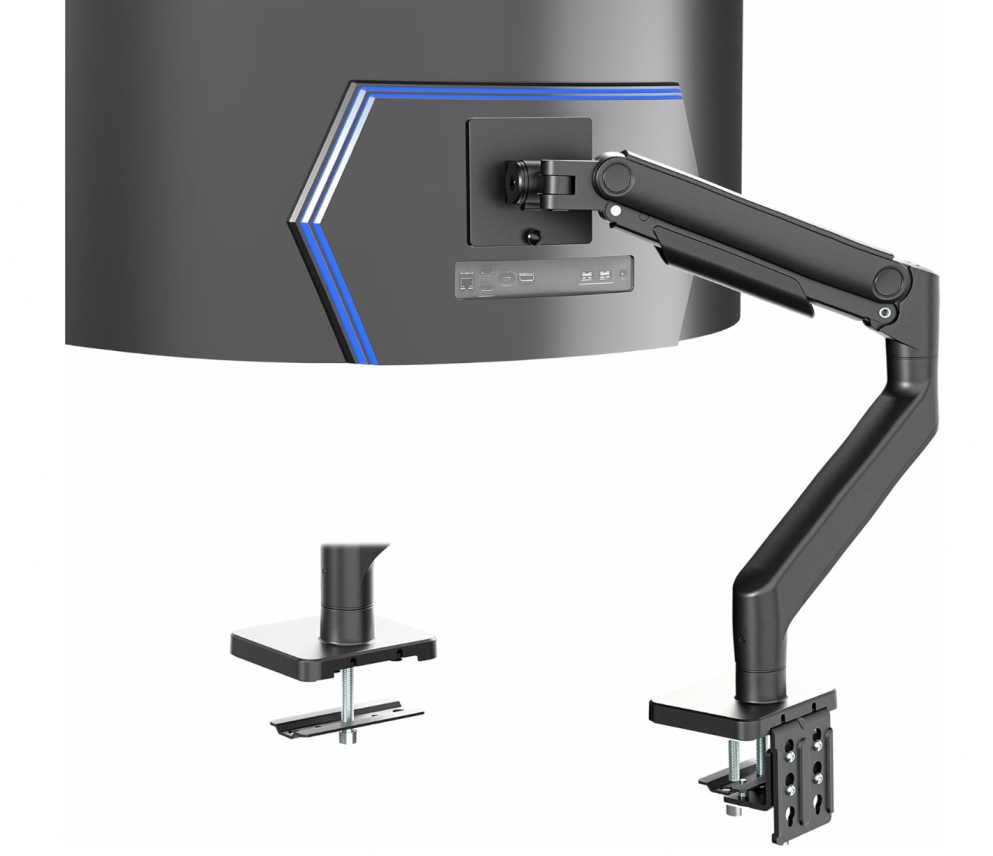
2. VIVO Heavy Duty Ultrawide Monitor Arm (Up to 49”)
If you want something that feels a bit more refined and reliable—especially for an IKEA desk—this VIVO arm is one of those options that sits right in the sweet spot between budget and premium.
Real-world experience
Compared to many cheaper arms, this one feels more polished right out of the box. The build quality is solid, but what stands out more is how smooth everything feels during daily use.
Once installed, the tension arm does a great job balancing heavier monitors. With a 27” curved or even ultrawide display, it doesn’t feel like it’s under stress.
- Adjusting height feels effortless
- Movements are controlled, not jerky
- Holds position without needing constant readjustment
It’s one of those mounts where you set it once and just forget about it.
On IKEA desks
This is where it actually works quite well:
- The clamp design spreads pressure better, which is safer for IKEA desks compared to super-cheap mounts
- Works fine on desks like LAGKAPTEN or LINNMON, but adding a reinforcement plate is still a smart move
- On thicker tops like KARLBY, it feels rock solid
It doesn’t feel overly aggressive on the desk surface, which is important for long-term use.
What I liked
- Smooth, premium-feeling adjustments
- Handles heavier monitors without sagging
- Clean design with good cable management
- Easy installation with detachable VESA plate
- Balanced performance for price
What could be better
- Slightly less height range compared to some heavy-duty arms
- Not ideal for extremely heavy (>40 lbs) curved monitors long-term
Bottom line
If you’re looking for a monitor mount for IKEA desk that feels smooth, stable, and easy to live with, this is a great choice.
It’s not the most heavy-duty option out there—but for most setups (especially 27” curved or standard ultrawide monitors), it hits that perfect balance of performance, safety, and everyday usability.
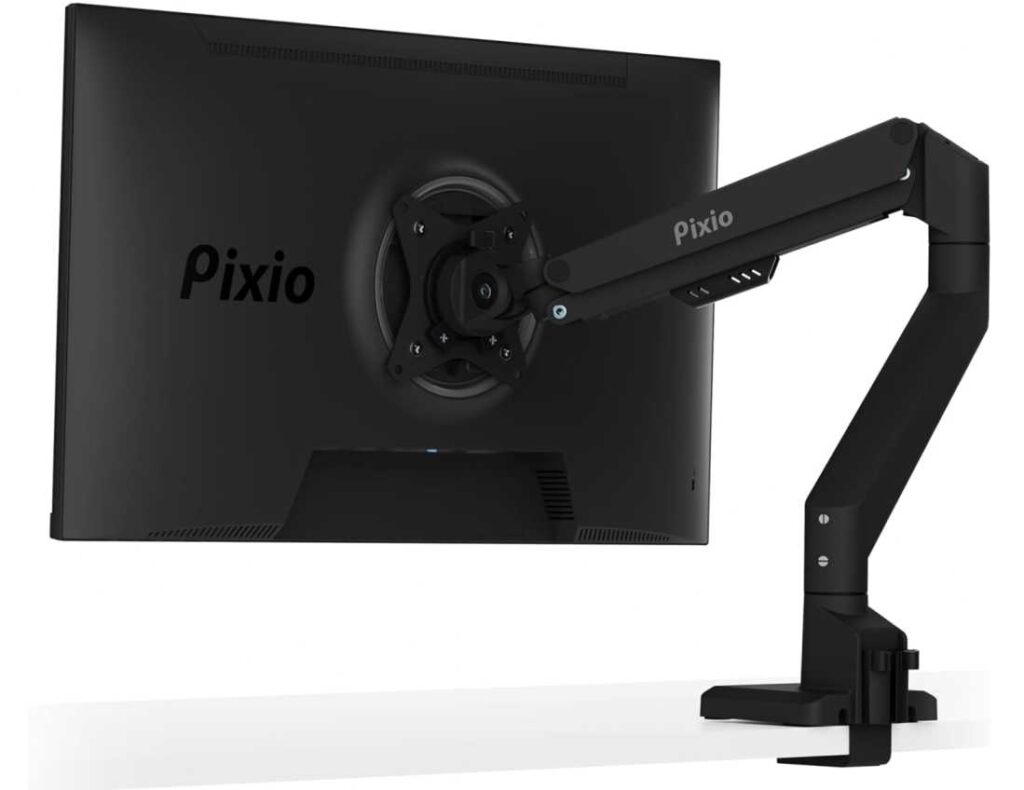
3. Pixio PS1S Wave Single Monitor Arm
If your setup is more on the clean, aesthetic side and you’re using a standard 24–27 inch monitor on an IKEA desk, this Pixio arm feels very different from the typical “industrial-looking” mounts.
Real-world experience
The first thing you notice is the design. It doesn’t scream “heavy-duty hardware”—it actually blends into your setup, especially if you care about how your desk looks.
In terms of use, it’s simple and smooth:
- Easy to adjust for daily tasks
- Moves without much resistance
- Holds a 27” monitor comfortably without sagging
It’s not built for super heavy screens—but for a normal monitor, it feels balanced and stable.
On IKEA desks
This is where it works really well:
- Lighter weight = less stress on IKEA desks
- Clamp is not overly aggressive, so it’s safer for desks like LINNMON or LAGKAPTEN
- No need to worry as much about reinforcement (though still recommended for safety)
If you’ve ever been nervous about damaging your desk, this is the kind of mount that feels more “safe and easy.”
What stands out
- Clean, modern design (great for aesthetic setups)
- Smooth everyday adjustments
- Perfect for 24–27 inch monitors
- Built-in cable management keeps things tidy
- Lightweight and desk-friendly
Downsides
- Not for heavy or ultrawide monitors
- Less “heavy-duty” feel compared to premium arms
Bottom line
If your goal is a simple, clean monitor mount for IKEA desk, especially for a 27-inch monitor, this is a really nice pick.
It’s not trying to be overkill—it just does the basics well, looks good doing it, and keeps your setup neat without putting too much stress on your desk.
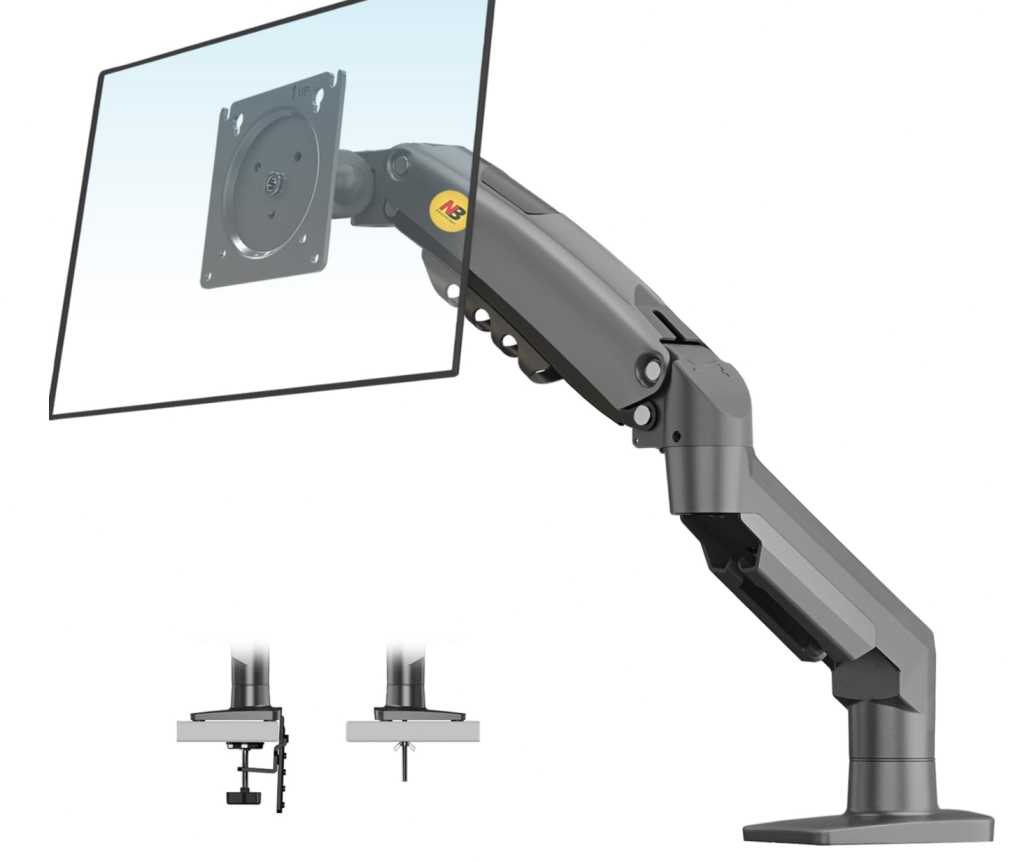
4. NB North Bayou F80 Monitor Arm
If you’re putting together a setup on an IKEA desk and don’t want to spend much, this is one of those monitor arms that keeps coming up—and honestly, there’s a reason for that.
Real-world experience
This is a very no-nonsense monitor mount. It’s not fancy, but once you install it and adjust the gas spring properly, it does exactly what you need.
For a typical 24” or 27” monitor, it feels stable and easy to use:
- Height adjustment is smooth after tension tuning
- You can tilt, swivel, and rotate without fighting the arm
- Holds position well once dialed in
It’s one of those arms where the first 10–15 minutes (setup + adjustment) matter a lot. After that, it just works.
On IKEA desks
This is where it becomes a popular choice:
- Lightweight design = less pressure on IKEA desktops
- Works well with LINNMON / LAGKAPTEN (with care)
- Clamp is decent, but using a reinforcement plate is highly recommended
It doesn’t feel overly heavy or aggressive, which makes it safer compared to bulky heavy-duty arms.
What I liked
- Very affordable but still reliable
- Smooth movement after proper setup
- Good range of motion for daily use
- Perfect for 24–27 inch monitors
- Great entry-level monitor arm
What to keep in mind
- Needs manual tension adjustment (important step)
- Not ideal for heavy or ultrawide monitors
- Build is functional, not premium
Bottom line
If you want a budget-friendly monitor mount for IKEA desk, especially for a 27-inch monitor, this is one of the safest picks.
It’s simple, proven, and gets the job done without overcomplicating things—perfect if you just want a clean, ergonomic upgrade without spending too much.
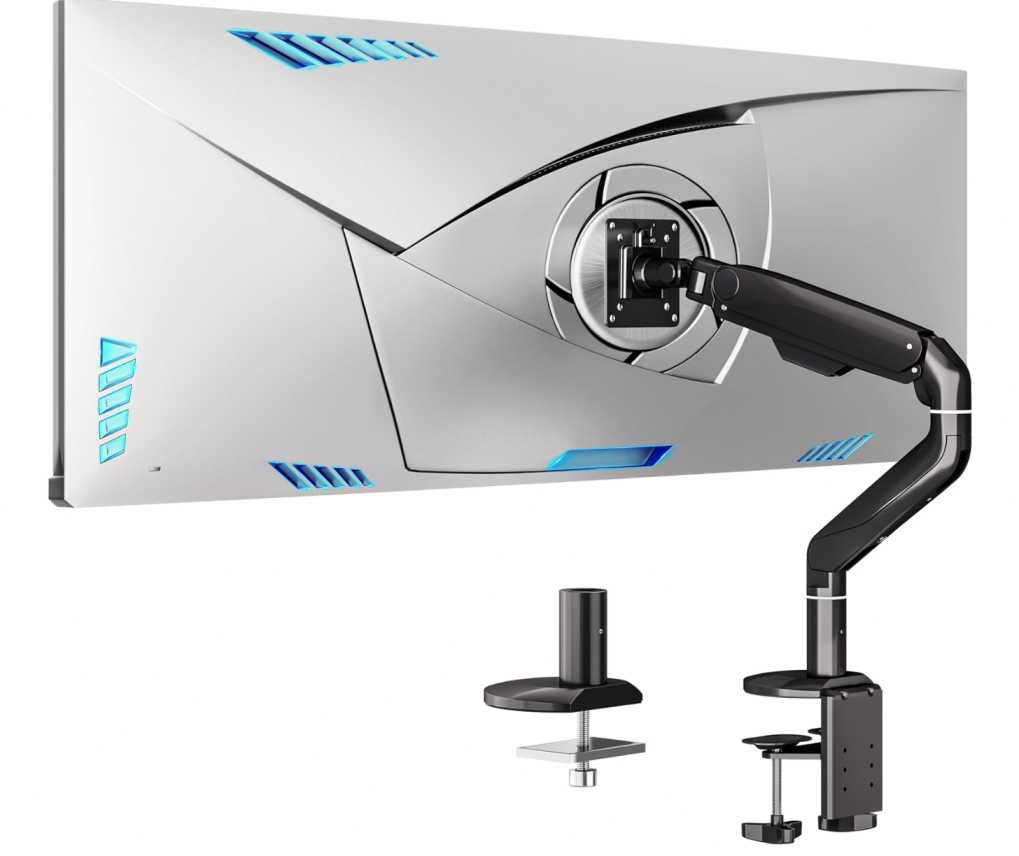
5. BIZUM Heavy Aluminum Monitor Arm (17”–43”)
This one sits somewhere between budget arms and heavy-duty premium mounts—and you can actually feel that difference once you start using it.
Real-world experience
Right out of the box, it feels more solid than typical mid-range arms. The aluminum build gives it a sturdy, slightly premium vibe, and once mounted, it doesn’t feel flimsy at all.
With a 27-inch curved monitor, it handles things comfortably:
- Movements are smooth and controlled
- Joints feel tight (in a good way—no wobble)
- Holds position without slowly drifting down
It’s not overly stiff, but it also doesn’t feel loose—kind of a nice middle ground.
On IKEA desks
This is where you need to be a little mindful:
- The base is wider and stronger, which is great for stability
- But that also means more pressure on softer IKEA desks
- Works best on KARLBY or thicker tabletops
- For LINNMON / LAGKAPTEN → definitely use a reinforcement plate
Once installed properly, though, it feels very secure.
What I liked
- Strong, premium-feeling aluminum build
- Handles heavier monitors better than budget arms
- Smooth full motion (tilt, swivel, rotation)
- Pre-assembled parts make setup easier
- Good balance between price and performance
What to consider
- Slightly heavier base (not ideal for very thin desks)
- Less “effortless” than high-end gas spring arms
Bottom line
If you want something a step above entry-level options, this is a great monitor mount for IKEA desk setups—especially if your desk is sturdy enough.
It gives you that extra confidence with heavier monitors without jumping into expensive premium territory. Perfect if you want better stability without overspending.
6. FlexiSpot Heavy Duty Monitor Arm (Up to 49”)
If you’re serious about your setup—especially with a curved or ultrawide monitor on an IKEA desk—this is the kind of arm that feels like a long-term investment rather than just an accessory.
Real-world experience
This one immediately feels premium and overbuilt (in a good way). Compared to budget or mid-range arms, the difference shows up in how smooth and controlled everything is.
Once installed and adjusted:
- The gas spring feels very precise and effortless
- Even heavier monitors stay exactly where you put them
- Movements feel fluid, not stiff or jerky
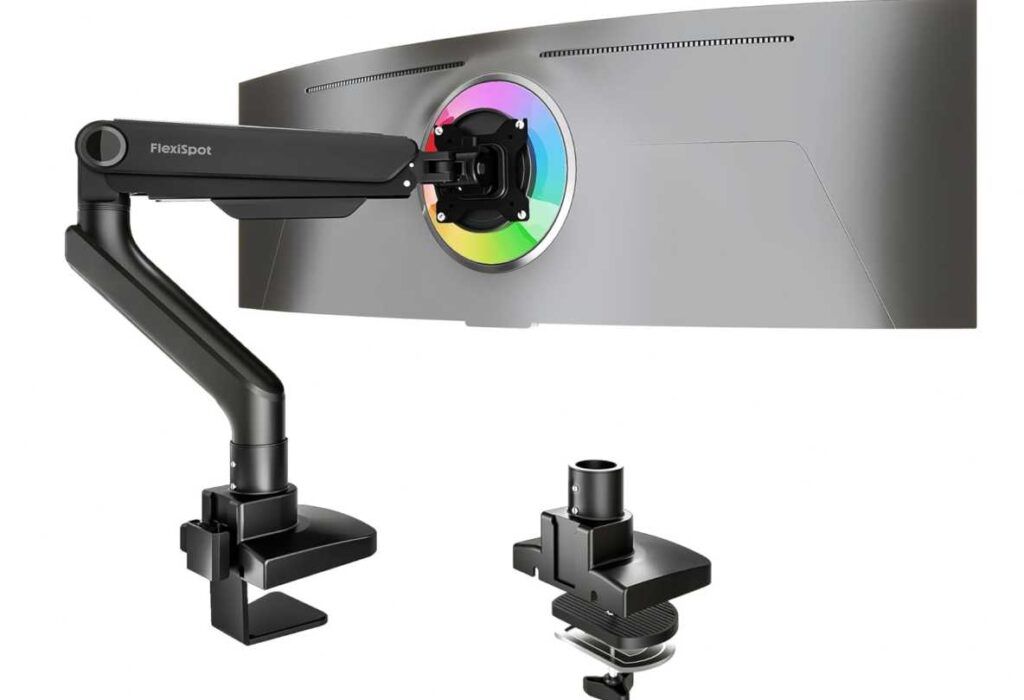
With a 27” curved monitor, it honestly feels like overkill—but in the best way possible. You get zero sag, zero wobble, and total confidence.
On IKEA desks
Here’s the important part:
- This is a heavy-duty arm, so desk strength matters
- Works best with KARLBY or solid wood IKEA desks
- For LINNMON / LAGKAPTEN → you must use a reinforcement plate
Because of its strength, the clamp applies more pressure—but that’s also why it feels so stable.
What stands out
- Extremely smooth gas spring adjustment
- Handles heavy and ultrawide monitors effortlessly
- Long extension and wide range of motion
- Feels premium and durable
- Great for gaming + professional setups
What to consider
- Overkill for smaller or lightweight monitors
- Higher price compared to most options
- Needs a strong desk for safe use
Bottom line
If you want a high-end monitor mount for IKEA desk, especially for curved or ultrawide screens, this is one of the best options.
It’s not the cheapest—but it delivers that “set it once and never worry again” experience, which honestly makes a big difference if you use your setup every day.
7. Pixio PS2S Ultrawide Monitor Arm (17”–49”)
This is one of those monitor arms that sits right in that “serious but still affordable” category—especially if you’re dealing with a larger screen on an IKEA desk.
Real-world experience
Compared to lighter Pixio models, this one feels like a proper upgrade. The arm is thicker, the base is stronger, and overall it gives that “this can handle weight” confidence.
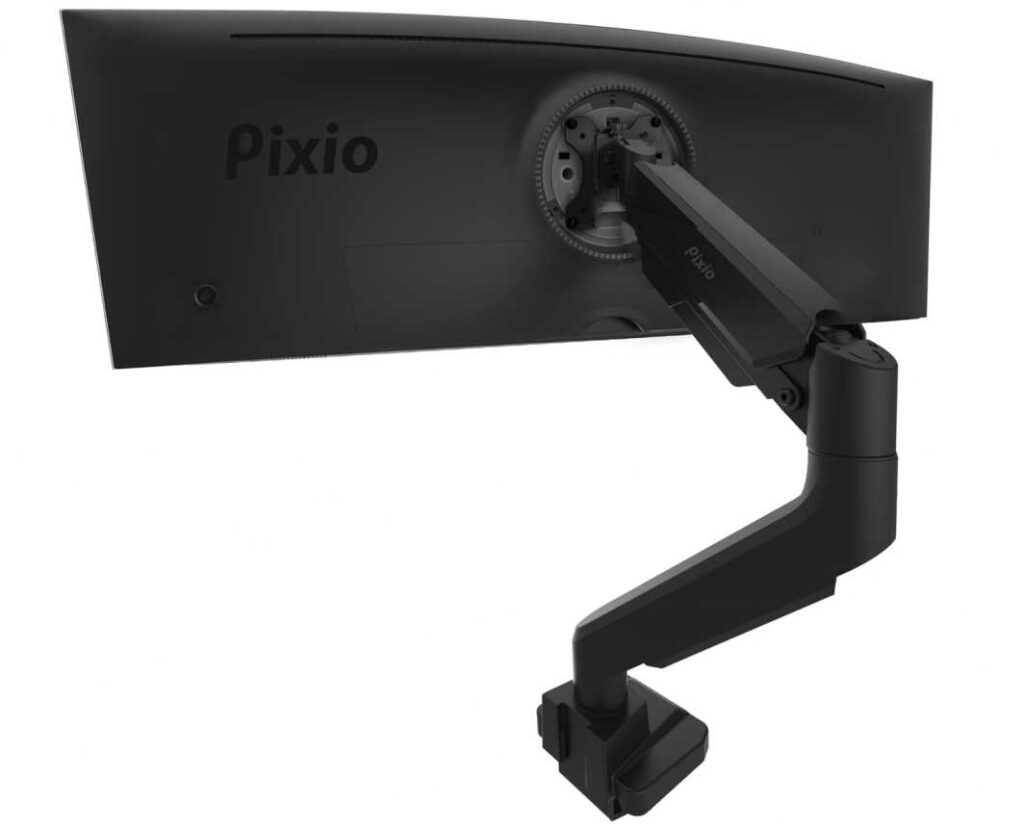
With a 27” curved monitor, it’s honestly more than enough:
- Moves smoothly without feeling loose
- Holds position well (no slow drop)
- Feels balanced—not too stiff, not too soft
And if you ever upgrade to a bigger ultrawide later, this arm can still handle it, which is a big plus.
On IKEA desks
This is where you need to think a bit:
- The clamp is strong and wide, which helps stability
- But it also means more pressure on softer IKEA desks
- Works best with KARLBY or thicker tabletops
- For LINNMON / LAGKAPTEN → reinforcement plate is highly recommended
Once installed properly, though, it feels very secure and doesn’t wobble during normal use.
What I liked
- Strong enough for future upgrades (up to 49”)
- Smooth gas spring movement
- Taller and longer arm compared to basic mounts
- Clean cable management setup
- Good balance of price vs performance
What to consider
- Slightly bulky compared to minimalist arms
- Not ideal for very thin or hollow desks without reinforcement
Bottom line
If you want a reliable ultrawide monitor mount for IKEA desk, this is a really smart middle-ground option.
It’s stronger than budget arms, more affordable than premium ones, and gives you enough headroom for future upgrades—without overcomplicating your setup.
Final Thoughts
Finding the right monitor mount for an IKEA desk isn’t just about features—it’s about balance. IKEA desks look great, but they’re not always built for heavy clamp pressure, so choosing the right arm really matters.
After going through these options, here’s the simple way to think about it:
- If you’re using a light 24–27 inch monitor, go with something simple like NB North Bayou or Pixio PS1S
- If you want better build quality and smoother adjustments, BIZUM or VIVO are solid upgrades
- If you’re running a curved or ultrawide monitor, go for stronger options like ARES WING, Pixio PS2S, or FlexiSpot
The key is matching the mount to both your monitor weight and your desk strength.
Once you get it right, the difference is huge:
- Cleaner setup
- More usable desk space
- Better posture and comfort
And honestly, after using a good monitor arm, going back to a regular stand just feels… wrong.
👉 Take a minute to check your desk type and monitor weight, pick the right category—and you’ll end up with a setup that actually feels complete.