
If you’ve ever had a Pokémon ask for something weird like “construction toys” or “something to watch” and thought,
“Cool… but where do I even find that?” — you’re definitely not alone. It’s one of those moments where the game suddenly feels way more confusing than it should.
Right now, Pokopia doesn’t make this easy. There’s no clean filter system, no clear item tags, and most guides just throw long item lists at you without actually explaining how anything works. You end up guessing, testing random furniture, and hoping something sticks.
So here’s the deal:
👉 This guide will show you how to actually find the right items, understand what the game is looking for, and stop wasting time on trial and error.
Before that, also read :
Can You Filter Items in Pokopia?
Short answer: No.
Right now, Pokopia doesn’t give you any proper tools to filter or sort furniture, which is exactly why so many players get stuck here. You can’t narrow things down by category, and the game doesn’t clearly tell you what counts as what.
Here’s what’s missing:
- No in-game filter for item categories
- No way to sort by “type” (like toys, comfort, etc.)
- No official database that fully maps every item and its traits
Because of this, you’ll often feel like you’re just guessing and hoping something works — and yeah, that gets frustrating fast.
But don’t worry — there is a reliable workaround, and once you understand it, finding the right items becomes way easier.
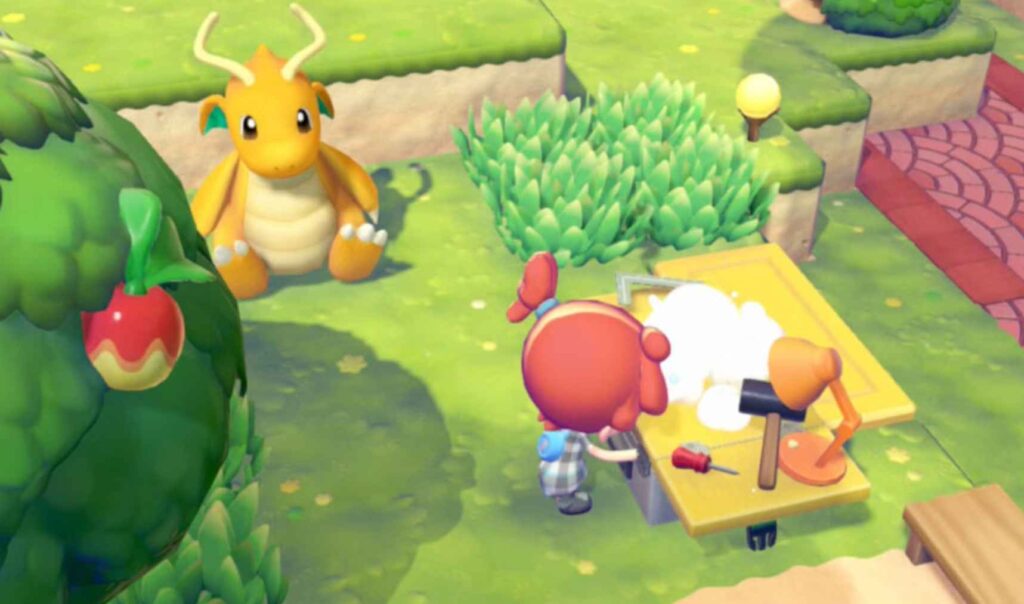
The Trick Most Players Miss
Pokopia doesn’t use obvious tags, and that’s where most of the confusion comes from. You won’t see labels like “construction toy” or “comfort item” anywhere in the menu, which makes it feel like you’re missing something.
Instead, the game works on hidden keywords and item “meanings.” It’s less about what the item is called, and more about what it represents.
Think of it like this:
- A Toy Block Set = construction toy
- A Sofa = comfort / soft
- A Fan = spinning / breeze
- A TV = watching / entertainment
👉 The game cares about the idea behind the item, not the exact name on it.
So when a Pokémon asks for something specific, it’s really asking for a type of experience or function, not a single exact object. That’s why random items sometimes work — and why obvious ones sometimes don’t.
Once you understand this system, everything starts to click, and those confusing requests suddenly become much easier to solve.
Best Way to Find Specific Items (Step-by-Step)
Here’s the method most experienced players are using right now — and it works way more reliably than just guessing.
1. Start with the Pokémon Request
First, look at exactly what your Pokémon is asking for. You’ll usually see vague phrases like:
- “Soft stuff”
- “Construction toy”
- “Group activity”
At first glance, these can feel frustratingly unclear, but the key is to not take them too literally.
Instead, focus on the concept behind the request, not the exact wording. For example, “soft stuff” isn’t asking for a specific item — it’s asking for anything that represents comfort, like cushions or sofas. The same goes for “construction toy,” which really just means anything related to building or assembling.
Once you shift your thinking from exact items to general ideas, this step becomes much easier — and it sets you up for everything that comes next.
2. Search Broadly (Not Specifically)
This is where a lot of players make mistakes. It’s natural to search exactly what the Pokémon is asking for, but that usually leads nowhere.
Instead of searching:
- “construction toy Pokopia”
Try breaking it into broader, simpler terms:
- “toy”
- “blocks”
- “build”
Key idea:
- You are not trying to match the exact phrase
- You are trying to match the underlying concept
Why this works:
- The game does not use clear labels
- Many items fall under categories indirectly
- Broader searches reveal more usable options
Approach:
- Start wide with general keywords
- Scan items that appear
- Match based on purpose, not name
Think of it as widening your search instead of narrowing it too early.
3. Read Item Descriptions (This is Key)
This is the step where most of the actual solving happens. Item names alone won’t help much, but descriptions often contain the clues you need.
Focus on keywords inside descriptions:
- Build / assemble → construction
- Sit / relax → comfort
- Spin / airflow → motion
What to look for:
- Words that describe function or use
- Actions the item enables
- Any hint about interaction (sit, watch, play, etc.)
Why this matters:
- The game uses hidden logic based on meaning
- Descriptions reveal what category an item fits into
- Two items with different names can satisfy the same requirement
Key rule:
- If the description sounds like what the Pokémon is asking for, it usually counts
Once you start reading descriptions this way, finding correct items becomes much more consistent.
4. Use Multi-Purpose Items
Some items can satisfy more than one requirement at the same time, which makes them extremely valuable when setting up your space.
Example:
A comfy couch might count as:
- Soft
- Relaxation
- Indoor comfort
Why this helps:
- Reduces the number of items you need to place
- Makes your setup cleaner and more efficient
- Helps you reach required traits faster
What to look for:
- Items with broad or flexible descriptions
- Furniture that naturally serves multiple functions
- Anything that fits more than one “idea” category
Approach:
- Prioritize items that cover multiple traits
- Replace single-purpose items when possible
- Build around fewer, more effective pieces
Using multi-purpose items is one of the easiest ways to optimize your setup without overcomplicating things.
Common Item Categories (Decoded)
Here’s a quick cheat sheet so you don’t have to guess what counts for each request. These are the most common categories players run into, along with the types of items that usually satisfy them.
Construction Toys
- Toy blocks
- Building kits
- Crafting-style items
Soft / Comfort Items
- Sofas
- Cushions
- Beds
Watching / Entertainment
- TVs
- Screens
- Displays
Group Activities
- Tables
- Shared setups
- Game-related furniture
Spinning / Motion
- Fans
- Pinwheels
- Mechanical objects
How to use this:
- Match the Pokémon request to one of these categories
- Look for items that fit the same function or purpose
- Use descriptions to confirm your choice
These categories aren’t officially labeled in-game, but they consistently work based on player testing.
Why Your Items Sometimes Don’t Work
If your Pokémon still isn’t satisfied even after placing items, it usually comes down to one of these common issues:
- You matched the wrong category idea
- You don’t have enough matching traits (aim for around 4)
- The item isn’t unlocked yet (progression matters)
What’s happening here:
- The game checks for correct category meaning, not just similar items
- One correct item is often not enough — you need multiple matching traits
- Some items simply won’t appear until you progress further
Important detail:
- Certain furniture is locked behind environment levels
- If you haven’t leveled up enough, the item you need may not be available yet
If something isn’t working, don’t assume it’s broken — it’s usually a mismatch in category or progression.
The Reality of Guides Right Now
Here’s the honest truth:
- There’s no perfect filterable guide yet
- Most databases are incomplete
- The community is still figuring things out
What this means for you:
- You’ll often need to rely on trial and error
- Different sources may give conflicting answers
- Some item categories are still based on player testing, not official data
So if guides have felt confusing or unhelpful so far, that’s completely normal. The system itself isn’t fully documented yet, and most players are learning it as they go.
Quick FAQ
How do I find specific furniture in Pokopia?
Search using keywords and concepts, then match item descriptions to what the Pokémon is actually asking for.
What counts as a construction toy?
Anything related to building or assembling, such as:
- Blocks
- Building kits
- Craft-style items
Can I filter items in-game?
No. There is currently no filter or sorting system for item categories.
Why isn’t my Pokémon satisfied?
Most of the time it’s because:
- You matched the wrong hidden category
- You don’t have enough matching traits
- The required item isn’t unlocked yet
Final Tip
Stop thinking:
- “What item do I need?”
Start thinking:
- “What type of thing is this Pokémon asking for?”
That one shift makes a huge difference and removes most of the guesswork.
Wrap-Up
Pokopia’s item system can feel messy at first, but once you understand the logic behind it, everything becomes much easier.
Focus on:
- Matching ideas, not exact item names
- Reading descriptions carefully
- Using flexible, multi-purpose items
Once you apply this approach, those confusing requests start to make sense, and you’ll spend far less time guessing.
If you’re stuck on a specific Pokémon request, you can break it down using this method and find a working solution much faster.