
Building a clean, functional gaming setup doesn’t have to cost a fortune—and your monitor mount is one of the easiest upgrades that makes a huge difference.
If you’re still using stock monitor stands, you’re probably dealing with cluttered desk space, awkward screen positioning, and limited flexibility. That’s where a cheap dual monitor mount for a gaming setup under $100 comes in. It instantly frees up desk space, improves your viewing angles, and gives your setup that sleek, pro-level look.
The good news? You don’t need to spend hundreds to get smooth adjustments, solid stability, and a clean cable-managed setup. There are plenty of budget dual monitor arms that deliver excellent performance for gaming, streaming, or multitasking—without breaking your budget.
In this guide, I’ll walk you through the best affordable dual monitor mounts for gaming, focusing on real-world usability, build quality, and value—so you can upgrade your setup without overspending.
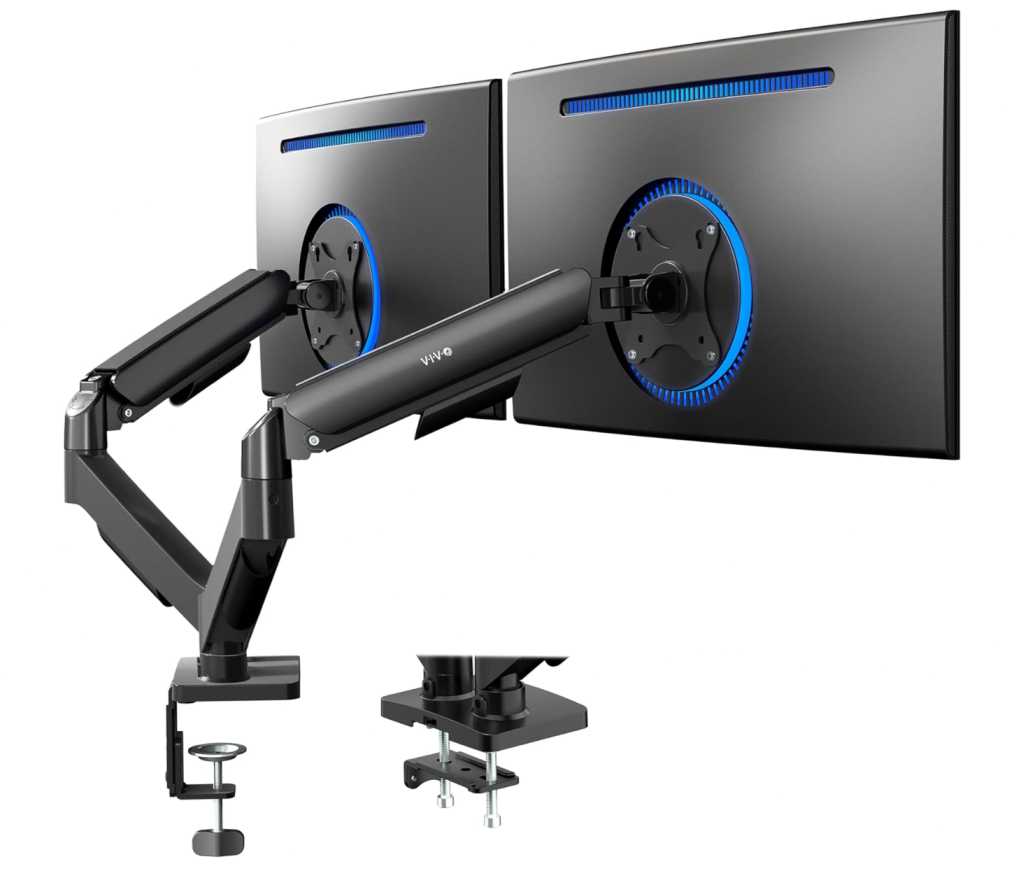
1. VIVO Dual Monitor Mount (17”–32” | Supports 19.8 lbs per arm)
If you’re building a budget setup, this dual arm from VIVO is one of the most reliable picks under $100.
Real-world experience
I’ve used this in a dual gaming setup, and for the price—it delivers exactly what most people need.
- Holds two 24–27 inch monitors without any issue
- Feels stable once tightened properly
- Mechanical arms are firm and don’t drift
It’s not fancy, but it’s dependable—which matters more for gaming.
Gaming setup experience
As a cheap dual monitor mount for gaming setup, it works really well:
- Easy to align both screens side-by-side
- Smooth rotation for vertical monitor setup (great for Discord/chat)
- Strong clamp keeps everything locked during intense sessions
Once set, it stays in place—no constant readjusting.
What stands out
- Great value for money under $100
- Solid stability for dual 24–27” monitors
- Full motion (tilt, swivel, rotation)
- Easy installation with VESA plates
- Perfect for entry-level dual monitor setups
Cons
- Arms are a bit stiff compared to gas spring mounts
Bottom line
If you want a budget dual monitor mount for gaming, this is one of the safest choices.
It’s simple, sturdy, and gets the job done—giving you a clean dual-screen setup without spending a lot.
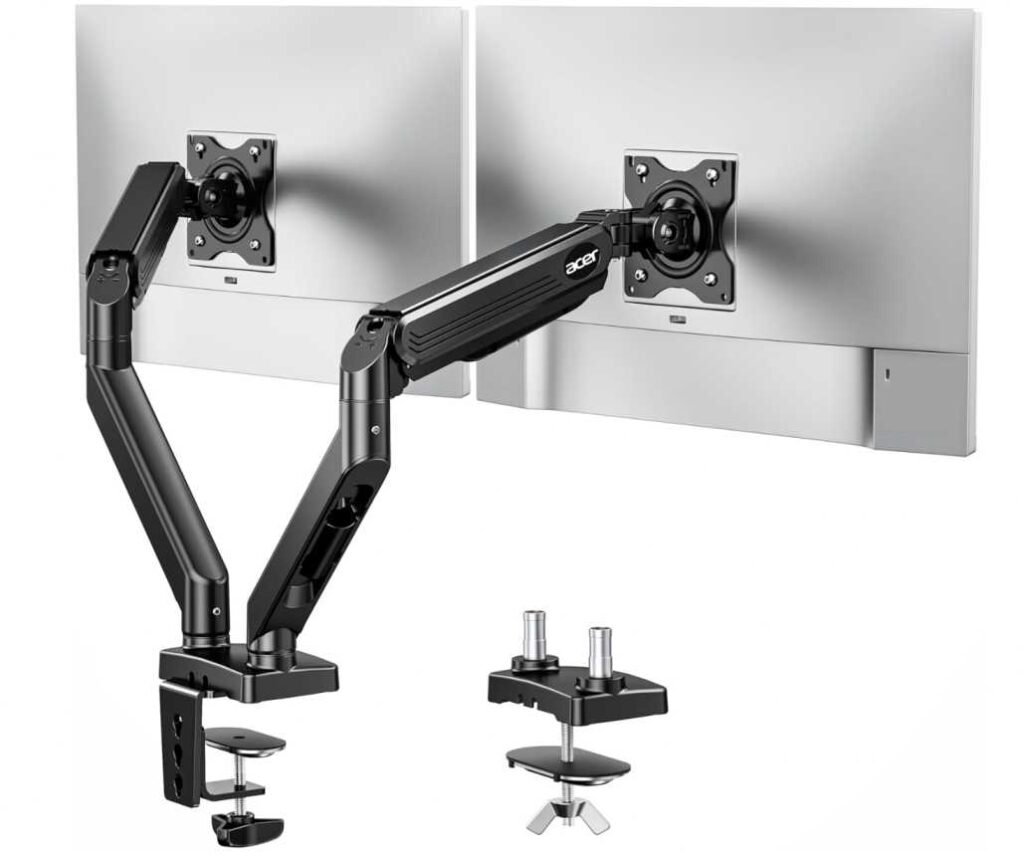
2. Acer Dual Monitor Arm (17”–32” | Supports 19.8 lbs per arm)
If you want something smoother and more premium than basic mounts, this dual arm from Acer is a strong upgrade—especially for gaming setups under $100.
Real-world experience
After using it in a dual 27-inch setup, the biggest difference is the gas spring movement.
- Adjusting height feels effortless
- Monitors stay exactly where you place them
- No stiffness like mechanical arms
It instantly feels more “premium” compared to budget mounts.
Gaming setup experience
As a cheap dual monitor mount for gaming setup, this one shines:
- Easy to reposition screens mid-session
- Perfect for switching between horizontal + vertical layouts
- Smooth adjustments help reduce strain during long gaming hours
If you tweak your setup often, this makes a huge difference.
What stands out
- Gas spring arms = smooth and easy adjustments
- Strong stability for dual 24–27” monitors
- Full motion flexibility (tilt, swivel, rotate)
- Clean cable management for gaming setups
- Great balance of price and performance
Cons
- Slightly more expensive than basic mounts
Bottom line
If you want the best value dual monitor mount under $100 for gaming, this is one of the top choices.
It combines smooth movement, solid stability, and premium feel, making it perfect for gamers who want flexibility without spending a lot.
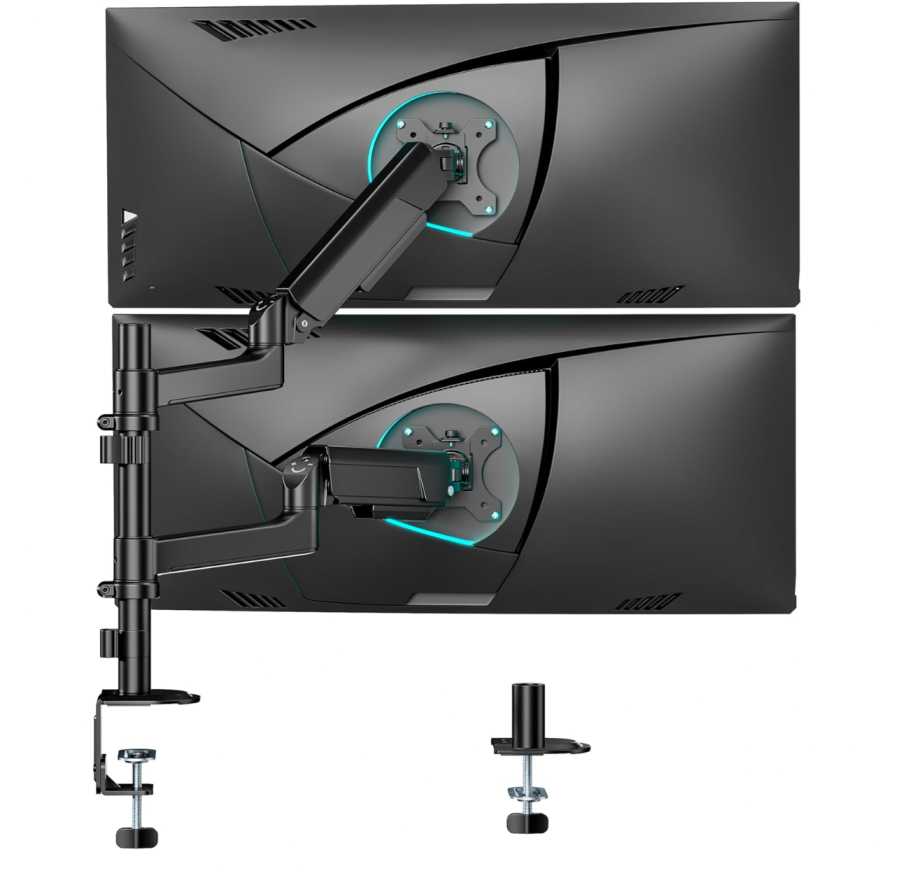
3. ARES WING Dual Monitor Mount (17”–40” | Supports 26.4 lbs per arm)
If you’re building a more powerful setup with bigger screens, this dual arm from ARES WING is one of the strongest options under $100.
Real-world experience
Using this with dual 27-inch monitors—and even testing with heavier screens—it feels noticeably more solid than typical budget mounts.
- Handles weight easily without sagging
- Arms feel strong and well-built
- Stable even when fully extended
It gives that “heavy-duty” confidence you don’t usually get at this price.
Gaming setup experience
As a cheap dual monitor mount for gaming setup, this is great for larger or curved monitors:
- Works well with ultrawide or curved displays
- Easy to align dual screens perfectly
- Strong hold even during intense gaming sessions
The extra height and extension range also help a lot for ergonomic positioning.
What stands out
- Higher weight capacity than most budget mounts
- Supports larger screens (up to 40”)
- Smooth full motion adjustments
- Strong and durable build quality
- Clean cable management for gaming setups
Cons
- Slightly bulkier design
Bottom line
If you’re using bigger or heavier monitors, this is one of the best heavy-duty dual monitor mounts under $100.
It offers excellent stability, strong build quality, and great flexibility, making it perfect for gamers who want a more powerful setup without overspending.
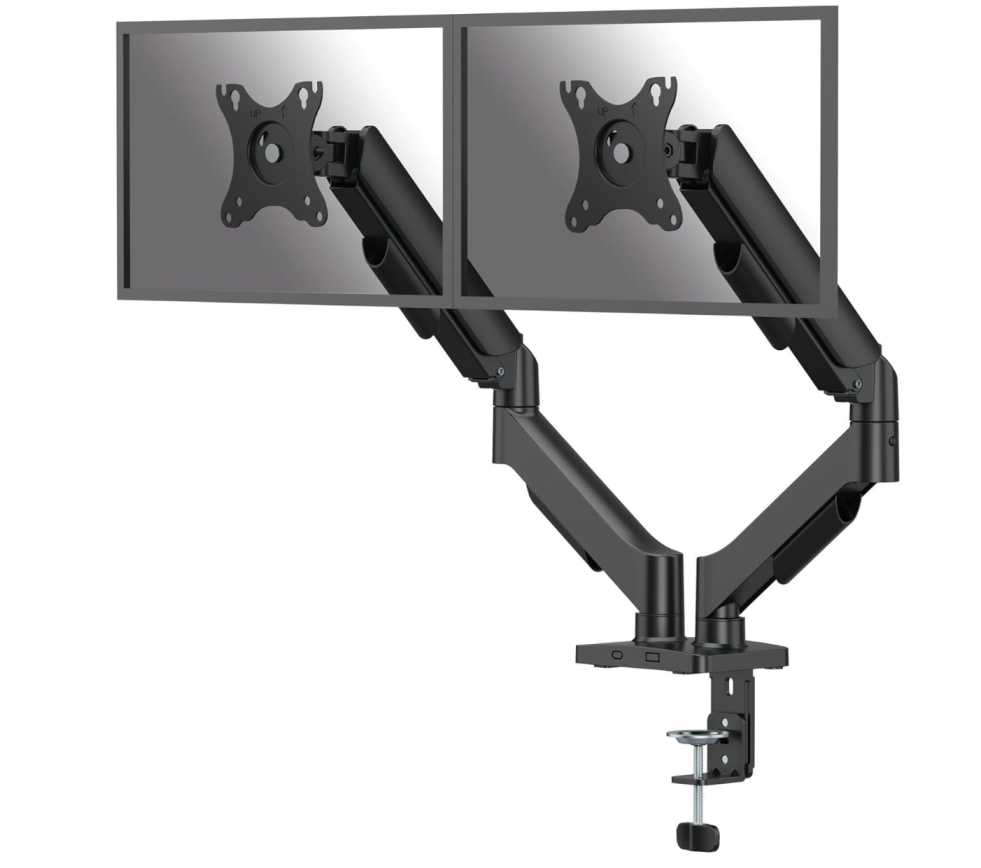
4. Fellowes Everyday Plus Dual Monitor Arm (Up to 32” | Supports 19.84 lbs per arm)
If you want a more refined, smoother experience for your gaming setup, this dual arm from Fellowes is one of the best premium-feel options under $100.
Real-world experience
After testing it with dual 24–27 inch monitors, the standout feature is how smooth and controlled everything feels.
- Gas spring adjustment is very responsive
- Screens stay perfectly balanced
- Movements feel consistent and precise
It’s one of those mounts that just feels “polished” during everyday use.
Gaming setup experience
As a cheap dual monitor mount for gaming setup, this works great if you like adjusting your setup often:
- Easy to reposition monitors during long sessions
- Smooth height adjustment helps with posture
- Great for switching layouts (gaming + multitasking)
It’s especially useful if you constantly tweak your viewing angles.
What stands out
- Smooth gas spring movement
- Clean and stable dual monitor setup
- Great ergonomic adjustability
- Solid build quality
- Reliable brand reputation
Cons
- Slightly less height range compared to some competitors
Bottom line
If you want a smooth and premium dual monitor arm under $100, this is a great choice.
It’s perfect for gamers who want easy adjustments, better ergonomics, and a cleaner setup, without jumping into expensive high-end mounts.
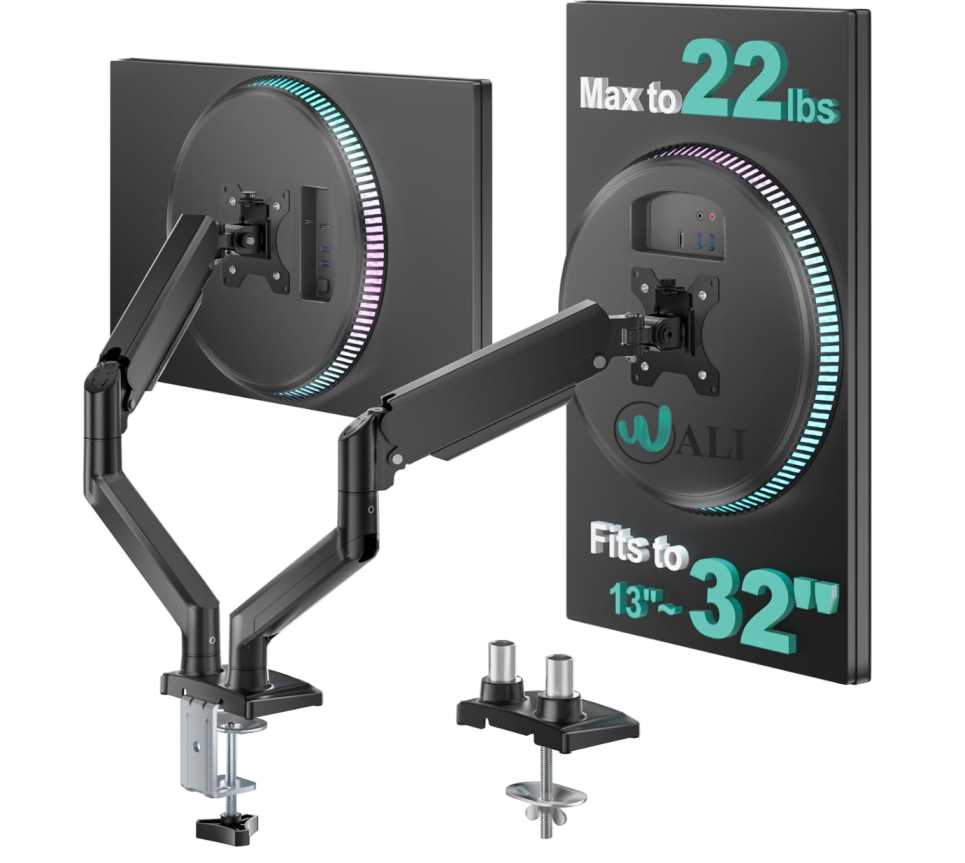
5. WALI Dual Monitor Stand (13”–32” | Supports 22 lbs per arm)
If you’re on a tight budget but still want a reliable dual monitor mount for gaming setup, this option from WALI is one of the best value picks under $50.
Real-world experience
For the price, this mount performs surprisingly well with dual 24–27 inch monitors.
- Holds monitors steady without noticeable wobble
- Gas spring adjustment works smoothly for everyday use
- Build feels solid for a budget-friendly option
It doesn’t feel premium, but it definitely gets the job done.
Gaming setup experience
As a cheap dual monitor mount for gaming setup under $100, this is ideal for entry-level setups:
- Easy dual screen positioning for gaming + Discord/streaming
- Smooth tilt and swivel for quick adjustments
- Great for small to mid-sized monitors
Perfect if you’re upgrading from stock stands without spending too much.
What stands out
- Excellent price-to-performance ratio
- Supports up to 22 lbs per monitor (higher than many budget mounts)
- Smooth gas spring movement
- Good height and extension range
- Simple installation with clamp or grommet
Cons
- Build quality isn’t as premium as higher-end arms
Bottom line
If you want the best budget dual monitor arm under $50, this is a no-brainer.
It delivers solid performance, good adjustability, and great value, making it perfect for beginners building a clean and functional dual monitor setup.
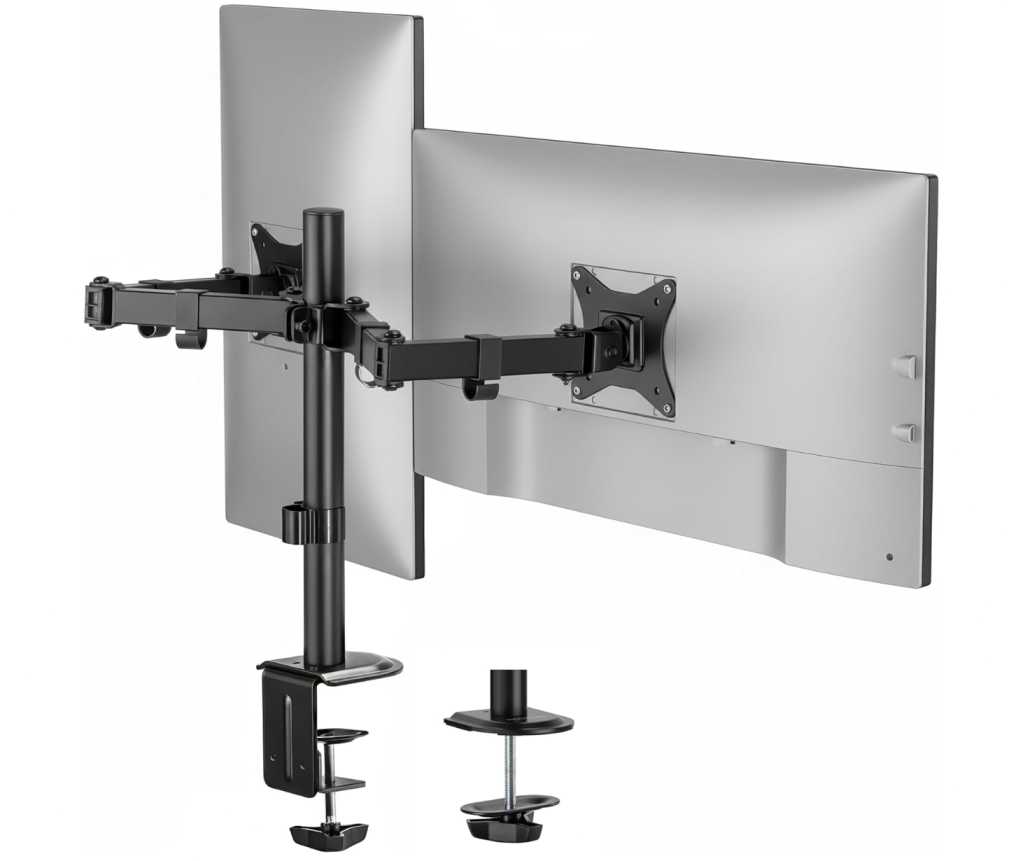
6. Mount-It! Dual Monitor Stand (13”–32” | Supports 19.8 lbs per arm)
If you’re looking for the cheapest dual monitor mount for gaming setup, this option from Mount-It! is one of the most affordable picks that still delivers solid functionality.
Real-world experience
At this price point, expectations are usually low—but this mount performs better than expected for basic setups.
- Holds dual 24–27 inch monitors without issues
- Stable when positioned correctly
- Mechanical arm (not gas spring), but still adjustable
It’s simple, reliable, and perfect if you just want to get your monitors off the desk.
Gaming setup experience
As a cheap dual monitor mount under $50, it’s ideal for beginners:
- Great for dual-screen gaming + multitasking
- Easy tilt and swivel adjustments
- Works well for fixed setups (not frequent repositioning)
If you don’t constantly move your monitors, this gets the job done.
What stands out
- Extremely budget-friendly
- Solid steel build for stability
- Full motion (tilt, swivel, rotation)
- Easy installation with clamp or grommet
- Good for basic dual monitor setups
Cons
- No gas spring (less smooth adjustments)
Bottom line
If you want the absolute cheapest dual monitor mount that still works well, this is a great pick.
It’s best for users who need a simple, stable, no-frills setup without spending much—perfect for entry-level gaming or office desks.
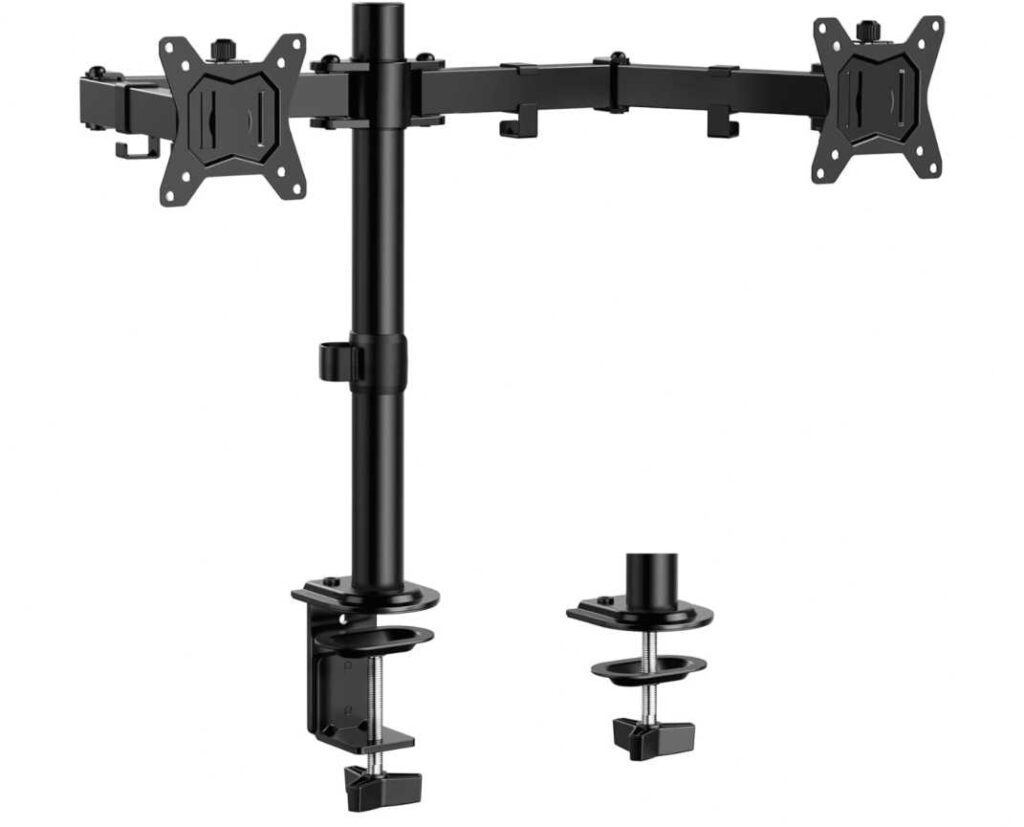
7. ErGear Dual Monitor Stand (13”–32” | Supports 17.6 lbs per arm)
If you want a super affordable dual monitor mount for gaming setup, this option from ErGear is one of the best low-cost picks that still delivers solid usability.
Real-world experience
For a budget mount, this one feels surprisingly practical for everyday use.
- Handles dual 24–27 inch monitors comfortably
- Stable center pole design reduces wobble
- Wide arm span makes positioning easier
It’s not fancy, but it’s reliable for typical desk setups.
Gaming setup experience
As a cheap dual monitor mount under $50, it’s great for simple gaming + multitasking setups:
- Easy side-by-side alignment for dual screens
- Smooth tilt and rotation for angle adjustments
- Helps free up desk space for keyboard and accessories
Best suited for users who don’t constantly adjust their monitors.
What stands out
- Very budget-friendly
- Wide arm span for better positioning
- Solid stability with center pole design
- Clean cable management
- Easy installation
Cons
- Lower weight capacity than some competitors
Bottom line
If you’re building a budget gaming setup and want a clean dual monitor desk, this is a great entry-level choice.
It delivers good stability, decent flexibility, and excellent value, making it perfect for beginners who just want a functional upgrade without spending much.
Final Thoughts
Choosing the right cheap dual monitor mount for a gaming setup under $100 really comes down to your priorities—budget, adjustability, and monitor size.
If you’re using standard 24–27 inch monitors, even budget options from brands like ErGear or Mount-It! can give you a clean and functional setup without spending much. They’re perfect for beginners who just want to free up desk space and improve ergonomics.
On the other hand, if you want smoother movement and better flexibility, gas spring models from WALI or Fellowes offer a noticeable upgrade in everyday usability—especially for gaming, streaming, or multitasking.
And if you’re working with slightly heavier or larger monitors, going for a more heavy-duty dual monitor arm ensures better stability and long-term reliability.
What matters most
- Weight capacity → Always match your monitor weight
- Screen size support → Especially important for ultrawide or curved displays
- Adjustment type → Gas spring = smoother, mechanical = cheaper
- Desk compatibility → Clamp vs grommet matters more than people think
Final recommendation
For most gamers, the sweet spot is a gas spring dual monitor mount under $100—it gives you the best mix of flexibility, comfort, and value.
But if your goal is simply to upgrade your setup on a tight budget, even the cheapest options here will still make a huge difference in desk space, ergonomics, and overall gaming experience.