
The MacBook Air M5 is fast, efficient, and perfect for work—but when it comes to coding and productivity, the built-in screen can start to feel limiting.
That’s where a good external monitor makes a real difference. More screen space means you can keep your code, browser, docs, and tools open at the same time without constantly switching tabs.
The challenge is choosing the right one. Not every monitor works equally well with macOS, and factors like resolution, scaling, color clarity, and connectivity matter more than most people expect.
In this guide, we’ve picked the best external monitors for MacBook Air M5 for coding and productivity, focusing on sharp text, comfortable viewing, and reliable performance—so you can build a setup that actually improves how you work.
But Before that, also read :
1. INNOCN 27″ 4K USB-C Monitor
The INNOCN 27 inch 4K USB-C Monitor is one of those monitors I’d suggest if you want a clean, sharp setup for coding and productivity on a MacBook Air M5 without overspending.
A 27-inch 4K display is a sweet spot for work. You get plenty of screen space, and text looks crisp—which matters a lot when you’re staring at code or documents for hours. In real use, it feels comfortable to split your screen between editor, browser, and tools without things getting cramped.
What makes this a good fit as an external monitor for MacBook Air M5 is the USB-C connectivity. You can connect your MacBook with a single cable for display and basic functionality, which keeps your setup simple and clean.
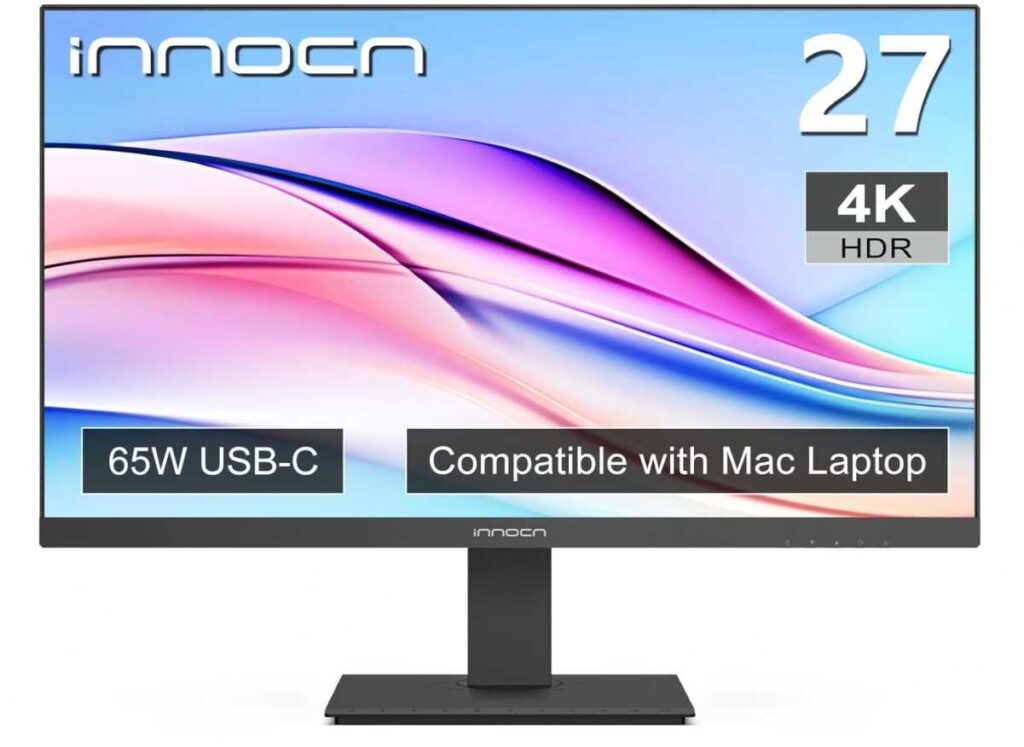
Color quality is also solid here. It’s not just for creative work—the accurate colors and brightness make everyday tasks like reading, writing, and coding easier on the eyes.
The adjustable stand is another practical plus. Being able to change height or rotate the screen helps a lot if you’re working long hours and want a more ergonomic setup.
Pros
- Sharp 4K display, great for coding and text clarity
- Good choice as an external monitor for MacBook Air M5
- USB-C connectivity for a cleaner setup
- Adjustable stand improves comfort for long sessions
- Good value for a 27-inch 4K monitor
Cons
- Built-in speakers are average
Final thoughts
If you want a 4K monitor for MacBook Air M5 coding and productivity, this is a strong value option. It gives you the clarity, space, and simplicity you need for everyday work without getting too expensive.
2. ocopar 18.5″ 2K Portable Monitor
The cocopar 18.5 Inch 2K Portable Monitor 120Hz is something I’d suggest if you want a portable external monitor for MacBook Air M5 that you can carry anywhere without giving up too much screen space.
Most portable monitors feel a bit small, but the 18.5-inch size here makes a real difference. You get enough room for coding, side-by-side windows, or keeping docs open while working—so it actually feels useful for productivity, not just a secondary screen.
In real use, the 2K resolution keeps text sharp, which matters a lot for coding. The 120Hz refresh rate also makes everything feel smoother, especially when scrolling through code or switching between apps.
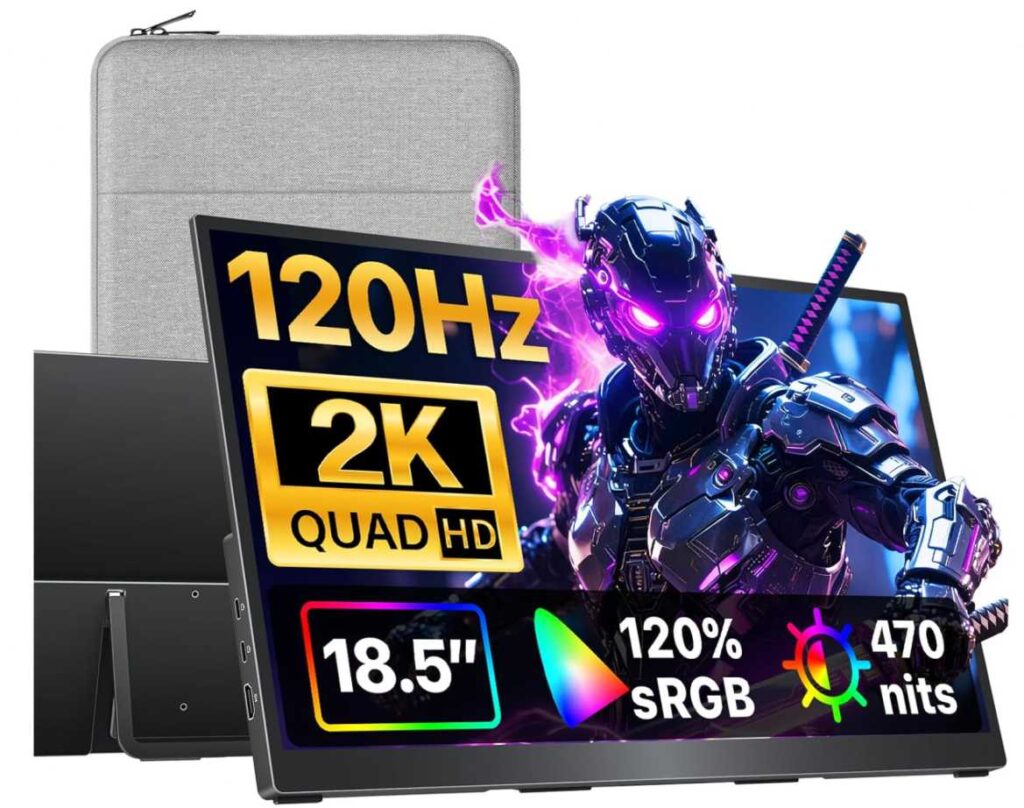
Setup is simple. You can connect it with USB-C, and it works as a second screen for your MacBook Air M5 without much effort. That makes it a solid option if you work from different places—cafes, travel, or just moving around the house.
The built-in kickstand is practical, and since it’s lightweight, it’s easy to carry along with your laptop.
Pros
- Great portable option for a MacBook Air M5 external monitor setup
- Larger 18.5″ screen compared to typical portable monitors
- Sharp 2K display, good for coding and reading
- 120Hz refresh rate feels smooth in daily use
- Easy USB-C connectivity
Cons
- Not as stable or ergonomic as a full desktop monitor
Final thoughts
If you need a portable monitor for MacBook Air M5 for coding and productivity, this is a strong option. It gives you extra screen space wherever you work, without locking you into a desk setup.
3. InnoView 23.8″ 2K Portable Monitor
2K Display • Best for External Monitor
The InnoView 23.8 Inch 2K Portable Monitor is a great pick if you want a larger external monitor for MacBook Air M5 without going fully into a traditional desktop setup.
The 23.8-inch 2K display gives you plenty of screen space, which makes a big difference for coding and productivity. You can comfortably keep multiple windows open—like your editor, browser, and docs—without feeling cramped.
In real use, text looks sharp and easy to read, and the 100Hz refresh rate makes scrolling and switching between apps feel smoother. It’s a small detail, but it helps reduce eye strain during long sessions.
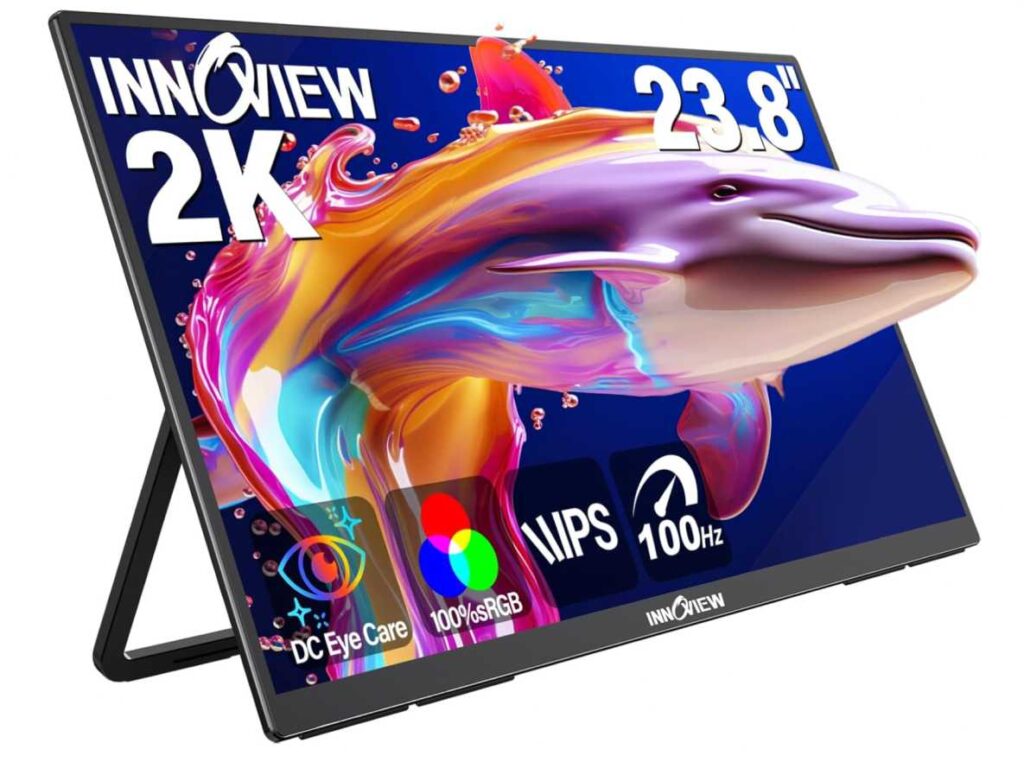
What makes this a strong option as an external monitor for MacBook Air M5 for coding and productivity is the flexibility. You can use it like a regular desk monitor, but it’s still portable enough if you want to move your setup around.
Setup is simple with USB-C, so you can connect your MacBook quickly and keep things clean.
Pros
- 2K display with good clarity for coding
- Large screen, ideal as an external monitor for MacBook Air M5
- Smooth 100Hz refresh rate
- Flexible use (desk + portable)
- Easy USB-C setup
Cons
- Less portable than smaller monitors
Final thoughts
If you want a bigger screen that still gives you some flexibility, this is a solid choice. For a MacBook Air M5 external monitor setup, it offers a good balance between space, clarity, and convenience.
4. HotYeah 15.6″ Wireless Portable Monitor
Wireless + Battery Powered • Best for Travel Setup
The HotYeah Wireless Portable Monitor 15.6 Inch Battery Powered is a good option if you want a completely flexible external monitor for MacBook Air M5—especially for working on the go.
What makes this different from most portable monitors is the wireless support and built-in battery. You can connect using AirPlay or Miracast without cables, and the 4–5 hour battery means you can actually use it anywhere—cafes, travel, or even places without power.
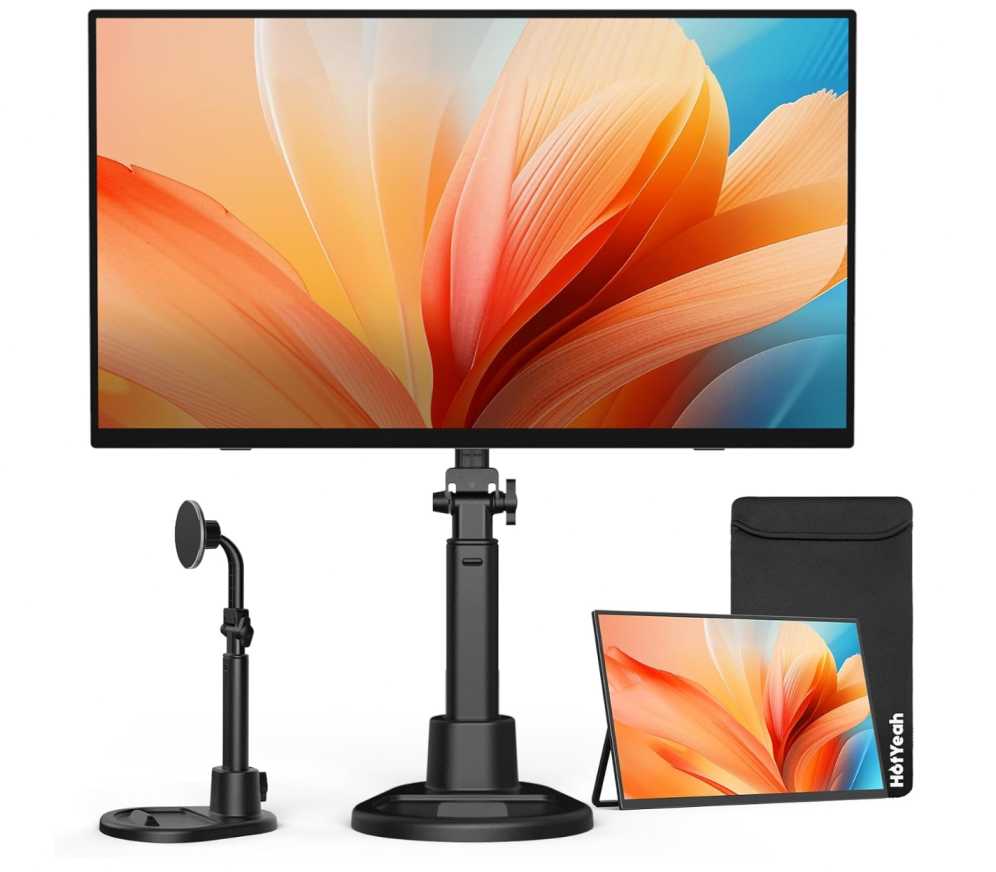
In real use, it’s more about convenience than raw performance. The 15.6-inch Full HD display is decent for coding, emails, and general productivity, though not as sharp as 2K or 4K screens. But for a portable setup, it gets the job done.
You also have the option to switch to wired mode with USB-C or HDMI, so you’re not limited if the battery runs out.
Pros
- Wireless screen support (AirPlay/Miracast) for a clean setup
- Built-in battery makes it truly portable
- Good option as a MacBook Air M5 external monitor for travel
- Flexible stand and multiple viewing modes
- Can switch between wireless and wired use
Cons
- 1080p resolution is less sharp for heavy coding work
Final thoughts
If your priority is flexibility and portability, this is a solid pick. For a MacBook Air M5 external monitor setup, it’s not the most powerful option—but it’s one of the most convenient for working anywhere.
5. CRUA 32″ 4K Curved Monitor
4K Display • Best for Large Screen Productivity
The CRUA 32 Inch 4K Curved Monitor is a good choice if you want a big external monitor for MacBook Air M5 and prefer working on a large, immersive screen.
The 32-inch 4K display gives you a lot of space to work with. For coding and productivity, this means you can comfortably keep multiple windows open—editor, terminal, browser, docs—without feeling cramped. It’s the kind of setup that reduces constant tab switching.
The curved design is also worth mentioning. It doesn’t change everything, but it does make long sessions feel a bit more comfortable, especially when you’re sitting close to a large screen.
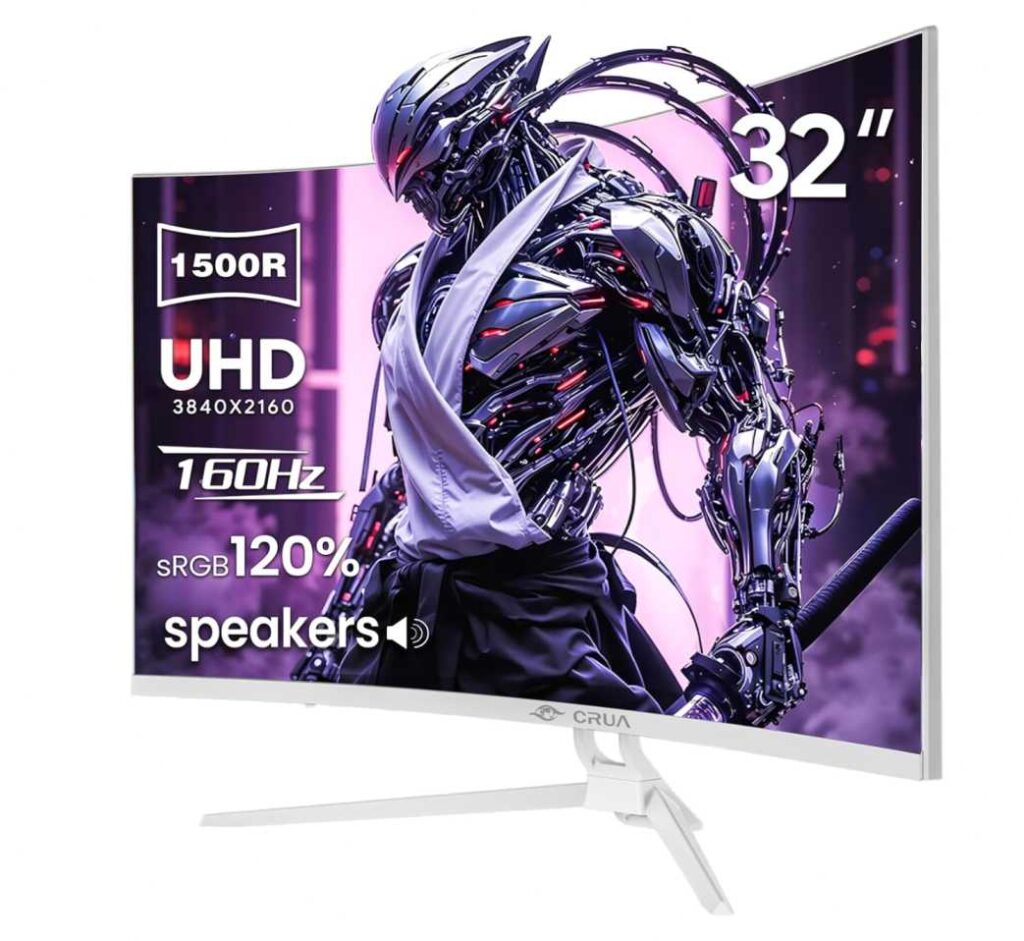
In real use, the high resolution keeps text sharp, and the larger screen helps with multitasking. The higher refresh rate (144Hz+) is more of a bonus—it makes scrolling smoother, even if you’re not gaming.
Pros
- Large 4K display ideal for coding and multitasking
- Great as an external monitor for MacBook Air M5
- Curved screen feels more immersive for long sessions
- Smooth refresh rate improves overall experience
Cons
- Takes up more desk space than standard monitors
Final thoughts
If you want a bigger workspace and prefer fewer limitations on screen space, this is a strong option. For a MacBook Air M5 external monitor setup, it’s best suited for users who want a large, immersive display for productivity.
6. VisionOwl 15.6″ 4K Portable Monitor
4K Display • Best Portable External Monitor
The VisionOwl 15.6 Inch 4K Portable Monitor is a great option if you want a portable external monitor for MacBook Air M5 but still care about sharp visuals and screen quality.
Most portable monitors compromise on resolution, but this one gives you a 4K display, which makes a noticeable difference—especially for coding. Text looks crisp, UI elements are clean, and it’s easier on the eyes during long sessions.
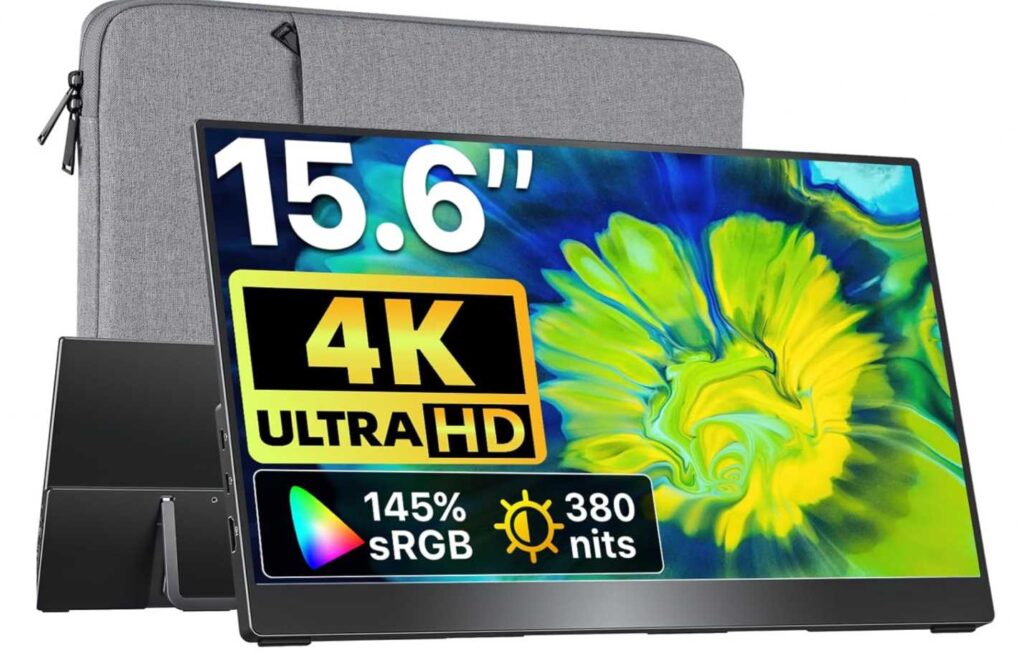
In real use, it’s very straightforward. You connect it via USB-C, and it works as a second screen for your MacBook Air M5. The size is compact enough to carry, but still large enough to be useful for multitasking—like keeping code on one screen and docs or browser on the other.
The built-in kickstand is sturdy, and the overall metal build makes it feel more premium compared to typical portable monitors.
Pros
- 4K display with sharp text, great for coding
- Excellent as a portable external monitor for MacBook Air M5
- Compact and travel-friendly
- Solid build quality with metal design
- Easy USB-C plug-and-play setup
Cons
- Smaller screen compared to full desktop monitors
Final thoughts
If you want portability without sacrificing display quality, this is a strong choice. For a MacBook Air M5 external monitor setup, it’s ideal if you work from different places but still want a sharp, reliable second screen.
7. Acer PM161Q 15.6″ Portable Monitor
1080P Display • Best Budget Portable Monitor
The Acer PM161Q 15.6 Inch Portable Monitor is a good option if you want a simple and affordable external monitor for MacBook Air M5, especially for basic productivity and on-the-go use.
This is a no-complication monitor. You connect it with USB-C or HDMI, and it works as a second screen right away. For anyone looking for a budget external monitor for MacBook Air M5, this is one of the easiest choices.
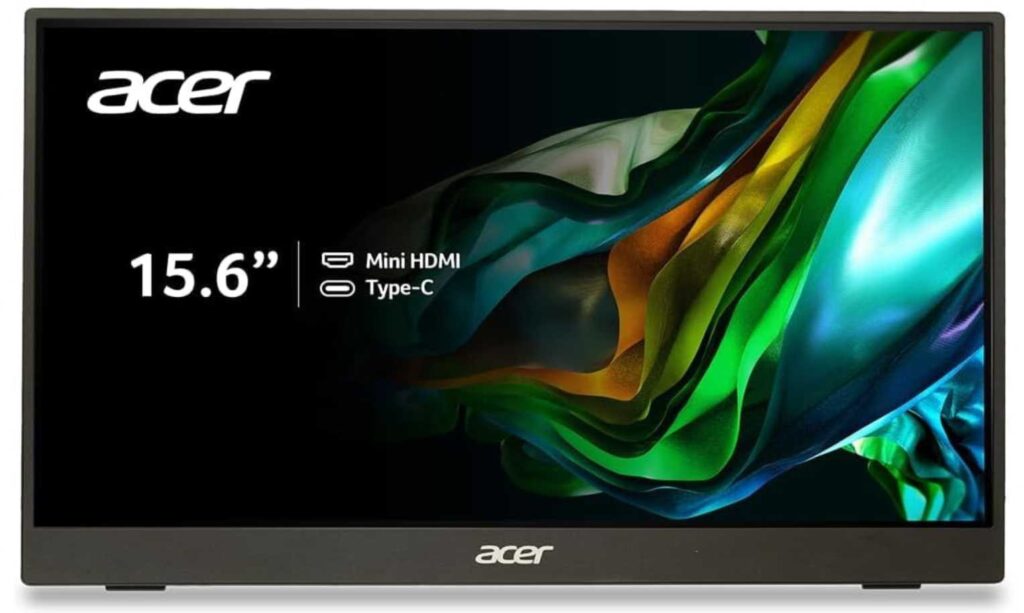
In real use, the 15.6-inch Full HD display is decent for everyday tasks like coding, documents, and browsing. It’s not as sharp as 2K or 4K screens, but for the price, it does the job well.
What makes it practical is the portability. It’s slim, lightweight, and easy to carry, so it fits well into a travel or flexible work setup.
Pros
- Affordable option for a MacBook Air M5 external monitor setup
- Lightweight and easy to carry
- Simple plug-and-play setup
- Good for basic productivity tasks
Cons
- 1080p resolution is not as sharp for heavy coding
Final thoughts
If you want a budget portable monitor for MacBook Air M5, this is a practical pick. It keeps things simple and works well for everyday tasks without spending too much.
Final Thoughts
Choosing the best external monitor for MacBook Air M5 for coding and productivity really depends on how and where you work.
If you spend most of your time at a desk, a larger 4K monitor will give you the best experience. You get more space, sharper text, and a setup that makes multitasking much easier.
If you work from different places, portable monitors are a better fit. They’re easy to carry and quick to set up, even though you may compromise a bit on screen size or resolution.
And if you’re focused on value, there are solid budget options that still get the job done for everyday coding and productivity.
So it comes down to your priority:
- Go for a 4K monitor if you want the best clarity and workspace
- Choose a portable monitor if you need flexibility
- Pick a budget option if you just need a simple second screen
Once you know what matters most—screen size, portability, or sharpness—it becomes much easier to find the right monitor for your MacBook Air M5 setup.