
If you’ve got a Sony PlayStation 5, you already know it’s built for serious performance—4K gaming, high frame rates, and smooth visuals. But here’s the catch: you only get the full experience if your monitor can actually keep up.
That’s why choosing the best monitors for PS5 under $500 (HDMI 2.1 picks) matters more than most people think. A regular monitor might work, but without HDMI 2.1, you’re missing out on features like 4K at 120Hz, variable refresh rate (VRR), and smoother gameplay overall.
The good news? You don’t need to spend a fortune anymore. There are now solid options under $500 that give you:
- 4K resolution for sharp, detailed visuals
- 120Hz+ refresh rates for smoother gameplay
- HDMI 2.1 support for true PS5 performance
Whether you’re into competitive shooters, story-driven games, or just want a cleaner, lag-free experience, the right monitor can completely change how your PS5 feels.
In this guide, we’ll break down the best PS5 monitors under $500 with HDMI 2.1, so you can pick the one that actually matches your gaming style—without wasting money on features you don’t need.
Read also: 6 Best Screen Privacy Filters for Laptop and Monitor Office Work
1. Amzfast 27″ 4K Gaming Monitor – Dual-Mode Beast for PS5
27″ | 4K UHD (3840×2160) | Fast IPS | 160Hz / 320Hz Dual Mode | HDMI 2.1
Alright, this one is actually pretty interesting. If you’re looking through the best monitors for PS5 under $500 (HDMI 2.1 picks), the Amzfast 27-inch 4K Gaming Monitor HDMI 2.1 stands out because it tries to give you two different experiences in one screen.
Here’s what I mean 👇
- 4K mode (up to 144Hz/120Hz) → perfect for PS5 story games and visuals
- FHD mode (up to 320Hz) → built for competitive PC gaming
For PS5 specifically, the important part is:
👉 HDMI 2.1 support + 4K 120Hz compatibility

That means you can actually take full advantage of what the Sony PlayStation 5 is capable of—smooth gameplay + sharp visuals at the same time.
On top of that, you’re getting:
- Fast IPS panel → good colors + fast response
- HDR400 → better contrast (not amazing HDR, but noticeable)
- 1ms response time + Adaptive Sync → smoother motion, less blur
- 126% sRGB / wide color → more vibrant image
And honestly, for the price, the feature list is kind of stacked.
Where this monitor really shines
- You want a true HDMI 2.1 monitor under $300
- You play both AAA games (4K) and competitive titles
- You want future-proof specs without overspending
Things to keep in mind
- Brand isn’t as established as bigger names
- HDR is decent, not premium-level
My take
This is the “value-packed all-rounder”.
If you’re trying to get the most features possible in the best PS5 monitors under $500 category, this is a really strong start. You’re basically getting 4K + HDMI 2.1 + high refresh flexibility at a price where most monitors still cut corners.
2. LG UltraGear 27GR83Q-B – High-End QHD Performance with HDMI 2.1
27″ | QHD (2560×1440) | IPS | 240Hz | HDMI 2.1 | HDR400
Now we’re stepping into the serious performance category. If you want something from a trusted brand that actually feels premium, the LG 27GR83Q-B UltraGear 27-inch QHD Gaming Monitor is easily one of the strongest picks in the best monitors for PS5 under $500 (HDMI 2.1 picks) list.
Let’s keep it simple—this monitor is all about speed + quality without going full 4K.
For PS5 users, the key highlight is:
👉 HDMI 2.1 support + 120Hz gameplay at 1440p
That means you still get smooth, responsive gaming, even if you’re not running native 4K. And honestly, QHD at 27″ hits a really nice balance between clarity and performance.

On top of that, this thing is stacked:
- 240Hz refresh rate → overkill for PS5, but great if you also use a PC
- 1ms response time (IPS) → sharp motion with minimal blur
- DisplayHDR 400 + 95% DCI-P3 → richer colors and better contrast
- G-Sync + FreeSync Premium → smooth gameplay across platforms
Compared to budget options like the KTC 27-inch QHD 100Hz IPS Monitor, this is a big jump—not just in refresh rate, but in overall image quality, responsiveness, and build.
Why this is a great pick
- True HDMI 2.1 support for PS5
- Excellent balance of sharpness + smoothness
- Strong color performance for games and media
- Great for dual use (PS5 + PC gaming)
What to keep in mind
- Not 4K → less sharp than UHD displays
- Slightly more expensive than basic QHD options
My take
This is the “sweet spot premium” monitor.
If you don’t feel the need to go full 4K but still want a high-end gaming experience, this is one of the best choices you can make. It gives you speed, color, and HDMI 2.1 support—without pushing your budget too far.
3. INNOCN 24.5″ QHD 240Hz Monitor – Compact Speed with HDMI 2.1
24.5″ | QHD (2560×1440) | Fast IPS | 240Hz | HDMI 2.1
If you like fast, responsive gameplay but prefer a slightly smaller screen, the INNOCN 24.5-inch QHD 240Hz Gaming Monitor 25G2S is a really interesting pick in the best monitors for PS5 under $500 (HDMI 2.1 picks) category.
This one feels more focused and intentional—it’s not trying to do everything, it’s built for speed + clarity in a tighter size.
For PS5, here’s what matters:
👉 HDMI 2.1 support + 1440p 120Hz gameplay
That means you get smooth performance with better sharpness than 1080p, which is honestly a great balance—especially on a 24.5″ screen where pixel density looks even cleaner.

And then there’s the performance side:
- 240Hz refresh rate → mainly for PC, but shows how fast the panel is
- 1ms response time (Fast IPS) → crisp motion, less blur
- 99% sRGB → solid color accuracy for gaming and content
Compared to the LG 27GR83Q-B UltraGear 27-inch QHD Gaming Monitor, this is a bit more compact and budget-friendly, but still delivers a very similar core gaming experience for PS5.
Why this stands out
- HDMI 2.1 support in a more affordable, compact size
- Sharp QHD resolution on 24.5″
- Great for competitive and fast-paced games
- Easy to fit into smaller setups
Things to consider
- Smaller screen may not feel immersive for everyone
- Not 4K → less cinematic compared to UHD monitors
My take
This is the “compact performance pick.”
If you prefer a clean, desk-friendly setup and want something that feels fast and sharp without going oversized, this is a great option. Especially good for players who enjoy FPS or competitive games on PS5.
4. Acer Nitro XV272U W2 – High Refresh QHD with HDMI 2.1 Support
27″ | QHD (2560×1440) | IPS | 240Hz | HDR400 | HDMI 2.1
Now this is where things get really balanced. The Acer Nitro XV272U W2 27-inch QHD Gaming Monitor sits right in that sweet spot for the best monitors for PS5 under $500 (HDMI 2.1 picks)—giving you speed, good visuals, and proper console support without going overboard on price.
Let’s break it down in a simple way 👇
For PS5 users, the important part is:
👉 1440p at 120Hz support (smooth + sharp gameplay)
While it’s not a 4K monitor, QHD at 27″ still looks crisp and detailed, and for a lot of games, the smoother performance actually feels better than pushing max resolution.
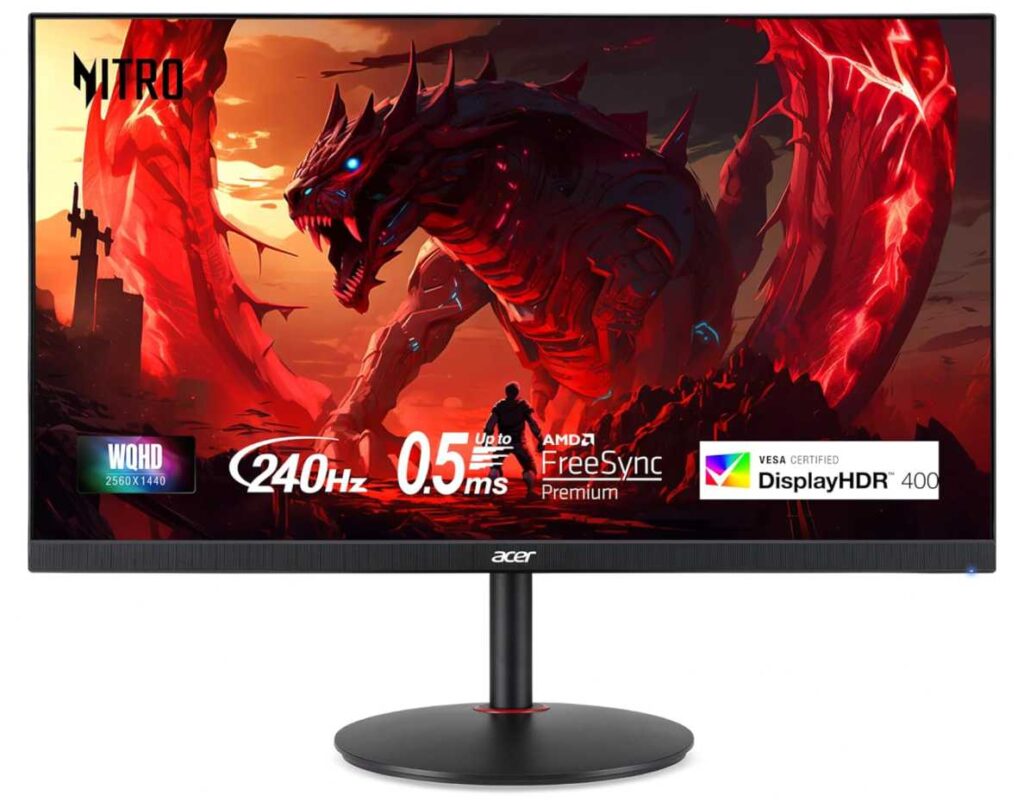
And then there’s the performance side:
- Up to 240Hz refresh rate → mainly for PC, but shows panel quality
- 0.5ms response time → very sharp motion clarity
- IPS panel + 99% sRGB → solid colors and consistency
- HDR400 → adds a bit more depth to visuals
Compared to something like the ASUS TUF Gaming VG27AQ3A 27-inch QHD Monitor, this one feels a bit more premium and future-ready, especially with better refresh handling and overall panel performance.
Why this is a great pick
- Smooth 1440p 120Hz gaming on PS5
- High refresh rate for dual use (PS5 + PC)
- Good color + decent HDR for the price
- Strong all-round performance
What to keep in mind
- Not true 4K → less cinematic than UHD displays
- HDMI 2.1 benefits are limited compared to 4K panels
My take
This is the “balanced performance option.”
If you want something that feels fast, looks good, and works well for both console and PC gaming, this is a really smart pick. It doesn’t try to max out specs—it just delivers a consistently solid experience across the board.
5. ViewSonic VX3418C-2K – Ultrawide Immersion on a Budget
34″ | UWQHD (3440×1440) | Curved | 180Hz | FreeSync Premium | HDR10
Now this one is a completely different experience compared to the others. The ViewSonic VX3418C-2K 34-inch Ultrawide Curved Gaming Monitor isn’t just about specs—it’s about immersion.
If you’ve never used an ultrawide before, think of it like this:
👉 Instead of a normal screen, you get extra horizontal space that wraps slightly around your view
For PS5, there’s one important thing to understand:
👉 It doesn’t support native 21:9 ultrawide output
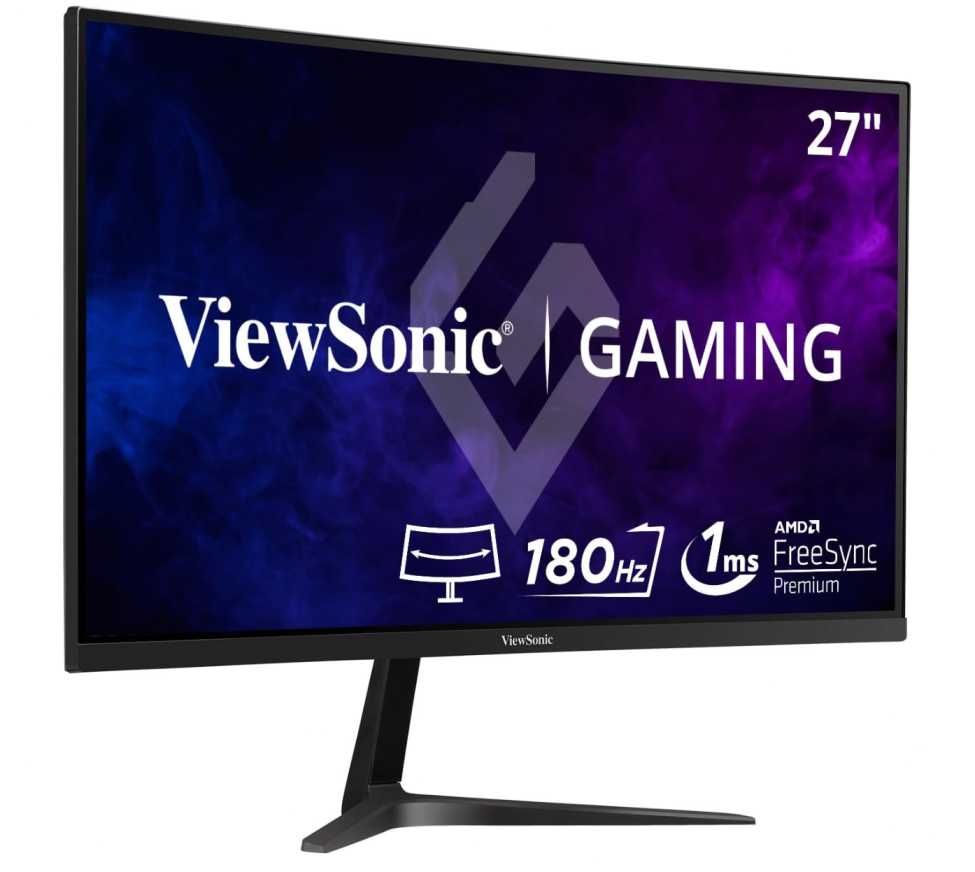
So you’ll see black bars on the sides in most games. That’s just how the console works.
But even with that, this monitor still has its place 👇
What makes it interesting
- 34″ ultrawide curved screen (1500R) → super immersive for PC use
- 3440×1440 resolution → sharp and spacious
- 180Hz + 1ms response → very smooth gameplay
- FreeSync Premium + HDR10 → better motion + improved visuals
Compared to a standard 27″ option like the Acer Nitro XV272U W2 27-inch QHD Gaming Monitor, this feels way more cinematic and workspace-friendly, especially if you multitask or use a PC alongside your PS5.
Why you might choose this
- Massive screen for immersive gaming and movies
- Great for multitasking, editing, or work setups
- High refresh rate makes it versatile
What to keep in mind
- PS5 doesn’t fully use ultrawide → black bars in games
- Takes up more desk space
- Not focused purely on console optimization
My take
This is the “immersion-first pick.”
If your setup is more than just PS5—like PS5 + PC or work + gaming—this can actually be a really fun upgrade.
6. SANSUI 34″ 240Hz Ultrawide – High-Speed Ultrawide with HDMI 2.1
34″ | UWQHD (3440×1440) | Curved 1500R | 240Hz | HDMI 2.1 | HDR400
If you liked the idea of an ultrawide but wanted something a bit more future-ready and performance-focused, the SANSUI 34-inch 240Hz Ultrawide Curved Gaming Monitor takes things up a notch.
This one actually stands out in the best monitors for PS5 under $500 (HDMI 2.1 picks) list because it combines:
👉 Ultrawide immersion + HDMI 2.1 support + very high refresh rate
But let’s keep it real (important for your readers):
👉 PS5 still doesn’t support 21:9 ultrawide natively
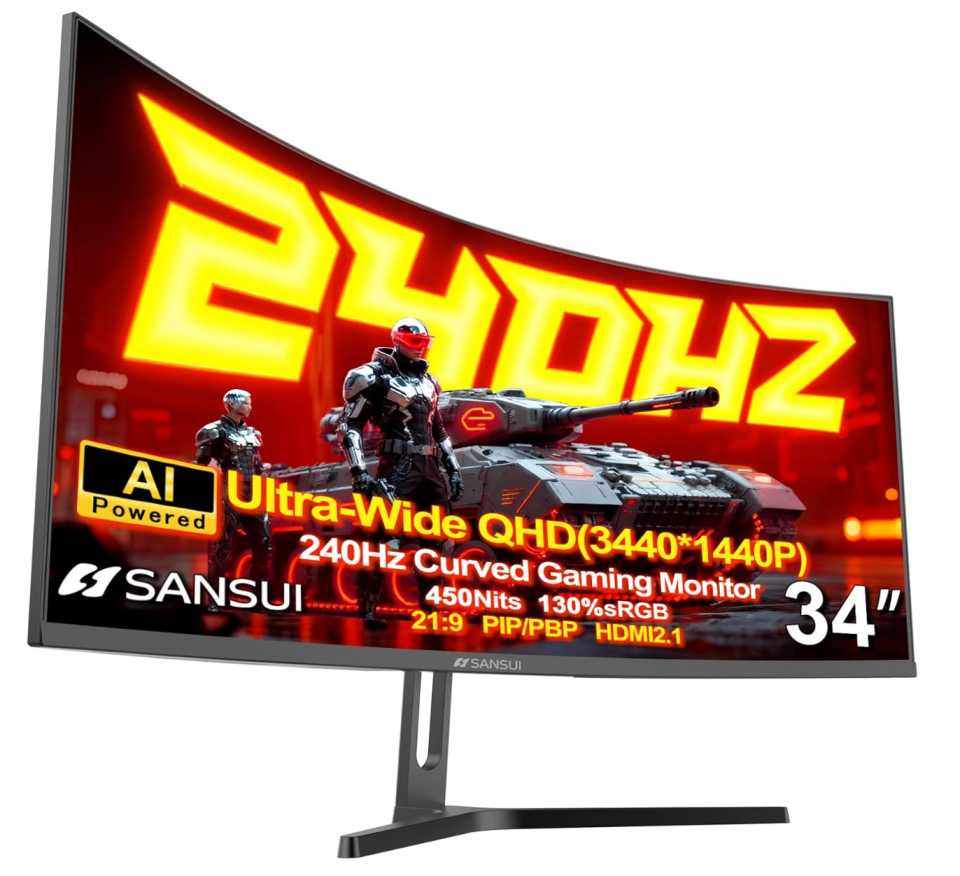
So yes—you’ll still see black bars on the sides in most games.
That said, this monitor isn’t really just for PS5 👇
What makes it powerful
- 3440×1440 ultrawide + 1500R curve → super immersive
- 240Hz refresh rate → extremely smooth (great for PC too)
- HDMI 2.1 support → better compatibility for modern devices
- HDR400 + wide color gamut (130% sRGB) → vibrant visuals
- Extra features like PIP/PBP, crosshair modes, AI enhancements
Compared to the ViewSonic VX3418C-2K 34-inch Ultrawide Curved Gaming Monitor, this one feels more feature-packed and future-proof, especially with higher refresh rate and HDMI 2.1 support.
Why you might go for this
- One of the most feature-rich ultrawides under $300
- Great for PC gaming + multitasking setups
- High refresh rate makes everything feel fast and fluid
What to consider
- PS5 doesn’t fully utilize ultrawide format
- No built-in speakers
- Best experience comes when paired with a PC
My take
This is the “enthusiast ultrawide pick.”
If your setup is PS5 + PC or you want a monitor that can handle everything (gaming, work, content), this gives you a lot for the price.
But if you’re buying purely for PS5, you’ll get better value from a standard 16:9 monitor with full console support.