
Best Desk Mounted Monitor Arm For Dual Monitor: The dual monitor desk is great to hold two monitors. However, sometimes it is less to manage accessories and clutter of cables to look at.
Thus, it’s wise to get desk mounted monitor arm for dual monitor that increases productivity with more organized space. More importantly, it gives an advantage to ergonomic health point of view.
Most modern monitor arm for dual monitor comes with full adjustability, cable management, and have enough capacity to hold several types of monitors with ease. So if you’re buying dual monitor arm for the first time then you should have to look at several thing before buying one.
For that, here in this article, we have lined up the best desk-mounted monitor arm for dual monitor that has superior quality, well holding capacity plus comes in budget price point. So no further ado let’s begin.
1. HUANUO NITROGLIDE™ Dual Monitor Stand — Strong Choice for Large Dual Monitor Setups
Monitor Size: 13 to 40 inches | Weight Capacity: Up to 26.4 lbs per arm
If you’re using larger monitors or planning to upgrade to heavier screens later, the HUANUO NITROGLIDE™ dual monitor stand is definitely worth considering. What I liked about this one is its strong build quality combined with wide monitor compatibility, making it suitable for both standard and ultrawide setups.
The arms feel solid and stable during daily use, especially when adjusting positions frequently. Thanks to the NITROGLIDE mechanism, movements like height adjustment, tilt, swivel, and rotation feel smooth instead of stiff. This makes it easier to fine-tune your viewing angle without putting too much effort.
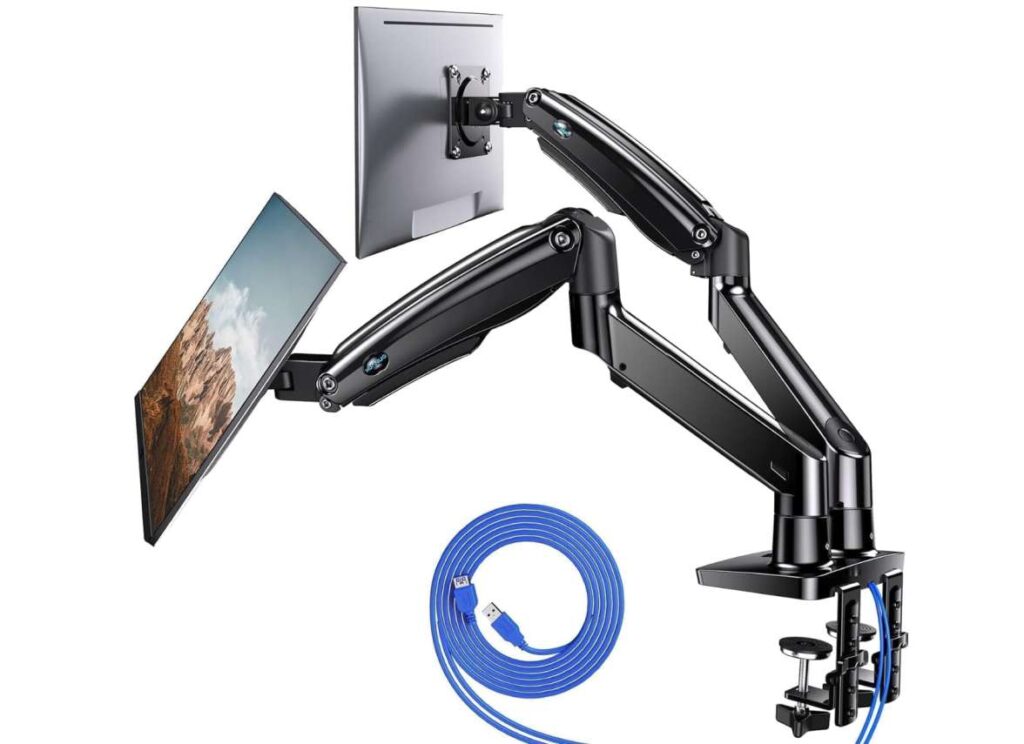
Installation is simple since it supports both clamp and grommet mounting options. Personally, the clamp setup felt secure enough, but using a grommet mount can provide extra long-term stability if your desk supports it.
Another small but useful addition is the built-in USB ports, which help keep devices charged without adding more clutter to your workspace.
Overall, if you want a heavy-duty dual monitor arm that focuses on stability, flexibility, and support for larger displays, this is a strong premium option to look at.
2. VIVO Dual Monitor Stand
Monitor Size: 17 to 32 inches | Weight Capacity: Up to 19.8 lbs per arm
If you want a reliable dual monitor arm without spending too much, the VIVO Dual Monitor Stand is one of those options that balances affordability with solid performance. After using it, what stands out most is how flexible the arms feel when adjusting positions — you can easily tilt, swivel, or rotate monitors to match your viewing setup whether for gaming or office work.
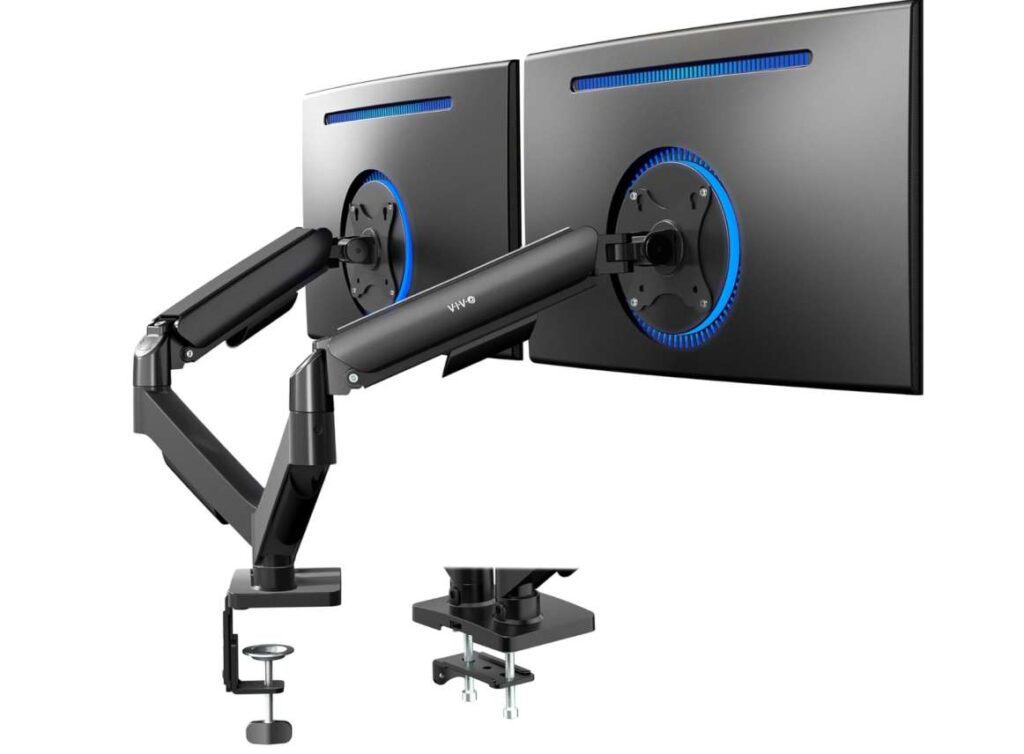
The mechanical spring adjustment helps maintain balance once your monitors are mounted, so they don’t slowly drop over time. It works well with both flat and curved displays, and the steel construction gives it a sturdy feel despite the budget-friendly price.
Installation is fairly straightforward, thanks to the open-top VESA plates that make mounting monitors quicker compared to traditional designs. It supports both C-clamp and grommet mounting, which gives you flexibility depending on your desk type.
Overall, if you’re looking for a dependable and affordable dual monitor arm that offers good adjustability and saves desk space without overcomplicating things, this is a practical choice to consider.
3. ErGear Dual Monitor Arm
Monitor Size: 13 to 32 inches | Weight Capacity: Up to 19.8 lbs per arm
If you prefer something simple to install but still highly adjustable, the ErGear Dual Monitor Arm is a solid pick for everyday setups. What makes this one different is the tool-free VESA mounting system — mounting monitors feels quicker and less frustrating compared to traditional designs, especially if you often change or upgrade displays.
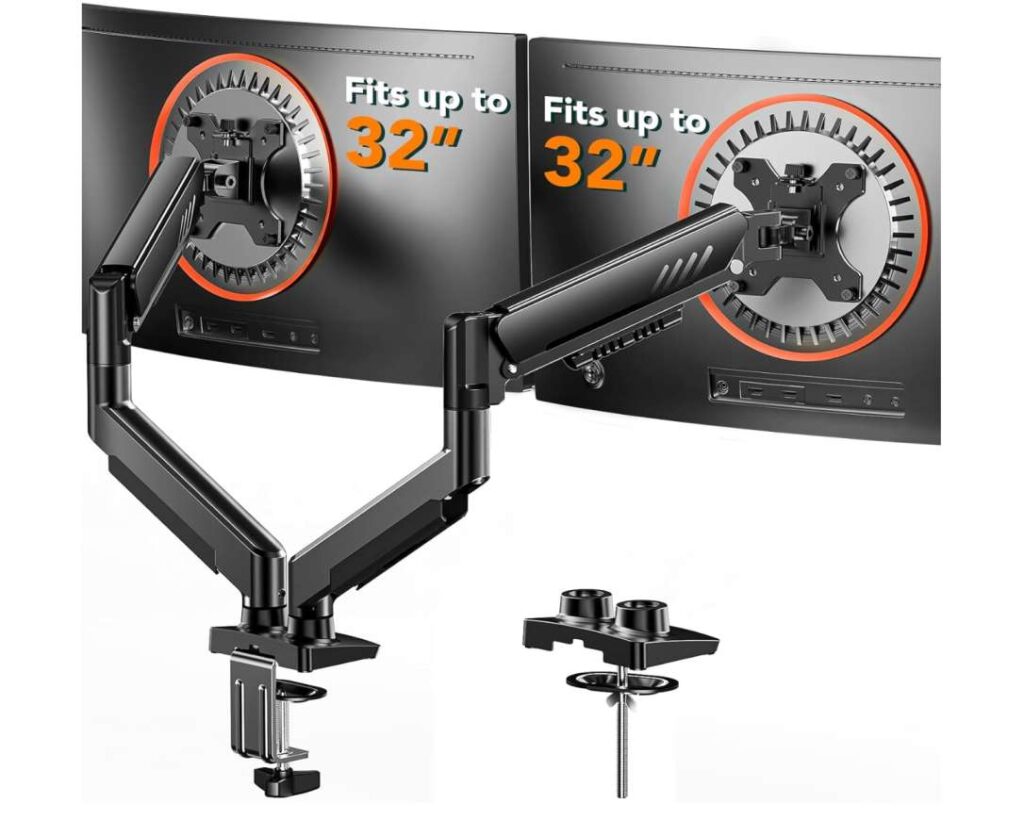
During use, the arms move smoothly and allow precise positioning with tilt, swivel, rotation, and height adjustments, making it easy to create a comfortable viewing angle for long work sessions. The steel construction feels durable enough for regular use, and once tightened properly, the stand stays stable without constant readjustment.
Cable management is also handled nicely with easy-open clips that help keep wires organized and out of sight, giving the desk a cleaner look overall.
Installation supports both clamp and grommet mounting, so you can choose based on your desk setup. Overall, if you want a straightforward dual monitor arm that focuses on quick installation, smooth adjustments, and reliable daily performance, this is a practical option worth considering.
4. ARES WING desk mounted dual monitor arm
Monitor Size: 17 to 49 inches | Weight Capacity: Up to 44 lbs per arm
If you’re running large ultrawide monitors or planning a stacked dual-screen setup, the ARES WING desk mounted monitor arm is built specifically for heavy-duty dual monitor use. Compared to standard dual monitor desk mounts, this one focuses more on strength, stability, and flexibility — making it a strong choice for bigger displays like 34″ or even 49″ ultrawide monitors.
What stood out to me first is how smooth the gas spring movement feels, even with heavier screens attached. Adjusting height or repositioning monitors feels effortless, which is ideal if you frequently switch between work, gaming, or content viewing. The extended height range also makes vertical stacking possible, helping create a more ergonomic monitor setup while saving desk space.
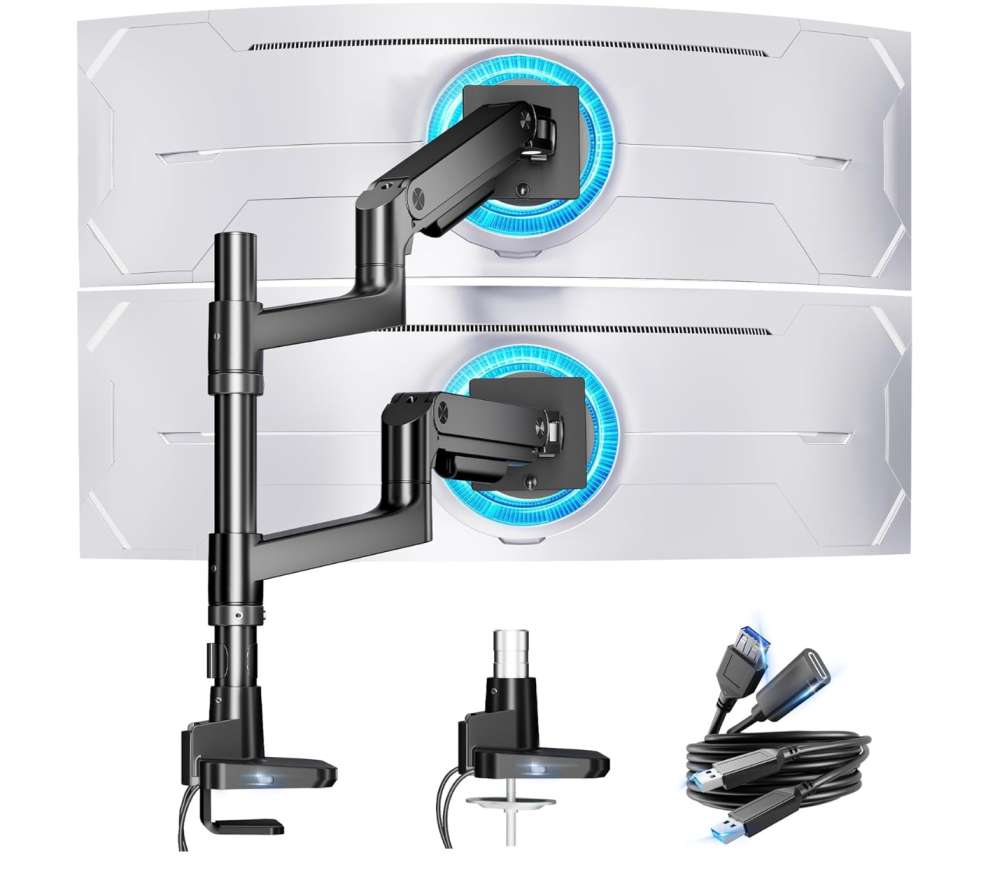
Another practical advantage is the built-in USB-A and USB-C ports. Having charging options directly on your dual monitor stand for desk keeps accessories powered without adding cable clutter. The aluminum construction feels solid, and once mounted properly, the arm stays stable even when fully extended.
Installation is simple thanks to both clamp and grommet mounting options, and the quick-release VESA plates make attaching monitors easier compared to many traditional ultrawide monitor mounts.
Overall, if your goal is to use a heavy-duty desk mounted monitor arm that supports large displays while improving flexibility, cable management, and ergonomic positioning, this is a strong option — especially for users wanting something more advanced than basic side-by-side dual monitor arms.
5. MOUNTUP Dual Monitor Stand
Monitor Size: 17 to 32 inches | Weight Capacity: 4.4 to 17.6 lbs per arm
If you’re looking for a practical desk mounted monitor arm for everyday dual monitor setups, the MOUNTUP Dual Monitor Stand is a good balance between affordability and functionality. This dual monitor desk mount is designed for standard screen sizes, making it ideal for office workstations, home setups, or casual gaming environments where flexibility matters more than heavy-duty support.
What I liked is how easy it is to adjust both screens independently. The pneumatic arms allow smooth height adjustment along with tilt, swivel, and full rotation, so setting up a comfortable ergonomic monitor position doesn’t take much effort. Once properly adjusted, the monitors stay stable and don’t require constant repositioning.
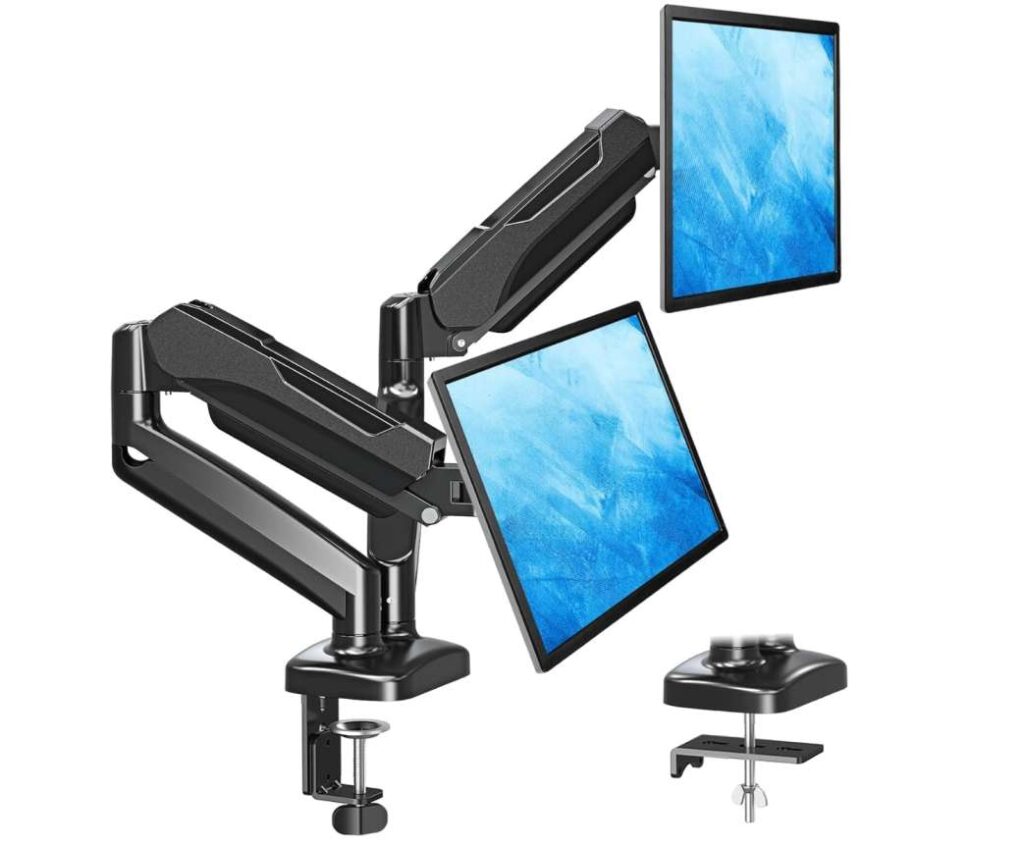
Installation is straightforward with both C-clamp and grommet mounting options, which makes it compatible with most desk types. The built-in cable management also helps keep wires hidden, giving your workspace a cleaner and more organized look.
Overall, if you want a budget-friendly dual monitor stand for desk use that improves posture, saves desk space, and provides flexible screen positioning without overcomplicating the setup, this is a solid option to consider.
6. MSI MAG MT201D – Premium Heavy Duty Dual Monitor Stand Arms
Monitor Size: 17 to 45 inches | Weight Capacity: Up to 44 lbs per arm
For users who prefer a more industrial, heavy-duty dual monitor arm, the MSI MAG MT201D leans toward strength and long-term reliability rather than minimalist design. This is the kind of desk mounted monitor arm that makes sense if you’re using larger gaming monitors or heavier professional displays and want something that feels secure from day one.
The spring-assisted mechanism does a good job balancing weight, which helps when adjusting positioning without sudden drops or resistance. Once dialed in, the monitors stay firmly in place — useful if you don’t want to keep tweaking alignment during work or gaming sessions.
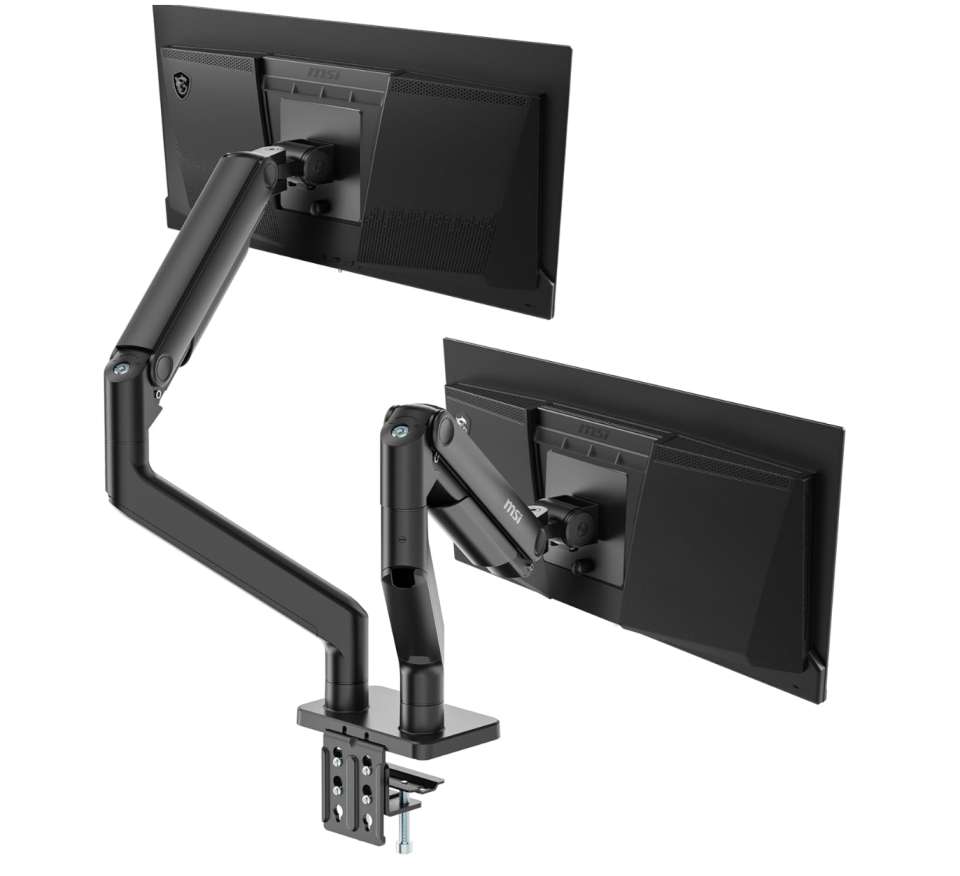
One feature that stands out is the quick-release VESA plate. It simplifies installation significantly, especially if you’ve struggled with lining up monitors on traditional mounts. Combined with both clamp and grommet mounting options, it adapts easily to different desk setups.
Instead of focusing purely on aesthetics, this dual monitor stand prioritizes stability and adjustability, making it more suitable for users who value function and durability over flashy design. If your setup includes larger screens or you want a mount that feels built for heavier workloads, this one fits that role well.
Wrapping Up: Best Desk Mounted Monitor Arm For Dual Monitor
Choosing the best desk mounted monitor arm for dual monitor setups ultimately depends on your workspace needs, monitor size, and how much flexibility you want from your setup.
Some users may prefer heavy-duty dual monitor arms designed for large ultrawide displays, while others might just need a simple and affordable dual monitor desk mount to keep their workspace organized.
A good dual monitor stand not only helps free up valuable desk space but also improves ergonomics by allowing proper height and viewing angle adjustments. Features like smooth motion adjustments, sturdy build quality, and easy installation can make a big difference in daily use.
Before making a final decision, always check monitor weight, VESA compatibility, and desk mounting options to ensure the arm fits your setup perfectly. The options listed above cover different budgets and use cases, so you can choose the one that best matches your workflow and comfort preferences.