
If you spend long hours coding, programming, or working remotely, having enough screen space can make a huge difference. Switching between your code editor, browser, terminal, documentation, and other tools on a single laptop screen can quickly become frustrating. That’s where a portable monitor for coding can be a great addition to your setup.
The best portable monitors for programming give you the convenience of a second screen without the bulk of a traditional desktop monitor. They are lightweight, easy to carry, and can be connected to a laptop for a dual-screen coding setup at home, in the office, or while traveling. Some models also offer features such as USB-C connectivity, Full HD or higher resolution, adjustable stands, and good viewing angles that make them useful for long coding sessions.
In this guide, we’ve selected some of the best portable monitors for coding and programming based on display quality, portability, connectivity, screen size, and overall value. Whether you’re a software developer, web developer, student, or remote programmer, these portable monitors can help you create a more comfortable and productive workspace without taking up much space.
1. ASUS ZenScreen 15.6″ Portable Monitor – Simple Second Screen for Coding
15.6″ | Full HD 1080p | IPS | USB-C & USB-A | Anti-Glare | Eye Care | Kickstand
If you’re looking for one of the Best Portable Monitors for Coding and Programming, the ASUS ZenScreen MB16ACV is a solid choice for everyday work. Its 15.6-inch Full HD IPS display gives you extra space for your code editor, browser, terminal, or documentation without making your setup bulky.
The built-in kickstand works in both portrait and landscape modes, which is especially useful when coding because portrait mode gives you more vertical space for long files. The USB-C and USB-A support also makes it easier to connect with different laptops and PCs.
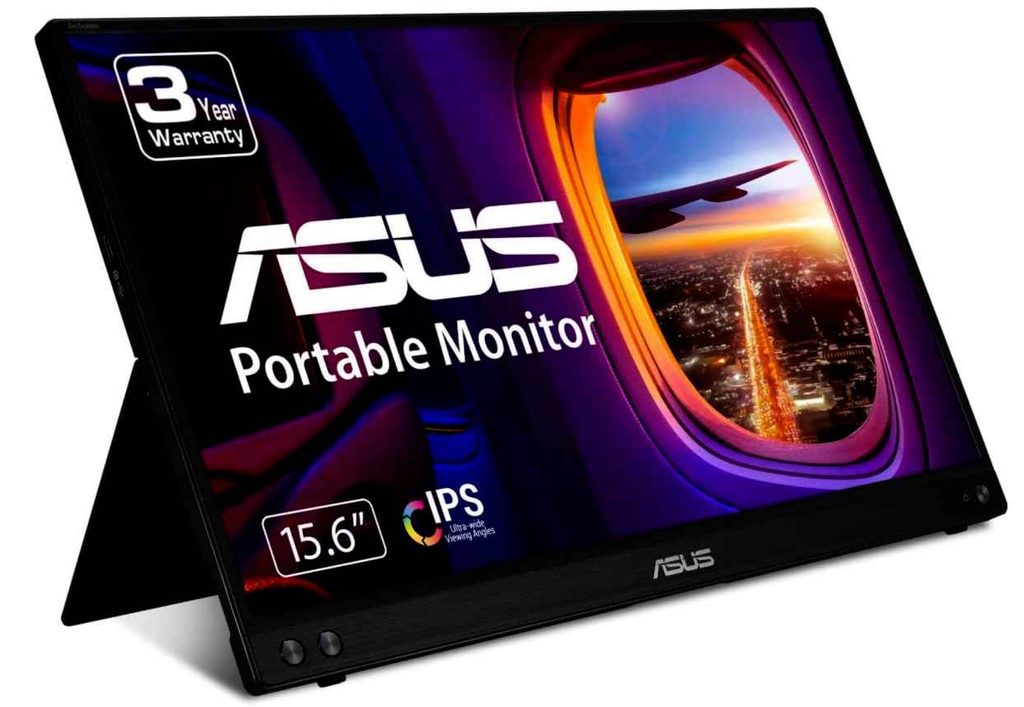
I also like the anti-glare display and Eye Care features if you’re spending hours working on code. It’s a straightforward portable monitor for programming that focuses on the features most developers actually need.
Who this is for
- You want a reliable second monitor for coding
- You need extra screen space for programming and multitasking
- You like using portrait mode for long code files
- You want flexible USB-C and USB-A connectivity
Who should skip it
- If you want a high-refresh-rate monitor for gaming
- If you need a larger portable display
My take
The ASUS ZenScreen is a practical pick for a dual-screen coding setup. It’s slim, easy to set up, and gives you that extra screen space that can make programming on a laptop much more comfortable.
2. InnoView 18.5″ 2K Portable Monitor – More Space for Coding and Multitasking
18.5″ | QHD 2560×1440 | 120Hz | 100% sRGB | USB-C | HDMI | DP
If you want one of the Best Portable Monitors for Coding and Programming with a bigger, sharper display, the InnoView 18.5-inch is an interesting option. Its 2K QHD resolution gives your code, text, and multiple windows more room and detail than a typical 1080p portable monitor.
The larger 18.5-inch screen is especially useful if you like keeping your code editor open alongside a browser, terminal, or documentation. You also get USB-C, HDMI, and DisplayPort, so it works with a wide range of laptops and PCs.
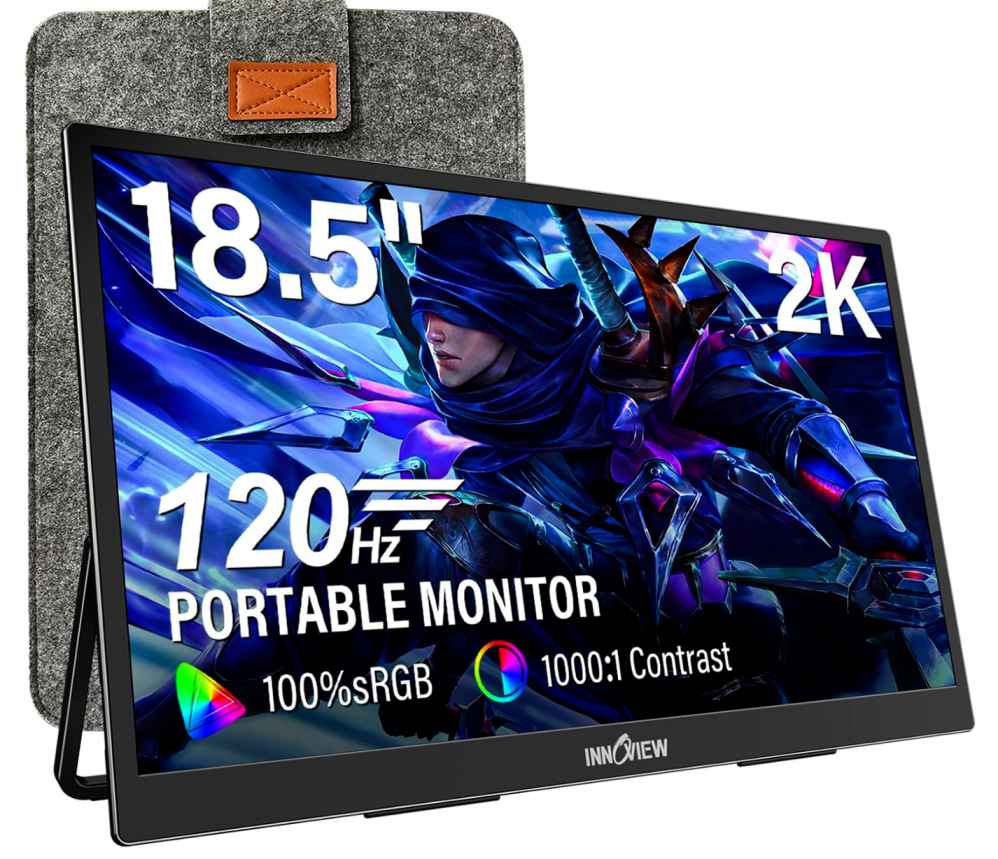
The 120Hz refresh rate isn’t essential for programming, but it makes scrolling and general screen movement feel smoother. Just keep in mind that this is a larger portable monitor, so it’s better suited to a portable desk setup than someone who wants the lightest screen possible.
Who this is for
- You want a large portable monitor for programming
- You prefer 2K resolution for sharper text and code
- You multitask with several windows while coding
- You want plenty of connectivity options
Who should skip it
- If you want an ultra-light travel monitor
- If you mainly need a compact second screen
My take
The InnoView stands out if screen size and resolution matter more than maximum portability. For developers who want a more spacious dual-screen coding setup, the 18.5-inch QHD display gives you plenty of room to work comfortably.
3. cocopar 16″ 2.5K Portable Monitor – Sharp Display for Coding
16″ | 2560×1600 2.5K | 144Hz | 110% sRGB | USB-C | HDMI | Kickstand
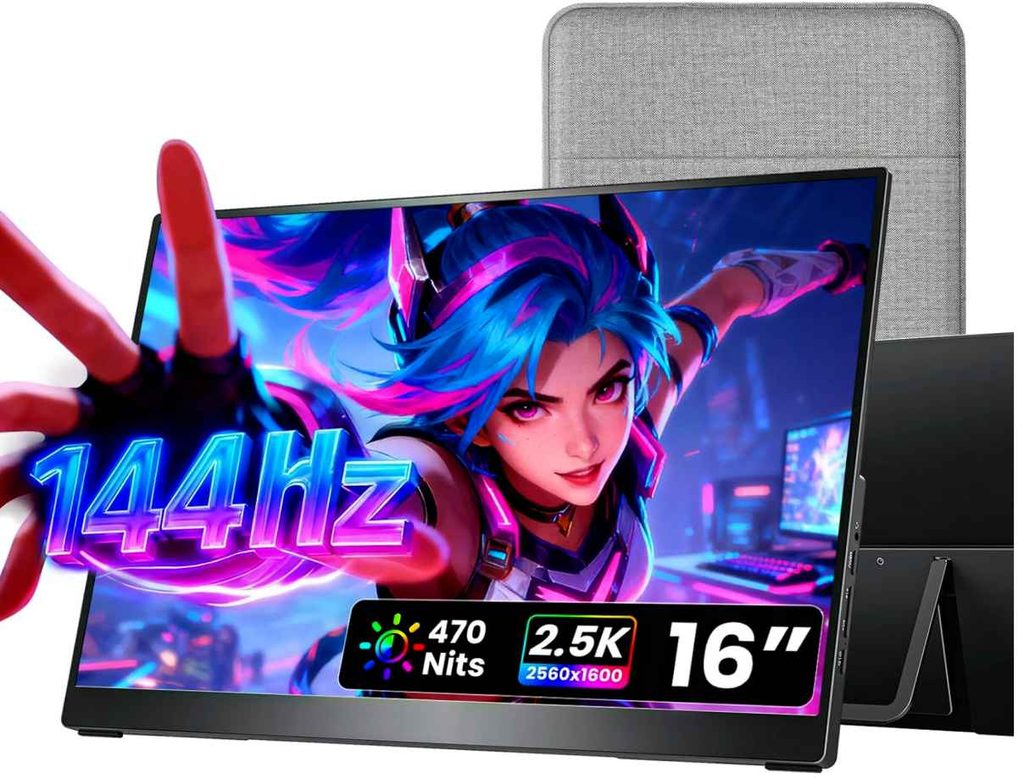
If you want one of the Best Portable Monitors for Coding and Programming with a sharper display, the cocopar 16-inch is a strong option. The 2.5K resolution makes text and code look crisp, while the 16-inch screen gives you enough room to keep your editor, browser, and terminal open side by side.
It’s also surprisingly easy to carry at around 1.5 lb, making it a good fit for developers who work from different locations. The USB-C plug-and-play connection keeps setup simple with compatible laptops, and the adjustable kickstand makes it easy to position the screen on your desk.
The 144Hz refresh rate is more than you need for programming, but it does make scrolling and everyday use feel smoother. If you also game after work, it’s a nice bonus.
Who this is for
- You want a sharp portable monitor for programming
- You prefer a lightweight second screen
- You want more screen space for coding and multitasking
- You also want a monitor that works well for gaming
Who should skip it
- If you only need a basic 1080p screen
- If you want the largest portable display possible
My take
The cocopar is a nice balance of portability, resolution, and performance. For a laptop-based coding and programming setup, the sharp 2.5K screen and lightweight design make it an easy monitor to carry and use wherever you work.
4. MNN 15.6″ Portable Monitor – Budget-Friendly Second Screen for Coding
15.6″ | Full HD 1080p | IPS | 60Hz | USB-C | HDMI | HDR | Smart Cover
If you’re looking for one of the Best Portable Monitors for Coding and Programming without spending too much, the MNN 15.6-inch is worth a look. Its Full HD IPS display gives you enough space for your code editor, browser, terminal, or documentation while keeping your setup simple and affordable.
The two USB-C ports allow a one-cable connection for compatible laptops, handling both power and display. You can also use portrait mode, which is handy for coding because it gives you more vertical space for long files and webpages.
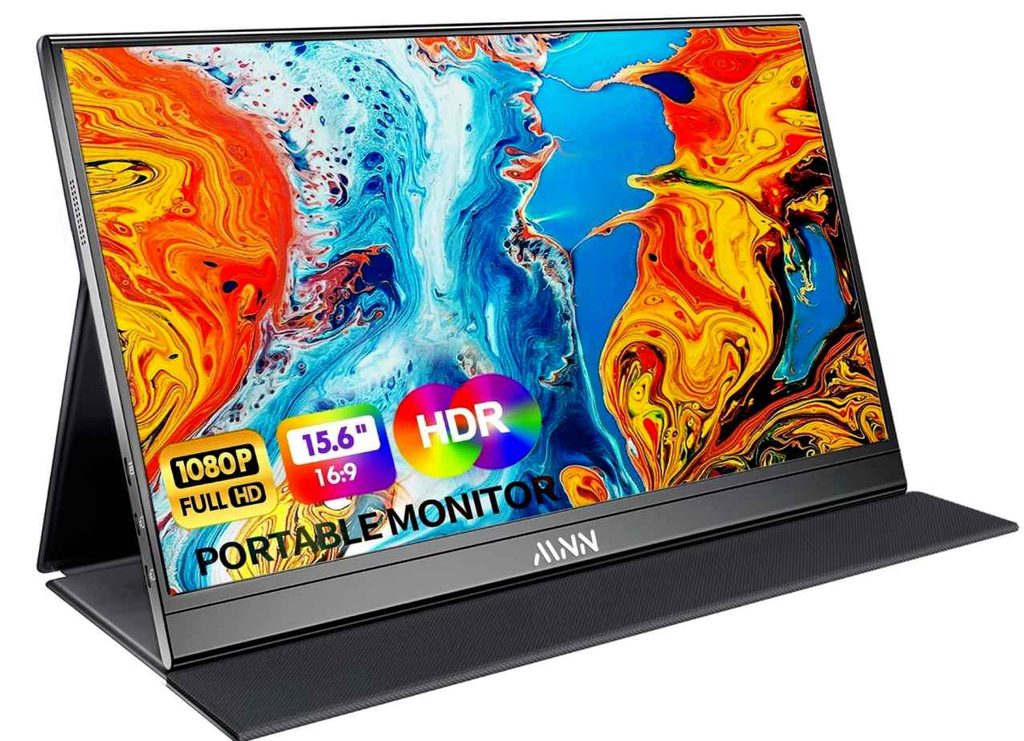
It’s also slim and lightweight, so you can easily carry it with your laptop. The included smart cover protects the screen and doubles as a stand, making it convenient for working on the go.
Who this is for
- You want a budget portable monitor for programming
- You need a simple second screen for coding
- You want something lightweight for travel
- You prefer portrait and landscape modes
Who should skip it
- If you want 2K or higher resolution
- If you need a high-refresh-rate portable monitor
My take
The MNN is a good affordable portable monitor for coding if your priority is getting extra screen space without spending a lot. It keeps things simple and works well for everyday programming, remote work, and multitasking.
5. COOLHOOD 18.5″ Portable Monitor – Large Screen for Coding
18.5″ | Full HD 1080p | IPS | 120Hz | USB-C | HDMI | VESA Mountable
If you want one of the Best Portable Monitors for Coding and Programming with plenty of screen space, the COOLHOOD 18.5-inch is worth considering. The large Full HD IPS display gives you more room for your code editor, browser, terminal, and documentation without constantly switching between windows.
The 120Hz refresh rate makes scrolling and everyday use feel smoother, while the USB-C and HDMI connectivity gives you flexible options for connecting a laptop or PC. The smart cover also doubles as a stand, so setting it up on a desk is simple.
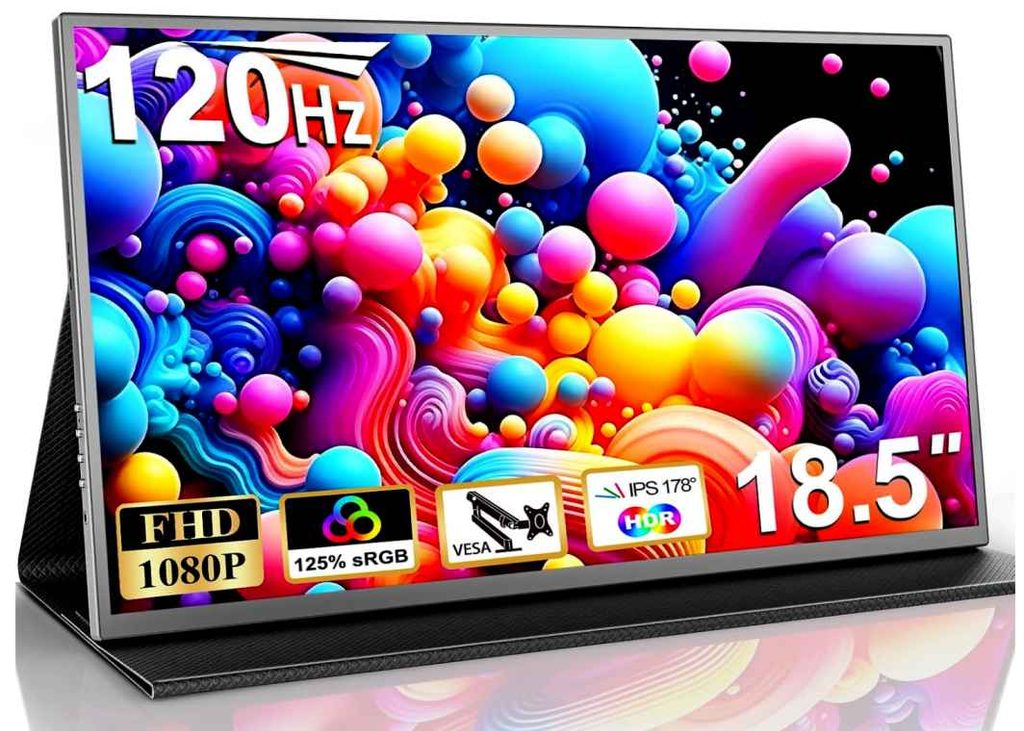
At around 1.2 kg, it’s not the smallest portable monitor, but it still works well for travel or a flexible home-office setup.
Who this is for
- You want a large portable monitor for programming
- You need extra screen space for multitasking
- You want smooth 120Hz performance
- You prefer a monitor that can also be VESA mounted
Who should skip it
- If you want an ultra-light travel monitor
- If you prefer 2K or higher resolution
My take
The COOLHOOD is a good choice when screen size matters more than maximum portability. For coding, remote work, and multitasking, the 18.5-inch display gives you a comfortable second-screen setup without going all the way to a traditional desktop monitor.
6. EVICIV 15.6″ 4K Touchscreen Portable Monitor – Ultra-Sharp Display for Coding
15.6″ | 4K UHD 3840×2160 | 10-Point Touch | 125% sRGB | USB-C | Mini HDMI | VESA
If you’re looking for one of the Best Portable Monitors for Coding and Programming with an extremely sharp display, the EVICIV 15.6-inch 4K monitor is a great option. The 4K resolution makes text, code, and small interface elements look noticeably sharper, which can be useful when you spend hours working in an editor.
The standout feature is the 10-point touchscreen, giving you another way to interact with compatible devices. You also get USB-C and Mini HDMI, so connecting it to a laptop or other device is straightforward.
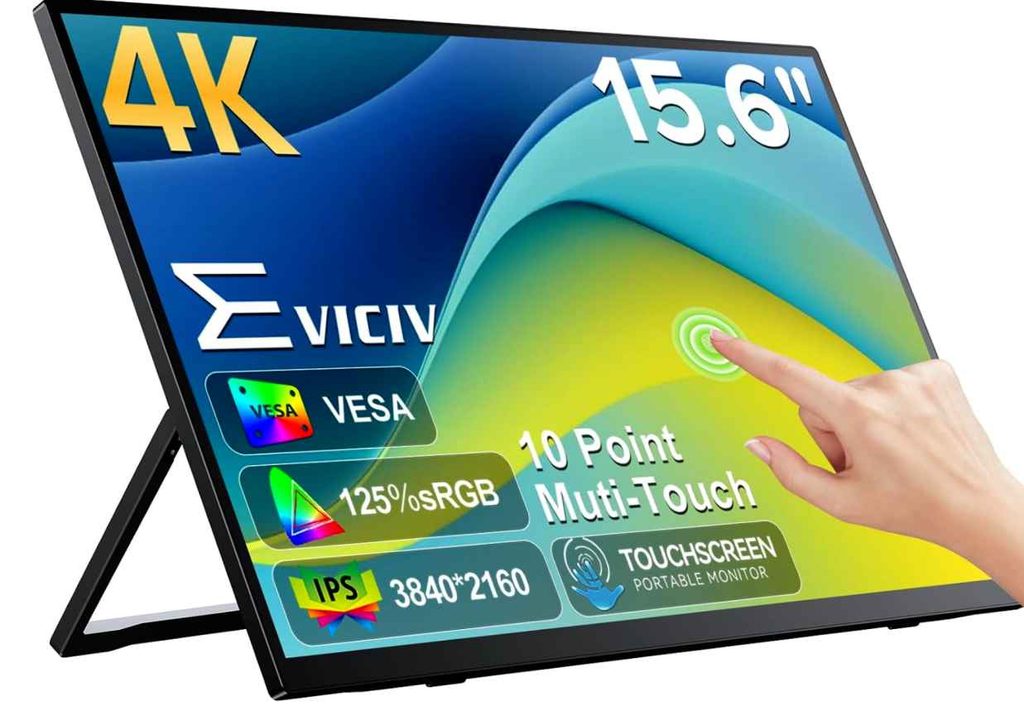
Despite the 4K panel, it stays fairly portable at around 1.8 pounds and 0.27 inches thin. That makes it a nice choice if you want a high-resolution portable monitor for programming without carrying something bulky.
Who this is for
- You want a 4K portable monitor for coding
- Sharp text and detailed visuals are important to you
- You want touchscreen functionality
- You need a lightweight second screen for travel
Who should skip it
- If you only need a basic 1080p monitor
- If touchscreen support isn’t useful for your workflow
My take
The EVICIV is a good pick for programmers who care about sharp text and display quality. The 4K resolution, touchscreen, and slim design make it more versatile than a basic portable monitor, especially for developers who want a premium second screen for coding.
Buying Guide: Best Portable Monitors for Coding and Programming
Choosing the Best Portable Monitors for Coding and Programming isn’t just about getting the biggest screen or the highest refresh rate. For developers, clear text, good resolution, easy connectivity, portability, and comfortable viewing matter much more.
1. Choose the Right Screen Size
For most programmers, 15.6 to 16 inches is a great balance between screen space and portability. You get enough room for your code editor, browser, terminal, or documentation without carrying a bulky monitor.
If you want more workspace for multitasking, an 18.5-inch portable monitor can be a better choice.
2. Look for a Sharp Resolution
For coding, text clarity is important because you may be staring at code for hours.
A 1080p portable monitor works well for basic programming, while 2K or 1440p gives you sharper text and more workspace. A 4K portable monitor is ideal if you want extremely sharp text and detailed visuals, although it usually costs more.
3. Check USB-C Connectivity
A good USB-C portable monitor can make your coding setup much easier. On compatible laptops, a single USB-C cable can handle both power and video, which means fewer cables on your desk.
Just make sure your laptop’s USB-C port supports video output before buying.
4. Consider Portrait Mode
Portrait mode is surprisingly useful for programmers. It gives you more vertical space for long code files, documentation, webpages, and terminal output.
If you regularly work with long lines of code or documentation, look for a monitor that supports both portrait and landscape modes.
5. Choose an IPS Display
An IPS panel is a good choice for programming because it offers good viewing angles and consistent picture quality.
You don’t need an expensive display just for coding. A good Full HD or 2K IPS monitor can provide a comfortable experience for everyday development work.
6. Don’t Focus Too Much on Refresh Rate
You’ll find portable monitors with 60Hz, 120Hz, and 144Hz refresh rates. While higher refresh rates make scrolling and gaming feel smoother, they aren’t essential for programming.
For a coding monitor, I’d prioritize resolution, text clarity, connectivity, and portability before refresh rate.
7. Check the Stand
A good built-in kickstand makes a big difference when you’re setting up your second screen. Look for one that feels stable and supports the viewing angle you prefer.
VESA compatibility can also be useful if you want to mount the monitor on an arm or create a more permanent workstation.
8. Look for Eye-Care Features
If you spend long hours coding, features such as low blue light, flicker-free technology, and an anti-glare screen are worth considering.
They can make the screen more comfortable during extended programming sessions, especially when working in different lighting conditions.
9. Consider Weight and Portability
If you plan to carry the monitor every day, weight matters. A lightweight 15.6-inch monitor is easier to fit into a backpack alongside your laptop.
Larger 18.5-inch models offer more workspace but are naturally less convenient for frequent travel.
10. Choose Based on Your Needs
The best portable monitor for coding and programming depends on how you work.
For a simple and affordable second screen, 15.6-inch 1080p is a good starting point. If you want sharper text, go for 2K or 4K. And if you regularly multitask across several windows, an 18.5-inch portable monitor can give you a much more comfortable workspace.
The key is to choose a monitor that gives you clear text, enough screen space, easy connectivity, and the portability you actually need.