
Trying to jump into Subnautica 2 multiplayer with friends only to get hit by a “different game versions” error? Yeah, a lot of players are running into the same problem right now, especially between PC and Xbox crossplay.
After the latest update, many Steam players were pushed to version 10.1 while Xbox players are still stuck on version 10.0. That mismatch prevents multiplayer sessions from loading properly and blocks players from joining shared worlds.
The good news is that this usually is not a corrupted save issue, and there are a few things you should know before trying drastic fixes.
Read also: Subnautica 2 Base Power Not Working? How to Fix Turbines, Power Transmitters, and the No Power Bug
Why the Subnautica 2 Different Game Versions Error Happens
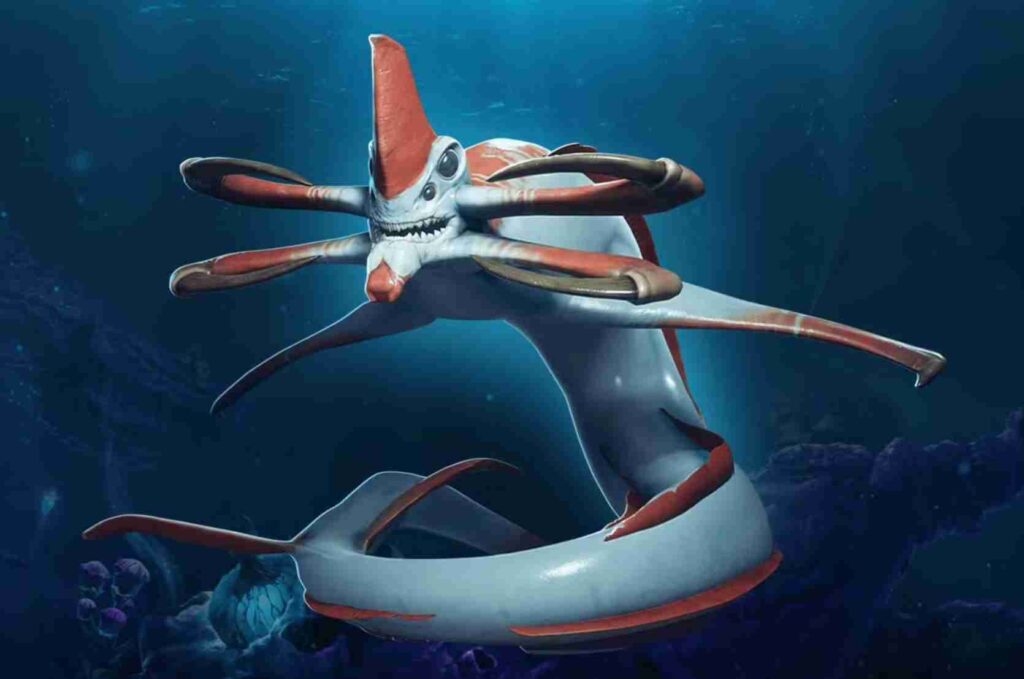
The Subnautica 2 different game versions error appears when players are running separate patch builds.
Right now the most common situation is:
- PC players updated to version 10.1
- Xbox players remain on version 10.0
- Crossplay requires identical versions to work
Because of that, Xbox players trying to join a PC-hosted world will often see:
- “Different game versions”
- “Unable to join multiplayer session”
- “Version mismatch”
- “Cannot connect to host”
This is currently affecting:
- Steam to Xbox crossplay
- PC Game Pass to Steam sessions
- Existing multiplayer saves after updating
Community reports across Reddit, Discord servers, and multiplayer forums suggest the Xbox patch is still waiting on platform certification.
This type of issue is actually pretty common in cross-platform multiplayer games, especially during Early Access updates where developers release hotfixes quickly across multiple platforms.
Steam patches often go live first because PC updates do not require the same approval process as Xbox console updates. Meanwhile, Xbox patches usually need to pass Microsoft certification before they become publicly available.
During that delay, players on different platforms temporarily end up running separate versions of the game, which causes Subnautica 2 crossplay to stop working until both builds match again.
How to Fix the Subnautica 2 Version Mismatch Error
Unfortunately, there is no true instant fix yet if Xbox and PC are on different builds.
However, these are the best solutions currently working for most players experiencing the Subnautica 2 version mismatch error, especially during crossplay sessions between Steam, Xbox, and PC Game Pass users.
1. Wait for the Xbox 10.1 Update
Right now, the safest fix is simply waiting for Xbox to receive the same update version as PC.
Crossplay in Subnautica 2 only works when:
- every player is on the same patch
- multiplayer versions match exactly
- both platforms are updated fully
Based on similar multiplayer patch rollouts, Xbox certification can take:
- a few hours
- 1–3 days
- longer during weekends or holidays
Most community discussions expect the update to arrive fairly soon since this appears to be a smaller hotfix rather than a major content patch. Until then, players on version 10.0 may continue seeing the “different game versions” message when trying to join friends already updated to version 10.1.
2. Manually Check for Updates on Xbox
Some players report the patch becomes available manually before automatic downloads trigger.
Try:
- fully closing the game
- restarting the Xbox console
- checking “Manage Game and Updates”
- enabling automatic updates
- reconnecting Xbox Live
If the 10.1 patch is already approved in your region, it may appear after a restart. This has helped some players fix the Subnautica 2 crossplay not working issue without needing to reinstall the game.
3. Avoid Re-Saving the Multiplayer World Repeatedly
If the host continues loading and saving the world on PC version 10.1, it may increase compatibility issues for players still on 10.0.
Until versions match again:
- avoid excessive saving
- avoid overwriting multiplayer worlds repeatedly
- avoid transferring save files manually
Most players are simply waiting for both platforms to sync versions. While frustrating, this currently appears to be a temporary Subnautica 2 multiplayer issue caused by staggered platform updates rather than permanent save corruption.
Can You Downgrade Subnautica 2 From 10.1 to 10.0?
Right now, there does not appear to be an official rollback option for Subnautica 2.
Even if you manually downgrade:
- multiplayer may still fail
- saves may become unstable
- version conflicts can continue
- crossplay compatibility may break entirely
Because of that, downgrading is not recommended unless the developers release an official rollback branch.
Is the Save File Corrupted?
Probably not.
Most reports suggest this is a temporary crossplay version mismatch issue rather than actual save corruption.
Players across Reddit and Discord are reporting:
- single-player saves still work
- multiplayer worlds remain intact
- sessions become accessible again once versions match
So while the Subnautica 2 multiplayer issue is frustrating, it does not currently look like permanent data loss.
Why Subnautica 2 Crossplay Keeps Breaking After Updates
This type of problem is actually pretty common in cross-platform multiplayer games.
Usually the process looks like this:
- Steam update releases first
- Xbox certification takes longer
- Console players remain on older builds temporarily
- Crossplay stops working until updates sync
The same thing frequently happens in:
- survival games
- early access titles
- co-op sandbox games
- live-service multiplayer games
Since Subnautica 2 is still receiving rapid updates and hotfixes, temporary version mismatch errors are likely to happen occasionally during Early Access.
What NOT To Do
A lot of players are trying risky fixes right now that probably are not necessary.
Avoid:
- deleting your save files
- reinstalling the game immediately
- using unofficial downgrade tools
- copying multiplayer saves between platforms
- force-modifying game versions
At the moment, waiting for version synchronization is still the safest approach.
Will Multiplayer Work Again Later?
Most likely, yes.
Once Xbox receives version 10.1 and all players match builds again, the multiplayer world should become joinable normally.
So far, community reports strongly suggest this is a temporary patch rollout issue rather than a permanent Subnautica 2 crossplay bug.
FAQ
Why does Subnautica 2 say different game versions?
The error happens because players are running different patch versions, most commonly PC version 10.1 and Xbox version 10.0.
How do you fix the Subnautica 2 version mismatch?
The main fix is waiting for all platforms to receive the same update version.
Is Subnautica 2 crossplay broken?
Not permanently. Crossplay currently fails because Xbox and PC updates are temporarily out of sync.
Can you downgrade Subnautica 2 to an older version?
Right now there does not appear to be an official rollback option for version 10.0.
Will the multiplayer save still work later?
Most likely yes. Community reports suggest saves are not corrupted and should work once versions match again.
How long does Xbox certification usually take?
For smaller updates, certification can take anywhere from several hours to a few days depending on Microsoft approval timing.