
If your NOA terminal stopped giving signals in Subnautica 2 after the Singh mission or the Angel Comb section, you’re probably dealing with one of the game’s most common progression bugs right now.
A lot of players have discovered ways to get Axum Vision early through glitches or sequence breaks, but doing that can accidentally break the game’s story progression. The result is usually the same: NOA stops updating, new signals never appear, and players get stuck wondering if their save is soft-locked.
The good news is that this seems to be an Early Access scripting issue rather than a punishment for “cheating.” Here’s what causes the Subnautica 2 NOA terminal bug, how the Axum Vision glitch affects progression, and what you can do to potentially fix it.
Read also: How to Avoid Collector Leviathan in Subnautica 2 ?
Why the NOA Terminal Is Not Working in Subnautica 2
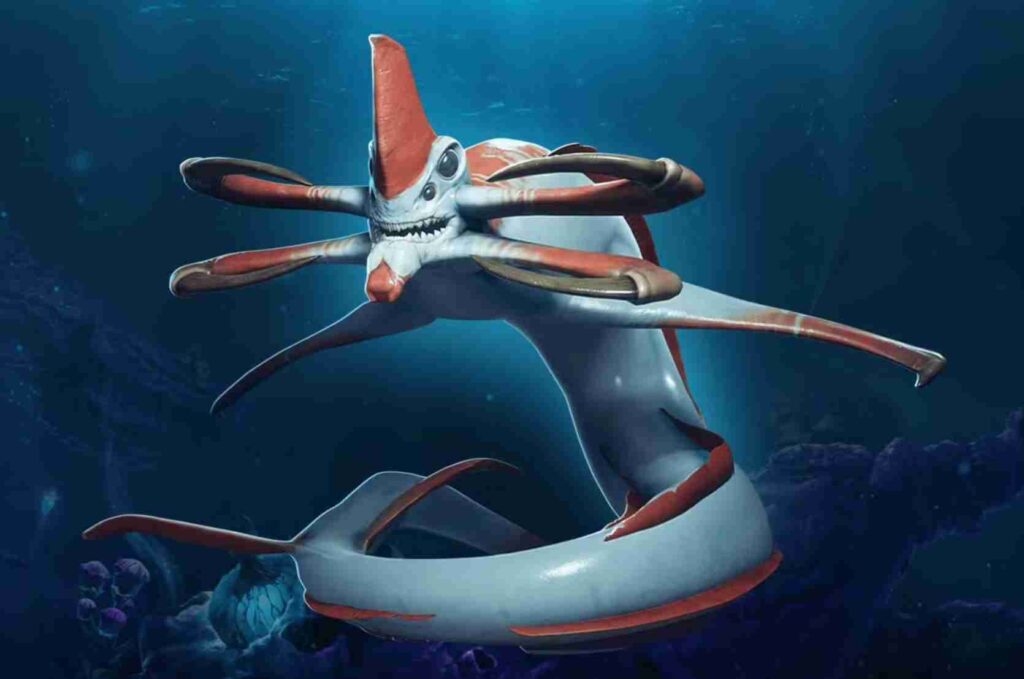
The NOA terminal in Subnautica 2 is tied directly to story progression. After certain objectives, NOA sends new coordinates, updates missions, and unlocks the next stage of the campaign.
However, players are reporting that getting Axum Vision early — especially before properly completing the Angel Comb objective — can break those progression triggers.
This bug usually happens when players:
- skip parts of the Angel Comb sequence,
- use terrain glitches,
- trigger Axum Vision early,
- or complete objectives out of order.
When that happens, the game may fail to recognize the previous mission as completed, which causes the NOA terminal to stop working entirely.
Common Symptoms of the NOA Bug
Players experiencing the Subnautica 2 NOA progression bug commonly report:
- NOA terminal not giving signals,
- NOA not updating after Singh,
- missing story markers,
- Tadpole Pens progression bugs,
- objectives staying incomplete forever,
- locked doors never opening,
- and story progression getting stuck.
In many cases, the issue starts immediately after obtaining Axum Vision without fully finishing the Angel Comb encounter.
Does the Axum Vision Glitch Soft-Lock Your Save?
Possibly — but not always.
Right now, community reports suggest the Axum Vision glitch can create a temporary or permanent progression soft-lock depending on which objectives were skipped.
Some players managed to restore NOA signals by revisiting older areas and completing missed objectives manually. Others had to reload earlier saves because the story scripting never recovered.
Since Subnautica 2 is still in Early Access, these kinds of progression bugs are unfortunately pretty common.
How to Fix the Subnautica 2 NOA Terminal Bug
Before restarting your playthrough, there are several fixes worth trying.
1. Check Your PDA Signal Settings
This sounds simple, but a surprising number of players accidentally disable story beacons in the PDA.
Open:
- PDA
- Signals
- and make sure every NOA-related marker is enabled.
Sometimes the signal still exists, but it’s hidden manually.
If the signal is completely missing, continue with the next fixes.
2. Fully Complete the Angel Comb Area
The Angel Comb progression appears heavily scripted right now.
Even if you already unlocked Axum Vision, the game may still expect you to:
- destroy every Bloom Canker,
- visit every branch/root section,
- and trigger all intended story events.
Some players report there are roughly eight cankers spread throughout the area, and missing one can stop the progression flag from updating correctly.
If your NOA terminal stopped working after the Angel Comb mission, this is currently the most important fix to try.
3. Revisit Tadpole Pens and Singh Terminals
Several Subnautica 2 progression triggers seem to activate based on proximity rather than completion alone.
Try revisiting:
- Tadpole Pens,
- Singh-related terminals,
- thermal facilities,
- research stations,
- and previous story locations.
Some players reported NOA signals suddenly reappearing after entering an older area again.
4. Save, Quit, and Restart the Game Completely
The Subnautica 2 NOA bug occasionally fixes itself after a full restart.
Try this process:
- Create a manual save,
- Exit to desktop,
- Restart Steam,
- Relaunch the game,
- Reload the save.
This won’t always work, but several players say NOA notifications started updating again afterward.
5. Load an Older Save if Progression Is Still Stuck
If the NOA terminal still isn’t working after trying everything above, your save may be partially soft-locked.
At that point, the best option is usually:
- loading an older save before the Axum Vision glitch,
- replaying the Angel Comb section normally,
- and avoiding sequence breaks until future patches arrive.
Unfortunately, there’s currently no guaranteed fix if the story scripting completely breaks.
Is This an Early Access Bug?
Yes — and it’s a fairly widespread one.
The Subnautica 2 community has been reporting:
- NOA not updating,
- missing objectives,
- disappearing signals,
- and broken late-game progression triggers
across Reddit, Discord, and Steam discussions.
Most evidence points toward unfinished or fragile story scripting in the current Early Access build rather than intentional anti-cheat detection.
Final Thoughts
If your Subnautica 2 NOA terminal is not working after getting Axum Vision early, there’s a strong chance the Angel Comb progression bug broke your story flags behind the scenes.
Right now, the best fixes are:
- rechecking PDA signals,
- fully clearing the Angel Comb area,
- revisiting older story zones,
- restarting the game,
- or loading an earlier save.
Until future patches improve progression stability, avoiding major sequence breaks is probably the safest way to prevent the Subnautica 2 NOA bug from happening again.