
Building your first Ray Chassis in Subnautica 2 should feel like a huge upgrade — not a confusing bug fest. But some players are running into a frustrating issue where the pod instantly ejects or dismantles the Ray Chassis the moment it connects.
If your Ray Chassis keeps disconnecting, detaching, or getting rejected by the pod, the good news is that it’s usually not a save corruption issue. In most cases, the problem comes from a hidden control conflict tied to keyboard layouts.
Here’s how to fix the Subnautica 2 Ray Chassis bug and stop the pod from ejecting your vehicle.
Read also: How to Keep Nibblers Away From Your Base in Subnautica 2
Why the Pod Keeps Rejecting the Ray Chassis in Subnautica 2
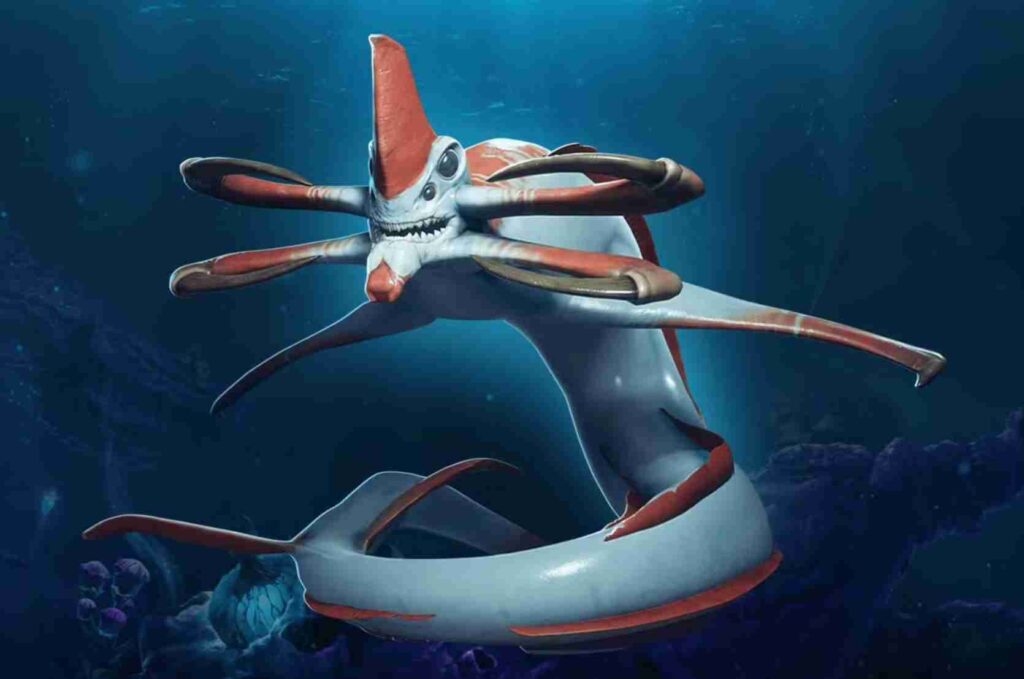
The issue is caused by the game’s default keybind setup.
By default, Subnautica 2 assigns the Detach Chassis action to the Q key. That works fine on standard QWERTY keyboards, but players using an AZERTY layout use Q as their left movement key.
That means:
- you attach the Ray Chassis
- press left movement
- the game instantly reads it as “detach chassis”
As a result, the pod ejects the Ray Chassis almost immediately after connecting.
This is currently one of the most common causes of the:
- “Subnautica 2 pod keeps rejecting Ray Chassis” bug
- “Ray Chassis instantly disconnects” issue
- “pod dismantles chassis” problem
How to Fix the Subnautica 2 Ray Chassis Bug
Thankfully, the fix only takes a minute.
Change the Detach Chassis Keybind
Follow these steps:
- Open Settings
- Go to Controls
- Find:
- Detach Chassis
- Rebind the key from
Qto another button - Save changes
- Reconnect the Ray Chassis
Once the keybind is changed, the chassis should stay attached normally.
This fix has already worked for multiple players dealing with the Ray Chassis disconnect bug.
Best Keybinds to Use Instead
To avoid future input conflicts, players recommend changing the detach action to:
UKP- side mouse buttons
- any non-movement key
The important thing is making sure the detach function is not tied to movement controls.
Additional Fixes if the Ray Chassis Still Disconnects
If the pod still keeps ejecting the chassis after rebinding controls, try these extra troubleshooting methods.
Restart the Game
Some players reported the new controls did not fully apply until after restarting Subnautica 2.
Reset Controls to Default
Resetting all controls before changing the keybind again can sometimes clear broken input settings.
Disconnect and Reconnect the Chassis
After changing controls:
- remove the chassis
- reconnect it manually
- try entering the pod again
This can refresh the attachment state.
Switch Keyboard Layouts Temporarily
Some AZERTY users temporarily switched Windows keyboard layout settings to QWERTY and immediately stopped getting the bug.
Is This a Known Subnautica 2 Bug?
At the moment, this appears to be an Early Access control oversight rather than an intended mechanic.
The issue mostly affects:
- AZERTY keyboard users
- custom control setups
- overlapping keybind configurations
QWERTY users typically won’t encounter the Ray Chassis detaching bug unless they manually changed controls.
Since the problem is now appearing across Reddit threads and community discussions, there’s a strong chance the developers patch the default bindings in a future update.
Why the Ray Chassis Disconnect Bug Confuses Players
Part of the confusion comes from how the bug behaves.
The Ray Chassis:
- connects correctly
- appears functional for a second
- instantly ejects itself
Because there’s no warning message or error popup, many players assume:
- the chassis is broken
- their save file is corrupted
- the pod is bugged
- crafting failed
In reality, the game is simply triggering the detach command the moment movement begins.
FAQ
Why does my pod keep rejecting the Ray Chassis in Subnautica 2?
The most common cause is a keybind conflict where the detach action is mapped to the same button used for movement.
Why does the Ray Chassis instantly disconnect?
On AZERTY keyboards, the default Q keybind for detaching overlaps with movement controls, causing instant ejection.
Does this bug only affect AZERTY users?
Mostly yes, although players with custom keyboard mappings can also trigger the issue.
Can controller players get the Ray Chassis bug?
Most current reports are from keyboard users rather than controller players.
Will reinstalling Subnautica 2 fix the issue?
Usually no. The problem is tied to controls and keybind settings, not damaged game files.
Final Thoughts
If your Subnautica 2 pod keeps rejecting the Ray Chassis, the issue is probably much simpler than it first appears. The current workaround is to change the Detach Chassis keybind away from Q, especially if you’re using an AZERTY keyboard layout.
Until the developers officially patch the control conflict, rebinding the detach action remains the most reliable fix for the Ray Chassis disconnect bug.