
If you’re dealing with stiffness or discomfort after long hours at your desk, your screen setup might be part of the problem. Choosing the best monitors for neck pain and posture isn’t just about display quality—it’s about how well your monitor fits your body and working position.
A poorly positioned screen can force you to tilt your neck, hunch your shoulders, or constantly adjust your sitting position, which adds up over time. That’s why features like height adjustment, tilt, swivel, pivot, and VESA mount compatibility matter so much. They help you position the screen at eye level and at the right distance, reducing unnecessary strain.
In this guide, I’ve picked the best ergonomic monitors for posture and neck pain relief that focus on adjustability, comfort, and long-hour usability. Whether you’re working from home, studying, or gaming, these monitors can help you sit better, feel better, and stay productive without discomfort.
1. SANSUI 27″ IPS Monitor – Simple Setup for Better Neck Alignment
27″ | Full HD | IPS | 120Hz | VESA Mount | Tilt Adjust
If you’re trying to fix your desk posture without spending too much, the SANSUI 27-inch IPS 120Hz Monitor is a practical starting point in the best monitors for neck pain and posture category. It gives you the essentials needed to set your screen at a comfortable height and angle.
The biggest advantage here is the VESA mount support. This means you can pair it with a monitor arm and position the screen exactly at eye level, which is one of the most important things for reducing neck strain.
The 27-inch size also helps naturally. A larger screen keeps content at a comfortable viewing distance, so you’re not leaning forward or hunching to see details.
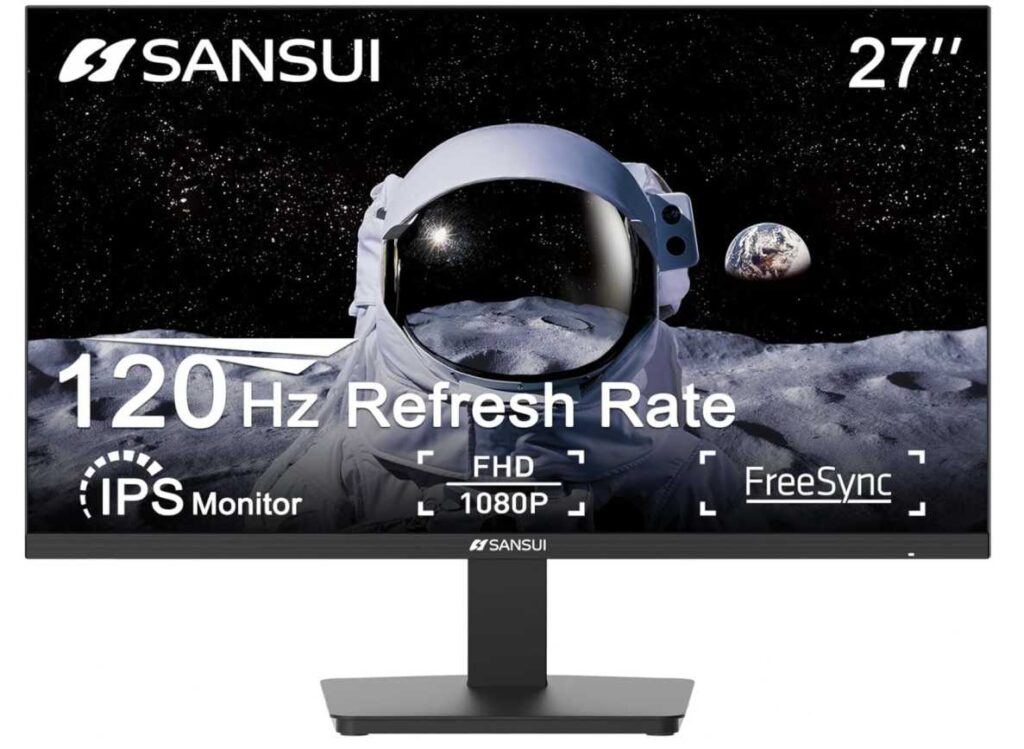
You also get tilt adjustment, which allows you to fine-tune the angle of the screen based on your seating position. Even small adjustments like this can make a noticeable difference during long sessions.
The IPS panel ensures consistent viewing angles, so you don’t need to constantly adjust your posture just to get a better view of the screen.
Why it’s a strong pick
- VESA mount support for proper ergonomic setup
- Larger screen reduces need to lean forward
- Tilt adjustment for better viewing angle
- IPS panel keeps visuals consistent
- Good budget-friendly option
Things to keep in mind
- No height or swivel adjustment on the stand
My take
If you’re serious about improving posture, this monitor works best when paired with a monitor arm. Once set up correctly, it can help you keep your neck straight and shoulders relaxed.
A great choice for home office setups, students, and anyone starting to improve their desk ergonomics.
2. Acer SH243Y 23.8″ Monitor – Full Ergonomic Control for Neck Pain Relief
23.8″ | Full HD | IPS | 144Hz | Height + Tilt + Swivel | VESA
If your main goal is to fix posture and reduce neck pain, the Acer SH243Y 23.8-inch Monitor is exactly the kind of monitor you should be looking at. It gives you real ergonomic adjustability, not just basic tilt.
The biggest win here is the fully adjustable stand. You get height adjustment, tilt, and swivel, which means you can position the screen exactly at eye level—the most important factor for avoiding neck strain.
Unlike basic monitors (like the SANSUI 27-inch IPS 120Hz Monitor) that only tilt, this one lets you fine-tune everything. You can raise it, angle it, or rotate it depending on how you sit. That flexibility makes a huge difference during long hours.
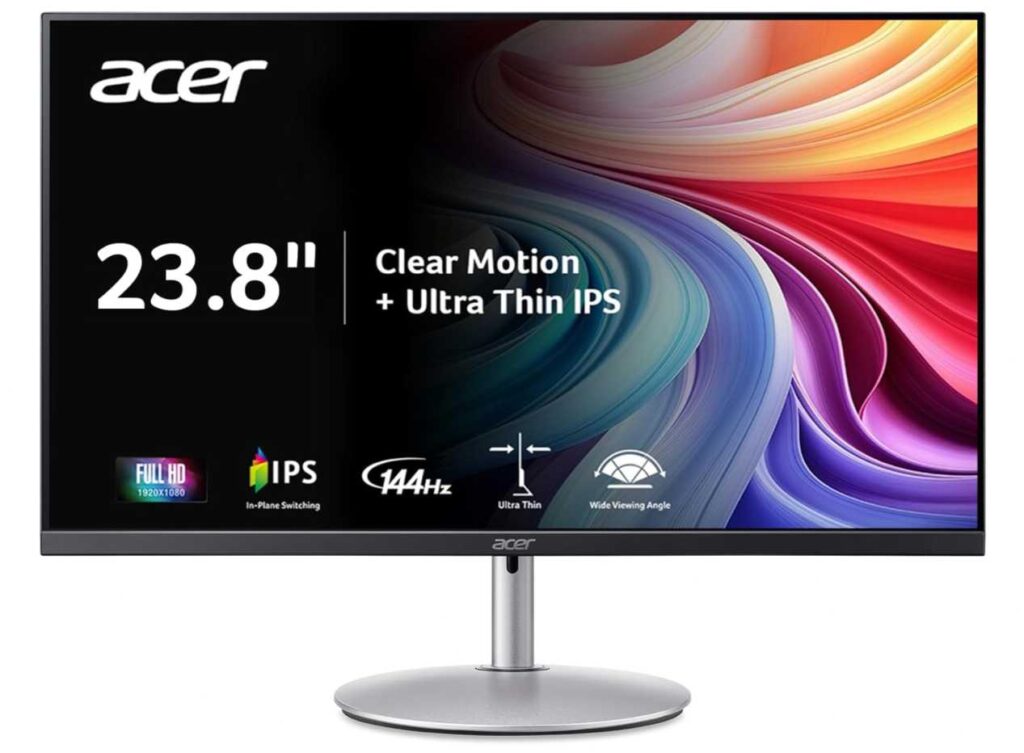
The 23.8-inch size also works well for posture. It keeps everything within a comfortable viewing range, so you’re not turning your head too much or leaning forward.
On top of that, the IPS panel ensures consistent viewing angles, so you don’t have to adjust your posture just to see the screen clearly.
And while it’s not the main focus, the 144Hz refresh rate adds smoothness, making long sessions feel less tiring.
Why it’s a strong pick
- Full ergonomic stand (height, tilt, swivel)
- Easy to align screen at eye level
- Reduces neck and shoulder strain
- IPS panel for consistent viewing
- Smooth overall experience
Things to keep in mind
- Slightly smaller than 27″ options
My take
If posture is your priority, this is one of the best value ergonomic monitors you can get. It actually lets you set up your desk properly instead of adjusting your body to the screen.
A perfect choice for home offices, long work sessions, and anyone dealing with neck discomfort.
3. KTC 27″ QHD Monitor – More Screen Space for Better Posture
27″ | QHD (1440p) | IPS | 100Hz | Anti-Blue Light | Matte
If you tend to lean forward or squint while working, the KTC 27-inch QHD 100Hz Monitor can actually help fix that. It’s a great fit in the best monitors for neck pain and posture category because it gives you more space and clarity, so your body stays relaxed.
The biggest benefit here is the QHD resolution on a 27-inch screen. Text and content look sharper, which means you don’t need to lean in to read things. That alone can reduce a lot of neck and upper back strain over time.
The larger screen size also helps you sit at a proper distance. Instead of hunching forward, you can keep your back straight and still see everything clearly.
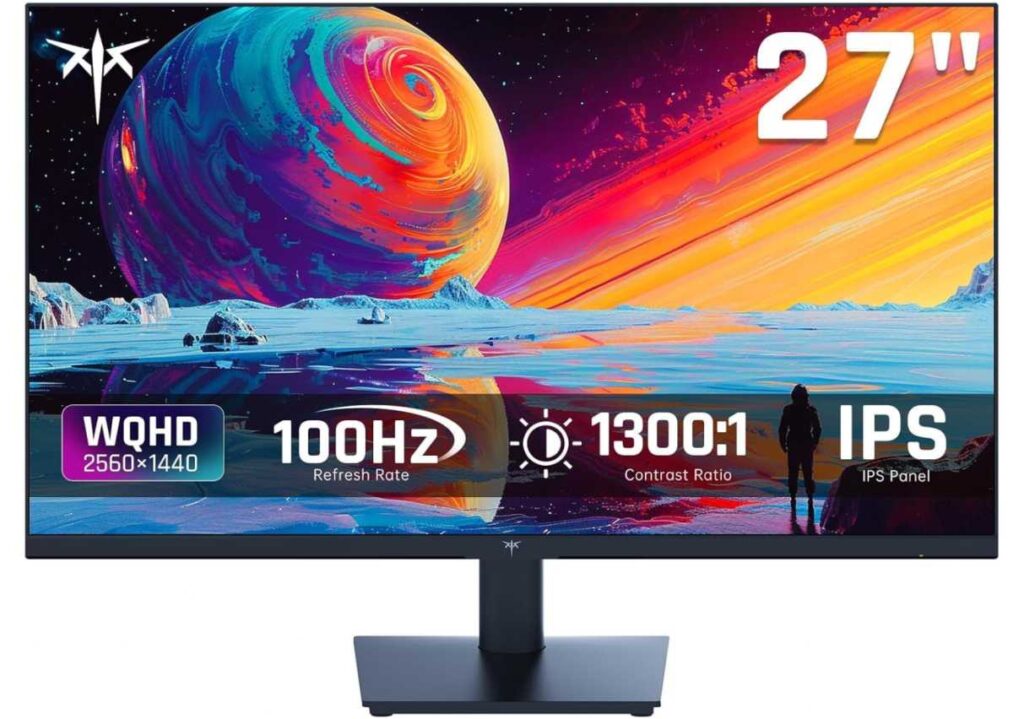
Compared to something like the Acer SH243Y 23.8-inch Monitor, which focuses more on adjustability, this KTC monitor focuses more on visual comfort and workspace. Ideally, you’d pair it with a monitor arm (VESA mount) to get the perfect ergonomic position.
You also get an IPS panel, so you don’t have to adjust your posture just to get the right viewing angle.
And with anti-blue light technology, it helps reduce eye strain, which indirectly supports better posture—because when your eyes are relaxed, you’re less likely to lean forward.
Why it’s a strong pick
- Higher resolution reduces need to lean forward
- Larger screen improves viewing distance
- Sharp text and better clarity
- IPS panel for consistent viewing
- Good for multitasking setups
Things to keep in mind
- Stand has limited ergonomic adjustment
My take
If your posture issues come from leaning in too much, this monitor helps you sit back and stay comfortable. Pair it with a monitor arm, and it becomes a strong ergonomic setup.
A great choice for work-from-home setups, multitasking, and long hours at the desk.
4. HP 24mh Monitor – Ergonomic Stand That Actually Fixes Your Posture
23.8″ | Full HD | IPS | Height + Tilt | VESA | Low Blue Light
If you want a monitor that directly helps with neck pain and posture, the HP 24mh 23.8-inch FHD Monitor is one of the most practical choices. It’s designed with proper ergonomics in mind, not just display specs.
The biggest highlight here is the height-adjustable stand. You can raise the screen to eye level, which is one of the most important things for reducing neck strain. Combine that with tilt adjustment, and you can easily find a position where your neck stays neutral instead of bent.
Compared to something like the KTC 27-inch QHD 100Hz Monitor, which focuses more on screen size and clarity, this HP monitor focuses more on physical comfort and positioning—and that’s exactly what matters for posture.
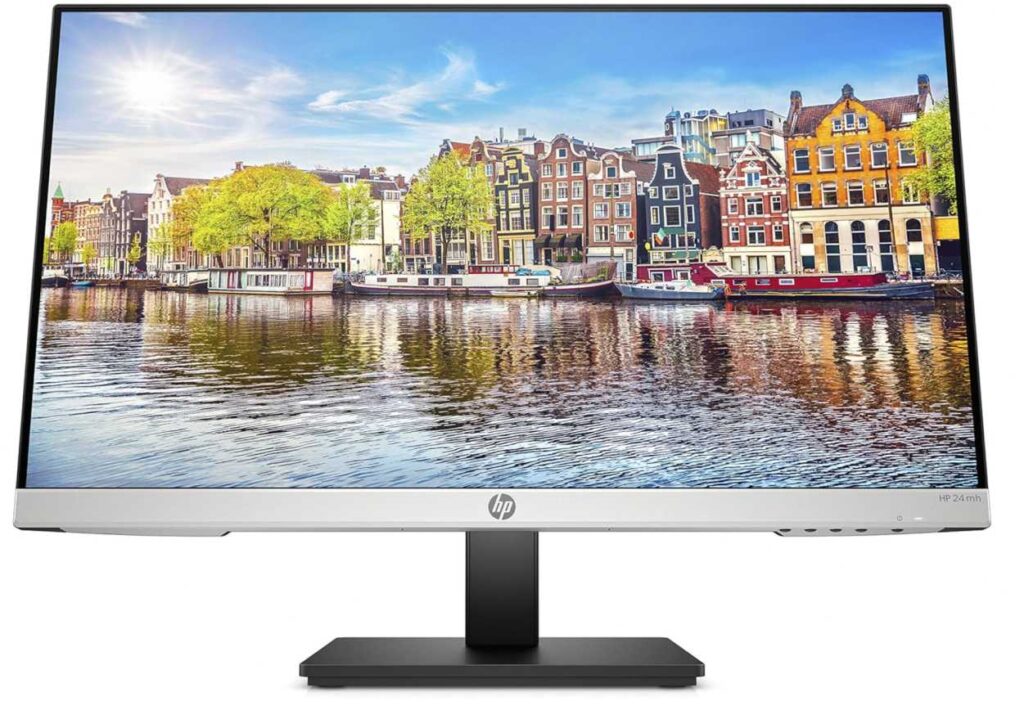
The 23.8-inch size also works well ergonomically. It keeps everything within a comfortable viewing range, so you’re not turning your head too much or leaning forward.
You also get an IPS panel, so the screen looks clear from different angles without forcing you to adjust your sitting position.
And with low blue light mode, it reduces eye strain, which indirectly helps posture—because when your eyes are relaxed, you naturally sit better.
Why it’s a strong pick
- Height adjustment for proper eye-level positioning
- Tilt support for better viewing angle
- Reduces neck and shoulder strain
- IPS panel for consistent viewing
- Reliable everyday performance
Things to keep in mind
- Refresh rate is basic compared to gaming monitors
My take
If your goal is to sit properly and reduce neck pain, this monitor makes it easy. You don’t need extra accessories—it already gives you the adjustability needed for a healthy setup.
A great choice for office work, study setups, and long hours at the desk.
5. Dell S2425HS – Full Ergonomic Setup for Perfect Posture
23.8″ | Full HD | IPS | 100Hz | Height + Tilt + Swivel + Pivot | Eye Comfort
If you want a monitor that truly helps you fix posture and reduce neck pain, the Dell S2425HS 23.8-inch Monitor is one of the best all-round options in the best monitors for neck pain and posture category. It gives you complete control over positioning, which is exactly what your body needs.
The biggest advantage here is the fully adjustable stand. You get height, tilt, swivel, and pivot, meaning you can set the screen exactly at eye level and the right angle—no compromises. This kind of flexibility makes a huge difference during long work sessions.
Compared to something like the HP 24mh 23.8-inch FHD Monitor, which already offers good ergonomics, this Dell takes it a step further with more adjustment options, especially swivel and pivot for multi-tasking setups.
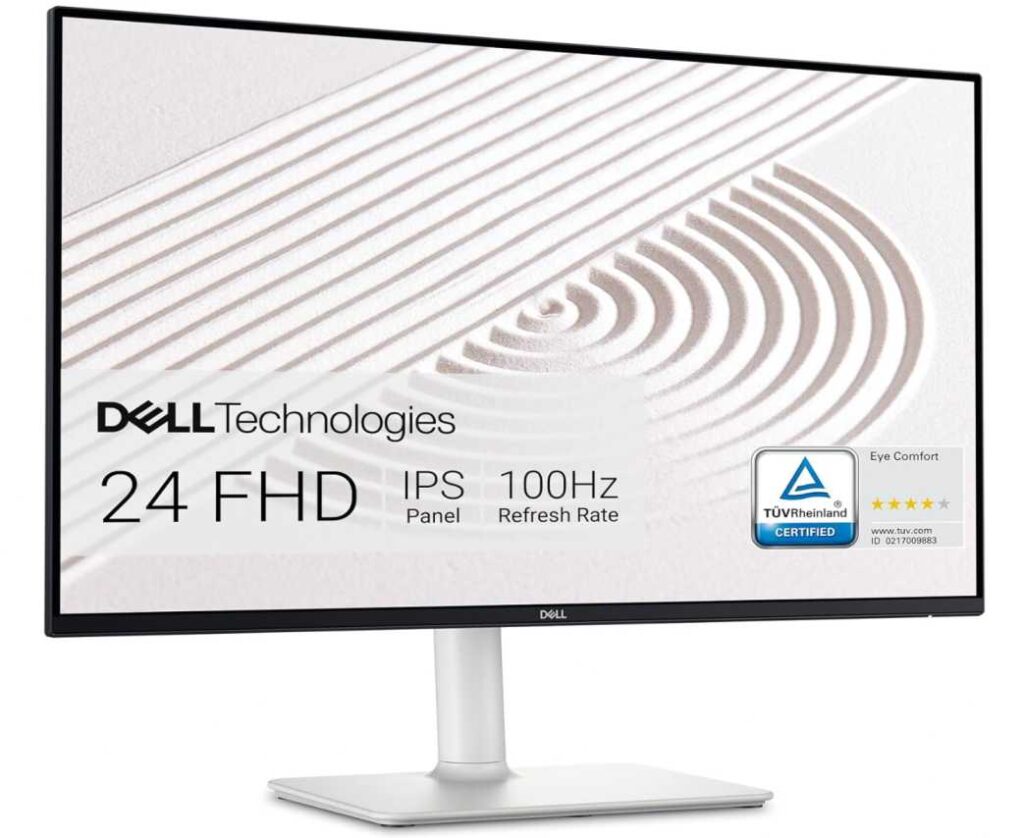
The 23.8-inch size keeps everything within a comfortable viewing range, helping you avoid unnecessary head movement or leaning forward.
You also get TÜV-certified eye comfort with reduced blue light, which helps keep your eyes relaxed. When your eyes are comfortable, your posture naturally improves because you’re not constantly adjusting your position.
The IPS panel ensures consistent visuals from different angles, so you don’t have to move your neck just to get a better view.
Why it’s a strong pick
- Full ergonomic stand (height, tilt, swivel, pivot)
- Easy to set perfect eye-level position
- Reduces neck, shoulder, and back strain
- Eye comfort features for long sessions
- Clean and practical design
Things to keep in mind
- Not focused on high-end gaming
My take
If you’re serious about improving posture and eliminating neck pain, this is one of the easiest monitors to recommend. It gives you everything you need to set up your desk properly without extra accessories.
A great choice for office work, remote jobs, and anyone spending long hours in front of a screen.
6. HP 27h Monitor – Bigger Screen with Easy Height Adjustment
27″ | Full HD | IPS | 75Hz | Height + Tilt | Built-in Speakers
If you prefer a larger screen but still want ergonomic comfort, the HP 27h 27-inch Full HD Monitor is a great option in the best monitors for neck pain and posture category. It gives you more screen space while still letting you adjust your setup properly.
The key feature here is the 100mm height adjustment along with tilt support. You can easily raise the monitor to eye level, which helps keep your neck straight instead of bent downward. That alone can make a big difference over long hours.
The 27-inch display also helps with posture. Everything appears larger, so you don’t need to lean forward or strain your eyes to read small text. Compared to something like the Dell S2425HS 23.8-inch Monitor, this gives you more viewing space, though with slightly fewer adjustment options.
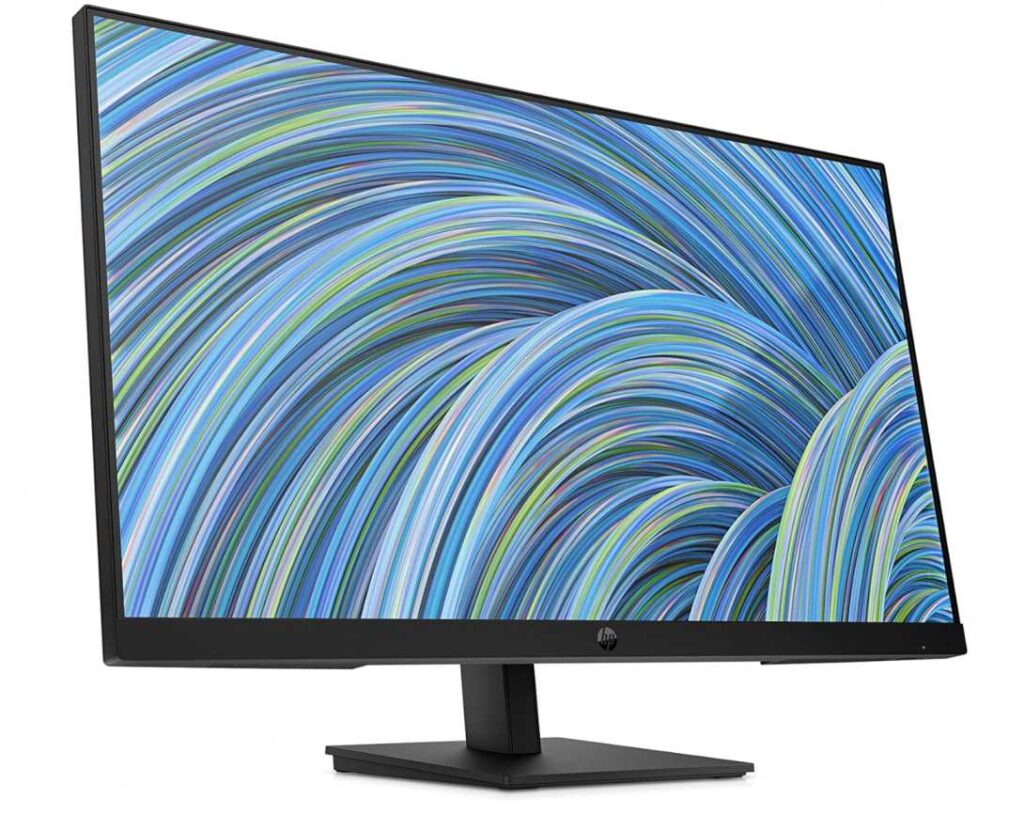
The IPS panel ensures consistent viewing angles, so you’re not shifting your posture just to see the screen properly.
You also get built-in speakers, which can help reduce desk clutter—small detail, but it keeps your setup cleaner and more comfortable overall.
Why it’s a strong pick
- Height adjustment for proper screen positioning
- Larger screen reduces need to lean forward
- IPS panel for consistent viewing
- Clean and simple ergonomic design
- Good for productivity setups
Things to keep in mind
- Limited adjustability compared to fully ergonomic stands
My take
If you want a bigger monitor that still supports good posture, this is a solid choice. It helps you sit back, keep your neck straight, and work comfortably.
A great option for home offices, hybrid work setups, and long daily use.
7. Sceptre 27″ QHD Monitor – Sharper Screen That Helps You Sit Back
27″ | QHD (1440p) | IPS | 75Hz | 99% sRGB | Matte
If your neck pain comes from leaning forward to read text or see details, the Sceptre 27-inch QHD Monitor E275W-QPT is a smart choice. It fits well in the best monitors for neck pain and posture category because it improves clarity and viewing distance, not just adjustability.
The biggest advantage here is the QHD resolution on a 27-inch screen. Everything looks sharper, so you don’t have to move closer to the screen. That helps you sit back in a natural position instead of hunching forward.
The larger screen size also makes content easier to see at a comfortable distance. Compared to something like the HP 27h 27-inch Full HD Monitor, this Sceptre gives you better sharpness, which directly helps reduce the need to lean in.
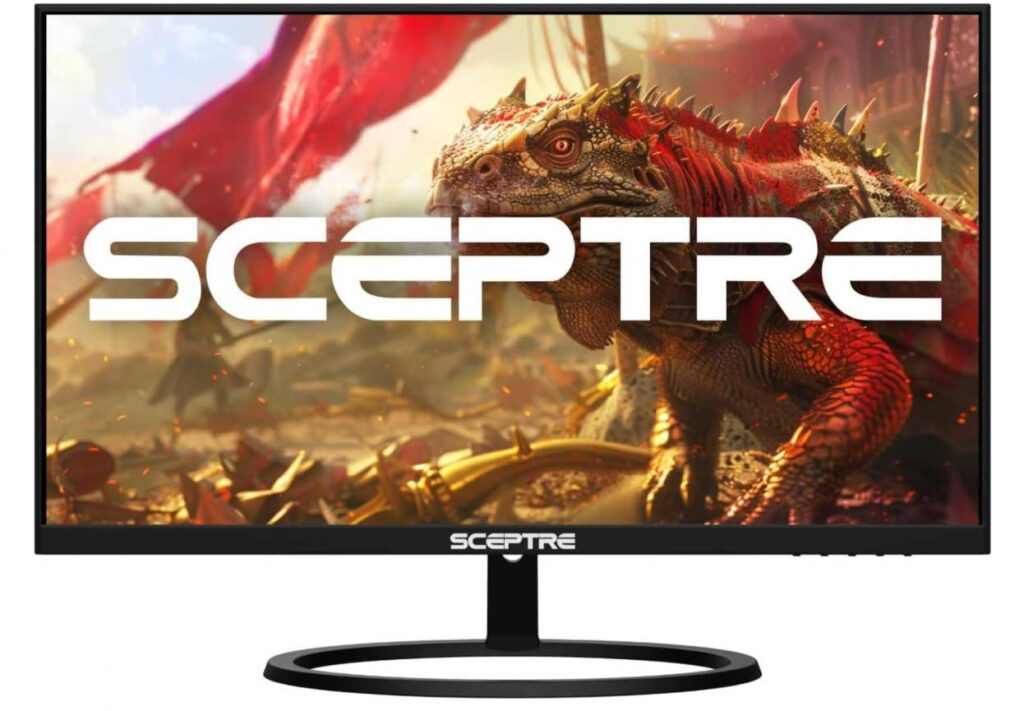
The IPS panel ensures consistent viewing angles, so you’re not adjusting your posture just to get a better view.
You also get Blue Light Shift, which reduces eye strain—important because when your eyes are relaxed, your posture naturally improves too.
While the stand itself is basic, the monitor supports VESA mounting, so you can pair it with a monitor arm for a fully ergonomic setup.
Why it’s a strong pick
- Higher resolution reduces need to lean forward
- Larger screen improves viewing comfort
- IPS panel for consistent visuals
- Good clarity for long work sessions
- Great value for a QHD display
Things to keep in mind
- Limited stand adjustability
My take
If your posture issues come from constantly moving closer to your screen, this monitor helps you stay back and stay comfortable. Add a monitor arm, and it becomes a strong ergonomic setup.
A great choice for productivity, multitasking, and long desk hours.
Final Thoughts
Fixing neck pain isn’t about buying the most expensive monitor—it’s about choosing one that lets you sit naturally without forcing your body into awkward positions.
The right monitor should help you keep your screen at eye level, your back straight, and your shoulders relaxed. That’s where features like height adjustment, tilt, swivel, and proper screen size really make a difference.
- If you want full ergonomic control, the Dell S2425HS 23.8-inch Monitor is one of the best choices.
- If you need a budget monitor with real adjustability, the Acer SH243Y 23.8-inch Monitor is a great pick.
- If your issue is leaning forward too much, the KTC 27-inch QHD 100Hz Monitor or Sceptre 27-inch QHD Monitor E275W-QPT can help you sit back comfortably.
- If you want a simple ergonomic setup, the HP 24mh 23.8-inch FHD Monitor or HP 27h 27-inch Full HD Monitor are solid options.
At the end of the day, the goal is simple: your monitor should adapt to you—not the other way around. Once your screen is positioned correctly, you’ll notice less strain, better posture, and more comfort during long hours.