
If you’re going for a clean, minimal desk setup, the monitor you choose matters more than you think. A bulky black screen can instantly break that aesthetic, while a well-designed white monitor blends seamlessly into a modern workspace—especially if you’re aiming for that simple, clutter-free look.
Brands like Dell, LG, and Samsung have started offering sleek white or silver monitors that not only look good but also deliver solid performance for work, content creation, and everyday use.
But here’s the thing—not every white monitor is actually “minimal.” Some still have thick bezels, poor cable management, or cheap-looking finishes that ruin the vibe.
In this guide, we’ve picked the best white monitors for a clean minimal desk that actually match the aesthetic and perform well—whether you’re building a productivity setup, a Mac-style workspace, or just want your desk to look organized and premium.
Let’s find the one that fits your setup.
1. KTC 27″ White Gaming Monitor – Clean Look, Powerful Performance
27″ | QHD (2560×1440) | IPS | 200Hz | HDR | Adjustable Stand
If you’re building a clean setup and don’t want to sacrifice performance, the KTC 27-inch QHD 200Hz White Gaming Monitor H27T6 is a really strong starting point.
Most white monitors focus only on looks—but this one actually backs it up with serious specs, which is why it fits perfectly in the best white monitors for clean minimal desk category.
The design is exactly what you’d expect: matte white finish, slim bezels, minimal branding. It blends in nicely with a modern desk, especially if you’re going for that Apple-style or neutral aesthetic.

But what makes it interesting is the performance. You’re getting 1440p resolution on a 27″ screen, which looks sharp for everyday work, plus a 200Hz refresh rate, so everything feels smooth—whether you’re scrolling, editing, or gaming.
The Fast IPS panel with 131% sRGB also means colors look vibrant enough for content and general use, not just gaming. And the fully adjustable stand (height, tilt, pivot, swivel) helps keep your setup clean and ergonomic.
It even includes built-in speakers, which is a small but useful bonus if you’re trying to avoid extra clutter on your desk.
Compared to typical white office monitors, this feels more like a performance monitor that just happens to look clean, not the other way around.
Who this is for
- You want one of the best white monitors for a clean minimal desk with strong performance
- You like a minimal aesthetic but still care about specs
- You want a do-it-all monitor (work + gaming)
Who should skip it
- If you want a true ultra-minimal office-only monitor
- If you prefer 4K over higher refresh rate
My take
This is the “clean setup + performance combo”.
2. Dell 27″ Plus (S2725HSM) – Clean, Simple & Reliable
27″ | Full HD (1080p) | 144Hz | IPS | Speakers | Ergonomic Stand
If you want something that just looks clean without trying too hard, the Dell 27 Plus Monitor S2725HSM is an easy recommendation.
This is the kind of monitor that fits perfectly into the best white monitors for clean minimal desk setup because of its soft ash white finish, slim bezels, and overall simple design. Nothing flashy—just neat and modern.
It’s also very practical. With a 27″ screen, you get enough space for multitasking, and the 144Hz refresh rate makes everyday use feel smoother than typical office monitors.

You also get built-in speakers, which helps keep your desk clutter-free, and a fully adjustable stand (height, tilt, pivot, swivel)—super useful for dialing in a comfortable, clean setup.
Resolution is 1080p, so it’s not the sharpest at this size, but for general work, browsing, and media, it’s still perfectly usable—especially at this price.
Compared to something like the KTC, this one leans more toward clean design + simplicity, rather than performance.
Who this is for
- You want one of the best white monitors for a clean minimal desk with a simple look
- You prefer a reliable, no-fuss monitor
- You like having built-in speakers and ergonomics
Who should skip it
- If you want 1440p or 4K sharpness
- If you’re focused on high-end performance
My take
This is the “clean and safe choice.”
It’s not trying to impress with specs—but it looks great, works well, and fits perfectly into a minimal desk setup.
3. MSI PRO MP273W – Clean Budget Setup That Still Feels Smooth
27″ | Full HD (1080p) | IPS | 144Hz | Speakers | Slim Bezel
If you’re trying to build a minimal desk without spending too much, the MSI PRO MP273W E14A 27-inch White Monitor is one of those picks that just makes sense.
It keeps things simple with a clean white design and super thin bezels, so it fits nicely into a clutter-free setup. Nothing fancy, just neat and modern.
What I like here is that even at this price, you still get 144Hz, which makes everything feel smoother than typical budget monitors. For daily work, scrolling, or even casual gaming—it’s a nice upgrade.

The 27″ size gives you enough space for multitasking, and built-in speakers help keep your desk clean without extra gear. Plus, it has multiple ports (HDMI, DisplayPort, VGA), so it’s flexible with different setups.
Of course, it’s still 1080p, so not the sharpest at this size—but that’s the trade-off for the price.
Compared to Dell, this feels more budget-focused, but still keeps that clean white aesthetic intact.
Who this is for
- You want one of the best white monitors for a clean minimal desk on a budget
- You want 144Hz without spending much
- You like a simple, clutter-free setup
Who should skip it
- If you want higher resolution (1440p/4K)
- If you need premium build quality
My take
This is the “budget minimal setup” pick.
If you want something clean, smooth, and affordable—it’s honestly hard to go wrong.
4. CRUA 24″ Curved White Monitor – Minimal Look with a Slight Curve
24″ | Full HD (1080p) | 100Hz | VA | Curved | Slim Bezels
If you want something a bit different for your setup, the CRUA 24-inch Curved White Monitor FHD 100Hz adds a subtle twist—literally.
In the best white monitors for clean minimal desk category, most options are flat. This one gives you a gentle curve, which can feel a bit more immersive while still keeping that clean white aesthetic.
The design is simple: white body, thin bezels, compact size. It works especially well for smaller desks or dorm setups where space matters.
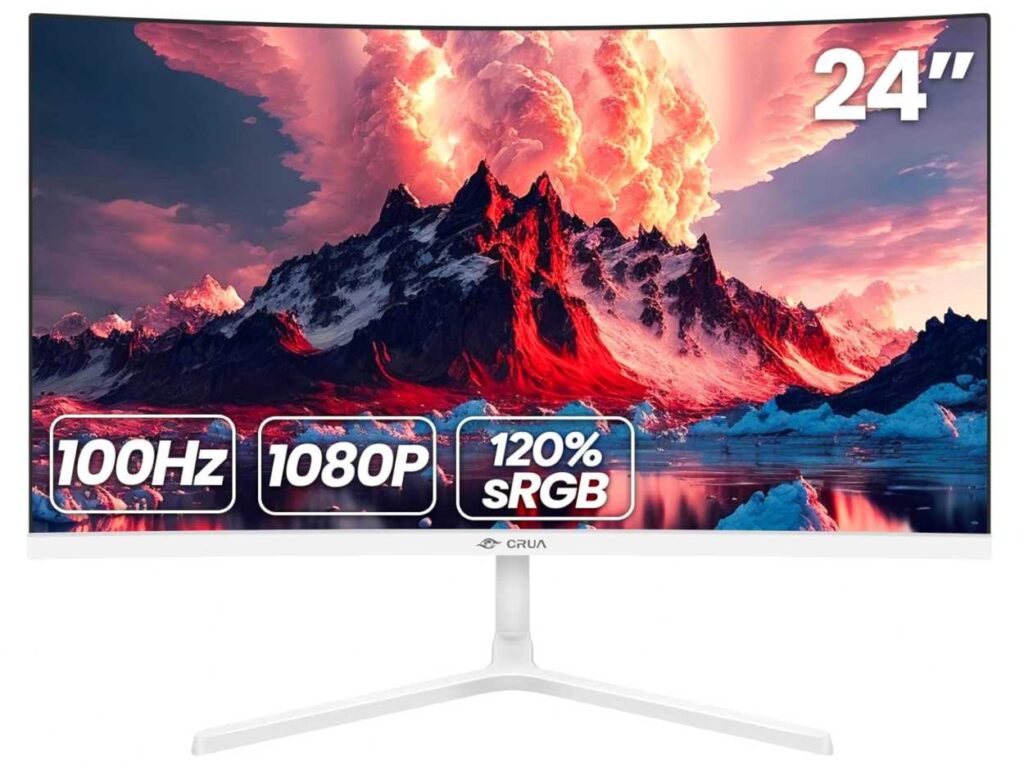
Performance-wise, it’s pretty basic but decent—1080p + 100Hz, which is smoother than standard 60Hz and good enough for daily work, browsing, and casual use. Colors are also surprisingly nice for the price with 120% sRGB.
Just note: no built-in speakers, so you’ll need external audio if that matters.
Compared to 27″ options, this feels more compact and space-friendly, but less immersive for multitasking.
Who this is for
- You want a small, clean monitor for a minimal desk
- You like the idea of a curved screen
- You’re working with limited space or budget
Who should skip it
- If you want bigger screens for multitasking
- If you need built-in speakers
My take
This is the “compact minimal setup” option.
Clean, affordable, and a little different with the curve—nice pick for smaller setups.
5. ASUS VU249HFI-W – Cleanest Minimal Look for Everyday Use
24″ | Full HD (1080p) | IPS | 100Hz | Eye Care | Ultra Slim
If your goal is a super clean, distraction-free desk, the ASUS VU249HFI-W 24-inch White Monitor is probably one of the nicest-looking options in this list.
It leans heavily into that minimal aesthetic—thin bezels, soft white finish, and a very simple design that blends in perfectly with a clean setup. Nothing feels bulky or out of place.
Performance-wise, it’s more about comfort than power. You get 1080p IPS + 100Hz, which is smooth enough for daily work, browsing, and light media. But the real highlight is the eye care features—low blue light, flicker-free tech, and even a built-in nano-ion feature for a slightly fresher workspace vibe.
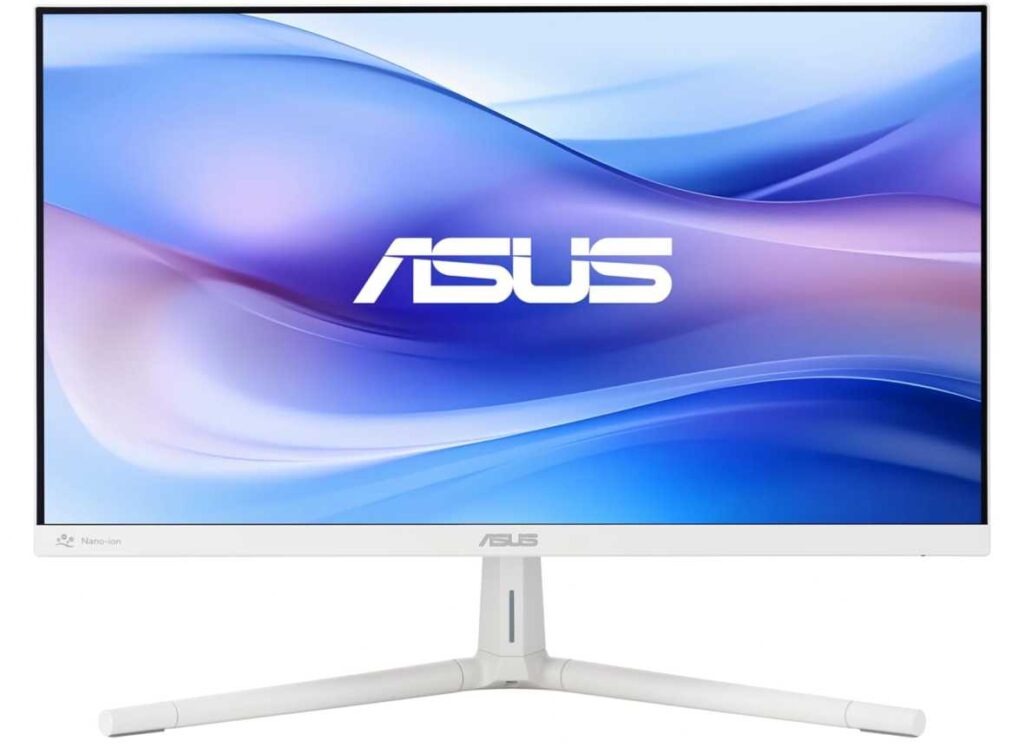
This is not a gaming-focused monitor. It’s more about long hours of comfortable use while keeping your desk looking neat.
Compared to something like the MSI or KTC, this one clearly prioritizes design + comfort over performance.
Who this is for
- You want one of the best white monitors for a clean minimal desk with a soft aesthetic
- You spend long hours working or studying
- You prefer a simple, eye-friendly display
Who should skip it
- If you want high refresh rates for gaming
- If you need 1440p or higher resolution
My take
This is the “pure minimal setup” pick.
If your main goal is a clean desk that feels calm and comfortable to use every day, this one fits perfectly.
6. LG 27″ UltraFine 4K – Clean Look with Proper Sharpness
27″ | 4K UHD (3840×2160) | IPS | HDR10 | Borderless | White
If you want your setup to look clean and feel premium, the LG 27US500-W UltraFine 4K Monitor is where things level up.
In the best white monitors for clean minimal desk category, this is one of those monitors that actually delivers on both aesthetics and display quality.
The design is exactly what you’d expect—white body, slim borders, very minimal overall look. It fits perfectly into a modern desk setup, especially if you’re going for that Apple-style vibe.

But the real upgrade here is the 4K resolution. On a 27″ screen, everything looks super sharp—text, icons, images—way better than 1080p. If you work with documents, design, or just want a cleaner visual experience, this makes a big difference.
You also get HDR10 and solid color coverage, so it’s not just for work—it’s great for watching content too.
Compared to the other options in the best white monitors for clean minimal desk, this one is more of a premium productivity choice rather than a budget or casual pick.
Who this is for
- You want a clean minimal desk with a premium look
- You care about sharp 4K clarity
- You do design, editing, or detailed work
Who should skip it
- If you’re on a tight budget
- If you don’t need 4K resolution
My take
This is the “clean + premium” option.
If you want your desk to look minimal and your display to feel crisp and high-end, this is easily one of the best picks.
7. Gawfolk 24.5″ Curved White Monitor – Budget + Aesthetic Combo
24.5″ | Full HD (1080p) | 120Hz | Curved (3000R) | Speakers | White
If you want a clean-looking setup without spending much, the Gawfolk 24.5-inch Curved White Monitor 120Hz is one of those underrated picks.
It keeps that white minimal aesthetic, but adds a curved screen, which gives a slightly more immersive feel compared to flat budget monitors. It’s subtle, but noticeable when you’re using it daily.
For the price, the specs are actually pretty solid—120Hz refresh rate, decent colors, and even built-in speakers, which helps keep your desk clutter-free.
The 24.5″ size also makes it a good fit for smaller desks, especially if you’re going for a neat, compact setup.
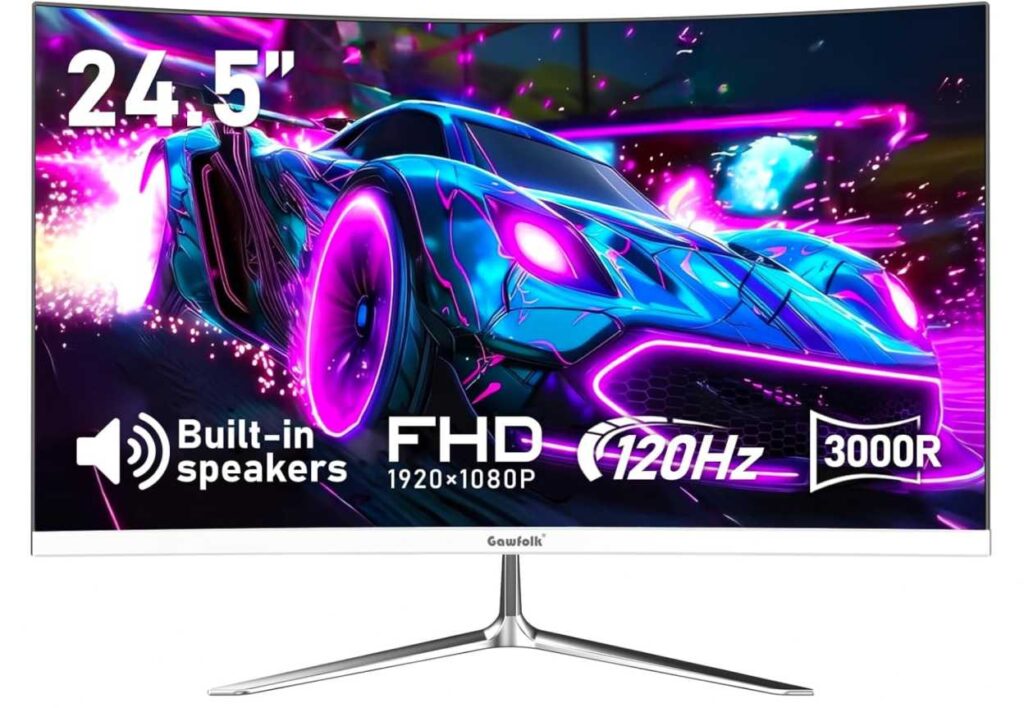
Of course, it’s still 1080p, so not super sharp, but for general work, browsing, and casual gaming, it’s perfectly fine.
Compared to CRUA, this feels a bit more feature-packed (speakers + higher refresh), while still keeping that clean white look.
Who this is for
- You want one of the best white monitors for a clean minimal desk on a tight budget
- You like a curved display + smooth 120Hz
- You want built-in speakers to reduce clutter
Who should skip it
- If you want higher resolution (1440p/4K)
- If you prefer a flat professional display
My take
This is the “budget but stylish” pick.
You get a clean look, smooth performance, and a bit of immersion—without spending much.
Final Thoughts – Best White Monitors for Clean Minimal Desk
Let’s keep it simple 👇
If you’re choosing from the best white monitors for a clean minimal desk, it really comes down to look + usage.
Quick picks
- Want premium clean setup? → go for LG 27US500-W UltraFine 4K Monitor
- Want balanced performance + clean look? → KTC 27-inch QHD 200Hz White Gaming Monitor H27T6
- Want budget minimal setup? → MSI PRO MP273W E14A 27-inch White Monitor or Gawfolk 24.5-inch Curved White Monitor 120Hz
Simple advice
- For aesthetics → thin bezels + matte white finish
- For productivity → 27″ + 1440p or 4K is ideal
- For smaller desks → 24″ monitors work better
Final take
A clean setup isn’t just about removing clutter—it’s about choosing gear that actually fits the vibe.
Even one good white monitor can completely change how your desk looks and feels.
Pick the one that matches your space, and you’ll end up with a setup that feels both minimal and functional.