
A video doorbell is one of the simplest ways to keep an eye on your front door, but many popular models rely heavily on cloud storage and monthly subscriptions. If you want more control over your recordings, a video doorbell with local storage can be a smarter option. These doorbells let you save security footage locally—either on a microSD card, internal storage, a home hub, or a compatible NVR—so you can access important recordings without depending entirely on a cloud service.
In this guide, we’ve rounded up the best video doorbells with local storage for different needs and budgets. Whether you’re looking for a wireless video doorbell with local storage, a smart doorbell camera without a monthly subscription, or a model that offers both local and cloud recording, you’ll find several options worth considering.
We’ll compare important features such as video quality, night vision, motion detection, two-way audio, local storage options, smart home compatibility, installation, and subscription requirements. By the end, you should have a clearer idea of which local-storage video doorbell fits your home and security setup.
1. Tapo D225 — Best Video Doorbell With Local Storage for Flexible Installation
2K+ video • Wired or battery powered • Up to 512GB microSD • Person, vehicle & package detection
The Tapo D225 is a versatile video doorbell with local storage for homeowners who want flexibility in how they install and record their doorbell camera. It offers 2K+ video and an impressive 180° head-to-toe field of view, making it easier to see visitors as well as packages near the doorstep.
One of its biggest advantages is that you don’t need a monthly subscription to save recordings. The D225 supports a microSD card with up to 512GB of storage, making it a practical choice if you’re looking for a video doorbell without a subscription. It also provides person, vehicle, and package detection, two-way audio, and Ring Call functionality.
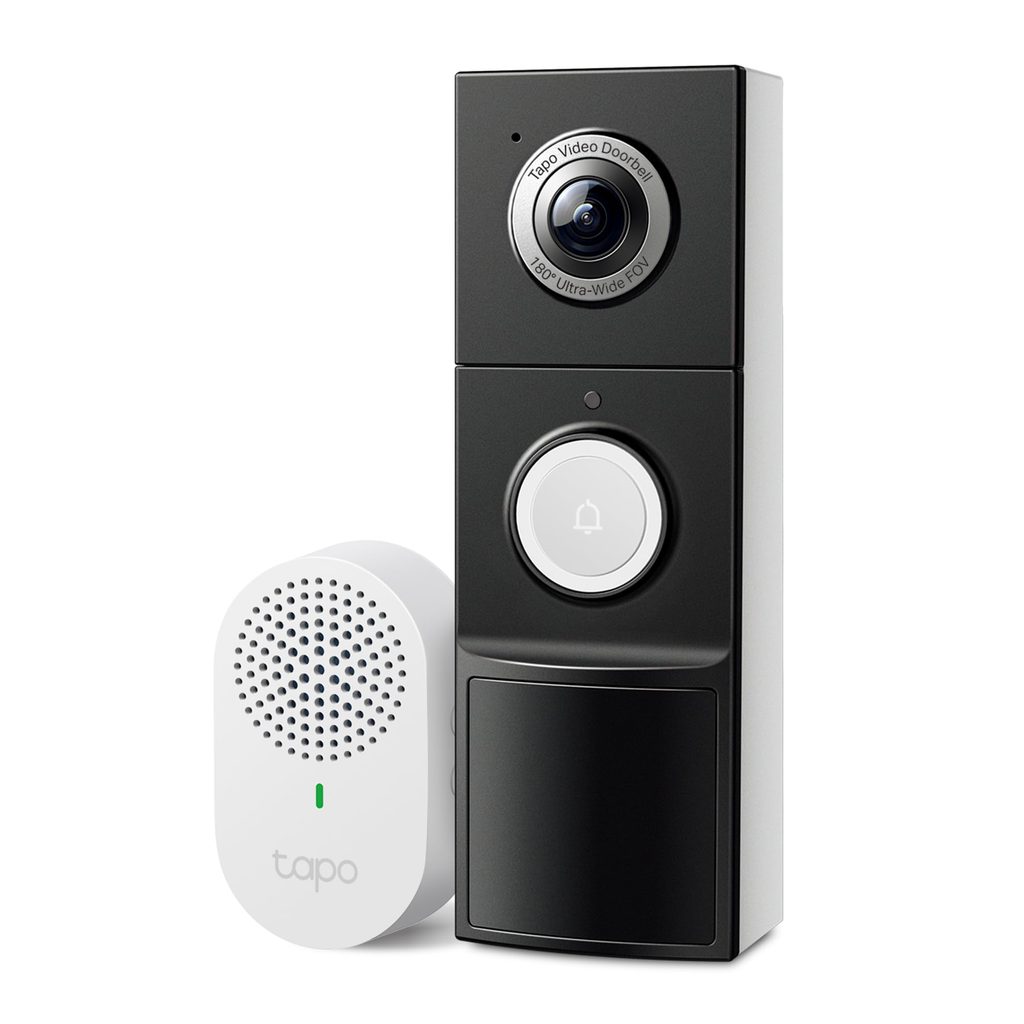
You can use it as a battery-powered video doorbell or connect it to existing 8–24V wiring. When hardwired, it can also provide 24/7 continuous recording, while the built-in battery can provide up to eight months of use under the manufacturer’s testing conditions.
Who this is for
- Homeowners looking for the best video doorbell with local storage and flexible installation
- Anyone who wants expandable microSD storage without a required cloud subscription
- Homes that receive frequent packages
- Users who want a wide head-to-toe view of their front door
Who should skip it
- Anyone who needs 5GHz Wi-Fi, since it supports 2.4GHz Wi-Fi only
- Buyers who don’t want to purchase a microSD card separately
My take
The Tapo D225 is a well-rounded smart video doorbell that combines local recording, wide coverage, and flexible power options. If you want a wireless or wired video doorbell with local storage, it’s one of the more versatile choices in this list.
2. youkey DB312 — Dual-Camera Video Doorbell With Built-In Local Storage
2K video • Dual cameras • 8GB built-in storage • 2.4/5GHz Wi-Fi • Battery or hardwired
The youkey DB312 takes a different approach to front-door security with its dual-camera design. One view focuses on visitors while the second helps keep an eye on packages and the area directly below the doorbell. That makes this doorbell camera with local storage particularly useful for homes with frequent deliveries.
It includes 8GB of built-in local storage, so you can save event recordings without paying for a monthly subscription. The 2K camera and 160° wide-angle view provide useful detail, while radar, PIR sensors, and AI detection help identify activity and reduce unnecessary motion alerts.
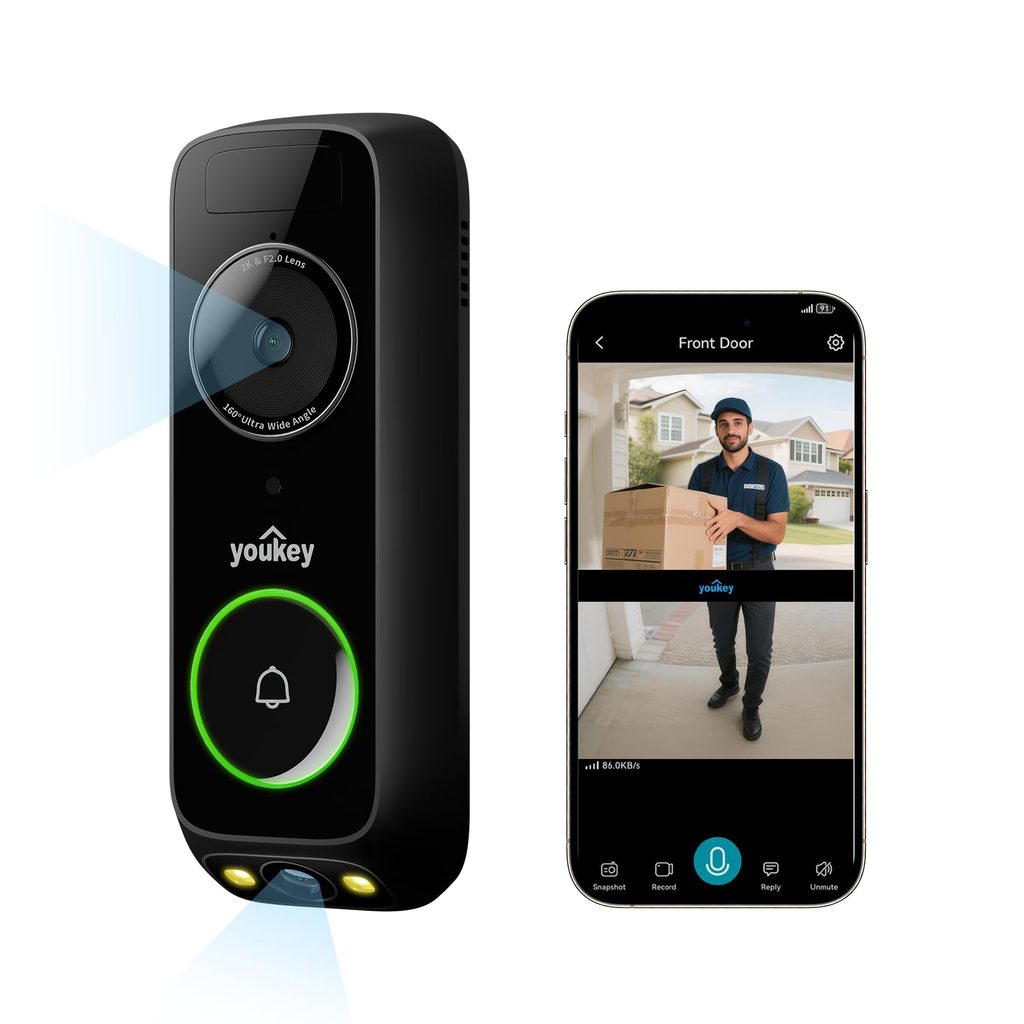
The 6,400mAh rechargeable battery is rated for up to 180 days under the manufacturer’s testing conditions. You can also hardwire the unit if you prefer a permanent power connection. It supports both 2.4GHz and 5GHz Wi-Fi, giving it an advantage over many budget wireless video doorbells.
Who this is for
- Shoppers looking for a video doorbell with built-in local storage
- Homes that receive lots of online deliveries
- Anyone who wants dual-camera coverage
- Users who want both 2.4GHz and 5GHz Wi-Fi support
Who should skip it
- Buyers who prefer expandable microSD storage
- Anyone looking for a more established smart-home security ecosystem
My take
The dual-camera setup is the biggest reason to consider the DB312. It gives you separate coverage for visitors and packages while keeping essential recording features free of a monthly subscription.
3. aosu Ultra V8S — 5MP Video Doorbell With Local Storage
5MP Ultra HD • 8GB local storage • 60-day loop recording • 166° view • Battery or wired
The aosu Video Doorbell Ultra V8S is a strong option if video quality is high on your list of priorities. Its 5MP camera, 166° field of view, and 4:3 vertical framing are designed to capture visitors from head to toe while also showing packages placed on the ground.
For shoppers comparing the best video doorbells with local storage, the included aosuBase Mini is an important feature. It provides 8GB of built-in storage and supports up to 60 days of loop recording according to the manufacturer. You can therefore use core recording and security features without committing to a monthly subscription.
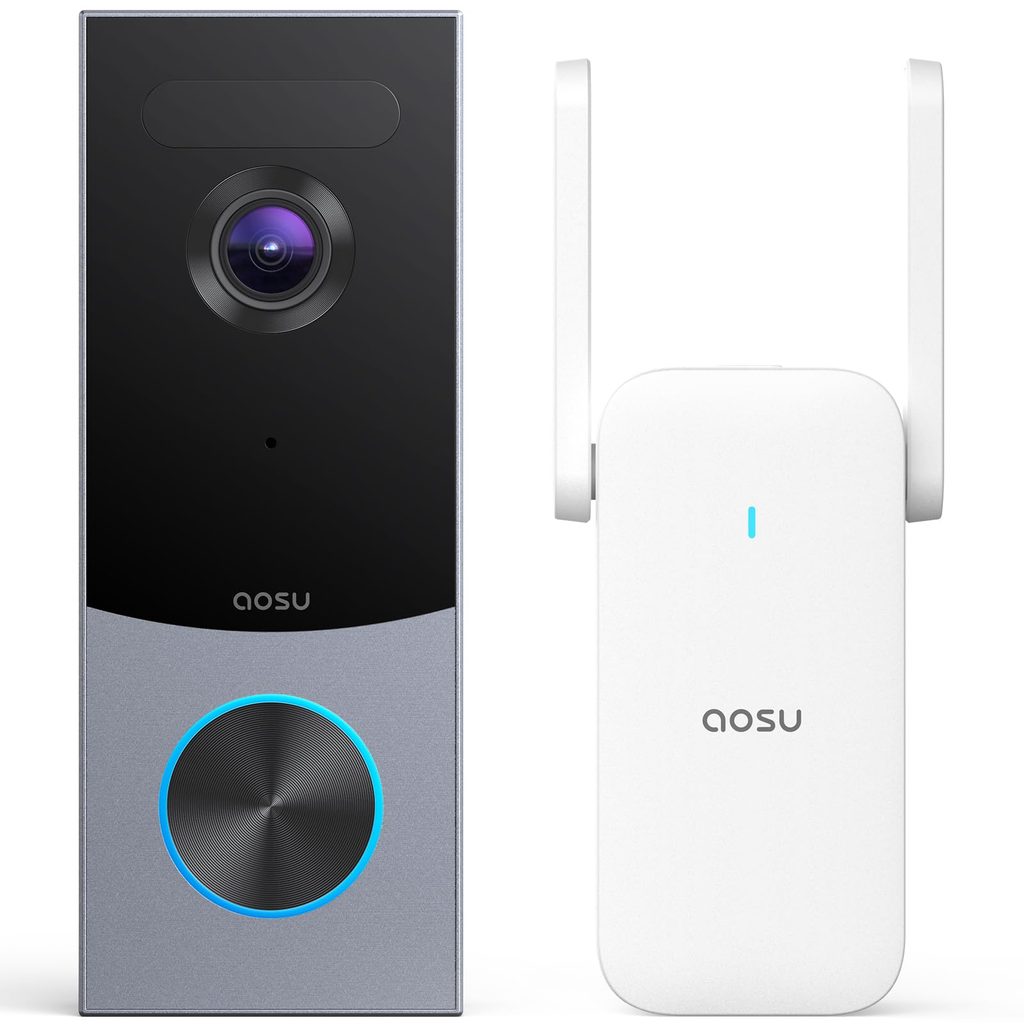
The doorbell also uses radar, PIR sensing, and AI human recognition for motion detection. Battery or wired installation gives you additional flexibility, while its IP66 weather resistance makes it suitable for outdoor use.
Who this is for
- Buyers who want a 5MP video doorbell with local storage
- Anyone looking for extended local recording without a subscription
- Homes that need head-to-toe and package visibility
- Users who want battery and wired installation options
Who should skip it
- Buyers primarily looking for the cheapest video doorbell
- Anyone who specifically wants microSD storage inside the doorbell itself
My take
The Ultra V8S is a good fit if image quality and local recording are more important than keeping the setup as simple as possible. The included base station and multi-sensor detection make it a feature-rich local storage video doorbell.
4. eufy Security E340 — Dual-Camera Doorbell for Local Storage and Package Detection
2K video • Dual cameras • 8GB built-in storage • Color night vision • Battery or wired
The eufy Security Video Doorbell E340 is designed for homeowners who want more complete coverage around the front door. Its dual-camera setup uses one camera to capture visitors and another pointed downward to keep packages and the doorstep in view.
With 8GB of built-in local storage, the E340 is a useful choice for anyone searching for a video doorbell without a monthly fee. It records locally without requiring a subscription, while its 2K resolution provides detailed footage during the day. Color night vision also helps improve visibility after dark.
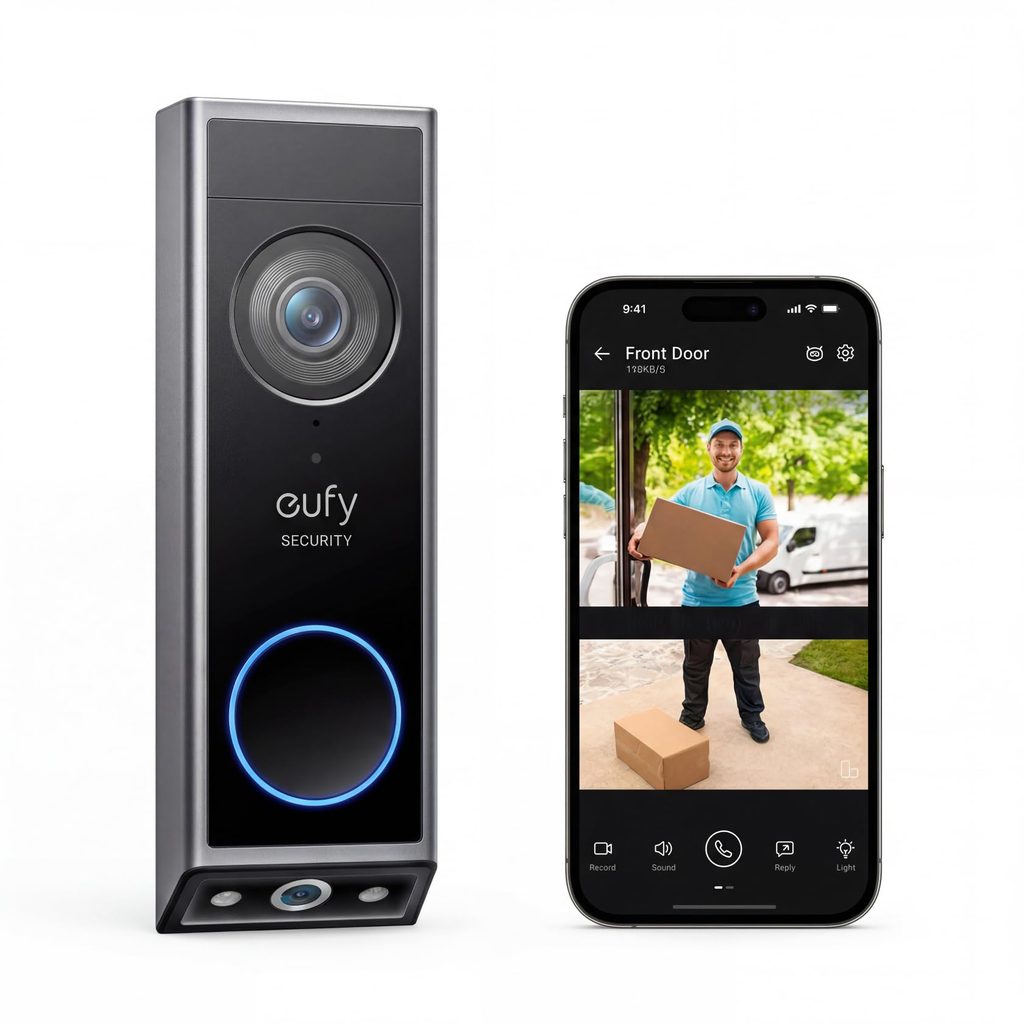
The E340 can be installed as either a wireless video doorbell or a wired model. Its rechargeable battery makes installation easier, while hardwiring to a compatible 16–24V power source provides a more permanent setup. It can also integrate with compatible eufy HomeBase products, Alexa, Google Assistant, and compatible chimes.
Who this is for
- Homes where package monitoring is important
- Buyers looking for a dual-camera video doorbell with local storage
- Anyone who wants color night vision
- Users already interested in the eufy security ecosystem
Who should skip it
- Buyers looking for a low-cost video doorbell
- Anyone who doesn’t need the additional coverage of dual cameras
My take
The E340 is particularly useful for households that receive regular deliveries. Its two-camera design gives it an advantage when you want to monitor both visitors and packages without paying for cloud storage every month.
5. BOIFUN 2K Video Doorbell — Affordable Wireless Video Doorbell With Local Storage
2K video • 166° view • microSD up to 128GB • Battery powered • Chime included
The BOIFUN 2K Video Doorbell is a budget-friendly option for shoppers who want the basic features of a smart doorbell without being locked into a subscription. It provides 2K video, a 166° field of view, motion alerts, human detection, and two-way audio.
For local recording, this wireless video doorbell with local storage supports microSD cards up to 128GB. That gives you a straightforward way to save recordings locally instead of relying on cloud storage. HDR night vision and 940nm infrared illumination also help provide clearer footage after dark.
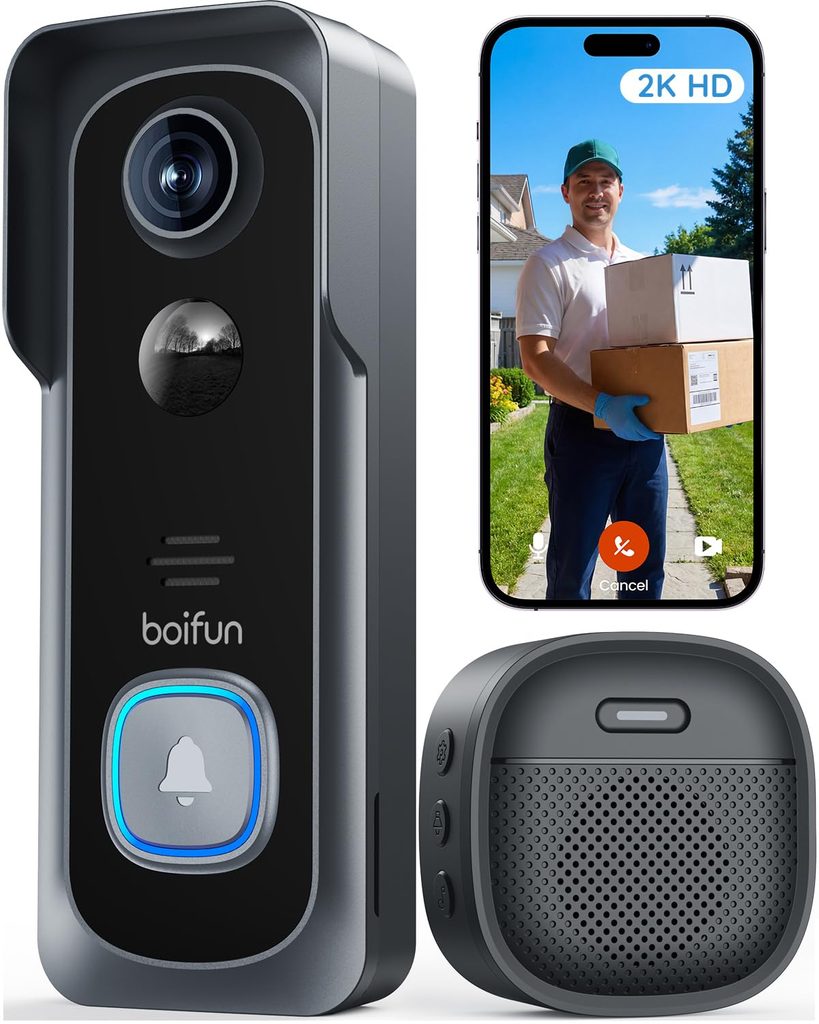
The built-in rechargeable battery keeps installation simple and wire-free. The manufacturer rates the battery for up to 60 days under specific testing conditions, although actual battery life will vary with usage. Since the doorbell works with 2.4GHz Wi-Fi only, you’ll need a compatible network.
Who this is for
- Budget-conscious shoppers
- Anyone looking for a cheap video doorbell with local storage
- Users who want essential features without a monthly subscription
- Homes where 2.4GHz Wi-Fi is available
Who should skip it
- Anyone who needs 5GHz Wi-Fi support
- Buyers looking for 24/7 continuous recording
- Users who want advanced multi-camera coverage
My take
The BOIFUN makes sense if you’re trying to keep the cost down while still getting local recording and essential doorbell features. Its microSD support makes it a practical choice for shoppers who specifically want a video doorbell with no monthly fee.
6. eufy Security C31 — Video Doorbell With Local Storage and 24/7 Recording
2K FHD • Battery or wired • 24/7 recording when hardwired • Head-to-toe view • No monthly fee
The eufy Security Video Doorbell C31 is an interesting option for homeowners who want the flexibility of battery power but also want continuous recording when the doorbell is hardwired. Its 2K FHD resolution and 4:3 view provide a useful head-to-toe perspective of visitors.
Hardwiring is where the C31 becomes particularly useful. When connected to power, it supports 24/7 recording and 5-second pre-roll for motion events, providing more complete coverage than a battery-only doorbell that primarily records when motion is detected.
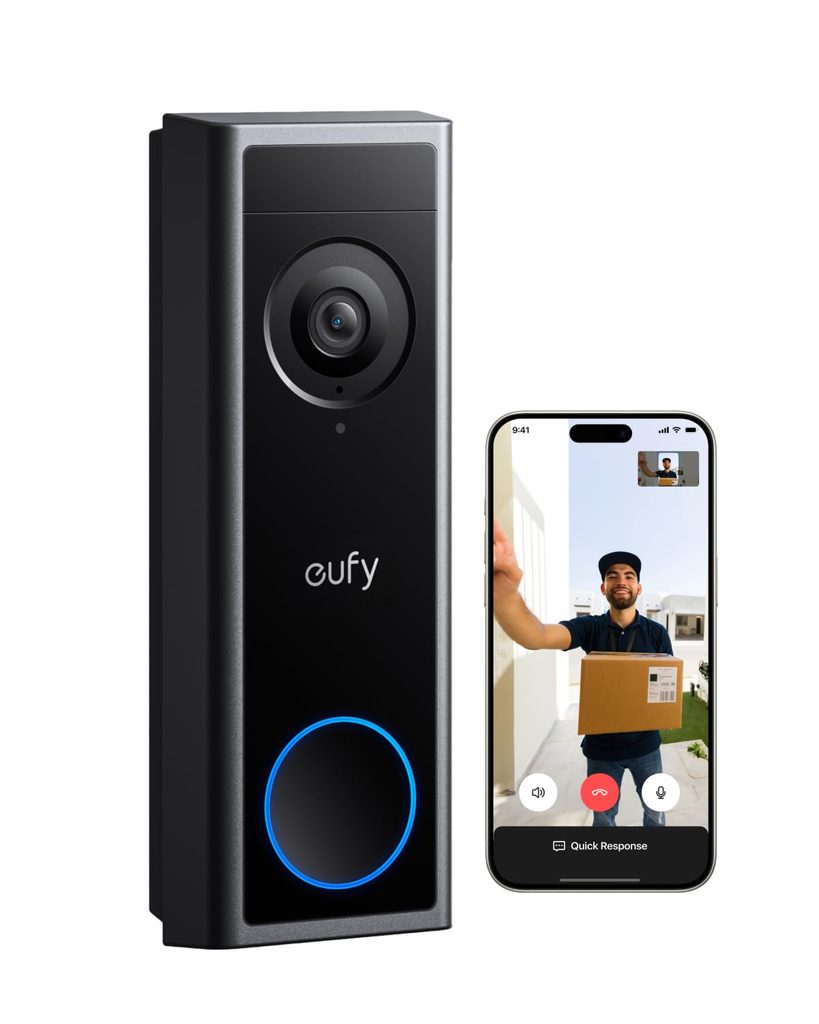
The C31 is also designed to work without a monthly subscription for its core features. You can use the rechargeable 6,500mAh battery for a wireless setup or hardwire it for continuous protection. It can also connect with eufy HomeBase S380, Alexa, Google Assistant, and compatible eufy accessories.
Who this is for
- Homeowners looking for 24/7 video doorbell recording
- Buyers who can hardwire their doorbell
- Anyone wanting a battery or wired installation option
- People planning to expand into a larger eufy security system
Who should skip it
- Renters who cannot hardwire their doorbell
- Buyers specifically looking for dual-camera package coverage
- Anyone who only wants a basic, inexpensive wireless doorbell
My take
The C31 is particularly appealing if continuous recording is one of your priorities. For homeowners who can hardwire it, the combination of 2K video, local-storage capabilities, and 24/7 recording makes it a practical option among the best video doorbells with local storage.
How to Choose the Best Video Doorbell With Local Storage
Choosing the best video doorbell with local storage isn’t just about picking the camera with the highest resolution. Storage type, power options, detection features, and your home’s Wi-Fi setup can all affect which doorbell makes the most sense for you. Here are the key things to consider before buying.
1. Check the Local Storage Options
If avoiding monthly fees is your main reason for choosing a local-storage video doorbell, check exactly how recordings are saved. Some models use microSD cards, while others include built-in storage or a separate home hub.
Also check the maximum supported capacity. A doorbell that supports a larger microSD card can store more footage before older recordings are overwritten.
2. Look at Video Quality and Field of View
For most homes, 2K video provides plenty of detail for identifying visitors and checking deliveries. Higher-resolution options such as 5MP can provide additional detail, but resolution isn’t everything.
Pay attention to the field of view as well. A wider or head-to-toe view can help you see packages sitting on the ground as well as the person standing at your door.
3. Decide Between Battery and Wired Power
A wireless video doorbell is generally easier to install because you don’t need existing doorbell wiring. However, you’ll need to recharge the battery periodically.
Hardwired models are better suited to homeowners who want a more permanent setup. Some wired doorbells can also support 24/7 continuous recording, which isn’t always available when running exclusively on battery power.
4. Consider Motion and AI Detection
Basic motion detection can generate plenty of alerts, especially if your front door faces a busy street. Look for features such as person, package, or vehicle detection if you want more useful notifications.
Some models combine PIR sensors, radar, and AI recognition to distinguish people from general movement. Customizable detection zones can also help reduce unwanted alerts.
5. Don’t Ignore Night Vision
A good video doorbell with night vision should still provide useful footage after dark. Standard infrared night vision is common, while some models offer color night vision with built-in lighting.
If your entrance is poorly lit, compare the night-vision features rather than focusing only on daytime video resolution.
6. Check Wi-Fi Compatibility
Before buying, check which Wi-Fi bands the doorbell supports. Some models work only with 2.4GHz Wi-Fi, while others support both 2.4GHz and 5GHz.
The 2.4GHz band generally offers better range through walls, while 5GHz can provide faster connections at shorter distances. Make sure the doorbell is compatible with your existing network.
7. Look for Useful Smart Features
Features such as two-way audio, live view, smart alerts, voice assistant support, and package detection can make a doorbell much more useful day to day.
Alexa and Google Assistant compatibility may also be worth considering if you already have smart displays or other connected devices at home.
8. Check Subscription Requirements
“No subscription required” doesn’t always mean every feature is free. Some doorbells provide local recording and basic detection at no cost while reserving advanced AI features or cloud backups for a paid plan.
If your goal is a video doorbell with no monthly fee, check what features remain available when you use local storage only.
9. Consider Your Installation Setup
Finally, think about where you’ll install the doorbell. Renters may prefer a battery-powered model, while homeowners with existing wiring may benefit from a hardwired option.
Also consider the doorbell’s weather resistance, mounting position, and whether the included viewing angle can cover your entire porch.
Bottom Line
The best video doorbell with local storage should match your specific setup rather than simply having the longest feature list. For most buyers, the important things to compare are local storage capacity, video quality, field of view, battery life, motion detection, night vision, Wi-Fi compatibility, and subscription requirements.