
If you’ve got an Xbox Series X, you already know it’s built for serious performance—but here’s the thing most people miss:
👉 your gaming experience is only as good as your monitor
The Xbox Series X supports 120Hz gaming, Variable Refresh Rate (VRR), and even 4K output, but not every monitor can actually take full advantage of that. And if you pick the wrong one, you’re basically leaving performance on the table.
That’s where this guide comes in.
In this list of the best monitors for Xbox Series X 120Hz gaming, we’re focusing on displays that actually matter for real gameplay—
- Smooth 120Hz performance
- Low response times for fast action
- HDMI compatibility (especially HDMI 2.1 where it counts)
- And the right balance between resolution and refresh rate
Whether you’re into competitive shooters, racing games, or cinematic open-world titles, the right monitor can completely change how your games feel—smoother, sharper, and way more immersive.
So instead of guessing, we’ve picked the best options across different budgets and use cases, so you can find the one that fits your setup perfectly.
1. Samsung Odyssey G5 32″ (G55C) – Big Screen Immersion on a Budget
32″ | QHD (2560×1440) | 165Hz | 1000R Curved | FreeSync | HDR10
If you want a large, immersive screen without spending too much, the Samsung Odyssey G55C 32-inch QHD Curved Gaming Monitor is a solid starting point in the best monitors for Xbox Series X 120Hz gaming list.
This monitor is all about immersion + smooth gameplay rather than chasing top-end specs.
For Xbox Series X, here’s what matters:
👉 You can run 1440p at 120Hz, which already feels super smooth for most games
And honestly, on a 32-inch screen, QHD resolution looks detailed enough while giving you that big-screen experience.
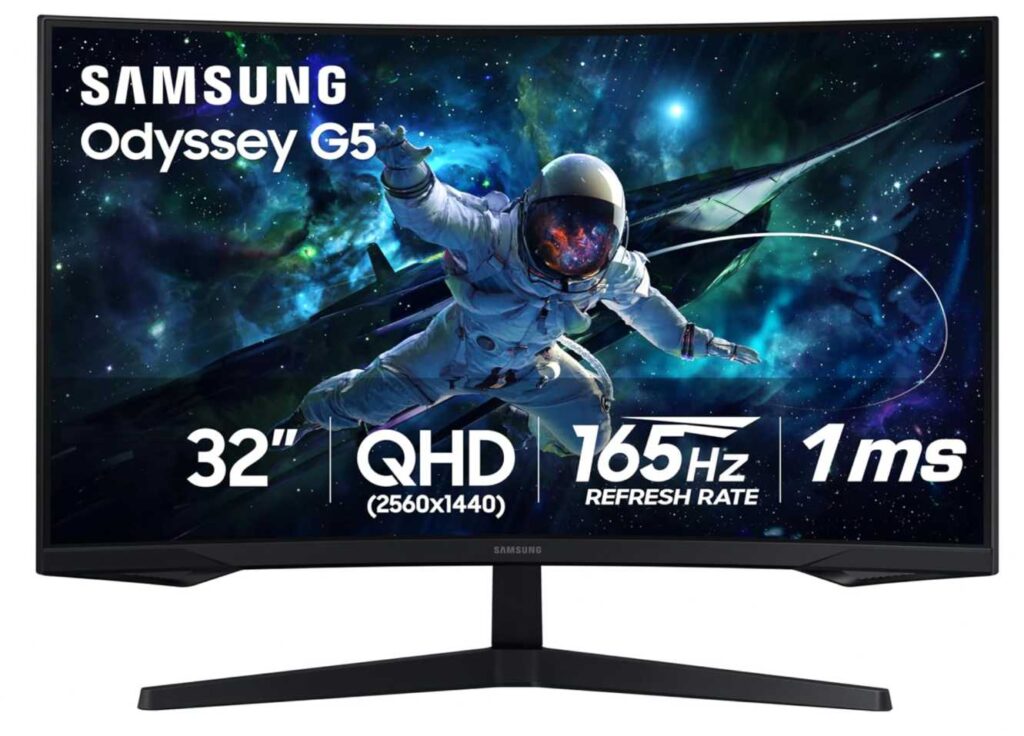
The standout feature here is the 1000R curved display—it wraps around your field of view, making games feel more engaging, especially in:
- Racing games
- Open-world titles
- Story-driven experiences
Performance-wise, it holds up well:
- 165Hz refresh rate → smooth motion (Xbox uses up to 120Hz)
- 1ms MPRT → reduced motion blur
- AMD FreeSync → tear-free gameplay
- HDR10 support → better contrast and highlights
Why it’s a good pick
- Large 32″ curved screen for immersion
- Smooth 1440p 120Hz gaming
- Great value for the size and features
Things to keep in mind
- No HDMI 2.1 → no 4K 120Hz
- VA panel → slightly less accurate colors than IPS
My take
This is the “big screen budget pick.”
If you want something that feels cinematic and immersive without spending a lot, this is a great choice. It may not have every next-gen feature, but for most Xbox players, it still delivers a smooth and enjoyable gaming experience.
2. INNOCN 24.5″ QHD 240Hz – Compact Speed with HDMI 2.1
24.5″ | QHD (2560×1440) | Fast IPS | 240Hz | HDMI 2.1
If the Samsung above was about immersion, this one is the opposite—pure speed and responsiveness. The INNOCN 24.5-inch QHD 240Hz Gaming Monitor 25G2S is built for players who care about fast reactions and smooth gameplay, especially on the Xbox Series X.
Here’s the key advantage:
👉 HDMI 2.1 + 1440p 120Hz support
So you can actually take full advantage of what Xbox offers in competitive games—smooth, low-latency gameplay without compromise.

And since it’s a 24.5″ display, the QHD resolution looks even sharper compared to larger screens. That makes everything—from enemies to UI—feel more precise.
Performance-wise, it’s stacked:
- 240Hz refresh rate → overkill for console, but shows how fast the panel is
- 1ms response time (Fast IPS) → super clean motion
- 99% sRGB → solid color accuracy
- G-Sync + FreeSync support → smooth across platforms
Why this is a strong pick
- HDMI 2.1 support for Xbox Series X
- Sharp 1440p on a smaller screen
- Excellent for FPS and competitive gaming
- Clean, minimal setup
Things to consider
- Smaller screen = less immersive for some users
- Not 4K → more performance-focused than cinematic
My take
This is the “competitive gamer pick.”
If you play shooters like COD, Apex, or Fortnite and want something that feels fast, sharp, and responsive, this is a fantastic choice.
3. ASUS VA279QG 27″ – Simple 120Hz Gaming on a Budget
27″ | Full HD (1920×1080) | IPS | 120Hz | Adaptive-Sync | Speakers
Not everyone needs high-end specs—and that’s exactly where the ASUS VA279QG 27-inch Eye Care Monitor fits in this list of the best monitors for Xbox Series X 120Hz gaming.
This is a straightforward, no-fuss option for people who just want:
👉 smooth gameplay + a bigger screen + lower price
With the Xbox Series X, you can run:
👉 1080p at 120Hz, which still feels very smooth for most games
And honestly, if you’re coming from a 60Hz display, this upgrade alone will feel like a big jump.
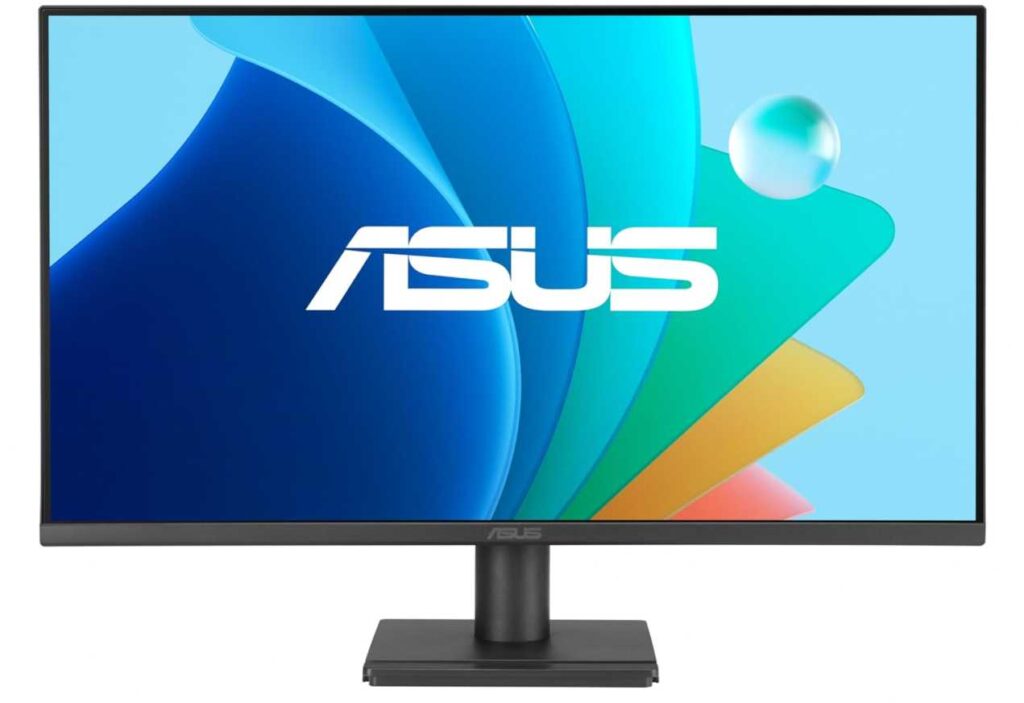
Here’s what you’re getting:
- 120Hz refresh rate → smoother gameplay
- 1ms response time → reduced blur
- IPS panel (99% sRGB) → better colors than typical budget screens
- Built-in speakers → convenient for casual setups
- Eye Care features → useful for long gaming sessions
Why this makes sense
- Affordable entry into 120Hz gaming
- Bigger 27″ screen for casual use
- Good all-rounder (gaming + work + media)
What to keep in mind
- 1080p on 27″ isn’t the sharpest
- No HDMI 2.1 or advanced features
- Not ideal for competitive or high-end gaming
My take
This is the “easy upgrade” pick.
If you just want to enjoy smooth Xbox gameplay without overthinking specs or spending too much, this does the job well.
4. Acer Nitro XV271U M3 – Best Value QHD Performance
27″ | QHD (2560×1440) | IPS | 180Hz | FreeSync Premium | HDR
If you’re looking for that perfect balance between price, performance, and visuals, the Acer Nitro XV271U M3 27-inch QHD Gaming Monitor is easily one of the strongest picks in the best monitors for Xbox Series X 120Hz gaming list.
This is the kind of monitor most people should actually buy.
With the Xbox Series X, you can run:
👉 1440p at 120Hz, which is basically the sweet spot for console gaming
You get better clarity than 1080p and smoother gameplay than 60Hz—without needing to jump to expensive 4K displays.
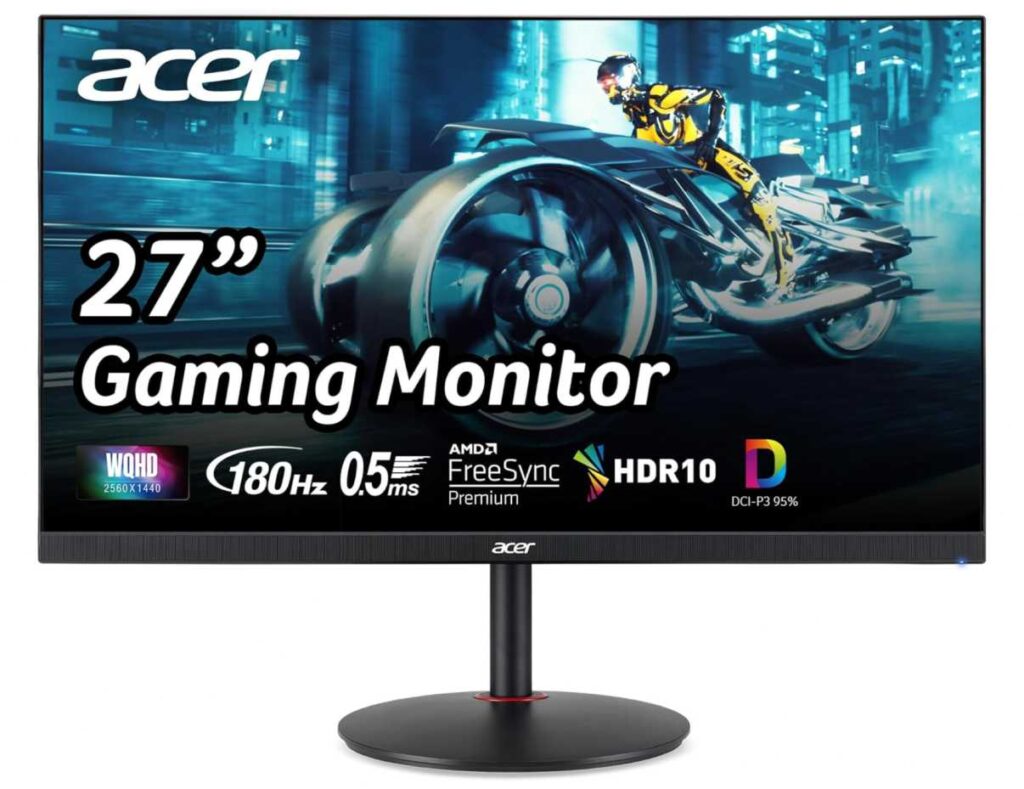
Here’s what makes it stand out:
- 180Hz refresh rate → super smooth (console uses up to 120Hz)
- 0.5ms response time → sharp motion
- IPS panel + DCI-P3 95% → rich, accurate colors
- FreeSync Premium → tear-free gameplay
- Adjustable stand → better ergonomics for long sessions
Why this is a great pick
- Excellent value for a 1440p gaming monitor
- Smooth + sharp Xbox experience
- Good colors for both gaming and media
Things to know
- No HDMI 2.1 → no 4K 120Hz
- HDR is decent, not true high-end
My take
This is the “sweet spot monitor.”
If you don’t want to overthink specs and just want something that delivers great performance and visuals for Xbox Series X, this is one of the safest choices you can make.
5. Sceptre 24.5″ Curved 240Hz – Budget Speed for Competitive Gaming
24.5″ | Full HD (1920×1080) | 240Hz | Curved (1500R) | FreeSync Premium
If your priority is fast gameplay at the lowest price possible, the Sceptre 24.5-inch Curved 240Hz Gaming Monitor C255B-FWT240 is one of those picks that’s hard to ignore.
This monitor is clearly built for competitive players, not cinematic gaming.
With the Xbox Series X, you’ll be using:
👉 1080p at 120Hz, which is where this monitor shines
Even though it supports up to 240Hz, that extra headroom just means the panel is fast and responsive, which helps with smoother motion overall.
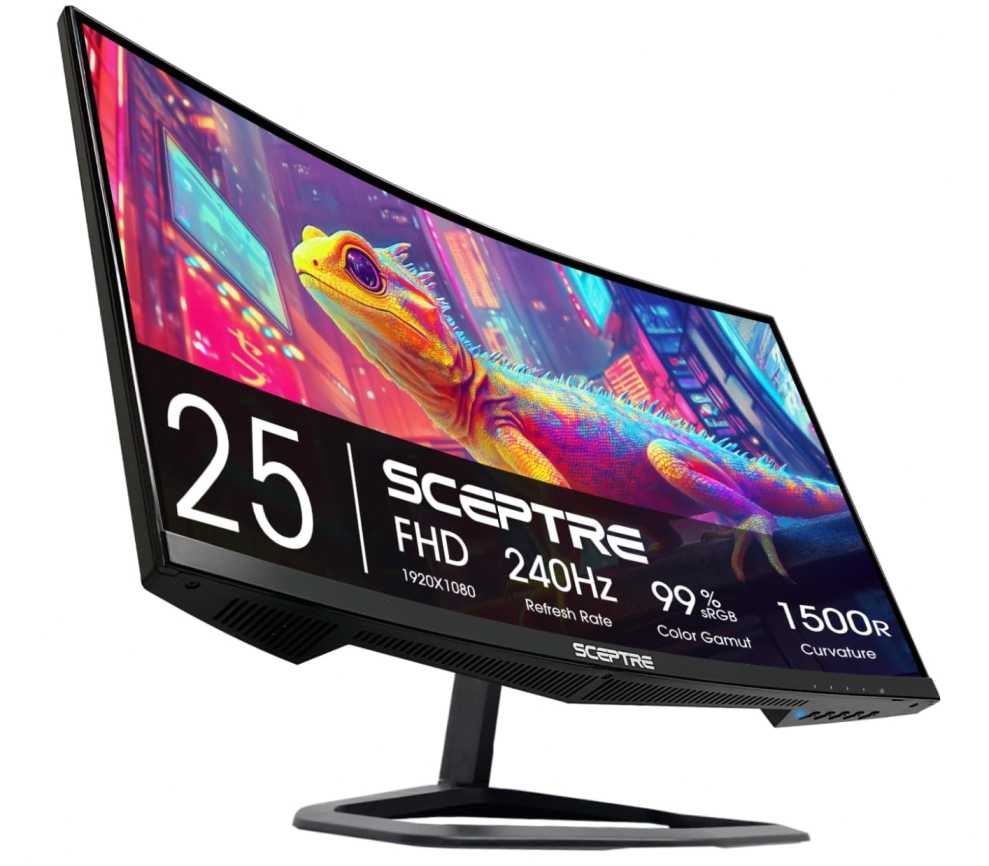
Here’s what stands out:
- 240Hz refresh rate → extremely smooth panel
- 1ms response time → minimal motion blur
- 1500R curved screen → slightly more immersive for a small display
- FreeSync Premium → reduces screen tearing
- Built-in speakers → simple setup
Why this is a good pick
- Very affordable high-refresh monitor
- Great for FPS and competitive gaming
- Compact size fits most desks easily
Things to keep in mind
- 1080p resolution → not the sharpest
- Smaller screen → less immersive for story games
- No HDMI 2.1 or premium features
My take
This is the “budget esports pick.”
If you mainly play fast games and want something that feels quick, responsive, and affordable, this is a great option.
6. Acer Nitro KG241Y 23.8″ – Compact Budget 120Hz Gaming
23.8″ | Full HD (1920×1080) | 165Hz | VA | FreeSync Premium
If you want something small, affordable, and still smooth for Xbox gaming, the Acer Nitro KG241Y 23.8-inch FHD Gaming Monitor is a really practical pick.
This one is all about keeping things simple while still upgrading your experience.
With the Xbox Series X, you’ll be playing at:
👉 1080p 120Hz, which already feels much smoother than standard 60Hz
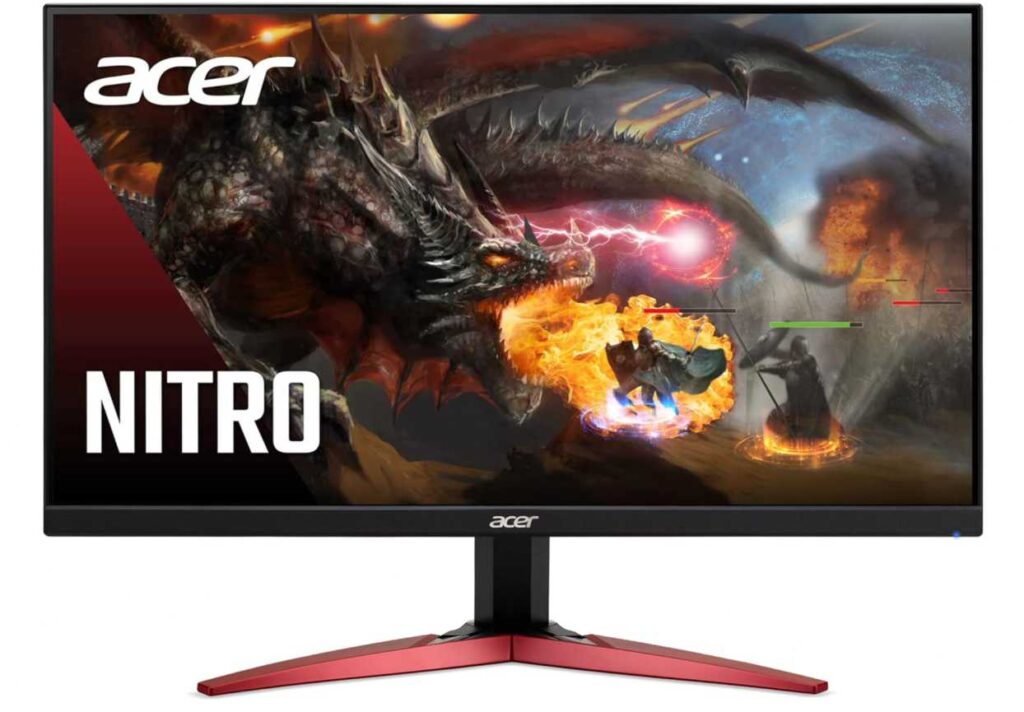
And because it’s a 23.8″ screen, 1080p actually looks sharper here than on bigger 27″ displays.
Here’s what you’re getting:
- 165Hz refresh rate → smooth performance (console uses up to 120Hz)
- 1ms response time → less blur in motion
- FreeSync Premium → reduces tearing
- VA panel → deeper contrast compared to IPS
- Compact size → perfect for smaller desks
Why this is a good choice
- Affordable and easy entry into 120Hz gaming
- Better sharpness at 24″ vs larger FHD screens
- Simple, no-complication setup
Things to keep in mind
- Colors aren’t as accurate as IPS panels
- Not ideal for large or immersive setups
- No HDMI 2.1 or premium features
My take
This is the “compact budget upgrade.”
If you’re gaming on a desk setup or don’t want a big screen, this gives you a smooth and clean Xbox experience without spending much.
Great for beginners, students, or secondary setups.
7. AOC 22B35HM23 22″ – Ultra Budget 120Hz Entry
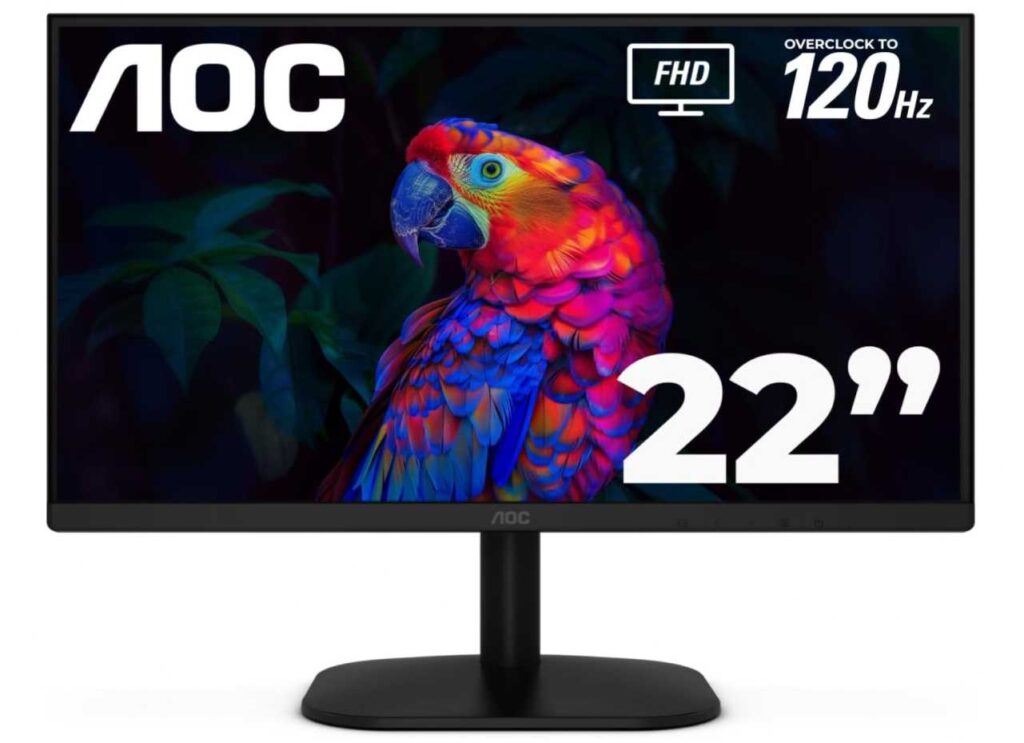
21.5″ | Full HD (1920×1080) | 120Hz | Adaptive Sync | VA
If you’re searching for the best monitors for Xbox Series X 120Hz gaming but don’t want to spend much, the AOC 22B35HM23 22-inch FHD 120Hz Monitor is one of the most affordable ways to get started.
This monitor is all about one thing:
👉 smooth 120Hz gameplay at the lowest price possible
With the Xbox Series X, you can easily run 1080p at 120Hz, which already delivers a much smoother experience compared to 60Hz displays.
And because it’s a compact 22-inch screen, the Full HD resolution still looks sharp—making it a practical option among budget Xbox Series X monitors for 120Hz gaming.
Here’s what you get:
- 120Hz refresh rate → smooth and responsive gameplay
- Adaptive Sync support → reduces screen tearing
- Good color coverage (~100% sRGB) → decent visuals for everyday use
- Eye-care features → better comfort during long sessions
Why it fits this list
- One of the cheapest monitors for Xbox Series X 120Hz gaming
- Smooth performance without needing premium specs
- Ideal for casual gaming setups or beginners
What to keep in mind
- Smaller screen size limits immersion
- Basic design and features
- Not meant for competitive or high-end gaming
My take
This is the entry-level pick in the best monitors for Xbox Series X 120Hz gaming category.
If your priority is simple—get smooth gameplay without overspending—this monitor does exactly that.
Final Thoughts – Best Monitors for Xbox Series X 120Hz Gaming
Let’s keep it simple 👇
If you’re choosing from the best monitors for Xbox Series X 120Hz gaming, it really comes down to how you play and your budget.
Quick Picks
- Best overall: Acer Nitro XV271U M3 27-inch QHD Gaming Monitor → perfect balance of price + performance
- Best for competitive gaming: INNOCN 24.5-inch QHD 240Hz Gaming Monitor 25G2S → fast, sharp, responsive
- Best budget option: AOC 22B35HM23 22-inch FHD 120Hz Monitor → cheapest way to get 120Hz
- Best for immersion: Samsung Odyssey G55C 32-inch QHD Curved Gaming Monitor → bigger, more cinematic
Simple Buying Advice
- Want smooth gameplay? → get at least 120Hz
- Want better visuals? → go for 1440p (QHD)
- Want future-proofing? → look for HDMI 2.1
👉 For most people:
A 27″ QHD monitor with 120Hz+ is the sweet spot for Xbox Series X gaming.
Final Verdict
You don’t need to spend $500 to enjoy your Xbox properly.
Even a good 1440p 120Hz monitor will give you:
- smoother gameplay
- sharper visuals
- a much better overall experience