
Finding the best 27-inch gaming monitor under $250 can be challenging with so many options available. Fortunately, you no longer need to spend a fortune to get a smooth and immersive gaming experience.
In this list, I’ve rounded up the best 27-inch gaming monitors under $250, focusing on important features like refresh rate, response time, resolution, image quality, and overall value. Whether you play competitive FPS games or enjoy immersive single-player titles, there’s a budget gaming monitor here for your setup.
Prices can change frequently, so be sure to check the latest Amazon price before buying.
1. Amzfast 27-Inch 200Hz QHD Gaming Monitor – Great Value for Competitive Gaming
27-inch | QHD 1440p | Fast IPS | 200Hz | 1ms | G-SYNC Compatible | HDR400 | Built-in Speakers
If you’re looking for a 27-inch gaming monitor under $250 with both sharp 1440p resolution and a fast 200Hz refresh rate, the Amzfast AMZG27F5Q offers impressive value for the price.
The QHD 2560 x 1440 resolution looks sharp on a 27-inch screen, while the Fast IPS panel delivers good viewing angles and vibrant colors. For fast-paced games, the 200Hz refresh rate and 1ms response time help deliver a smoother experience, and G-SYNC and FreeSync compatibility can help reduce screen tearing.
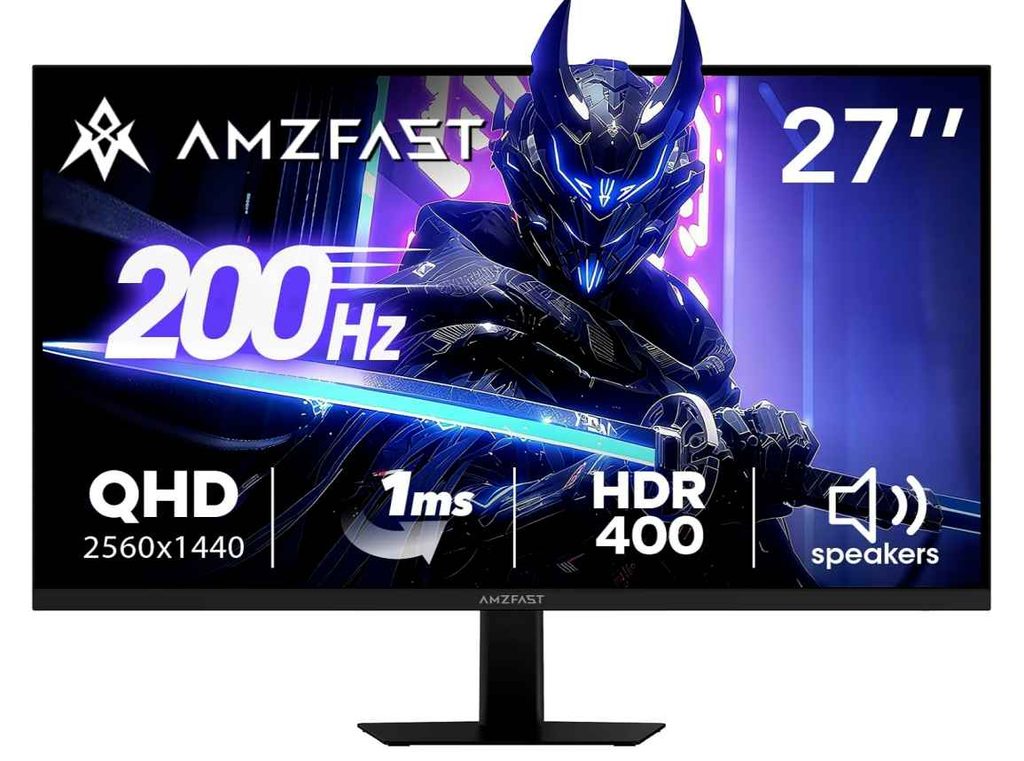
It also offers HDR400 and wide color coverage, making it a solid choice for both competitive games and visually detailed single-player titles. The built-in speakers, headphone holder, VESA support, and multiple HDMI and DisplayPort connections are useful extras for a gaming setup.
Who this is for
- You want a 27-inch 1440p gaming monitor under $250
- You play competitive games and want a high 200Hz refresh rate
- You want one monitor for both gaming and everyday use
Who should skip it
- If you want premium HDR performance
- If your PC cannot comfortably run games at high frame rates in 1440p
My take
For the price, this is a strong option if you want QHD image quality and smooth 200Hz gaming in one package. It’s a particularly good fit for gamers who want more than a basic 1080p budget monitor without spending too much.
2. Gawfolk 27-Inch QHD 120Hz Gaming Monitor – Best Budget 1440p Option
27-inch | QHD 1440p | IPS | 120Hz | 1ms | FreeSync & G-SYNC Compatible | HDR Support
If you want a 27-inch 1440p gaming monitor without spending close to $200, the Gawfolk is an interesting budget option. It focuses on the features most gamers actually need: sharp QHD resolution, an IPS panel, and a smooth 120Hz refresh rate.
The 2560 x 1440 resolution gives you noticeably more detail than a standard 1080p monitor, while the 120Hz refresh rate and 1ms response time make gameplay feel smoother than a basic 60Hz display. It also supports FreeSync and G-SYNC compatibility, helping reduce screen tearing during fast-paced games.
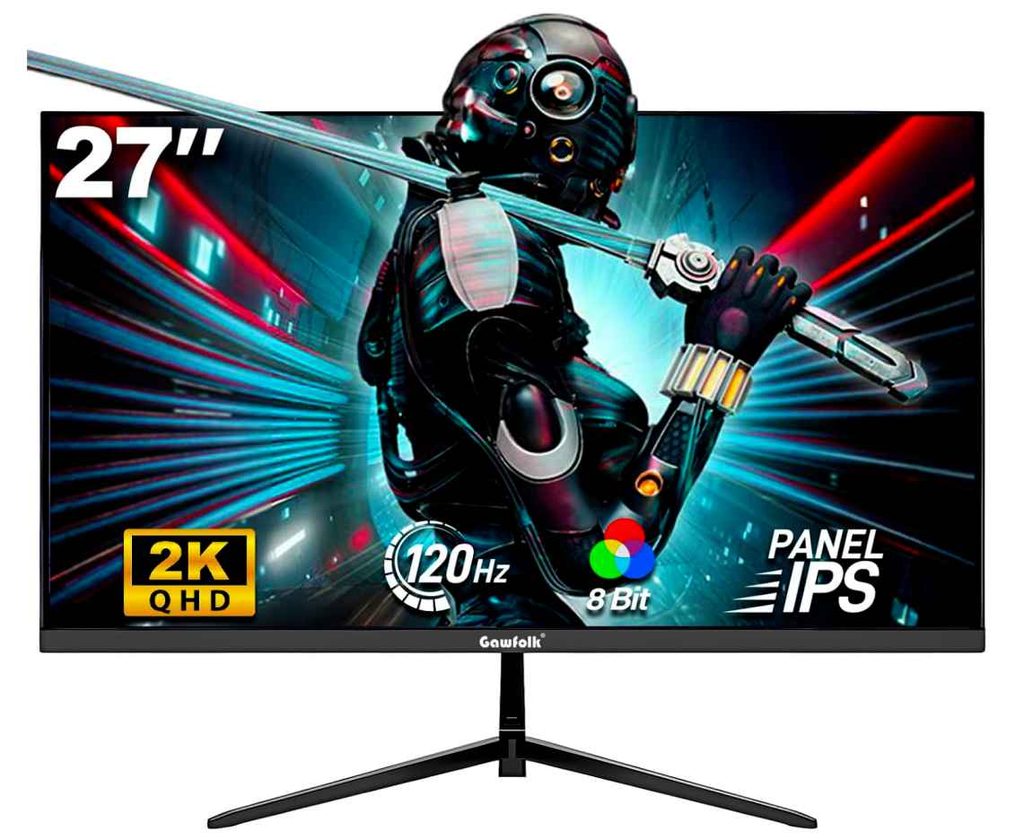
The IPS panel is a nice bonus at this price, especially if you also use your monitor for work, movies, or everyday browsing. You also get HDMI and DisplayPort connectivity, plus VESA mount support if you prefer using a monitor arm.
Who this is for
- You want an affordable 27-inch 1440p gaming monitor
- You want a good balance between image quality and smooth gaming
- You also use your monitor for work and entertainment
Who should skip it
- If you want a higher 165Hz or 200Hz refresh rate for competitive gaming
- If advanced HDR performance is important to you
My take
For budget-focused buyers, this is a simple and practical choice. You get the two things that matter most here: a sharp 1440p screen and smooth 120Hz gameplay. If you’re trying to get the best value from a 27-inch gaming monitor under $250, it’s definitely worth considering.
3. Samsung 27-Inch Odyssey G5 – Best Overall Value for 1440p Gaming
27-inch | QHD 1440p | 180Hz | 1ms | AMD FreeSync | HDR10 | Height-Adjustable Stand
The Samsung Odyssey G5 G51F is a great choice if you want a 27-inch gaming monitor under $250 from a well-known brand without sacrificing the features that matter most for gaming.
You get a sharp 2560 x 1440 QHD resolution, a fast 180Hz refresh rate, and a 1ms response time, which is a really nice combination for both competitive and single-player games. AMD FreeSync also helps keep gameplay smooth by reducing screen tearing and stuttering.
One feature I especially like here is the height-adjustable ergonomic stand. Many budget gaming monitors offer only basic tilt adjustment, so being able to adjust the height and position makes a real difference during longer gaming sessions.
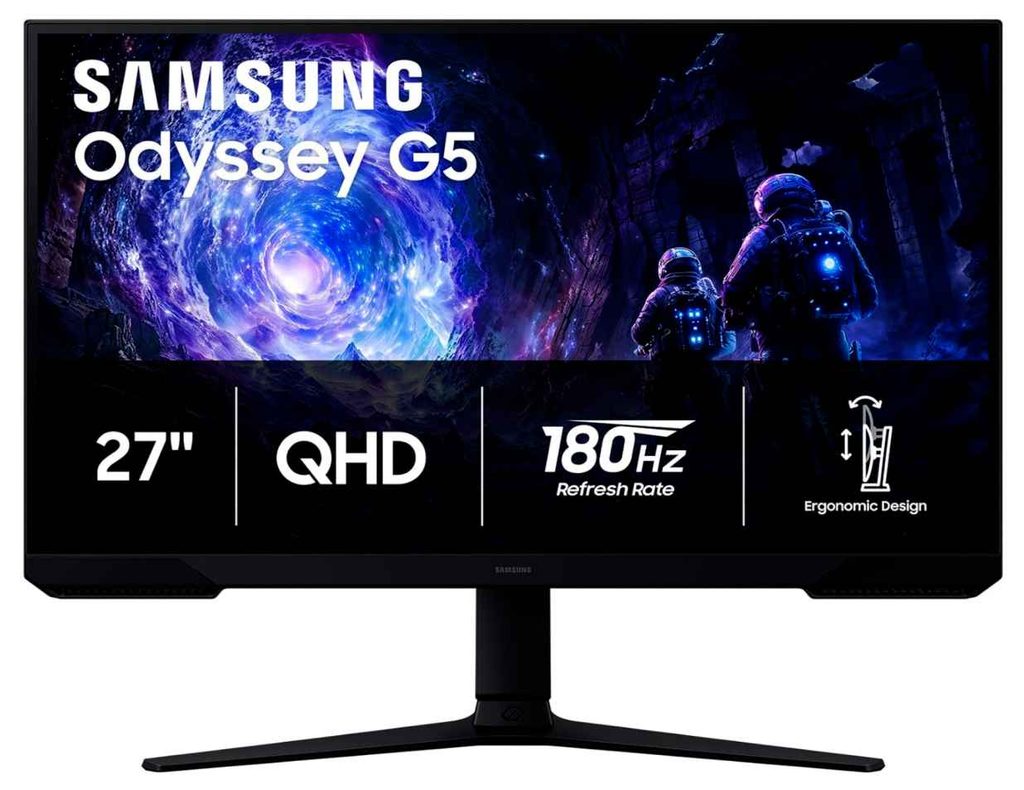
Samsung also includes useful gaming features like Black Equalizer, which can make it easier to see enemies in darker areas, and a Virtual Aim Point for games where having a crosshair can be helpful.
Who this is for
- You want a reliable 27-inch 1440p gaming monitor
- You want a smooth 180Hz refresh rate
- You value a height-adjustable stand for better comfort
Who should skip it
- If you specifically want a 200Hz or higher refresh rate
- If premium HDR performance is your top priority
My take
For around this price range, the Samsung Odyssey G5 offers one of the best overall balances of QHD resolution, 180Hz gaming performance, and everyday usability. If you want a solid all-around 27-inch gaming monitor under $250, this is an easy one to recommend.
4. Sceptre 27-Inch 240Hz Gaming Monitor – Best Budget Option for Competitive Gaming
27-inch | Full HD 1080p | IPS | Up to 240Hz | DisplayPort | Built-in Speakers
If your main priority is fast and smooth competitive gaming, this Sceptre 27-inch gaming monitor is worth a look. The biggest reason is simple: you get an impressive 240Hz refresh rate at a very budget-friendly price.
The IPS panel provides good viewing angles and vibrant colors, while the 240Hz refresh rate makes fast-moving games feel noticeably smoother. This makes it a better fit for FPS, racing, and other competitive games where speed matters more than having a higher resolution.
It uses a 1080p resolution, so it won’t look as sharp as the 1440p monitors above. However, the lower resolution also makes it easier for your PC to reach higher frame rates, which is exactly what you want if you’re trying to take advantage of a 240Hz display.
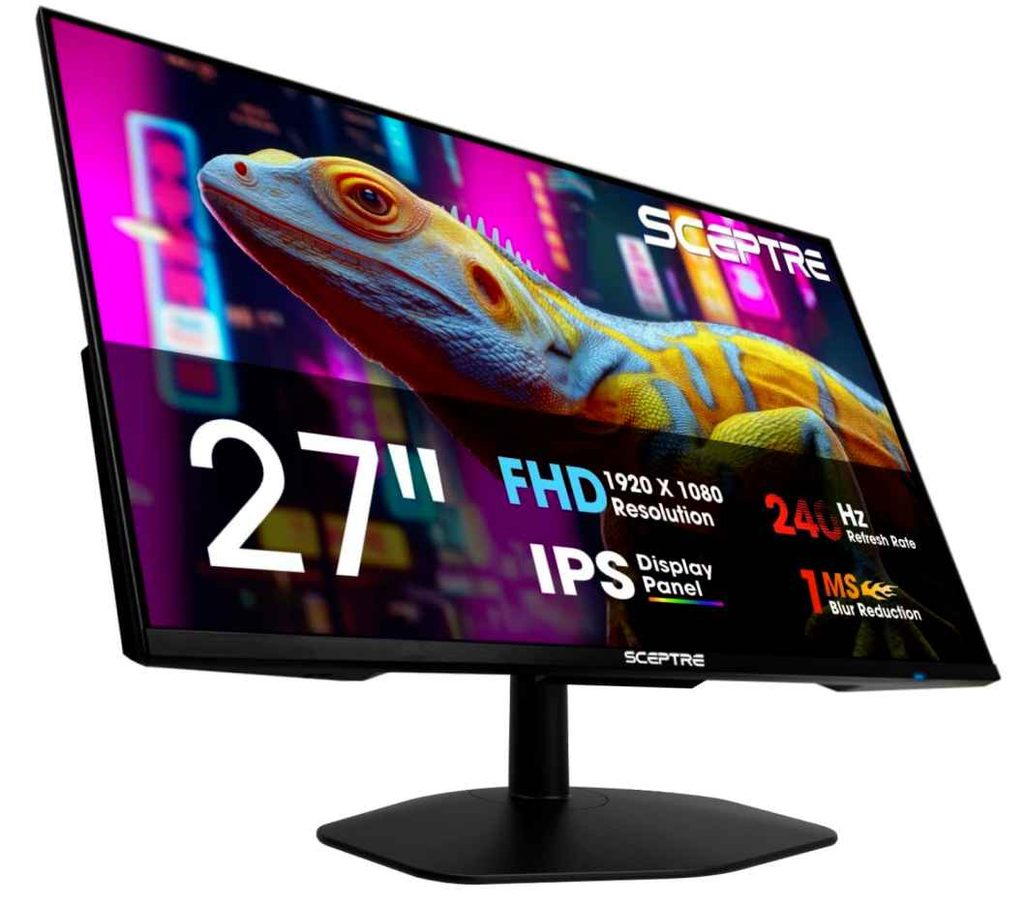
You also get built-in speakers, multiple DisplayPort connections, and a nearly bezel-free design, making it a practical choice for a simple gaming setup.
Who this is for
- You want a 27-inch 240Hz gaming monitor under $250
- You mainly play FPS or other competitive games
- You want high refresh rates without needing an expensive PC
Who should skip it
- If you prefer the sharper image quality of 1440p
- If you mainly play cinematic single-player games
My take
This is a great pick for gamers who care more about speed than resolution. If your goal is smooth, responsive gameplay and you want one of the most affordable 240Hz 27-inch gaming monitors, the Sceptre is a strong option.
5. AOC Q27G41ZE 27-Inch Gaming Monitor – Best for Serious Competitive Gamers
27-inch | QHD 1440p | IPS | 240Hz Native / 260Hz OC | 0.3ms | G-SYNC Compatible | HDR
If you want seriously fast gaming performance without giving up 1440p resolution, the AOC Q27G41ZE is one of the strongest options in this price range. You get a sharp QHD IPS display combined with a 240Hz native refresh rate, which can be overclocked to 260Hz.
The 0.3ms response time is another big highlight for competitive gaming, helping reduce motion blur during fast action. It also supports Adaptive-Sync and NVIDIA G-SYNC compatibility, so gameplay can stay smoother with less tearing.
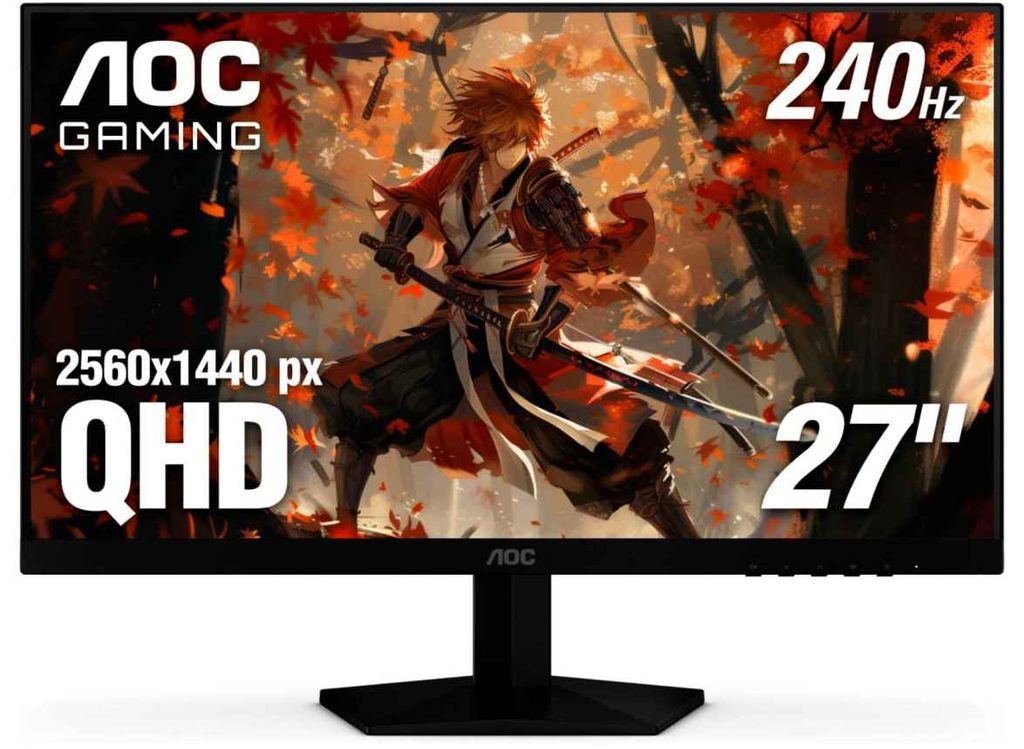
What makes this monitor especially appealing is that it doesn’t force you to choose between image quality and speed. You still get the sharper 2560 x 1440 resolution while enjoying refresh rates usually aimed at serious FPS and esports players.
Who this is for
- You want a fast 27-inch 1440p gaming monitor
- You play competitive FPS or esports games
- You want 240Hz or higher performance without spending a fortune
Who should skip it
- If your PC cannot consistently push high frame rates at 1440p
- If you need a fully adjustable stand beyond basic tilt
My take
This is easily one of the most exciting options for competitive gamers. The combination of QHD resolution, IPS image quality, 240Hz speed, and a 0.3ms response time makes it an excellent value. If your priority is getting the fastest 27-inch gaming monitor under $250, this AOC deserves serious attention.
6. Acer Nitro KG271U 27-Inch Gaming Monitor – Great All-Around 1440p Choice
27-inch | QHD 1440p | IPS | 180Hz | 0.5ms | AMD FreeSync | 95% DCI-P3 | Built-in Speakers
The Acer Nitro KG271U is a solid choice if you want a 27-inch 1440p gaming monitor under $250 that works well for more than just gaming. You get a sharp QHD IPS display, a fast 180Hz refresh rate, and strong color coverage in one package.
The 0.5ms response time and AMD FreeSync support help keep fast-paced games smooth with less tearing and ghosting. Meanwhile, the 95% DCI-P3 color coverage is a nice bonus if you also watch movies, edit photos, or simply want more vibrant-looking games.
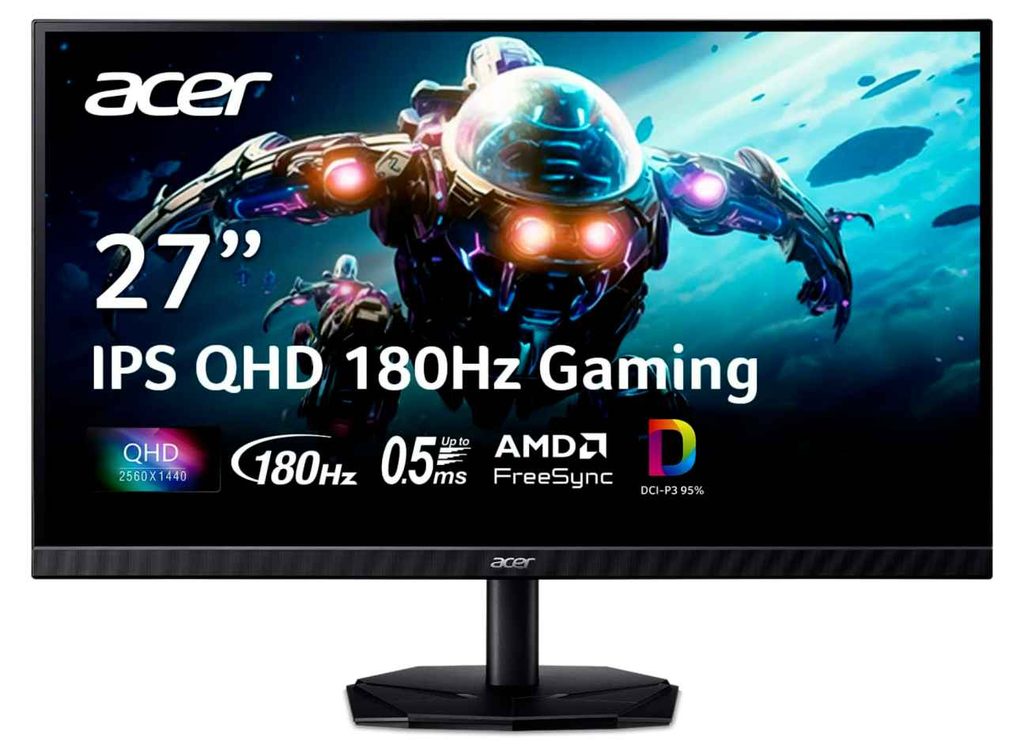
Acer also includes useful everyday features like built-in speakers, VESA mount support, and blue light and flicker-free technology for longer gaming or work sessions.
Who this is for
- You want a balanced 27-inch QHD gaming monitor
- You want 180Hz performance for smooth gaming
- You also care about good colors for work and entertainment
Who should skip it
- If you want a 240Hz or higher refresh rate for serious esports gaming
- If you need a fully adjustable stand
My take
The Acer Nitro KG271U is a good all-rounder. It combines sharp 1440p visuals, smooth 180Hz gaming, and strong color performance, making it a great fit for gamers who also use their monitor for everyday work and entertainment.
Buying Guide: How to Choose the Best 27-Inch Gaming Monitor Under $250
Choosing the best 27-inch gaming monitor under $250 is no longer just about finding the highest refresh rate. At this price, you can now find monitors with 1440p resolution, IPS panels, 180Hz or even 240Hz refresh rates, so the best choice really depends on the type of games you play and how powerful your PC is.
1. Choose the Right Resolution: 1440p vs. 1080p
For most people, 1440p is the better choice on a 27-inch monitor. The higher 2560 × 1440 resolution gives you a sharper image and more detail than 1080p, which can look a little soft on a larger 27-inch screen.
However, 1080p still makes sense for competitive gamers. It is easier for your graphics card to run games at very high frame rates, making it a good match for a 240Hz monitor.
2. Don’t Buy More Refresh Rate Than Your PC Can Use
A 144Hz or 180Hz gaming monitor is already extremely smooth for most gamers. If you mainly play single-player games, racing games, or casual multiplayer titles, this is usually more than enough.
A 240Hz monitor is worth considering if you mainly play competitive FPS or esports games and your PC can consistently deliver very high frame rates. Higher refresh rates are most useful when your graphics card can actually keep up.
3. IPS Is Usually the Safest Choice
For most buyers, an IPS gaming monitor is the easiest recommendation. IPS panels generally offer better colors and wider viewing angles, making them great for gaming, movies, and everyday use.
VA panels can offer deeper blacks and better contrast, which can look great in darker and more cinematic games. But for fast competitive gaming, many gamers prefer IPS because of its faster overall motion performance.
4. Look for FreeSync or G-SYNC Compatibility
Try to choose a monitor with AMD FreeSync, NVIDIA G-SYNC Compatible support, or Adaptive-Sync. These features help reduce screen tearing and stuttering when your game’s frame rate changes.
It is one of those features you may not think much about when buying the monitor, but it can make gameplay feel noticeably smoother.
5. Check the Stand and Connectivity
Budget gaming monitors often cut costs by including a basic stand. If you spend long hours gaming, a height-adjustable stand can be worth paying a little extra for.
Also check the ports. DisplayPort is usually important for PC gamers, especially if you want to run the monitor at its maximum refresh rate. HDMI is useful for consoles and additional devices, but always check which refresh rate each port supports.
My Recommendation
For most gamers, I would look for a 27-inch 1440p IPS monitor with at least a 165Hz or 180Hz refresh rate. That combination gives you an excellent balance of sharp image quality, smooth gameplay, and everyday usability.
If competitive gaming is your main priority, then a 240Hz 27-inch gaming monitor may be worth choosing instead. Just make sure your PC is powerful enough to deliver the high frame rates needed to get the most out of it.