
Looking for the best cheap 4K monitor under $300? You don’t have to spend a fortune to enjoy sharp visuals, detailed images, and plenty of screen space. Today, several affordable 4K monitors offer impressive display quality and great value for work, gaming, content creation, and everyday use.
Whether you need a budget 4K monitor for your home office, a larger display for productivity, or a sharp screen for watching movies and editing photos, there are plenty of options available at this price point. In this article, I’ve rounded up the best 4K monitors under $300 based on display quality, features, performance, and overall value to help you find the right monitor for your needs and budget.
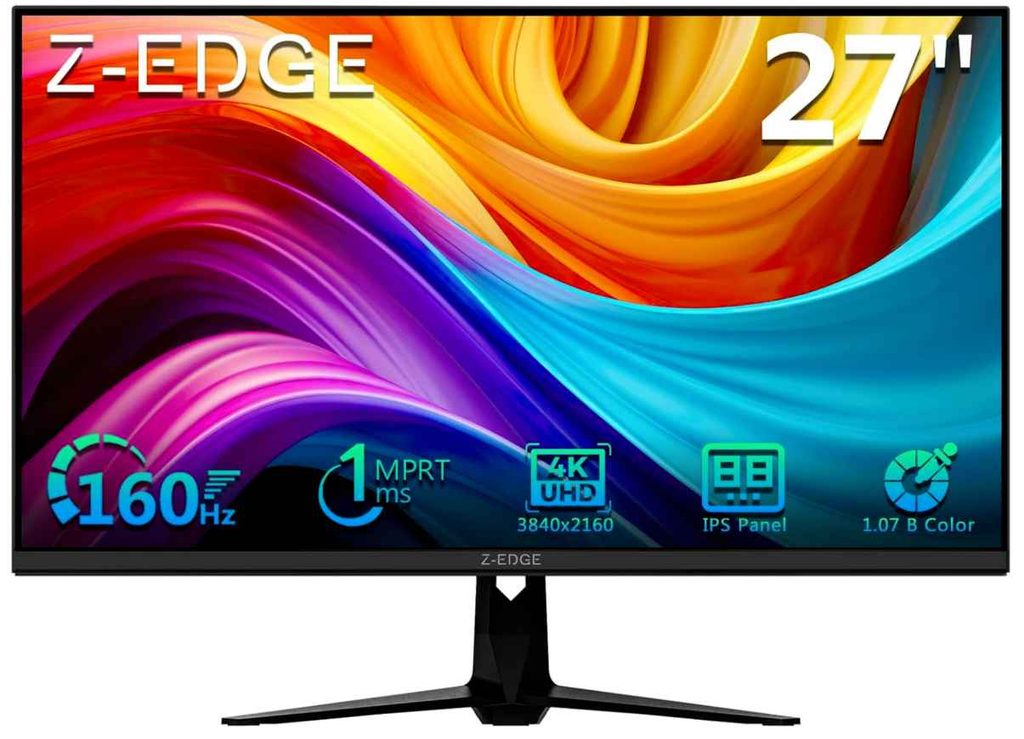
1. Z-Edge 27-Inch 4K Monitor – Smooth 4K Gaming on a Budget
27-inch | 4K UHD (3840 × 2160) | Fast IPS | 160Hz | 1ms Response Time | HDMI & DisplayPort
The Z-Edge 27-inch 4K monitor is a great option if you want more than a basic budget display. It combines a sharp 4K UHD resolution with a fast 160Hz refresh rate, making it a strong choice for both productivity and gaming.
The Fast IPS panel delivers vibrant colors and wide viewing angles, while the 1ms response time helps keep fast-moving games looking smooth. You also get two HDMI and two DisplayPort ports, which is useful if you connect multiple devices.
Who This Is For
- You want a 4K gaming monitor under $300
- You need a monitor for both work and gaming
- You want a smooth high-refresh-rate display
Who Should Skip It
- If you only need a basic 4K monitor for office work
- If your PC can’t handle demanding games at 4K resolution
My Take
For the price, this is one of the more impressive cheap 4K monitors under $300. The combination of 4K, Fast IPS, and 160Hz gives you a lot of flexibility, especially if you want one monitor for work during the day and gaming afterward.
2. FYHXele 27-Inch White 4K Monitor – Great for PS5 and Console Gaming
27-inch | 4K UHD (3840 × 2160) | IPS | 120Hz | 1ms Response Time | HDR400 | HDMI 2.1
The FYHXele 27-inch 4K gaming monitor is a good pick if you want a 4K monitor under $300 for PS5, Xbox, or PC gaming. Its biggest advantage is the HDMI 2.1 support, allowing compatible devices to run games at 4K and up to 120Hz.
The IPS panel, 99% sRGB color coverage, and HDR400 also make games and videos look more colorful and detailed. With FreeSync and G-Sync compatibility, it can help reduce screen tearing during fast-paced gaming.
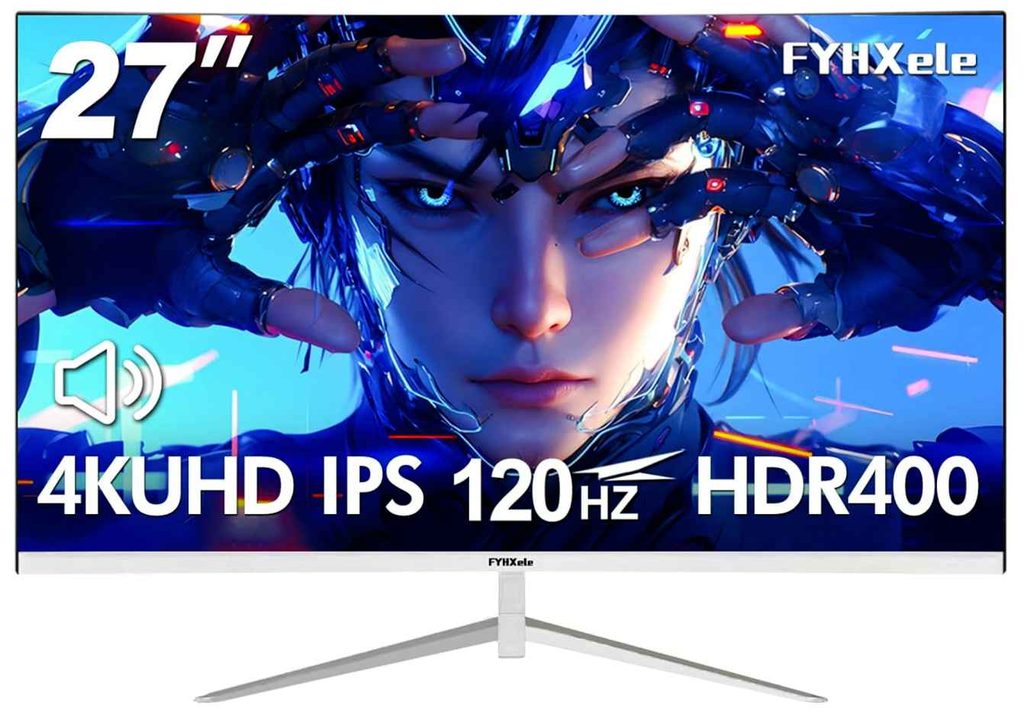
I also like the clean white design, which is a nice alternative to the usual black gaming monitors. Built-in speakers and VESA mount support are useful extras for a simple gaming setup.
Who This Is For
- You want a 4K gaming monitor under $300
- You play on a PS5 or Xbox Series X
- You prefer a white monitor for your setup
Who Should Skip It
- If you need a refresh rate higher than 120Hz
- If you want a larger screen for immersive gaming
My Take
For around this price, the FYHXele 27-inch 4K monitor offers a nice mix of 4K resolution, 120Hz gaming, HDMI 2.1, and IPS color quality. It’s especially worth considering if you’re building a clean white gaming setup or want a budget-friendly 4K monitor for console gaming.
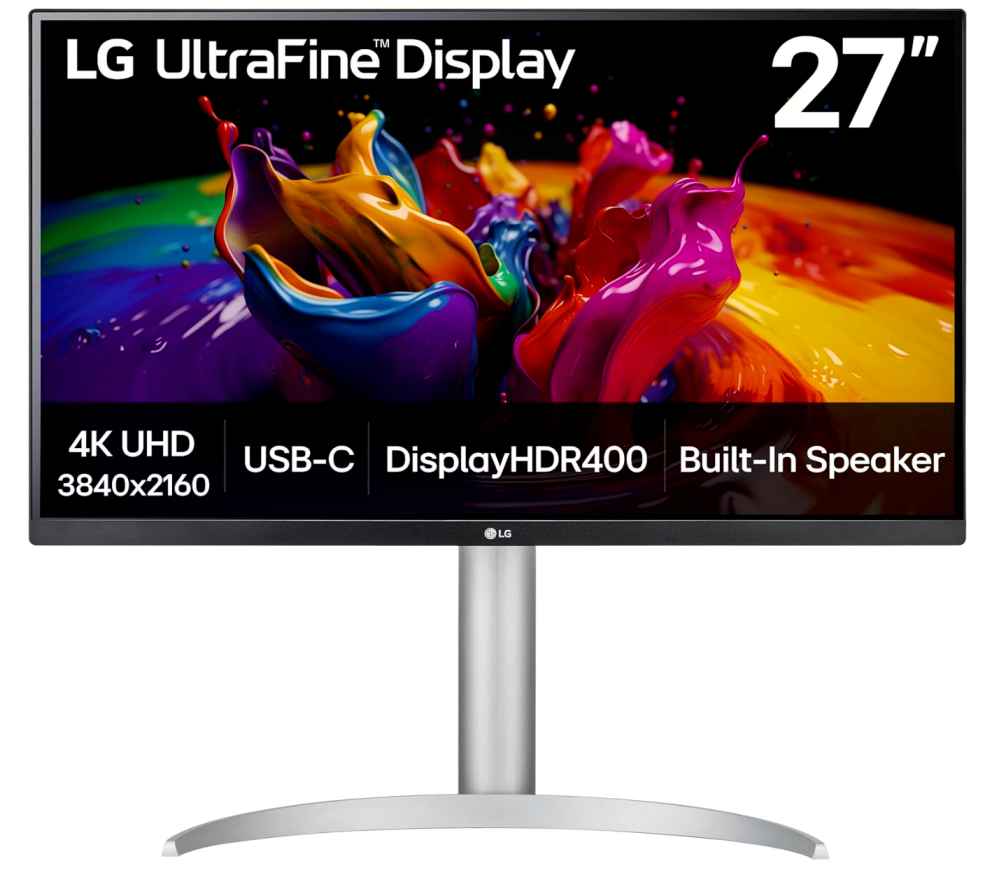
3. LG 27UP850K-W – Best 4K Monitor Under $300 for Work and MacBook Users
27-inch | 4K UHD (3840 × 2160) | IPS | HDR400 | DCI-P3 95% | USB-C 90W PD | 60Hz
The LG 27UP850K-W is a great choice if you want a 4K monitor under $300 for productivity, creative work, or a laptop setup. Its sharp 27-inch 4K IPS display and 95% DCI-P3 color coverage make it a strong option for photo editing, video work, and everyday multitasking.
The standout feature here is the USB-C port with up to 90W power delivery. You can connect and charge a compatible laptop with a single cable, which makes for a much cleaner desk setup.
The height, tilt, and pivot adjustable stand is another big advantage, especially for long work sessions. You also get built-in speakers, HDMI, DisplayPort, and extra USB ports.
Who This Is For
- You want a 4K monitor for work or productivity
- You use a MacBook or USB-C laptop
- You want good color accuracy and an adjustable stand
Who Should Skip It
- If you want a high-refresh-rate monitor for competitive gaming
My Take
If gaming isn’t your main priority, this is one of the better 27-inch 4K monitors under $300. The USB-C 90W charging, strong color coverage, and ergonomic stand make it feel like a more premium monitor and a great fit for a productive desk setup.
4. CRUA 32-Inch 4K Curved Monitor – Best Large Screen 4K Monitor Under $300
32-inch | 4K UHD (3840 × 2160) | Curved VA | 160Hz | 1500R Curve | FreeSync | HDMI 2.1
If you want a bigger 4K monitor under $300, the CRUA 32-inch curved 4K monitor is worth a look. The large 32-inch screen combined with a 1500R curve makes games, movies, and even multitasking feel more immersive.
The 160Hz refresh rate and AMD FreeSync support are the main highlights for gaming, helping fast-moving games feel smoother. Its VA panel also offers strong contrast, which can make darker scenes look deeper.
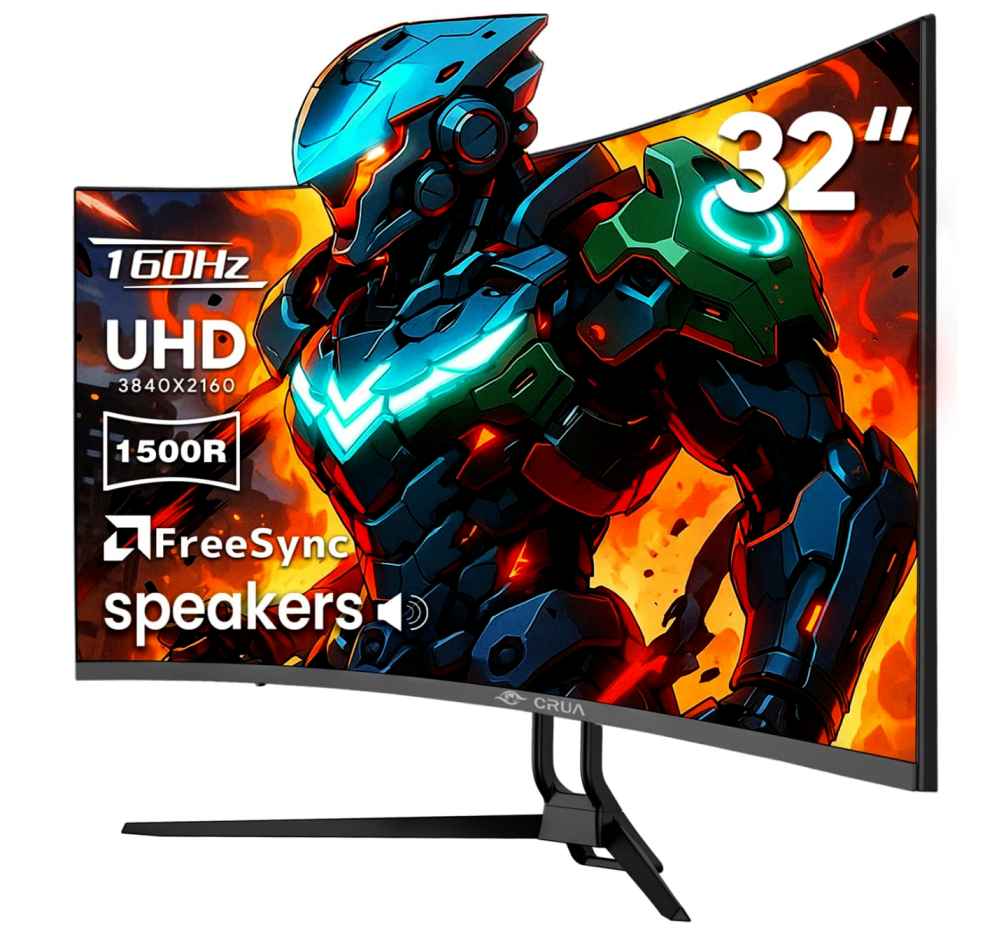
You also get HDMI 2.1, DisplayPort 1.4, built-in speakers, and VESA mount support, making it a flexible choice for gaming or a larger home office setup.
Who This Is For
- You want a large 32-inch 4K monitor under $300
- You enjoy immersive curved screen gaming
- You want a big screen for gaming, movies, and multitasking
Who Should Skip It
- If you prefer the wider viewing angles of an IPS panel
- If you have limited desk space
My Take
For the price, this is a solid choice if screen size and immersion are your priorities. The combination of a 32-inch curved 4K display and 160Hz refresh rate makes it one of the more interesting options for gamers looking for a large, budget-friendly 4K monitor.
5. Acer Nitro VG270K V4 – Best Versatile 4K Gaming Monitor Under $300
27-inch | 4K UHD (3840 × 2160) | IPS | 160Hz DFR | 0.5ms | HDMI 2.1 | FreeSync Premium
The Acer Nitro VG270K V4 is a solid choice if you want a 4K gaming monitor under $300 from a well-known gaming brand. The standout feature is its DFR technology, which lets you prioritize 4K resolution or a higher refresh rate, depending on what you’re playing.
The IPS panel delivers sharp visuals and wide viewing angles, while the 0.5ms response time and AMD FreeSync Premium help keep fast-paced games smooth with less tearing and ghosting.
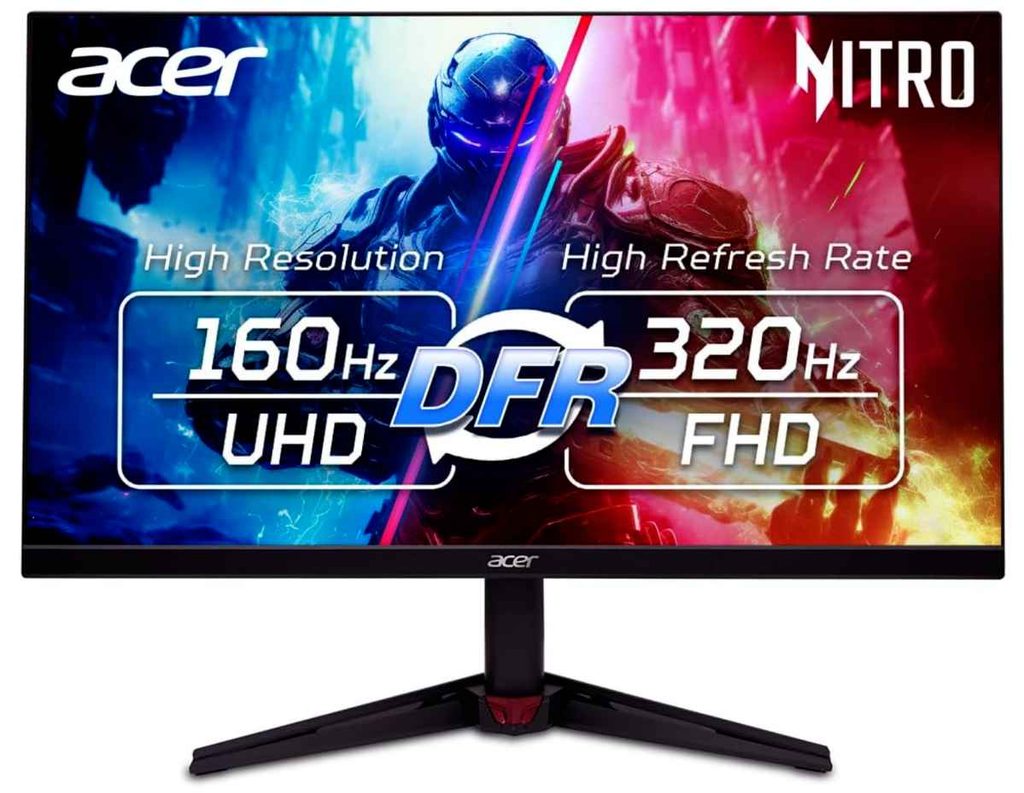
You also get two HDMI 2.1 ports, DisplayPort, built-in speakers, and a nearly bezel-free design. That makes it a flexible option for both a gaming PC and modern consoles.
Who This Is For
- You want a 27-inch 4K gaming monitor under $300
- You want flexibility between high resolution and high refresh rates
- You prefer an IPS panel for gaming and everyday use
Who Should Skip It
- If you want to play every game at native 4K with the highest refresh rate
- If you need a larger screen for immersive gaming
My Take
The Acer Nitro VG270K V4 is a good all-around budget gaming monitor. Its combination of 4K resolution, fast response time, FreeSync Premium, and DFR technology makes it a flexible choice for gamers who want both sharp visuals and smoother gameplay without spending over $300.
6. Philips 27E1N1800A – Best Budget 4K Monitor for Everyday Work
27-inch | 4K UHD (3840 × 2160) | IPS | HDR10 | HDMI 2.0 | DisplayPort 1.4 | Built-in Speakers
If you simply want a cheap 4K monitor under $300 for work, browsing, movies, and everyday use, the Philips 27E1N1800A is an easy option to consider. At around $190, it leaves plenty of room in your budget while still giving you a sharp 27-inch 4K IPS display.
The IPS panel provides good viewing angles and vibrant colors, while HDR10 adds some extra depth when watching compatible content. For long work sessions, the LowBlue Mode and Flicker-Free technology are useful features to have.
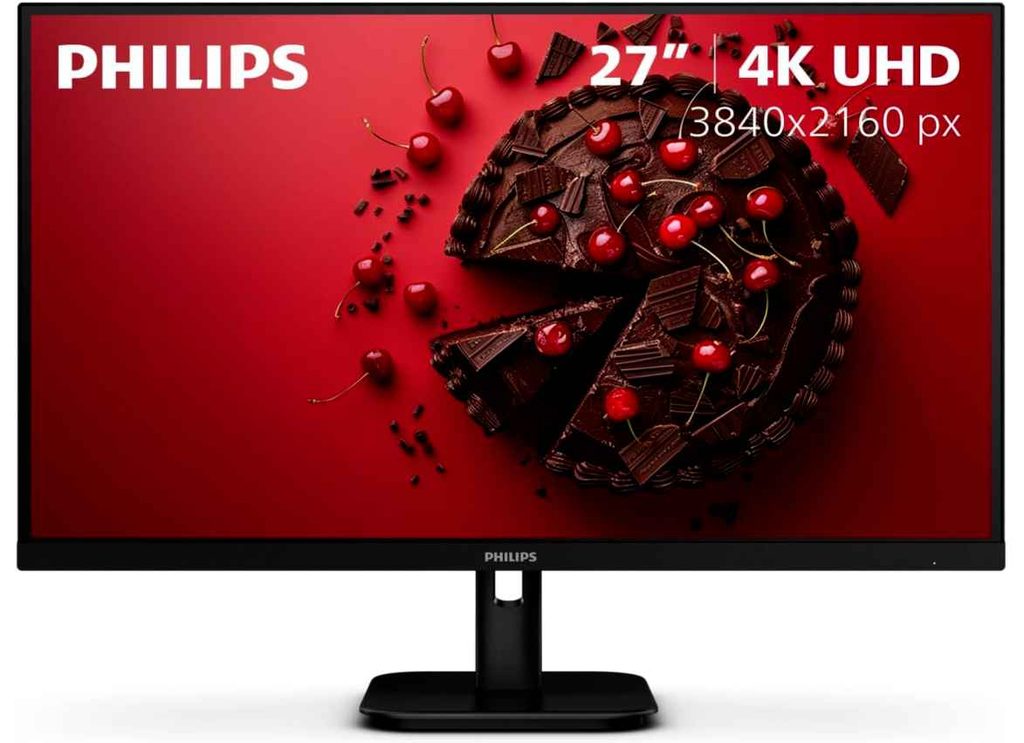
You also get HDMI, DisplayPort, built-in speakers, and VESA mount support, covering the basics without paying for gaming features you may not need.
Who This Is For
- You want one of the best cheap 4K monitors under $200
- You mainly use your monitor for work, browsing, and movies
- You want a sharp 27-inch 4K IPS monitor
Who Should Skip It
- If you want a high-refresh-rate monitor for competitive gaming
My Take
This is a straightforward budget 4K monitor that focuses on the things most everyday users actually need: a sharp screen, IPS viewing angles, and useful eye-care features. If you don’t need a high refresh rate, the Philips offers excellent value for a 27-inch 4K monitor under $300.
Buying Guide: How to Choose the Best Cheap 4K Monitor Under $300
Finding the best cheap 4K monitor under $300 is easier than it used to be, but not every affordable 4K monitor is right for everyone. Some are better for gaming, while others focus more on productivity, color accuracy, or connectivity. Here are the main things I recommend checking before buying.
Screen Size: 27 Inches Is the Sweet Spot
For most people, a 27-inch 4K monitor is the best balance between sharpness and desk space. Text and images look incredibly detailed, making it a great size for work, browsing, and everyday use.
A 32-inch 4K monitor is worth considering if you want a bigger workspace or a more immersive experience for gaming and movies. Just make sure you have enough desk space.
IPS vs. VA Panel
For most buyers, an IPS 4K monitor is the safer choice. IPS panels usually offer better viewing angles and more consistent colors, which makes them great for work, content creation, and general use.
A VA panel can be a better choice if you enjoy movies or games with lots of dark scenes because it typically offers stronger contrast and deeper blacks.
Refresh Rate: Think About How You Will Use It
A standard 60Hz 4K monitor is perfectly fine for office work, browsing, movies, and creative tasks.
If gaming is important, look for a 120Hz or higher refresh rate. A high refresh rate makes motion feel smoother, but remember that playing games at 4K and high frame rates requires a powerful graphics card.
Color Accuracy and HDR
If you edit photos or videos, look for features such as high sRGB or DCI-P3 color coverage. For most everyday users, good IPS color performance is more important than chasing complicated specifications.
HDR can also improve compatible movies and games, but budget HDR monitors will not deliver the same experience as expensive premium displays. Features such as HDR400 or HDR10 are nice extras, but they shouldn’t be your only reason for choosing a monitor.
Connectivity Matters More Than You Think
Before buying, check which ports you actually need. HDMI and DisplayPort are standard and work well for most desktop PCs and consoles.
If you use a laptop, especially a MacBook or USB-C laptop, a monitor with USB-C power delivery can be extremely convenient. It allows you to connect your display and charge your laptop using fewer cables. This feature is still less common on cheaper 4K monitors, so it can be worth paying attention to when comparing models.
Don’t Ignore the Stand
Many budget monitors save money by including a basic tilt-only stand. If you spend long hours at your desk, a monitor with height adjustment, pivot, and tilt can make a real difference.
Alternatively, check for VESA mount support so you can use a monitor arm later.
My Final Advice
When choosing the best 4K monitor under $300, don’t simply pick the one with the longest feature list. Think about what you’ll actually use it for.
If you mainly work, prioritize 4K resolution, an IPS panel, and an ergonomic stand. For gaming, look for a high refresh rate, fast response time, and HDMI 2.1 if you use a compatible console. And if you use a laptop every day, USB-C power delivery can make your setup much cleaner and more convenient.
The good news is that affordable 4K monitors have become much more competitive, with recent deals showing that sharp 27-inch 4K displays can now fall well below the $300 mark.