
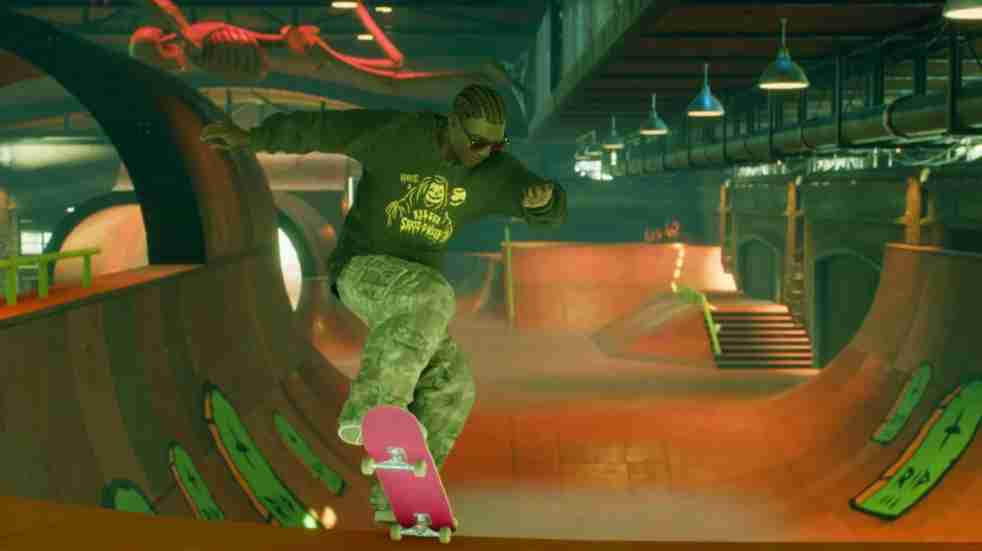
Many players have been left frustrated after a strange Skate. store purchase glitch caused their Van Bucks or Tix to disappear — without delivering the correct reward.
Reports across Reddit and Discord show that when users try to buy cosmetic gear or event items, the transaction often processes, deducts currency, and then either fails to deliver the item or gives the wrong one entirely.
Did Skate. Just Take Your Van Bucks and Give You the Wrong Item?
This Skate game ticket bug seems to affect both console and PC players, especially those who bought the 1400 Tix pack or tried purchasing event-limited gear. Some even claim they received random duplicate rewards instead of their intended purchase.
EA and the Skate. dev team haven’t released an official patch yet, but players are being advised not to make repeated purchases while the issue persists. For now, the best step is to report missing rewards through EA Help and keep screenshots of all Van Bucks transactions.
Until a fix arrives, this Skate. technical bug continues to frustrate players who just want their purchased items to appear correctly.
Players Report Shocking Skate. Store Bug That Wastes Tix and Rewards Wrong Gear
The latest Skate. store bug has taken the community by storm, with hundreds of players reporting that their Tix or Van Bucks were deducted but no items were received. In some cases, users claim the game awarded random, unrelated gear instead of the one selected — a clear sign of a backend synchronization issue in the Skate in-game store system.
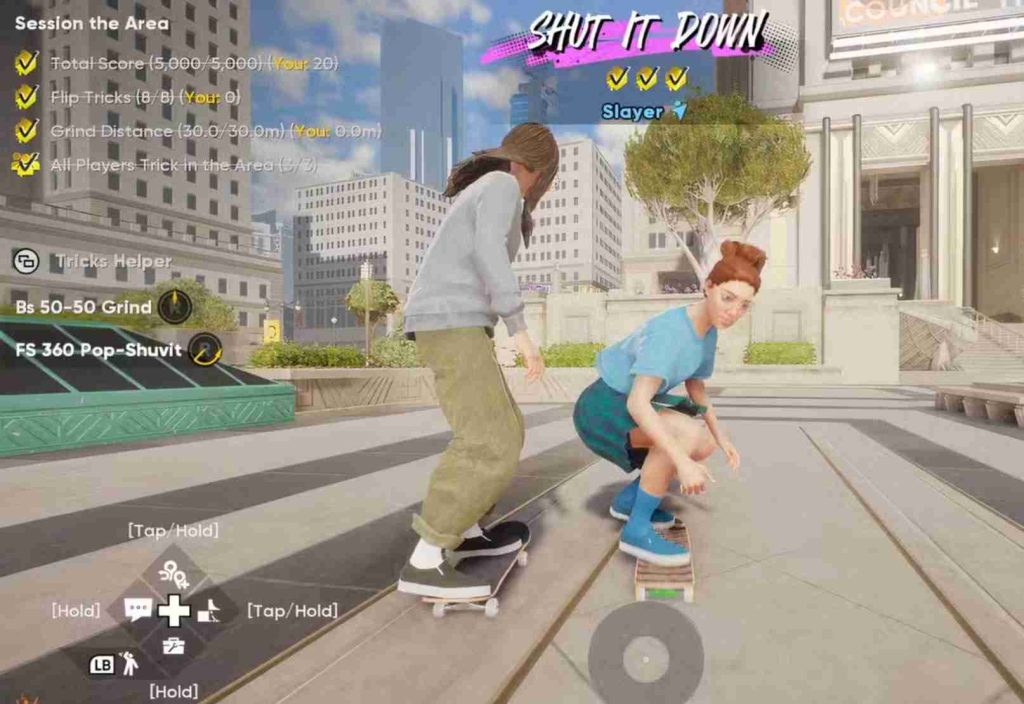
Many players describe noticeable lag during purchases, with menus freezing or failing to confirm transactions. When they return to the store, the item shows as “owned,” but it never appears in their inventory. This points toward a major reward tracking and item delivery glitch affecting the live servers.
Community moderators have confirmed that the dev team is collecting logs to reproduce the Skate. store purchase glitch and issue refunds where necessary. Until then, experts recommend avoiding store purchases during high-traffic hours or while new content is being pushed live.
Players are hoping EA introduces a fix quickly — or at least compensates lost Van Bucks to restore player trust in Skate.’s in-game economy.
How to Fix Skate. Store Purchase Bug and Recover Lost Tix or Items
If your Skate. store purchase bug left you missing items or Van Bucks, you’re not alone — this has become one of the most reported issues in the community. Players have seen Skate. reward not received errors, lag during checkout, and incorrect or missing purchases after spending their Tix.
Below are ten detailed, player-tested fixes to help you recover lost rewards, prevent further glitches, and ensure your next store purchase in Skate. goes smoothly.
1. Restart the Game and Refresh Server Connection
Before trying anything complex, start with the basics. Close Skate. completely and restart the game to refresh your session with EA servers. This simple step can often reload your store inventory and sync your purchases properly.
Many players report that previously missing items reappear after restarting the game twice and logging back in after a short wait.
2. Check for Missing Items in Your Locker or Inventory
Sometimes, your purchase goes through but doesn’t display immediately in your locker. Navigate to the Locker or Inventory tab and manually scroll through your owned gear, boards, or cosmetics.
Players found that Skate. store rewards not showing often exist but fail to load visually until the next session. If you notice new items without confirmation, you’ve likely received your purchase even though the game didn’t display it.
3. Verify Purchase Through Transaction History
If your Van Bucks or Tix were deducted but you didn’t receive an item, check your transaction log under your EA account or platform purchase history.
Screenshots or transaction proof are essential if you plan to submit a refund or bug report. It’s also helpful for confirming if your Skate. in-game purchase actually processed on EA’s end or failed midway due to a server timeout.

4. Avoid Buying During Store Lag or Content Refresh
The Skate. item purchase lag often happens when new content updates roll out or when the game’s servers are under heavy load.
If you notice store menus stuttering, prices not loading, or the “Buy” button lagging, it’s best to wait 15–30 minutes before attempting a transaction. Buying during lag spikes increases the chance of the Skate. store glitch duplicating, misfiring, or rewarding the wrong gear.
5. Contact EA Help with Screenshots for Missing Rewards
If you’ve confirmed that your purchase deducted Van Bucks but didn’t deliver, contact EA Help directly. Attach your transaction ID, in-game username, platform, and screenshots of the missing item or Skate. reward not received message.
Players who have done this report that EA has been manually restoring lost items or refunding Tix. Though the process can take up to 48 hours, it’s the most reliable method for recovery.
6. Clear Cache and Reinstall Game Files if Store Keeps Glitching
Corrupt cache files can cause Skate. technical bugs to persist, especially after updates. Clearing cache or reinstalling Skate. can refresh stored assets and eliminate broken store data.
On PC (Epic Games or EA App), delete the cache folder from your user directory before relaunching. On console, perform a full restart and re-download Skate. if the issue persists. This often resolves lingering Skate. store purchase glitches.
7. Sync Your Account and Ensure Cloud Saves Are Enabled
Some Skate. store bugs occur when your cloud saves aren’t syncing properly with EA servers. Ensure your account connection is active and cloud sync is enabled on your platform settings.
After syncing, re-launch Skate. to let the system verify your ownership of purchased items. Many players found this fixed Skate. store reward desyncs and restored missing gear immediately.
8. Check for Platform-Specific Updates or Patch Notes
EA occasionally releases silent patches to fix in-game store and economy issues. Visit the official Skate. EA Help page or Reddit community to see if a new hotfix addresses store bugs, reward lag, or Van Bucks glitches.
Updating to the latest version ensures your client has all the latest backend fixes and prevents more Skate. store purchase errors in the future.
9. Wait for Store Sync Cycle to Complete
The Skate. in-game store refreshes periodically, and purchases made during that refresh cycle can fail to process properly.
If your item hasn’t appeared, don’t immediately rebuy it — wait one full cycle (around 30–60 minutes), then relaunch the game. Players have reported that delayed rewards or event purchases often show up automatically once the store servers resync.
10. Keep Track of EA Bug Reports and Upcoming Fixes
Join the official EA Answers HQ or the Skate. Discord server to stay updated on ongoing investigations into the Skate. store error. EA developers frequently post updates on issues like item purchase lag, reward delivery bugs, and Van Bucks refund requests.
By staying informed, you can avoid repeating failed purchases during ongoing server instability and ensure your Tix or Van Bucks are used safely once patches roll out.
Bonus Tips to Prevent Future Purchase Errors
- Always buy one item at a time — multiple transactions can confuse the reward queue.
- Avoid store activity right after new content or patch deployment.
- Keep a screenshot log of every Tix or Van Bucks purchase until the store is stable.
- Restart Skate. after every store update to refresh the economy cache.
Final Thoughts
The Skate. store purchase bug has created frustration for many, but it’s not beyond repair. By following these ten player-tested fixes, you can often recover missing items, get your Tix or Van Bucks refunded, and prevent future Skate. reward not received issues.
EA is aware of the problem and is reportedly working on backend improvements to stabilize the in-game store. Until then, caution, patience, and keeping solid proof of your transactions are the best defenses.
With proper updates, transparency, and better server communication, players hope this Skate. technical issue will soon be patched — letting everyone enjoy smooth, glitch-free purchases once again.
Skate. Technical Issue: Buying Tix Rewards the Wrong Shirt or Shoes
Players are increasingly frustrated with a Skate. technical issue that causes the store to reward the wrong cosmetic items after purchasing Tix bundles or event rewards. Many have reported that instead of receiving limited-edition outfits or gear, they’re getting unrelated shirts or shoes from older updates.
This Skate. store purchase glitch is more than a simple visual error — it often consumes Van Bucks or Tix without actually providing the correct reward. Community posts on Reddit and EA Answers HQ show players losing premium items they paid for, only to find something entirely different in their locker.
The bug appears most commonly after store refreshes or event drops, especially when multiple players buy at the same time. Until EA releases a patch, it’s best to wait for stability before spending on major bundles. Keeping screenshots and transaction IDs will help players file reports and potentially recover their Skate. rewards not received.
The Skate. Van Bucks Glitch That’s Frustrating Players Everywhere
The Skate. Van Bucks glitch has quickly become one of the game’s most disruptive store-related issues. Players spending their in-game currency for boards, outfits, or event bundles have found their Van Bucks deducted but no rewards appearing in their inventory.
Reports suggest this glitch is tied to Skate. server synchronization errors that occur when the store refreshes or connection drops mid-purchase. In some cases, the item may arrive hours later, while for others, it simply disappears. This inconsistency has left players cautious about spending Van Bucks at all.
EA has acknowledged this Skate. store bug in community threads and is investigating the issue, though no ETA for a fix has been given. Until then, players are urged to check their transaction logs, avoid purchases during server lag, and contact EA Help for potential refunds or item restorations.
The Skate. Van Bucks issue highlights how critical stable store systems are in live-service games — where every purchase affects player trust and satisfaction.
Why Skate. Store Lag Causes Wrong Purchases and Missing Rewards
Many players are realizing that Skate. store lag isn’t just annoying — it’s actively causing wrong purchases, missing items, and lost rewards. When the in-game store freezes or loads slowly, transactions may misfire, assigning the wrong product IDs or skipping confirmation messages entirely.
This issue is most frequent during Skate. content updates, when servers are overloaded with new item data. Players attempting to buy cosmetics or event bundles often find themselves with the wrong Tix package or receiving no items at all.
Experts suggest that the lag leads to store data desync, meaning your client and EA’s server disagree on which item was selected. That’s why Skate. item purchase bugs and Skate. reward not received problems often occur back-to-back.
To minimize risk, players should wait for full store load times, avoid multitasking during purchases, and never spam the “Buy” button during lag spikes. These small steps can prevent unnecessary loss until EA resolves the Skate. store glitch in an upcoming patch.
Players Losing Tix Over Skate. O’Ween and Dickies Item Bugs
Seasonal events like Skate. O’Ween and limited-time Dickies collaborations are meant to excite players — but recent Skate. Tix loss bugs are turning celebrations into frustration. Many players who bought event bundles have seen their Tix deducted instantly, with no costumes, items, or confirmation appearing afterward.
Community reports show that these event-specific Skate. store glitches are often linked to overlapping promotions or time-based refreshes. In some cases, players received incorrect placeholder gear instead of the promised collab outfits. This has led to threads filled with complaints and refund requests, especially among console users.
While EA hasn’t yet provided a public workaround, players are encouraged to document all missing rewards and submit reports through EA Help. Rebooting the game and checking after 24 hours sometimes restores unclaimed items automatically.
Until the developers address the underlying Skate. store purchase lag and reward desync bugs, it’s best to delay large purchases during major events. Patience and careful timing can save you from losing precious Tix or Van Bucks again.
EA Community Threads Filling With Complaints Over Store Errors
EA’s official Skate. community threads and Reddit discussions are now flooded with players sharing stories about lost Tix, bugged purchases, and vanishing items. Reports of Skate. store errors have become so widespread that moderators have pinned troubleshooting guides just to manage the growing frustration.
Players describe losing Van Bucks or receiving completely different gear than what they bought — for instance, buying a 1400 Tix item and getting a random common shirt instead. These Skate. in-game store glitches have left even veteran players hesitant to spend money or participate in new events.
EA community managers have acknowledged the Skate. technical bug, stating that the team is “actively investigating reward and purchase inconsistencies.” However, no timeline for resolution has been announced.
As frustration builds, fans are urging EA to provide compensation or temporary refunds. With daily posts about Skate. rewards not received, it’s clear this issue has become a top priority for both the developers and the community.
Will EA Patch the Skate. Store Purchase Glitch in the Next Update?
Players are now wondering if the next Skate. patch will finally address the long-running store purchase glitch. EA’s most recent update focused on performance improvements, but failed to fix the recurring Skate. Van Bucks issue and missing reward bug that’s plaguing the in-game economy.
According to insider reports and community speculation, the next patch could include server-side improvements to stabilize Skate. store transactions and prevent desynchronization between purchases and item delivery. This would directly target the “Tix deducted but no item received” problem that has affected thousands of players since early October.
Some players have tested small transactions and noticed fewer errors after server resets, suggesting EA may already be applying silent fixes. Still, many remain cautious, choosing to avoid store interactions until the patch notes confirm a permanent solution.
If the next update successfully eliminates the Skate. reward not received glitch, it could restore faith in the game’s live-store system and help re-engage frustrated players.
What Skate. Players Can Expect From Future Store Fixes and Compensation
As EA works on stabilizing the Skate. in-game store, players are hoping future updates bring both technical fixes and fair compensation. Historically, EA has offered small bundles, Van Bucks refunds, or bonus rewards after major bugs — so expectations are high this time around.
The upcoming patch may include improved store tracking systems to prevent duplicated or missing items. Players could also see a clearer confirmation process before purchases, reducing Skate. item purchase lag and ensuring correct item delivery.
EA is reportedly monitoring all Skate. ticket purchase bugs and transaction logs to identify affected accounts. Those impacted by Skate. store purchase glitches or reward errors may receive compensation in waves, similar to other live-service games.
For now, players are encouraged to report missing rewards through EA Help and stay updated via community channels. While fixes take time, the acknowledgment and steady updates signal that EA is prioritizing the Skate. store bug before future events and collaborations roll out.