
If you’re building an RGB gaming setup, your monitor isn’t just a screen—it’s a big part of the whole vibe. You can have all the RGB strips and lighting synced perfectly, but if your monitor looks dull or outdated, the setup just doesn’t hit the same.
Brands like ASUS, MSI, and LG are now making monitors that don’t just perform well, but also fit right into RGB setups with sleek designs, subtle lighting, and high refresh rates.
But here’s the catch—not every “gaming monitor” actually complements an RGB desk. Some lack lighting, others don’t match the aesthetic, and a few focus only on specs while ignoring design.
In this guide, we’ve picked the best monitors for RGB gaming setups that balance performance, visuals, and aesthetics—so your setup not only plays great, but looks amazing too.
Let’s get into it.
1. Sceptre 24.5″ Curved 240Hz – Budget RGB Gaming Starter
24.5″ | Full HD (1080p) | 240Hz | 1ms | Curved (1500R) | Speakers
If you’re putting together an RGB gaming setup on a budget, the Sceptre 24.5-inch Curved 240Hz Gaming Monitor C255B-FWT240 is honestly a great place to start.
It doesn’t have flashy RGB lighting built into the monitor itself, but the curved design + thin bezels fit nicely into an RGB setup—especially when you add ambient lighting behind it.
The real highlight here is performance. You’re getting 240Hz + 1ms response time, which is perfect for fast-paced games like FPS titles. Everything feels super smooth, and that’s what actually matters while gaming.

The 1500R curve also adds a bit of immersion, making your setup feel more engaging—especially in darker RGB-lit environments.
You even get built-in speakers, which is nice if you want to keep your desk clean without extra gear.
Of course, it’s still 1080p, so it’s more about speed than sharpness—but at this price, that’s expected.
Who this is for
- You want one of the best monitors for RGB gaming setup on a budget
- You play competitive games (FPS, esports)
- You want smooth performance without spending too much
Who should skip it
- If you want 1440p or 4K visuals
- If you want built-in RGB lighting on the monitor itself
My take
This is the “budget performance beast”.
If your focus is smooth gameplay and a clean RGB setup without overspending, this is a really solid pick.
2. SANSUI 27″ Curved 240Hz – Bigger Screen, Same Speed
27″ | Full HD (1080p) | 240Hz | 1ms | Curved (1500R) | HDR
If you liked the idea of a fast 240Hz monitor but want something bigger for your RGB setup, the SANSUI 27-inch Curved 240Hz Gaming Monitor is a solid step up.
It keeps that smooth 240Hz performance, but the 27″ size + 1500R curve makes everything feel more immersive—especially when you’ve got RGB lighting around your desk. It just fills your view better than smaller screens.
You also get strong contrast (4000:1) and 130% sRGB, so colors pop nicely in a darker gaming setup. It actually pairs really well with RGB lighting because the screen doesn’t look washed out.

One thing to note—no built-in speakers, so you’ll need headphones or external speakers.
Compared to the Sceptre 24.5″, this is more about immersion and screen size, while still keeping that high refresh rate.
Who this is for
- You want one of the best monitors for RGB gaming setup with a bigger screen
- You like curved immersive displays
- You still want 240Hz performance
Who should skip it
- If you need built-in speakers
- If you want higher resolution (1440p/4K)
My take
This is the “bigger and more immersive” upgrade.
If you want your RGB setup to feel more cinematic without losing speed, this is a great pick.
3. Acer KB272 27″ – Simple RGB Setup on a Budget
27″ | Full HD (1080p) | IPS | 120Hz | 1ms | FreeSync
If you’re building an RGB setup but don’t want to spend too much on the monitor, the Acer KB272 27-inch FHD 120Hz IPS Monitor is a pretty practical choice.
It’s not flashy—no built-in RGB lighting or aggressive gaming design—but that’s actually why it works. It gives you a clean base screen that pairs well with your RGB lights around the desk instead of competing with them.
Performance-wise, you get 120Hz + 1ms response time, which is a noticeable step up from standard 60Hz. It’s not esports-level like 240Hz, but for casual gaming and everyday use, it feels smooth enough.
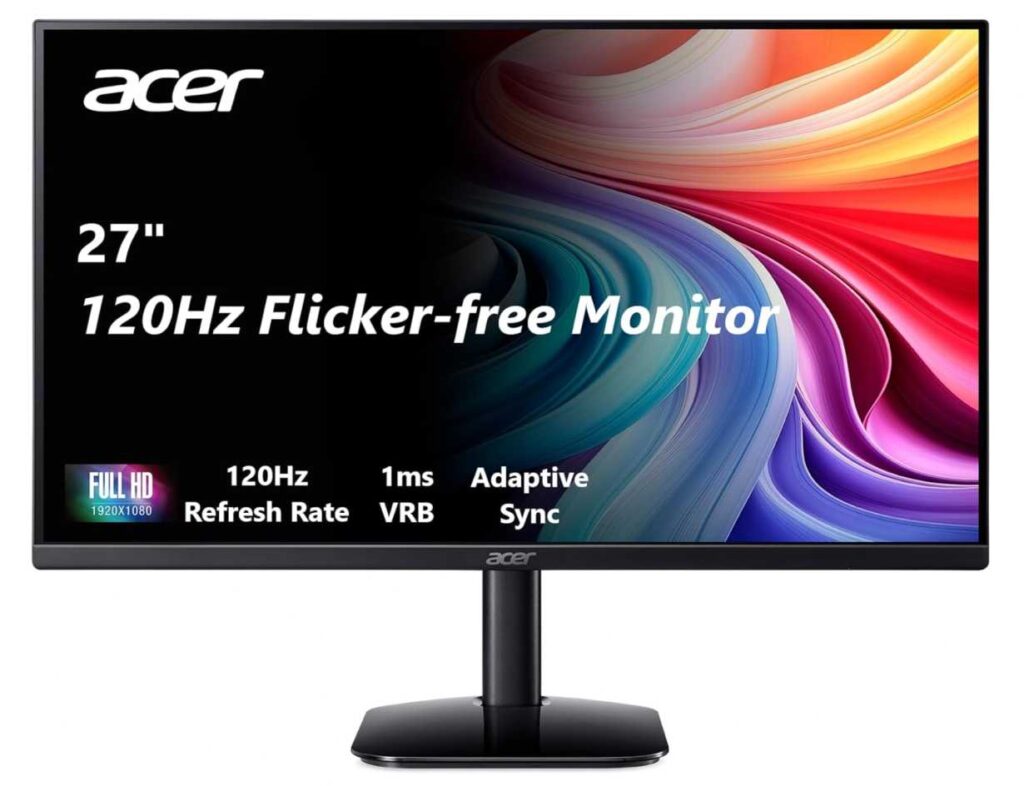
The IPS panel with 99% sRGB also means colors look decent, so your RGB lighting reflections and overall setup still pop nicely.
At 27″, you also get more screen space, which helps make your setup feel bigger and more immersive.
Compared to the Sceptre or SANSUI 240Hz monitors, this is more of a budget-friendly, balanced option rather than a high-performance pick.
Who this is for
- You want one of the best monitors for RGB gaming setup on a budget
- You need a simple, clean display to pair with RGB lighting
- You play casual or mixed-use gaming
Who should skip it
- If you want 240Hz for competitive gaming
- If you want built-in RGB lighting or aggressive design
My take
This is the “clean budget base” for an RGB setup.
Not flashy—but it lets your lighting do the talking while still giving you smooth performance.
4. ZZA 32″ QHD Monitor – Big Screen RGB Setup Upgrade
32″ | QHD (1440p) | 165–180Hz | 1ms | FreeSync/G-Sync | HDR
If you want your RGB setup to feel bigger and more immersive, the ZZA 32-inch QHD 165Hz Gaming Monitor is where things start to level up.
Moving to a 32″ screen + 1440p resolution makes a huge difference. You get way more screen space, and everything looks sharper compared to basic 1080p monitors—especially noticeable when you’re gaming or multitasking.
With 165–180Hz and 1ms response time, it still keeps things smooth, so you’re not sacrificing performance for size. And thanks to 122% sRGB + HDR, colors look more vibrant—which actually pairs really well with RGB lighting around your setup.
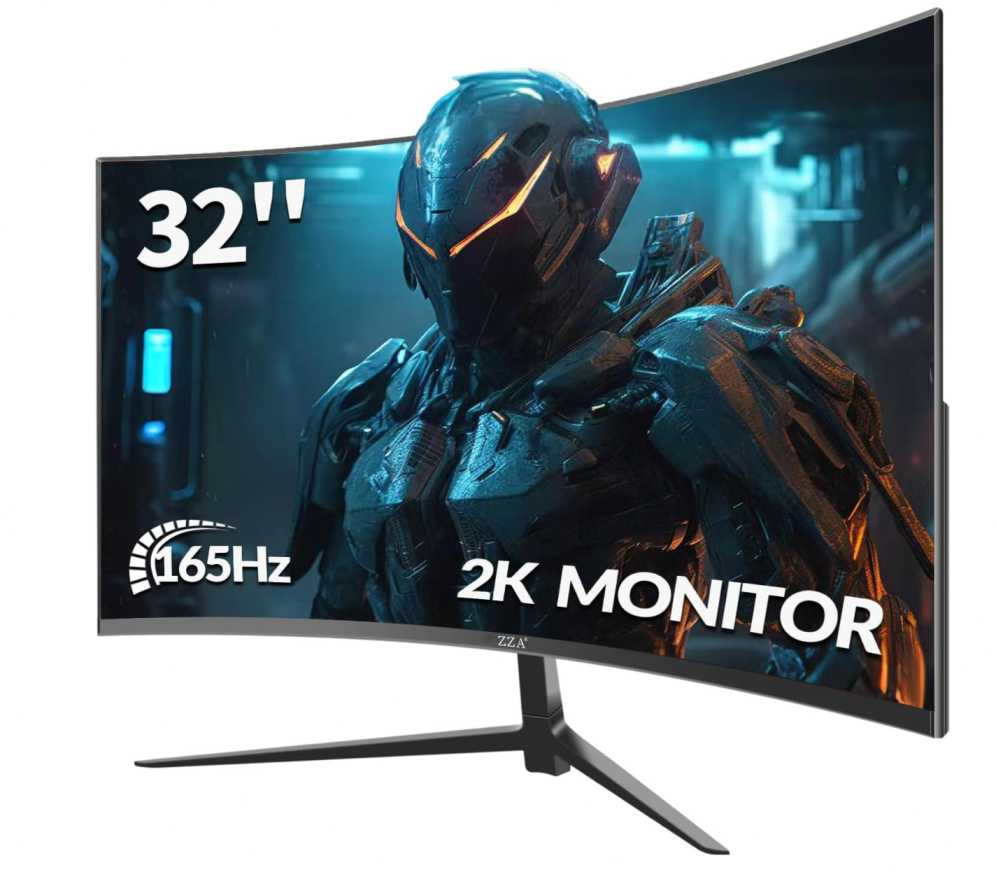
The thin bezels also help keep that clean RGB aesthetic, so your lighting stands out without distractions.
Compared to smaller 24–27″ monitors, this feels more like a “centerpiece display” for your setup.
Who this is for
- You want one of the best monitors for RGB gaming setup with a large screen
- You prefer 1440p clarity + immersion
- You want your monitor to feel like the main highlight of your setup
Who should skip it
- If you have a small desk setup
- If you prefer compact or competitive-focused screens
My take
This is the “go big” option.
If you want your RGB setup to feel more immersive and premium, this is a strong upgrade.
5. CRUA 32″ 4K Curved RGB Monitor – Full RGB Setup Centerpiece
32″ | 4K UHD | 144–160Hz | Curved (1500R) | RGB Lighting | HDMI 2.1
If you’re going all-in on aesthetics, the CRUA 32-inch 4K Curved RGB Gaming Monitor is the kind of monitor that actually becomes the centerpiece of your RGB setup.
This isn’t just about performance—it’s about how your setup looks when everything is on. The built-in RGB lighting adds that extra glow behind the monitor, which instantly makes your desk feel more premium and cohesive.
On top of that, you’re getting 32″ 4K resolution, so everything looks super sharp, plus a 144–160Hz refresh rate, which keeps gameplay smooth. It’s a rare combo at this price—usually you have to pick between resolution or refresh rate.
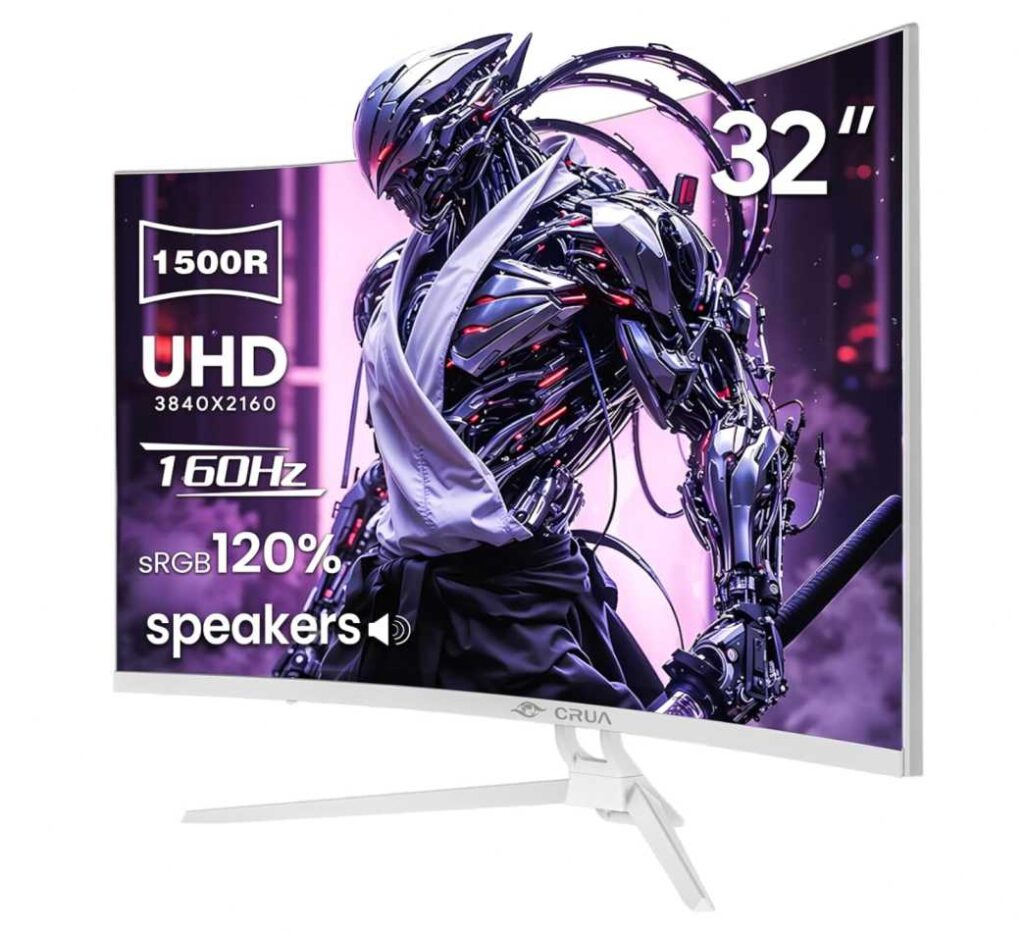
The 1500R curve also pulls you into the screen a bit more, which works really well in darker RGB-lit rooms. Add in 120% sRGB and strong contrast, and colors pop nicely—perfect for gaming, streaming, or content.
You even get built-in speakers, so you don’t have to clutter your desk with extra gear.
Compared to the ZZA 32″, this one feels more aesthetic-focused with RGB lighting, while still delivering strong performance.
Who this is for
- You want one of the best monitors for RGB gaming setup with built-in lighting
- You want a large, immersive 4K display
- You care about both performance and aesthetics
Who should skip it
- If you’re on a tight budget
- If you prefer a simple, no-RGB setup
My take
This is the “RGB centerpiece” monitor.
If you want your setup to actually look like an RGB gaming setup—not just perform like one—this is the one that ties everything together.
6. SANSUI 32″ Curved 240Hz – Big Screen + Pure Speed
32″ | Full HD (1080p) | 240Hz | 1ms | Curved (1500R) | HDR
If your goal is a large RGB setup that still feels fast, the SANSUI 32-inch Curved 240Hz Gaming Monitor is a solid pick.
This one is all about size + speed. The 32″ curved screen makes your setup feel more immersive, especially with RGB lighting around it, while the 240Hz refresh rate keeps everything super smooth for competitive gaming.
Even though it’s 1080p, the focus here isn’t sharpness—it’s responsiveness and immersion. You still get good color (125% sRGB) and HDR, so visuals don’t feel dull in an RGB environment.

The 1500R curve helps pull everything into your view, which works really well when you’re gaming in a darker, RGB-lit room.
One thing to keep in mind—no built-in speakers, so you’ll need headphones or external audio.
Compared to the CRUA 4K RGB monitor, this one is more about performance (240Hz) rather than resolution or lighting effects.
Who this is for
- You want one of the best monitors for RGB gaming setup with a big screen + high refresh rate
- You play fast-paced or competitive games
- You like a large immersive curved display
Who should skip it
- If you want 4K or higher resolution clarity
- If you want built-in speakers or RGB lighting on the monitor
My take
This is the “big screen + esports speed” option.
If you want a large, immersive RGB setup but still care about smooth gameplay, this is a great balance.
7. Acer Nitro KG241Y – Compact RGB Setup Performer
23.8″ | Full HD (1080p) | 165Hz | 1ms | VA | FreeSync
If you’re building a tight, clean RGB setup, the Acer Nitro KG241Y 23.8-inch 165Hz Gaming Monitor is a really practical pick.
It’s not flashy, but that’s actually the point. The ZeroFrame design (thin bezels) lets your RGB lighting stand out instead of competing with it. Add a light strip behind this, and your setup instantly looks better.
Performance-wise, you’re getting 165Hz + 1ms, which is more than enough for smooth gameplay—especially for casual and mid-level competitive gaming.

The 23.8″ size also works great if your desk isn’t huge. It keeps everything compact and clean, which is important for RGB setups where space and layout matter.
Compared to bigger 27″ or 32″ monitors, this feels more focused and controlled, rather than immersive.
Who this is for
- You want one of the best monitors for RGB gaming setup in a compact space
- You like a clean, minimal gaming look
- You want solid performance without going overboard
Who should skip it
- If you want a large or ultra-immersive display
- If you need 1440p or 4K resolution
My take
This is the “compact RGB setup” pick.
Simple, clean, and smooth—it lets your lighting do the talking while still delivering good performance.
Final Thoughts – Best Monitors for RGB Gaming Setup
Let’s keep it real 👇
When picking from the best monitors for RGB gaming setup, you’re balancing performance + aesthetics. Some monitors focus on speed, others on visuals, and a few actually enhance the whole RGB vibe.
Quick picks
- Want pure performance (FPS, esports)? → Sceptre 24.5-inch Curved 240Hz Gaming Monitor C255B-FWT240
- Want bigger immersive setup? → ZZA 32-inch QHD 165Hz Gaming Monitor
- Want RGB lighting + premium feel? → CRUA 32-inch 4K Curved RGB Gaming Monitor
- Want budget clean setup? → Acer Nitro KG241Y 23.8-inch 165Hz Gaming Monitor
Simple advice
- For competitive gaming → high refresh rate (165Hz–240Hz)
- For immersion → curved + bigger screens (27″–32″)
- For aesthetics → clean bezels + RGB backlighting setup
Final take
Your monitor doesn’t need built-in RGB to look amazing.
👉 Most of the time, a clean monitor + good RGB lighting around it looks better than over-designed displays.
Pick the one that fits your setup size and gaming style—and once you add your RGB lighting, the whole setup comes together