
Yeah, you’re not crazy — Battlefield 6 audio is genuinely broken after the latest patch, and a lot of players are dealing with the exact same thing.
Since the update, the battlefield just doesn’t sound right.
You’ll load into a match and it feels weirdly empty: no ambient battlefield noise, tanks rolling up without any warning, explosions going off silently in the distance, and sometimes the audio just straight-up cuts out mid-game.
At the same time, footsteps in Battlefield 6 are suddenly way too loud, but not in a good way.
You hear them clearly, yet they’re misleading — you think someone’s right behind you, turn around, and there’s no one there. That’s not you losing awareness or using a bad headset.
It’s a Battlefield 6 audio bug introduced after the patch, where the sound mix is prioritising footsteps while suppressing everything else that normally gives you spatial awareness.
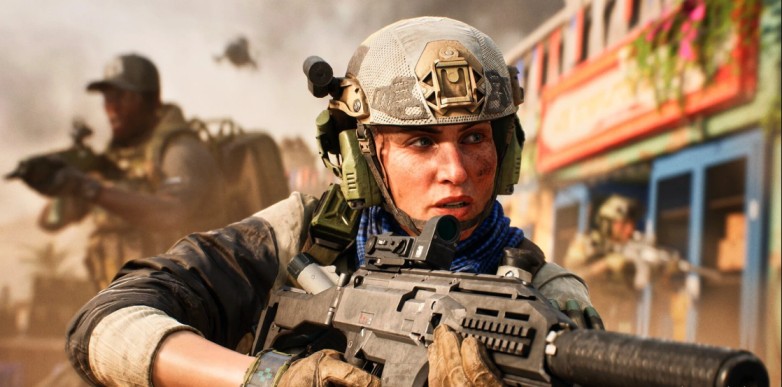
And this isn’t some PC-only thing either.
The Battlefield 6 sound issue after the patch is hitting PC, PlayStation 5, and Xbox Series X|S players. Console users, headset users, speakers — doesn’t matter. The common factor is the update.
Most people noticed it immediately after installing the patch, which is why there’s been a spike in posts saying “Battlefield 6 audio broken,” “Battlefield 6 no ambient sound,” and “Why can’t I hear tanks anymore?”
Bottom line: this is a known Battlefield 6 audio bug, not a skill issue, not bad settings, and not your gear suddenly failing. The game’s audio mix is messed up right now, and until it’s properly patched, the battlefield is going to sound quieter, more confusing, and way less readable than it should.
Read also: BF6 Battle Royale Initiation Challenge Level 5 Bugged Max Training Level Not Tracking
Quick Fixes (Try These First)
Before you start digging through drivers or reinstalling anything, try these Battlefield 6 audio fixes first. For a lot of players, one of these alone fixes the Battlefield 6 audio bug after the patch.
- Change the audio mix or preset
Don’t stay on the default setting. Switching the audio mix in Battlefield 6 often brings back missing ambient sounds and vehicle audio immediately. - Force the correct audio output device
The game sometimes sends sound to the wrong device after updates. Make sure Battlefield 6 is using your actual headset or speakers, not a hidden or inactive output. - Disable Windows audio enhancements (PC players)
Windows enhancements can mess with the game’s sound mix and cause audio cutting out or missing effects. - Restart the game after changing settings
Battlefield 6 doesn’t always apply audio changes properly until you fully restart the game. - Avoid Bluetooth headsets if possible
Bluetooth audio can cause delays, dropped sounds, or weird channel issues. Wired headphones are much more reliable for Battlefield 6 right now.
If your Battlefield 6 audio still sounds empty, or footsteps are way too loud and misleading, keep reading — the issue goes deeper than basic settings.
What Is the Battlefield 6 Audio Bug?
The Battlefield 6 audio bug is a patch-related issue where the game’s sound mix is no longer working the way it should.
After the update, Battlefield 6 isn’t balancing sounds correctly, so some audio layers are way too loud while others barely play at all. Instead of the usual chaotic battlefield noise, everything feels off and inconsistent.
Read also: Battlefield 6 PS5 Pro Mouse Input: Solved
Common Symptoms Players Are Experiencing
- No ambient battlefield sounds
The map feels dead. You’re missing background war noise, distant gunfire, and environmental audio that normally makes Battlefield feel alive. - Silent tanks and explosions at distance
Tanks can be firing two streets over and you won’t hear them until they’re right on top of you. Big explosions go off with little or no warning. - Footsteps are extremely loud but misleading
Footsteps in Battlefield 6 sound boosted, but the direction is wrong. You hear movement clearly, but it’s hard to tell where it’s coming from, which leads to bad reads in fights. - Audio randomly cutting out mid-match
Some players lose sound entirely for a few seconds, or certain effects just stop playing until the match ends or the game is restarted. - No sound in menus or spawn screens
Even outside gameplay, the audio can be broken — menus, loading screens, or the deploy screen may be completely silent.
All of this makes matches feel quiet, empty, and misleading, especially during infantry combat where sound awareness matters most. Instead of helping you read the battlefield, the audio works against you — which is why so many players are calling it a Battlefield 6 sound issue after the patch rather than a balance change.
Battlefield 6 Footsteps Too Loud (Why It Happens)
Many players think footsteps are “buffed,” but this is not intentional balance.
What’s actually happening:
- The audio mix prioritises close-range sounds
- Ambient and vehicle audio is suppressed or missing
- Occlusion and distance attenuation are misfiring
As a result, footsteps overpower everything else, but positional accuracy is worse — making sound cues unreliable.
Battlefield 6 No Ambient Sound or Vehicle Audio
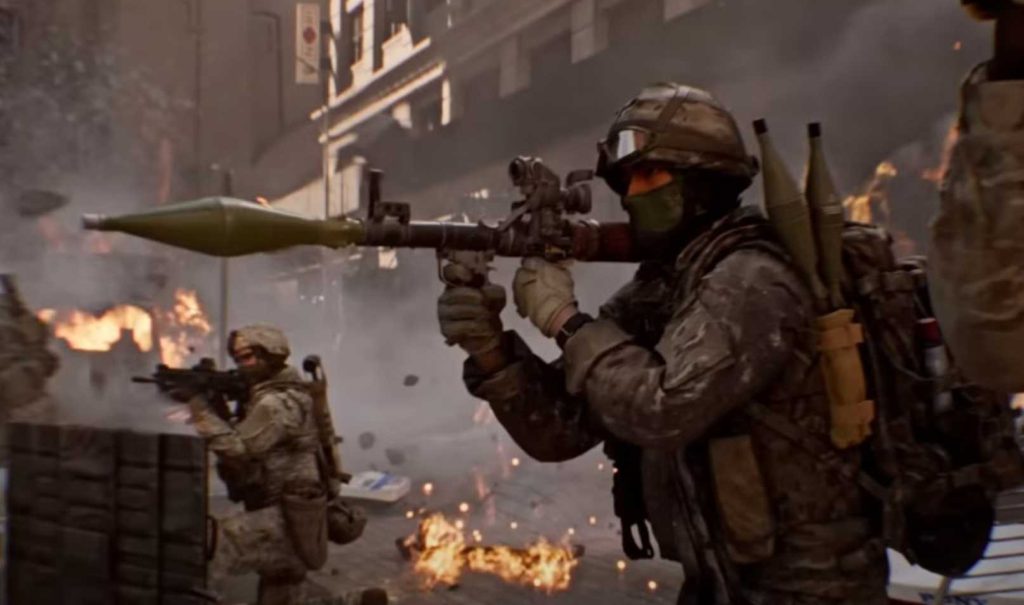
If you can’t hear:
- Tanks unless they are next to you
- Helicopters until they fire
- Large explosions across the map
Then you’re experiencing the Battlefield 6 missing sound bug.
This is not related to graphics settings, map size, or “audio realism.” It is a patch-related audio regression.
Is Battlefield 6 Audio Broken for Everyone?
Not everyone — but enough players that it is a confirmed issue.
Why experiences differ:
- Different audio devices (DACs, headsets, TV speakers)
- Different audio presets selected by default
- Driver and firmware interactions
- Platform-specific audio handling
This is why some players say “audio is fine” while others say the game is silent.
Battlefield 6 Audio Fix – Full Troubleshooting Guide
If quick fixes didn’t work, follow this in order.
1. Change Audio Mix (Most Important Fix)
Go to Battlefield 6 audio settings and switch away from the default mix.
Try each option and test in a live match:
- High Dynamic Range
- War-style / cinematic mix
- Stereo (for headphones)
Many players immediately regain ambient sound after changing this.
2. Force the Correct Output Device (PC)
Windows sometimes routes Battlefield 6 audio incorrectly.
- Open Windows Sound Settings
- Disable unused output devices
- Set your headset as default output
- Relaunch the game
3. Disable Windows Audio Enhancements (PC)
- Right-click your audio device
- Open Properties → Enhancements
- Disable all enhancements
- Toggle exclusive mode if needed
This fixes sound cutouts for some users.
4. Update or Roll Back Audio Drivers
If the problem started after a driver update:
- Roll back to the previous version
If drivers are old:
- Update them
External DACs and USB headsets are most affected.
5. Avoid Bluetooth Headsets
Bluetooth audio can cause:
- Delays
- Channel loss
- Random silence
Use wired headphones to test stability.
6. Verify Game Files / Reinstall (Last Resort)
Corrupted audio assets after patching can cause missing sound.
- Verify game files
- Reinstall only if verification fails
Developer Status – Is This Being Fixed?
Yes.
Developers have acknowledged Battlefield 6 audio problems and stated they are doing a full audio pass to address:
- Missing ambient sounds
- Incorrect audio prioritisation
- Sound cutting out
- Poor directional audio
This suggests upcoming patches will rebalance and stabilise sound rather than small hotfixes.
FAQ – Battlefield 6 Audio Issues
Why does Battlefield 6 feel silent after the patch?
Because ambient and distance-based audio is not triggering correctly due to a patch-introduced bug.
Are loud footsteps intentional?
No. Footsteps are loud because other audio layers are missing or suppressed.
Is this a headset problem?
Usually no. The same headset works fine in other games.
Will this be fixed?
Yes. Developers confirmed ongoing audio work.
Final Verdict
- Battlefield 6 audio is broken after the patch
- The issue is widespread and confirmed
- Footsteps sound wrong because the mix is broken
- Temporary fixes exist, but a patch is required
If your battlefield sounds empty or misleading, it’s not just you — it’s the game.